
Reading Inbox Synthesizer
Turn your Obsidian web clipping backlog into reading memory
About Reading Inbox Synthesizer
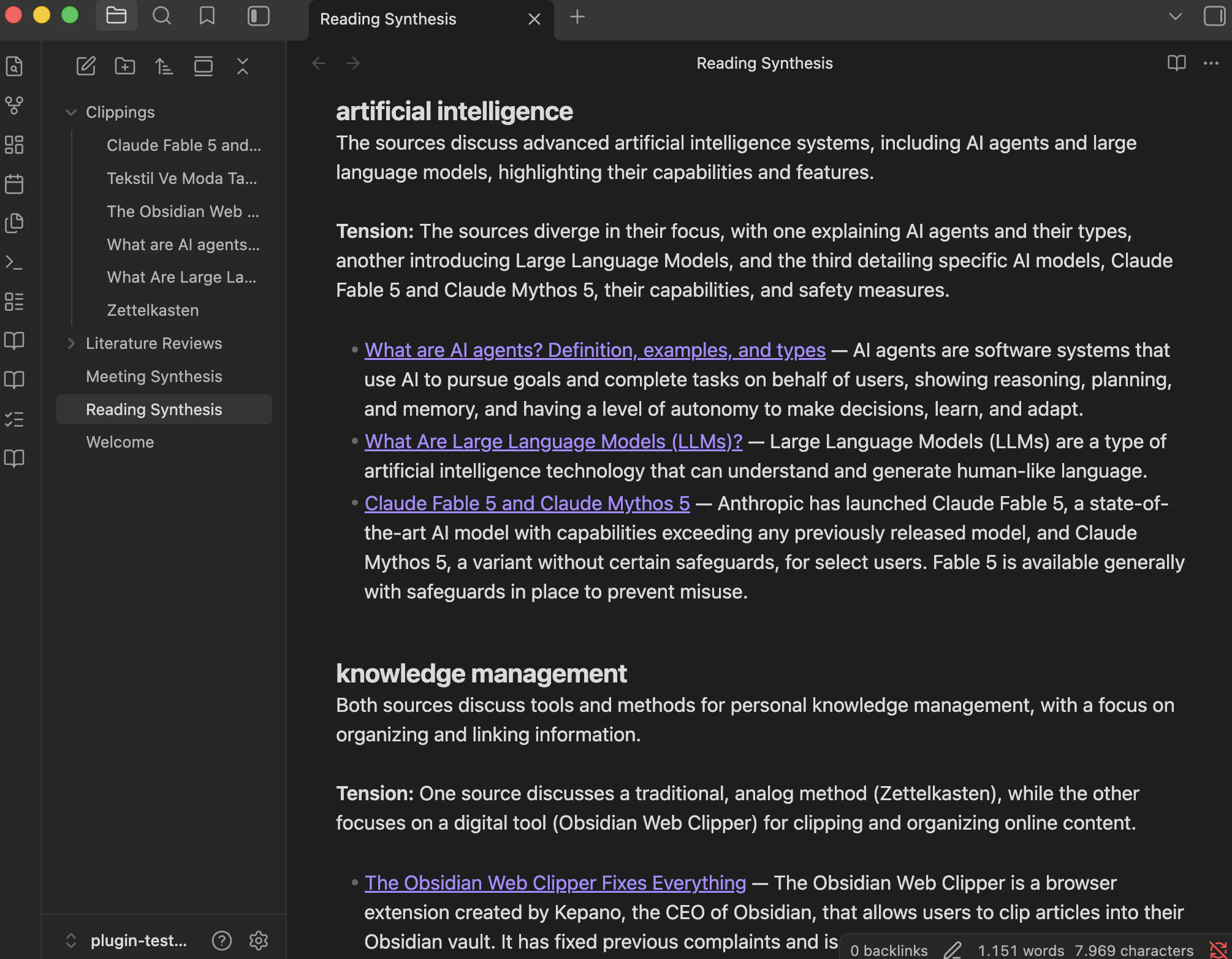
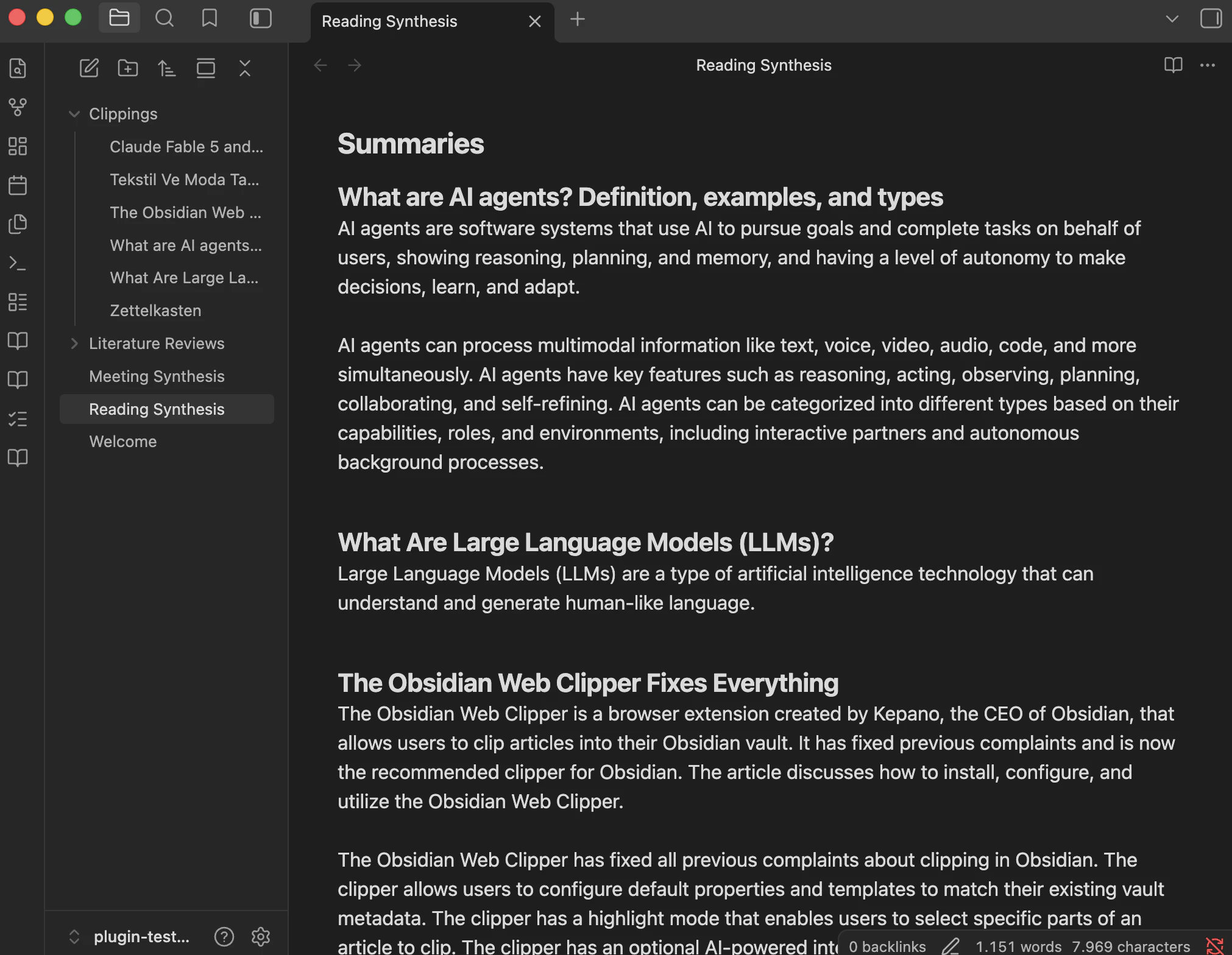
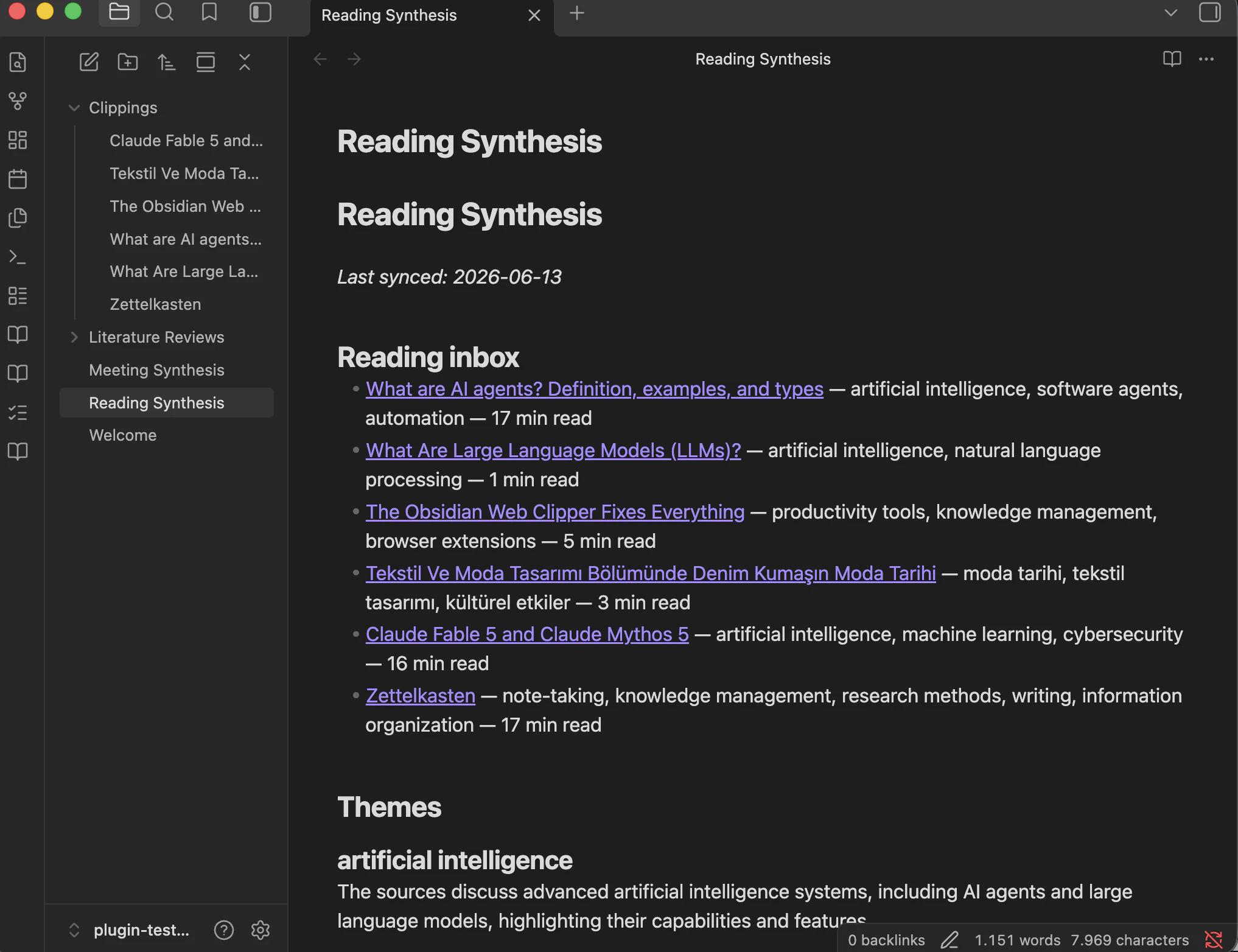
Reading Inbox Synthesizer is a powerful AI-driven plugin designed for Obsidian users who accumulate large backlogs of web articles and need an efficient way to process and remember them. It scans your entire collection of clipped articles, generating a comprehensive Reading Synthesis note that includes concise summaries, identification of recurring themes, source comparisons, and actionable insights like which articles to revisit or discard. This tool transforms a cluttered backlog into a structured knowledge base, making it ideal for researchers, students, writers, and productivity enthusiasts who want to maximize their reading time and retain valuable information. Its ability to integrate with various AI endpoints, including Anthropic and OpenAI, offers flexibility for users with different preferences and needs.
Screenshots
Pros
- ✓Automates the summarization and thematic analysis of large article collections
- ✓Creates a centralized, easy-to-review synthesis note for better knowledge retention
- ✓Supports multiple AI providers, offering customization and flexibility
- ✓Helps identify valuable or outdated articles for efficient curation
- ✓Enhances productivity by reducing time spent on manual reading and note-taking
Cons
- ✗Requires users to have their own API keys, which may incur costs
- ✗Dependent on the quality and capabilities of the chosen AI endpoint
- ✗Limited to Obsidian users, restricting its audience
Use Cases
Pricing
Likely operates on a freemium model, with basic features available for free and premium capabilities requiring an API key with associated costs. Pricing depends on the chosen AI provider and usage volume.
Quick Info
Topics
Makers

İbrahim Edhem Harbutlu
Alternatives
Similar Tools in Developer Tools




Embed Badge
Add this badge to your website to show that Reading Inbox Synthesizer is featured on Visalytica.
<a href="https://www.visalytica.com/tool/reading-inbox-synthesizer" target="_blank" rel="noopener noreferrer" style="display:inline-flex;align-items:center;gap:6px;padding:6px 14px;background:#7c3aed;color:#fff;border-radius:8px;font-family:-apple-system,system-ui,sans-serif;font-size:13px;font-weight:600;text-decoration:none;transition:background .2s" onmouseover="this.style.background='#6d28d9'" onmouseout="this.style.background='#7c3aed'"><svg width="14" height="14" viewBox="0 0 24 24" fill="none" stroke="currentColor" stroke-width="2.5" stroke-linecap="round" stroke-linejoin="round"><path d="M12 20V10"/><path d="M18 20V4"/><path d="M6 20v-4"/></svg>Featured on Visalytica</a>