
RadianceKit
Turn photos into 3D Gaussian Splats on your Mac
About RadianceKit
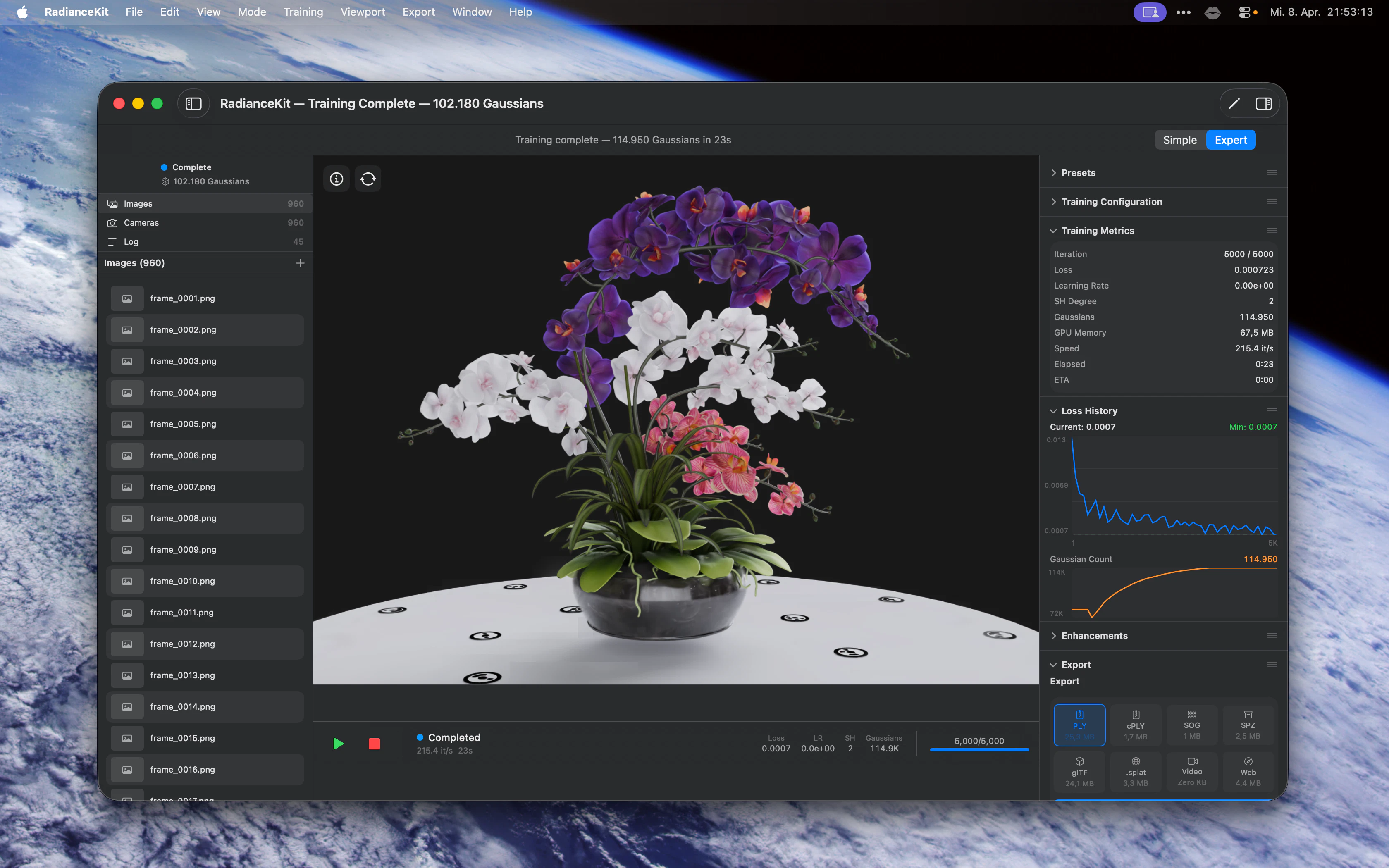
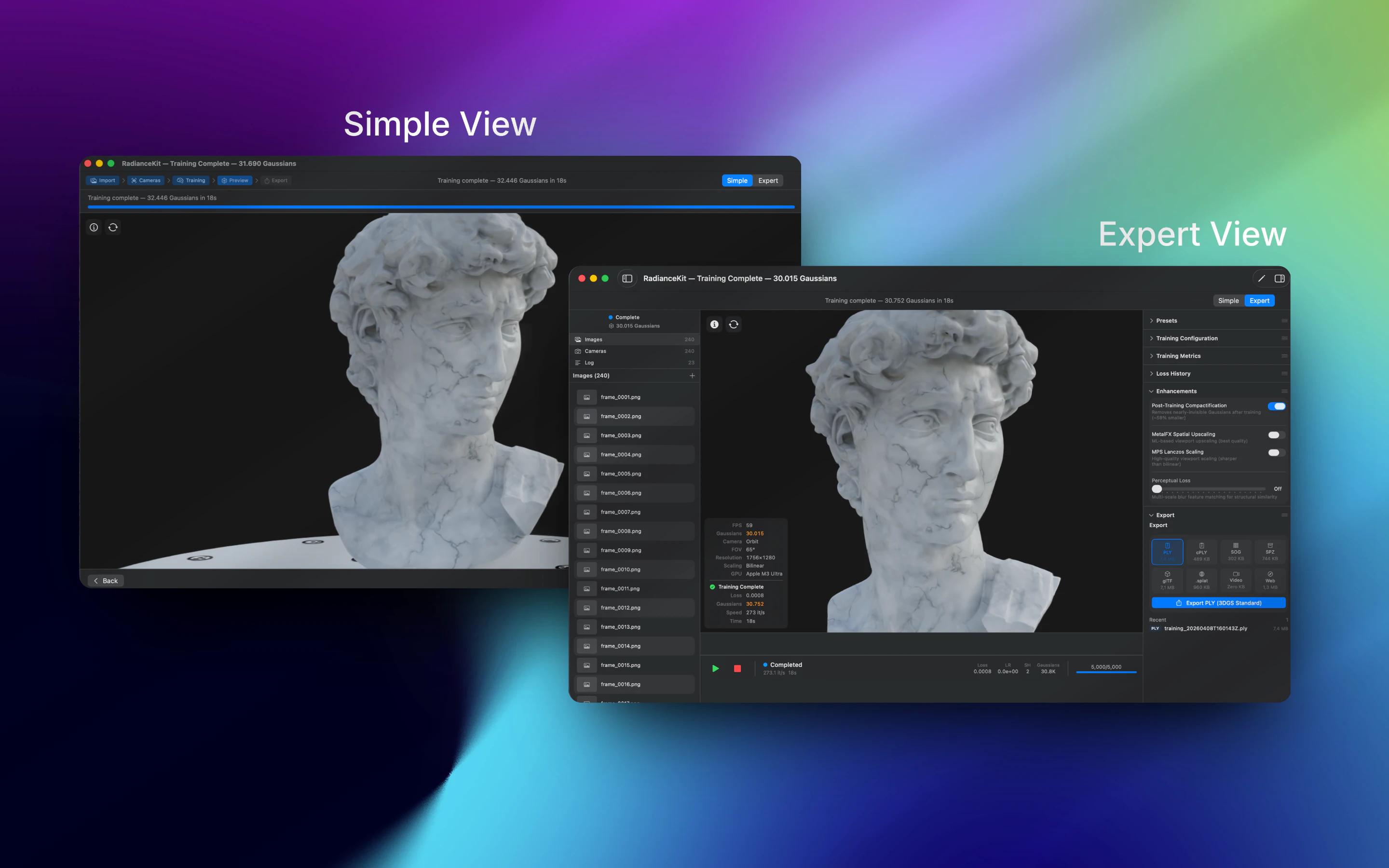
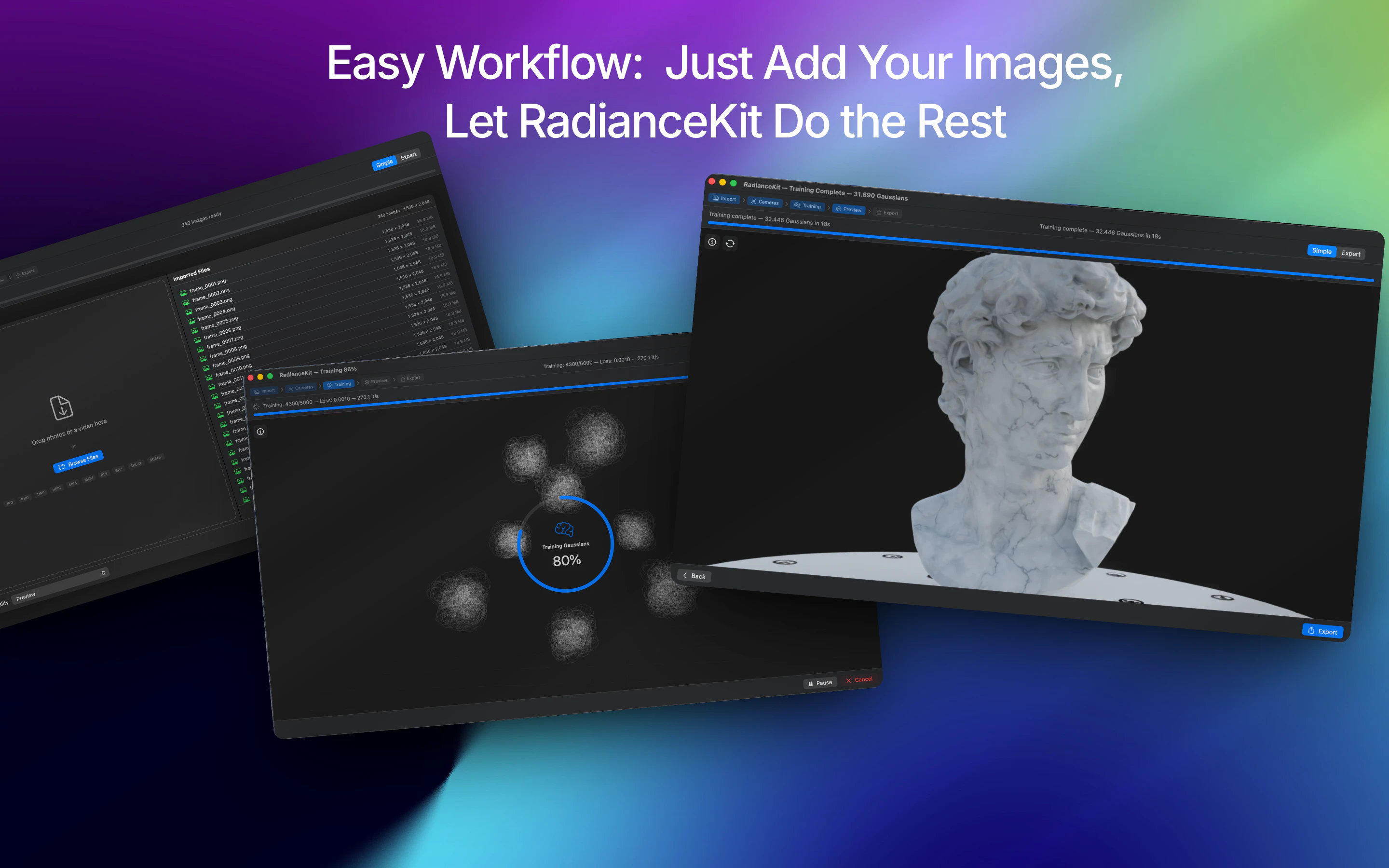
RadianceKit is a cutting-edge native macOS application that brings 3D Gaussian Splatting to Mac users without the need for complex coding or cloud services. Designed for photographers, 3D artists, and designers, it allows users to convert photos or videos of objects and scenes into stunning, photorealistic 3D reconstructions. The process is streamlined: simply drop in media, and the app automatically aligns cameras, trains the model, and renders the result locally on the Mac's GPU, ensuring privacy and speed. Its intuitive interface offers a 'Simple Mode' for one-click results, as well as scene-specific presets for Render, Outdoor, and Indoor environments, catering to both beginners and experts. Export options are versatile, supporting six formats, orbit videos, and web viewers, making it a powerful tool for visualization and presentation.
Screenshots
Pros
- ✓Native macOS app optimized for M1+ Macs, ensuring smooth GPU performance
- ✓No need for Python, CUDA, or cloud computing, offering local privacy and speed
- ✓User-friendly interface with both simple and advanced controls
- ✓Flexible export options including web viewers and multiple formats
- ✓Scene presets simplify complex rendering tasks
Cons
- ✗Limited to macOS, excluding Windows and Linux users
- ✗Relatively new in the market, so community support and tutorials may be limited
- ✗One-time price may be a barrier for some users seeking free or subscription-based tools
Use Cases
Pricing
RadianceKit is offered as a one-time purchase for $7.99, providing a straightforward pricing model without subscriptions, which is attractive for casual and professional users alike.
Quick Info
Topics
Makers

Björn Kindler
Alternatives
Similar Tools in AI Image & Design




Embed Badge
Add this badge to your website to show that RadianceKit is featured on Visalytica.
<a href="https://www.visalytica.com/tool/radiancekit" target="_blank" rel="noopener noreferrer" style="display:inline-flex;align-items:center;gap:6px;padding:6px 14px;background:#7c3aed;color:#fff;border-radius:8px;font-family:-apple-system,system-ui,sans-serif;font-size:13px;font-weight:600;text-decoration:none;transition:background .2s" onmouseover="this.style.background='#6d28d9'" onmouseout="this.style.background='#7c3aed'"><svg width="14" height="14" viewBox="0 0 24 24" fill="none" stroke="currentColor" stroke-width="2.5" stroke-linecap="round" stroke-linejoin="round"><path d="M12 20V10"/><path d="M18 20V4"/><path d="M6 20v-4"/></svg>Featured on Visalytica</a>