
QuickRight
The missing right-click features for macOS Finder
About QuickRight
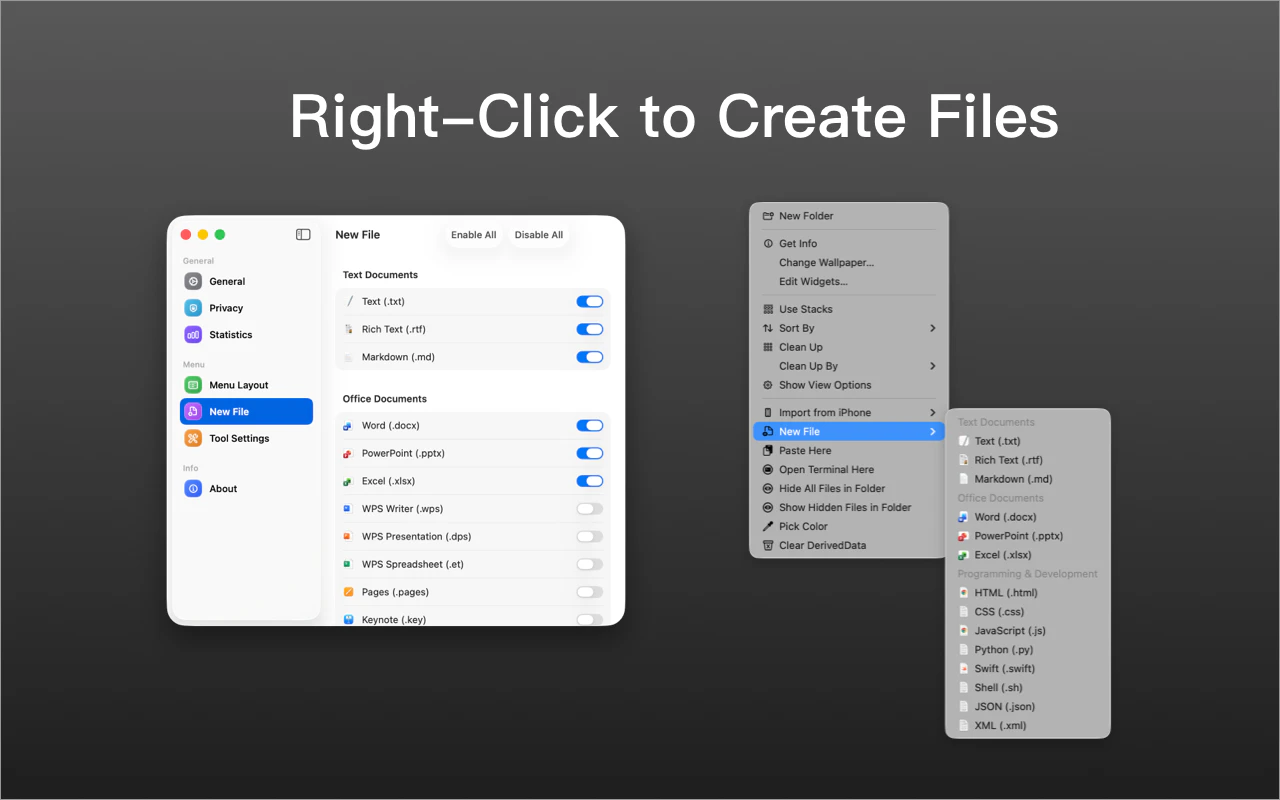
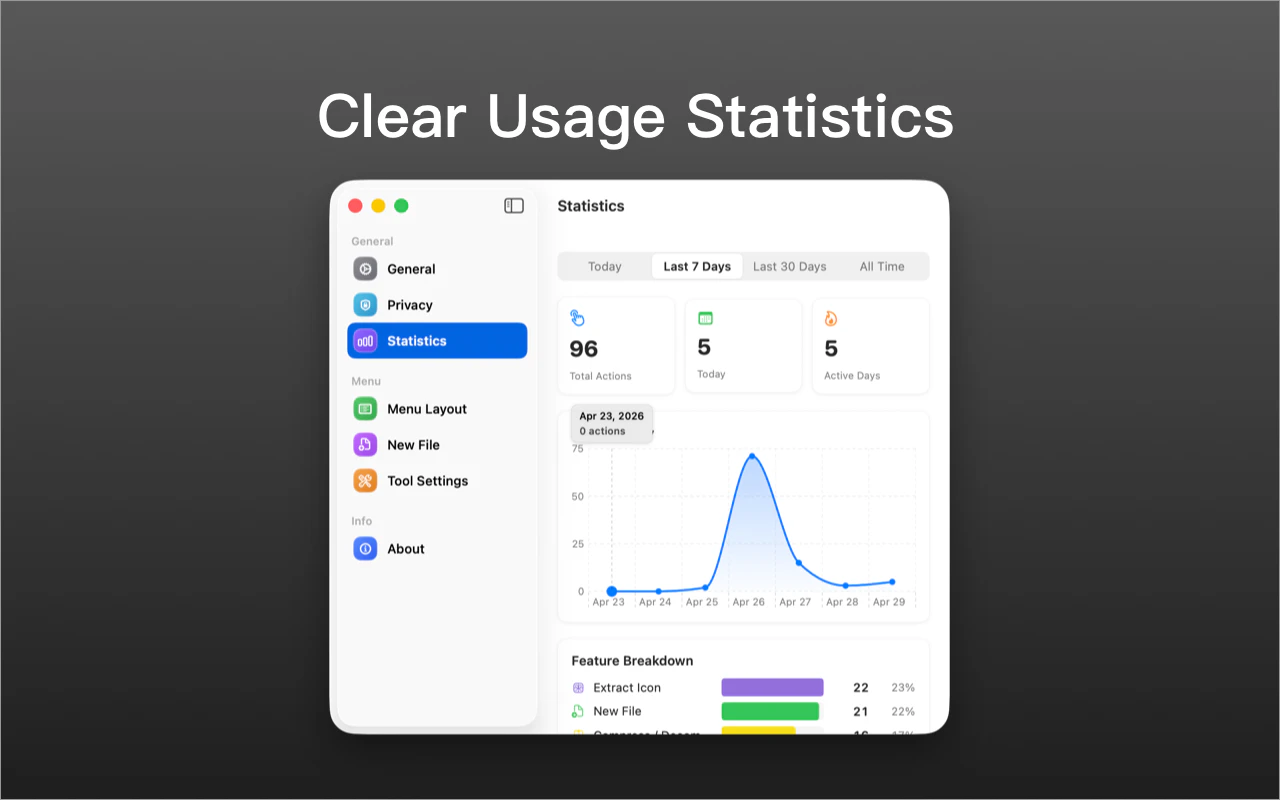
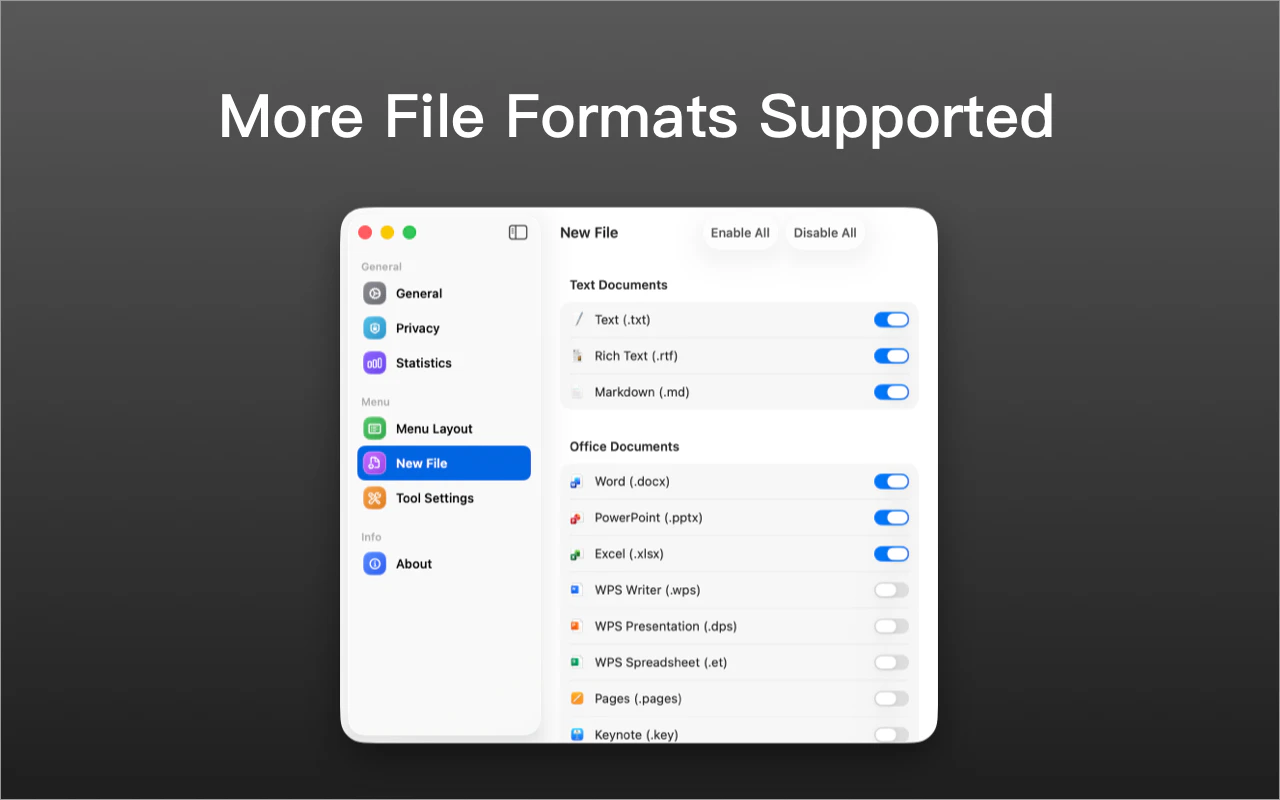
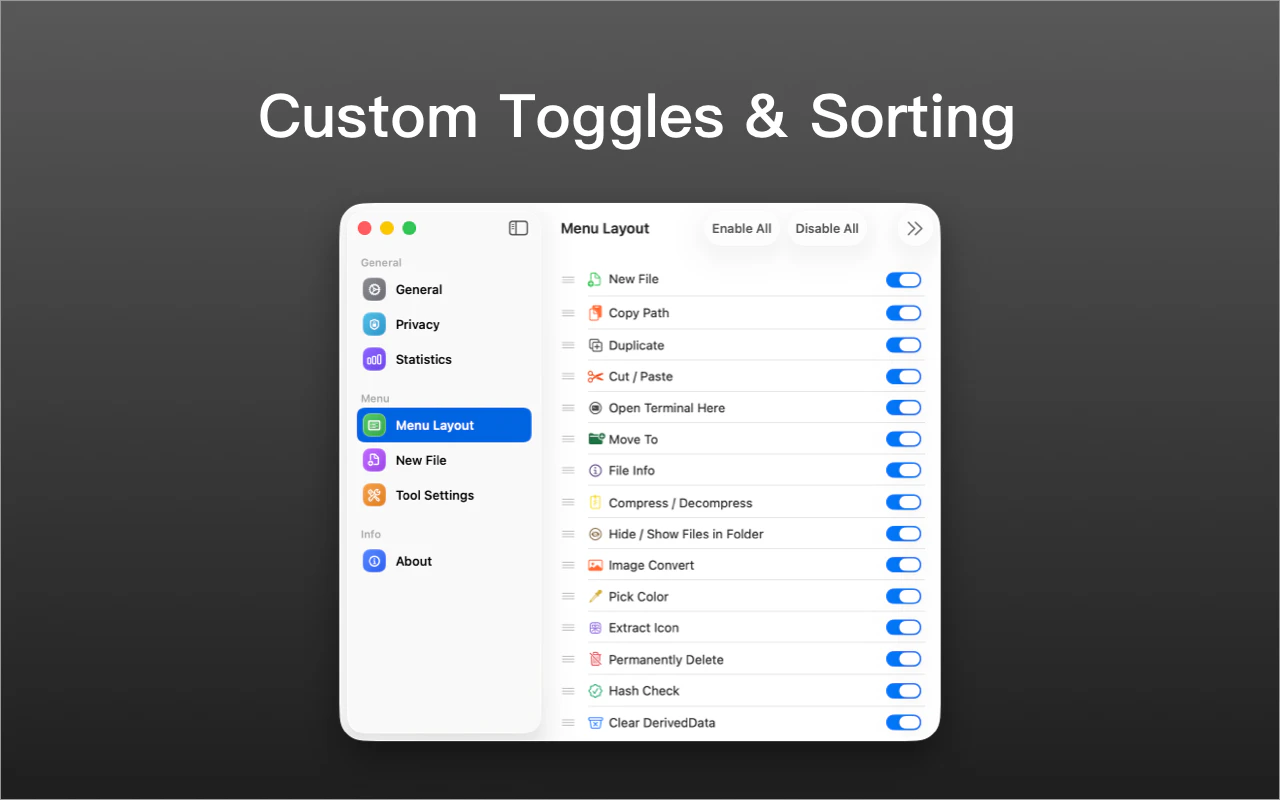
QuickRight is a powerful macOS utility designed to enhance Finder’s native capabilities by adding essential right-click features that macOS users have long been missing. With QuickRight, users can create new files instantly, perform true Cut & Paste operations, open Terminal or Warp directly in the current folder, copy file paths, and move files more efficiently—all accessible from the Finder context menu. It also offers handy tools like image compression, color extraction, hash checking, and file archiving, streamlining daily file management tasks. Built specifically for professionals and power users who handle files regularly, QuickRight aims to boost productivity and simplify workflows without the need for cumbersome workarounds or multiple apps. Its seamless integration into Finder makes it an intuitive addition for anyone seeking to optimize their macOS file management experience.
Screenshots
Pros
- ✓Adds essential right-click features to macOS Finder for enhanced productivity
- ✓Easy to access and use directly from the context menu
- ✓Supports a wide range of file management tasks (file creation, copying, compression, hashing, etc.)
- ✓Saves time by streamlining common workflows
- ✓No need for complex setup or third-party file managers
Cons
- ✗Limited to macOS, restricting cross-platform usability
- ✗Features may overlap with existing utilities or require some learning curve
- ✗Pricing details are not explicitly mentioned, which might impact decision-making
Use Cases
Pricing
Likely follows a freemium model with core features available for free and optional paid plans for advanced functionalities, though exact pricing details are not specified.
Quick Info
Topics
Alternatives
Similar Tools in Developer Tools




Embed Badge
Add this badge to your website to show that QuickRight is featured on Visalytica.
<a href="https://www.visalytica.com/tool/quickright-1149668" target="_blank" rel="noopener noreferrer" style="display:inline-flex;align-items:center;gap:6px;padding:6px 14px;background:#7c3aed;color:#fff;border-radius:8px;font-family:-apple-system,system-ui,sans-serif;font-size:13px;font-weight:600;text-decoration:none;transition:background .2s" onmouseover="this.style.background='#6d28d9'" onmouseout="this.style.background='#7c3aed'"><svg width="14" height="14" viewBox="0 0 24 24" fill="none" stroke="currentColor" stroke-width="2.5" stroke-linecap="round" stroke-linejoin="round"><path d="M12 20V10"/><path d="M18 20V4"/><path d="M6 20v-4"/></svg>Featured on Visalytica</a>