
Quick RSS
Private RSS Reader
About Quick RSS
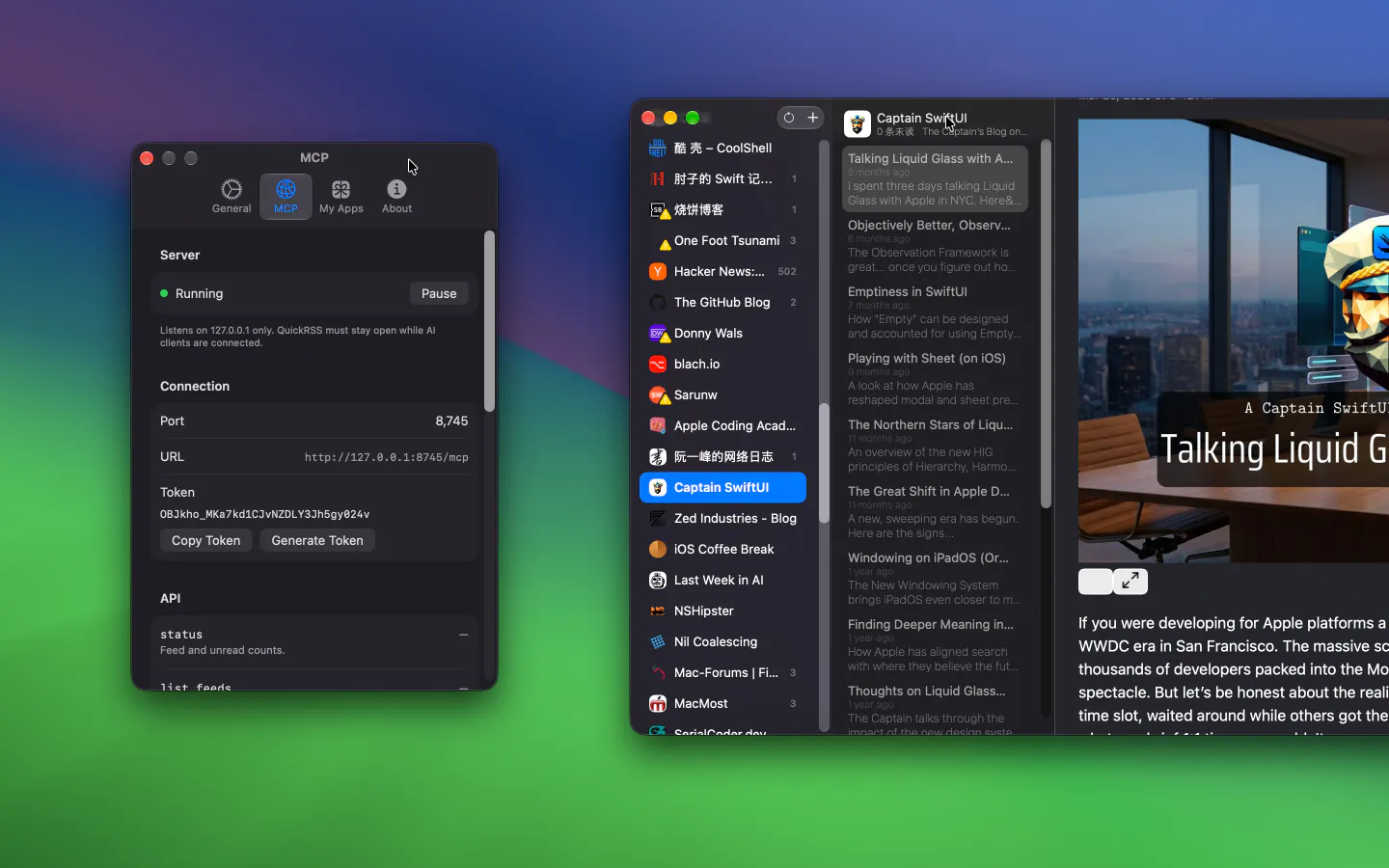
Quick RSS is a sleek and intuitive desktop RSS reader designed for users who want a private, streamlined way to stay updated with their favorite news sources, blogs, and headlines. Its user-friendly interface makes managing multiple feeds effortless, providing a clutter-free reading experience that emphasizes privacy and simplicity. Ideal for news enthusiasts, bloggers, or anyone seeking a dedicated RSS solution without the complexity of larger platforms, Quick RSS offers quick access and easy feed organization. Its privacy-centric approach ensures that users can enjoy news updates without intrusive data sharing, setting it apart from more commercialized RSS readers. Whether you prefer reading on a desktop or managing feeds for distraction-free browsing, Quick RSS aims to be a reliable, lightweight companion for your daily information intake.
Screenshots
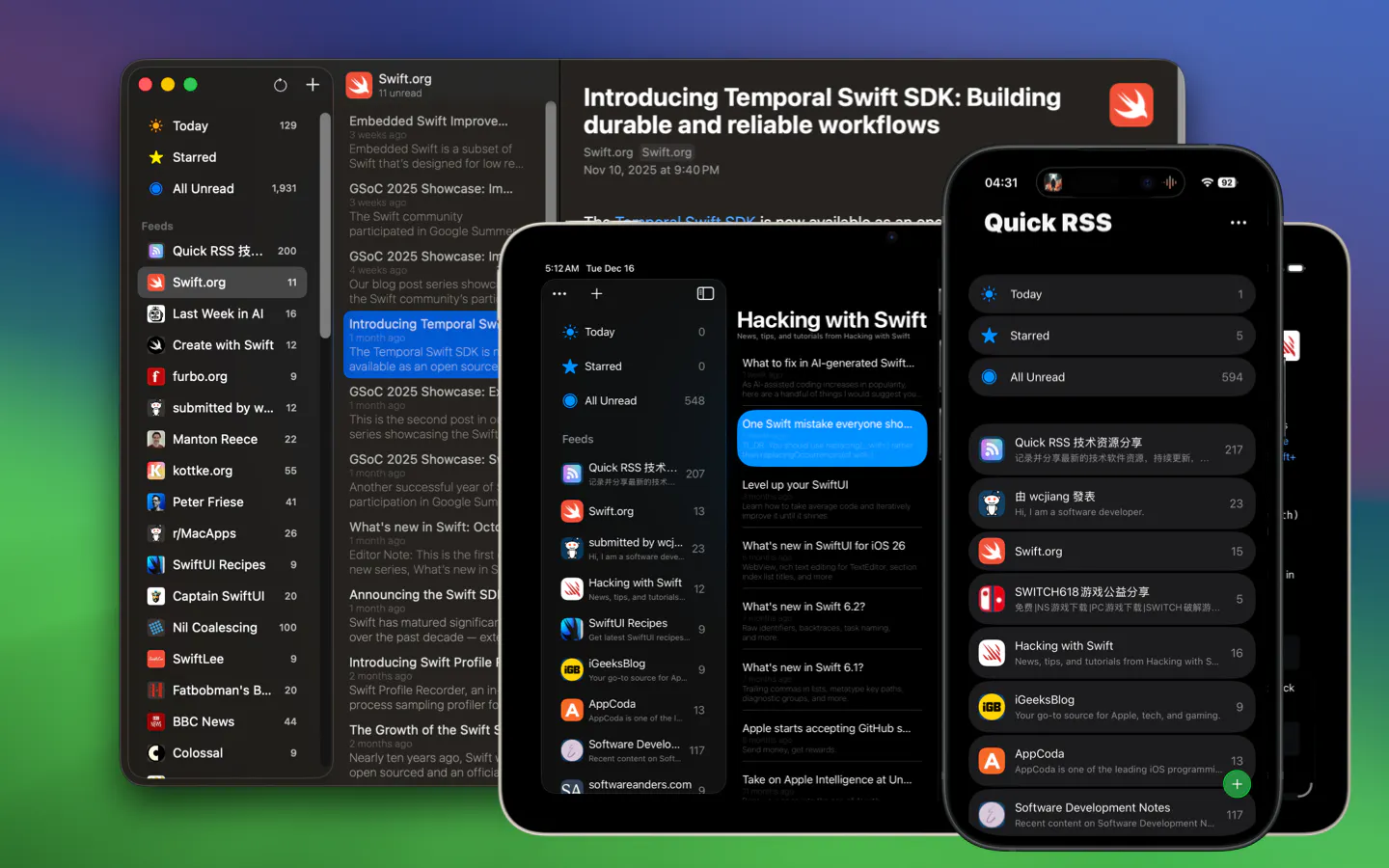
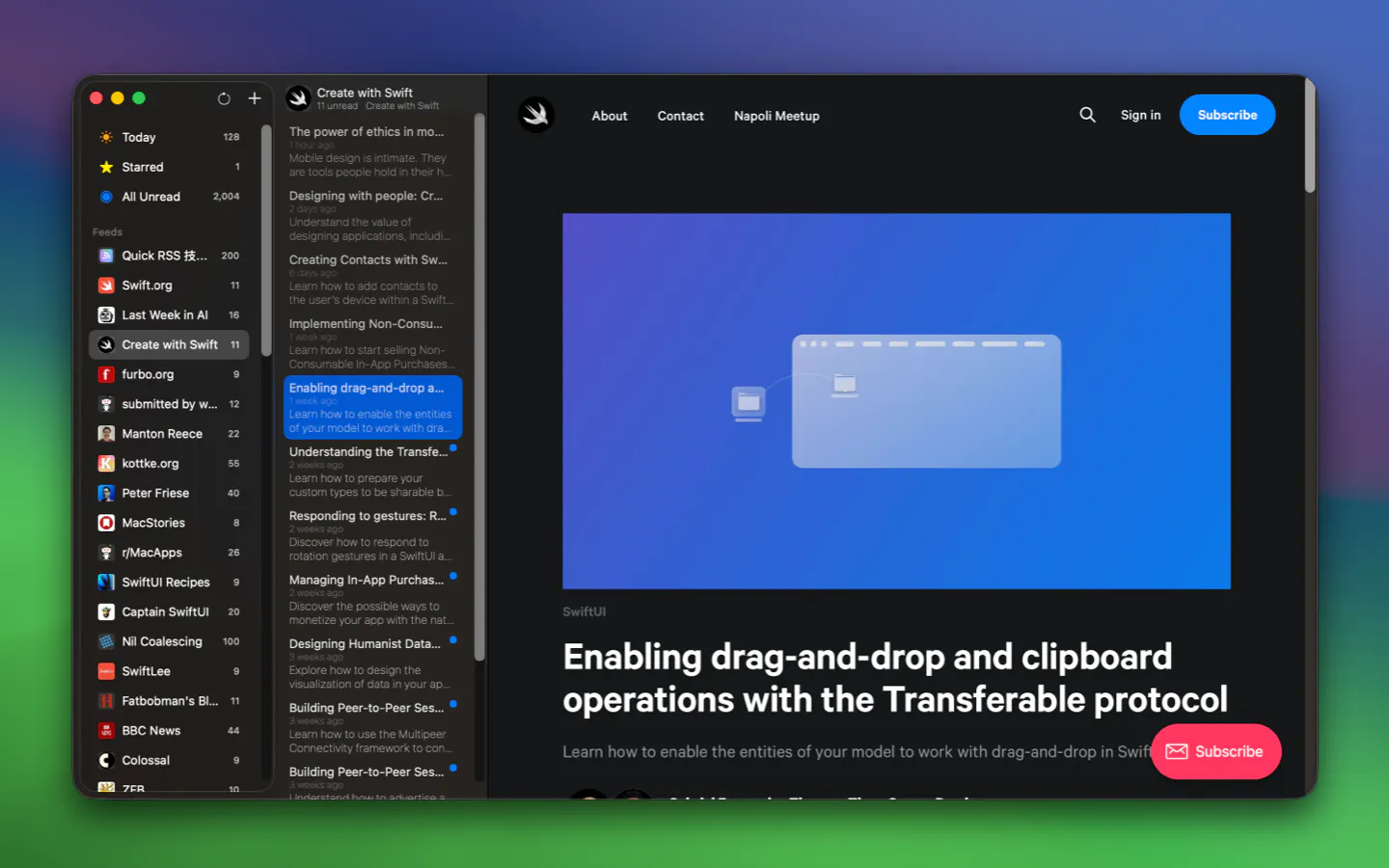
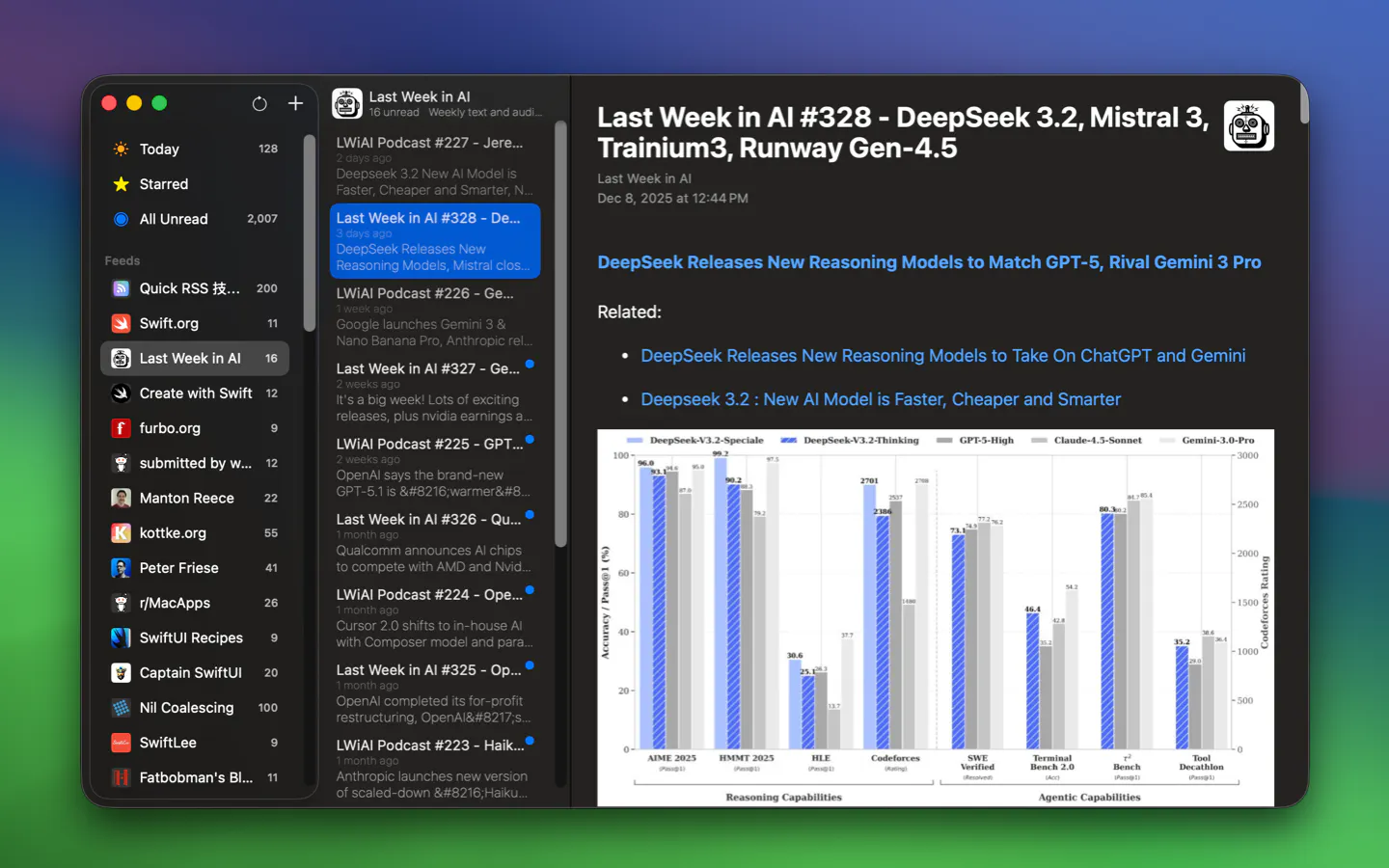
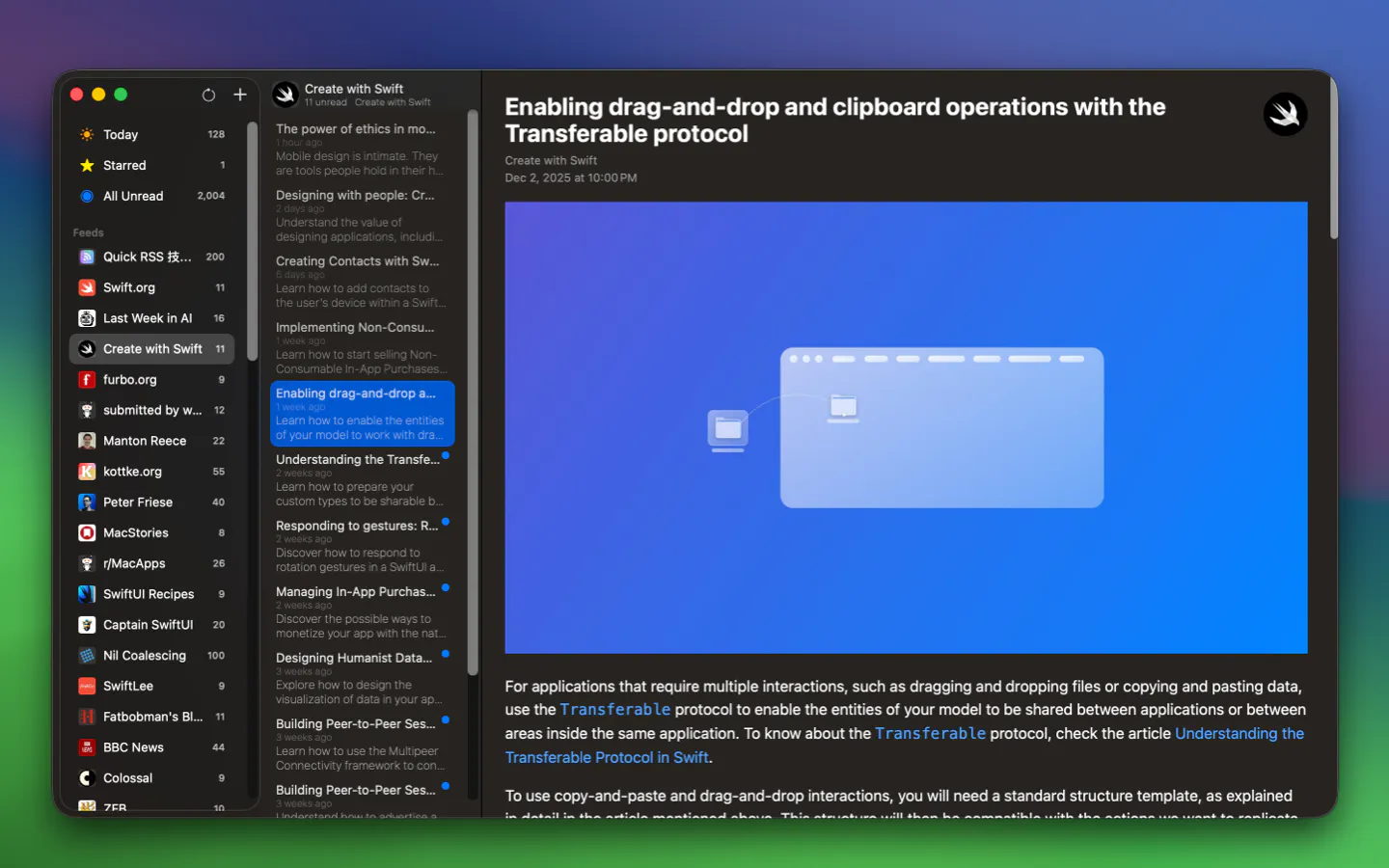
Pros
- ✓Simple, user-friendly interface that is easy to navigate
- ✓Private, with no tracking or data sharing
- ✓Desktop-focused, providing quick access and offline reading
- ✓Efficient feed management and organization tools
- ✓Lightweight and fast, suitable for low-resource systems
Cons
- ✗Limited collaboration or sharing features
- ✗Lacks advanced filtering or automation options found in larger RSS tools
- ✗No mobile app support, confined to desktop use
Use Cases
Pricing
Likely operates on a freemium model, offering core features for free with optional premium upgrades for additional functionalities; specific pricing details are not publicly specified.

Similar Tools in AI Writing




Embed Badge
Add this badge to your website to show that Quick RSS is featured on Visalytica.
<a href="https://www.visalytica.com/tool/quick-rss" target="_blank" rel="noopener noreferrer" style="display:inline-flex;align-items:center;gap:6px;padding:6px 14px;background:#7c3aed;color:#fff;border-radius:8px;font-family:-apple-system,system-ui,sans-serif;font-size:13px;font-weight:600;text-decoration:none;transition:background .2s" onmouseover="this.style.background='#6d28d9'" onmouseout="this.style.background='#7c3aed'"><svg width="14" height="14" viewBox="0 0 24 24" fill="none" stroke="currentColor" stroke-width="2.5" stroke-linecap="round" stroke-linejoin="round"><path d="M12 20V10"/><path d="M18 20V4"/><path d="M6 20v-4"/></svg>Featured on Visalytica</a>