
qliqr
Satisfying click sounds and visible clicks for your Mac
About qliqr
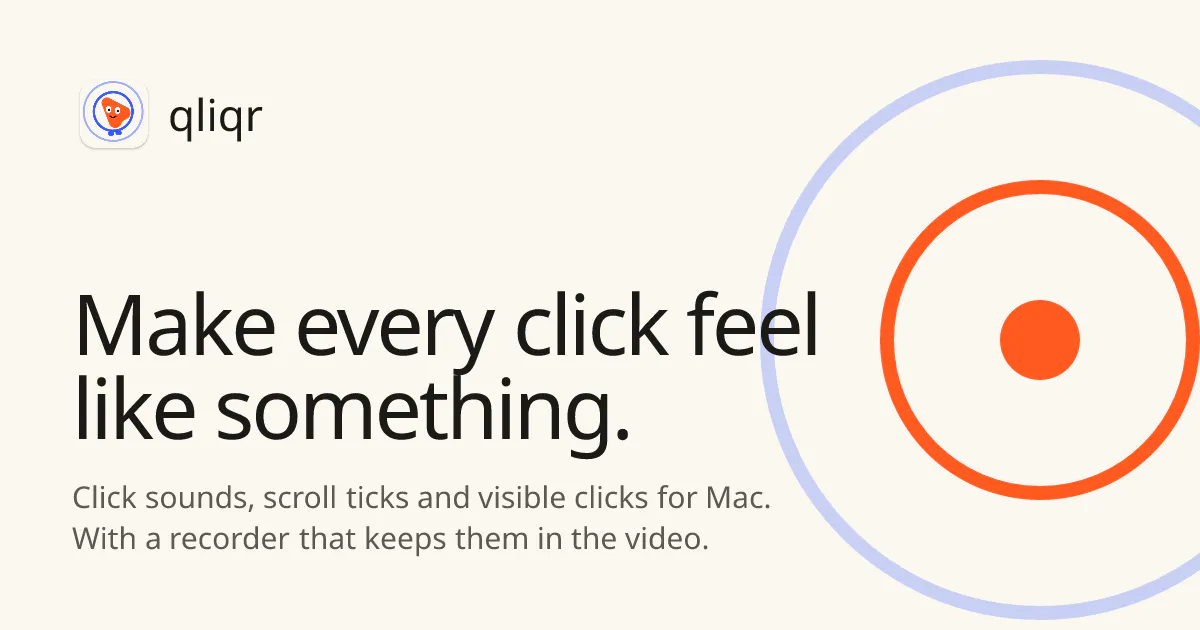
qliqr is a unique Mac utility designed to enhance user interaction by making every click both visible and audible. It features a variety of satisfying click sounds, including press and release tones, with 37 different options across 8 sound families, transforming mundane clicks into engaging sensory experiences. Additionally, qliqr offers a vibrant, color-coded ripple effect under the cursor, which is perfect for screen recordings and presentations, ensuring viewers can easily follow cursor movements. Its built-in recorder captures these effects seamlessly within videos, supporting auto-zoom and 9:16 aspect ratio clips, making it ideal for creating engaging tutorials and demos. The app is lightweight, privacy-focused, and easy to use, with no account setup or data collection involved. The full version is affordably priced at $4.99 for two Macs, with a 24-hour free trial, and qliqr Lite is available for free, making it accessible for a wide range of users.
Screenshots
Pros
- ✓Adds satisfying audible feedback to every click
- ✓Visually enhances cursor movements with color-coded ripples
- ✓Built-in screen recording features simplify tutorial creation
- ✓Privacy-focused with no data collection or account requirements
- ✓Affordable one-time purchase for multiple devices
Cons
- ✗Limited to Mac users, no cross-platform support
- ✗Features may be more niche, appealing primarily to content creators and professionals
- ✗Some users might find the multitude of sounds unnecessary
Use Cases
Pricing
Summarize pricing only when it is explicitly supported by the supplied product data. Never guess a price, plan, or business model. Return 'Pricing not verified'.
Quick Info
Topics
Makers

Vikas V
Similar Tools in Developer Tools




Embed Badge
Add this badge to your website to show that qliqr is featured on Visalytica.
<a href="https://www.visalytica.com/tool/qliqr" target="_blank" rel="noopener noreferrer" style="display:inline-flex;align-items:center;gap:6px;padding:6px 14px;background:#7c3aed;color:#fff;border-radius:8px;font-family:-apple-system,system-ui,sans-serif;font-size:13px;font-weight:600;text-decoration:none;transition:background .2s" onmouseover="this.style.background='#6d28d9'" onmouseout="this.style.background='#7c3aed'"><svg width="14" height="14" viewBox="0 0 24 24" fill="none" stroke="currentColor" stroke-width="2.5" stroke-linecap="round" stroke-linejoin="round"><path d="M12 20V10"/><path d="M18 20V4"/><path d="M6 20v-4"/></svg>Featured on Visalytica</a>