
Pushary
Every agent accessible via your Mac’s notch
About Pushary
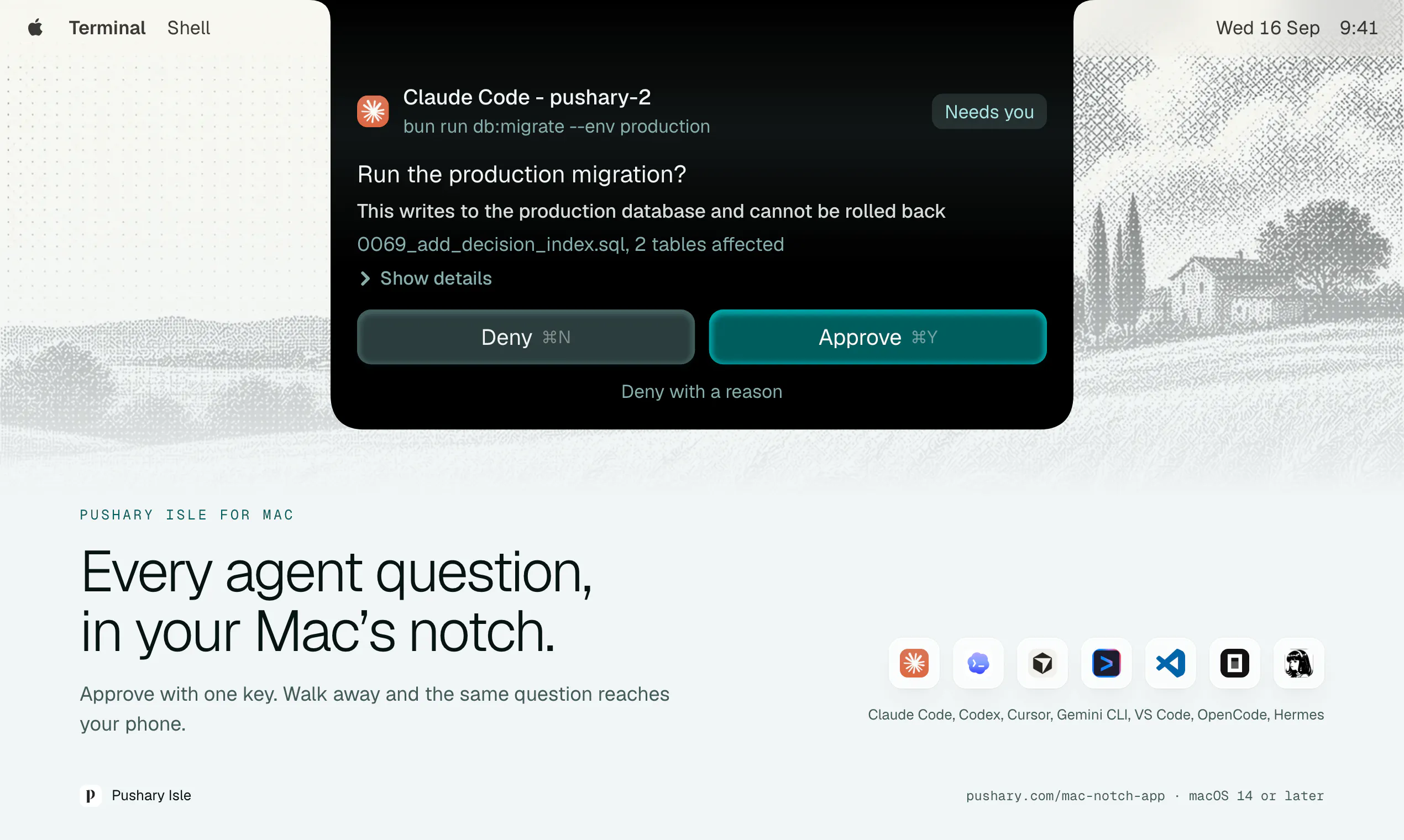
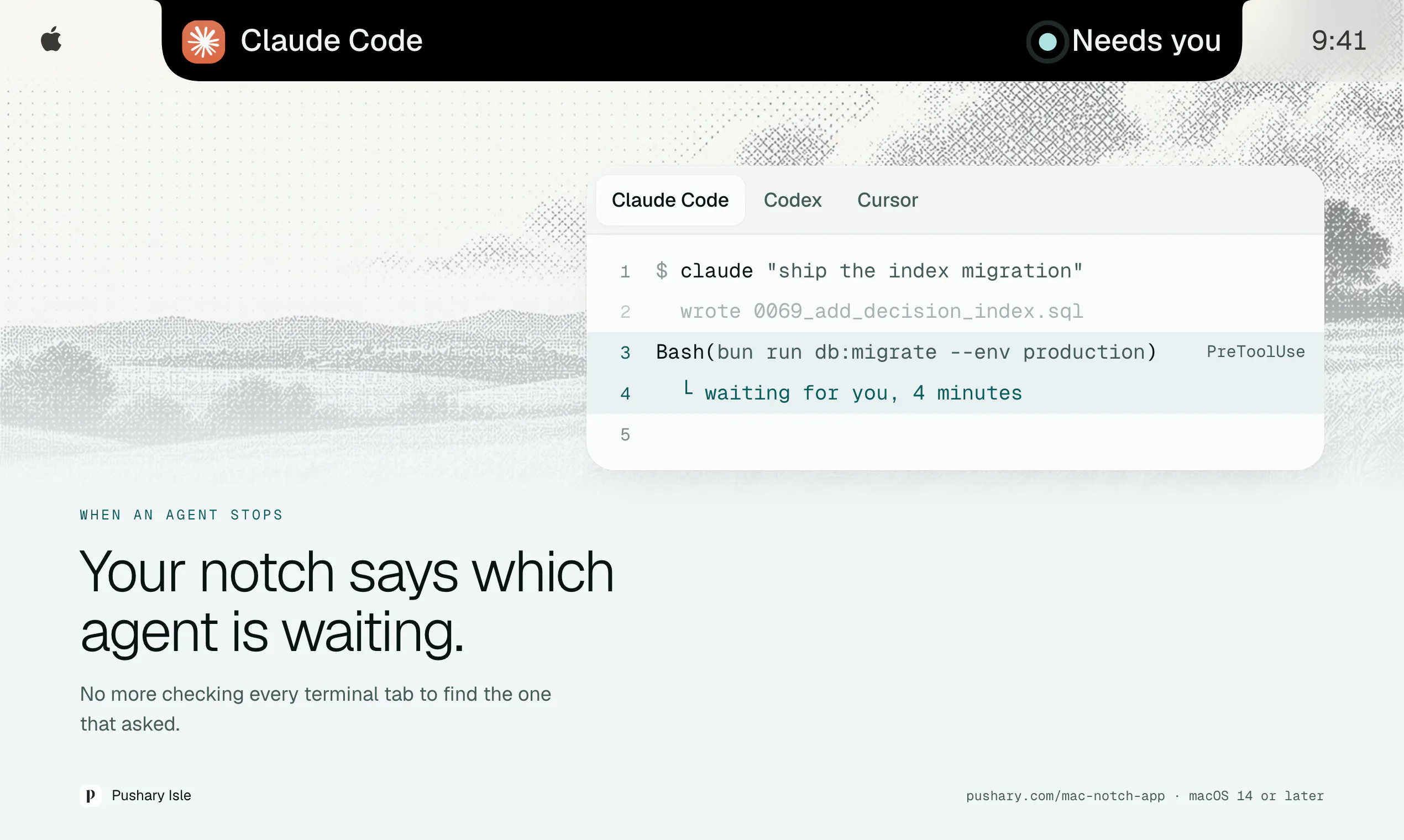
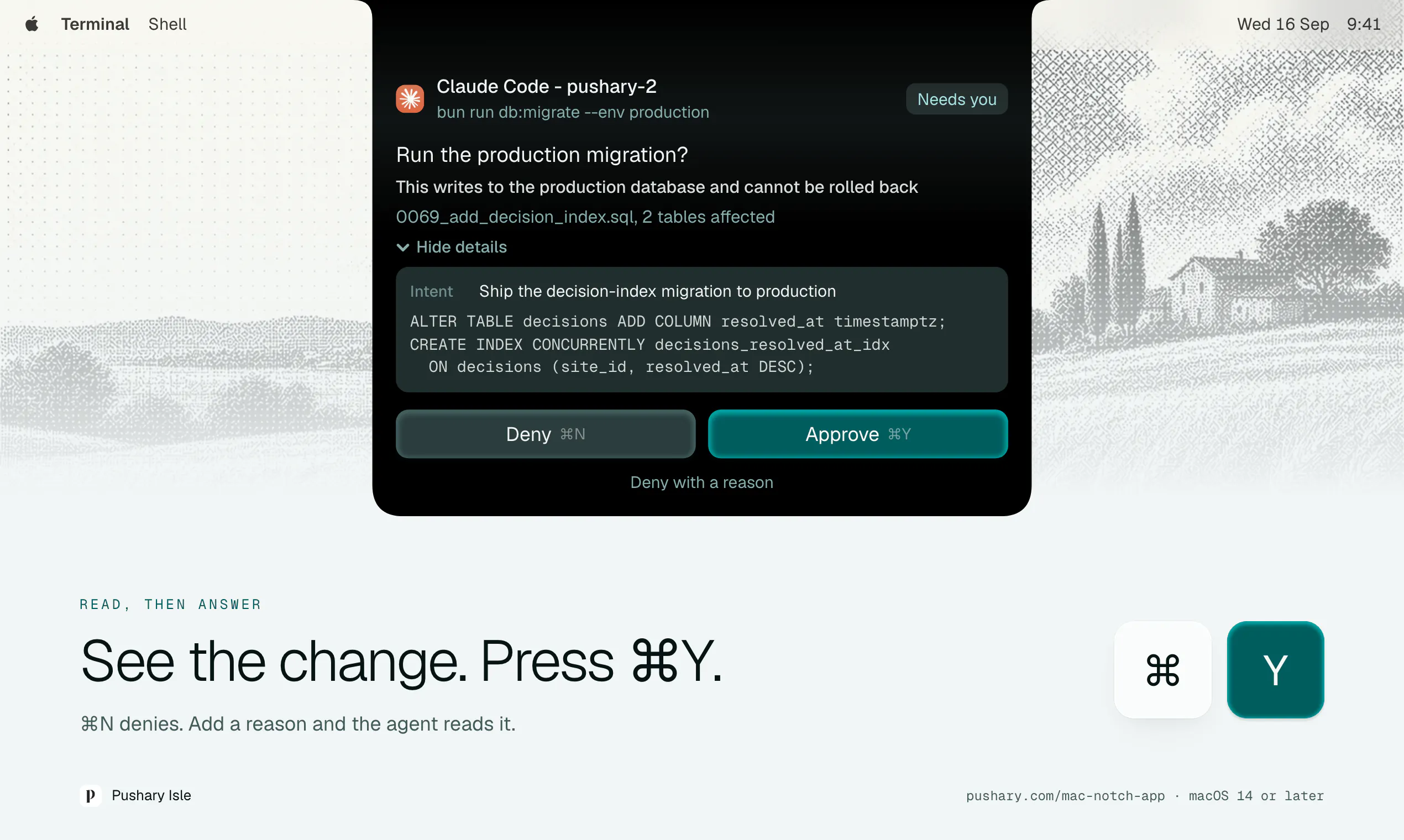
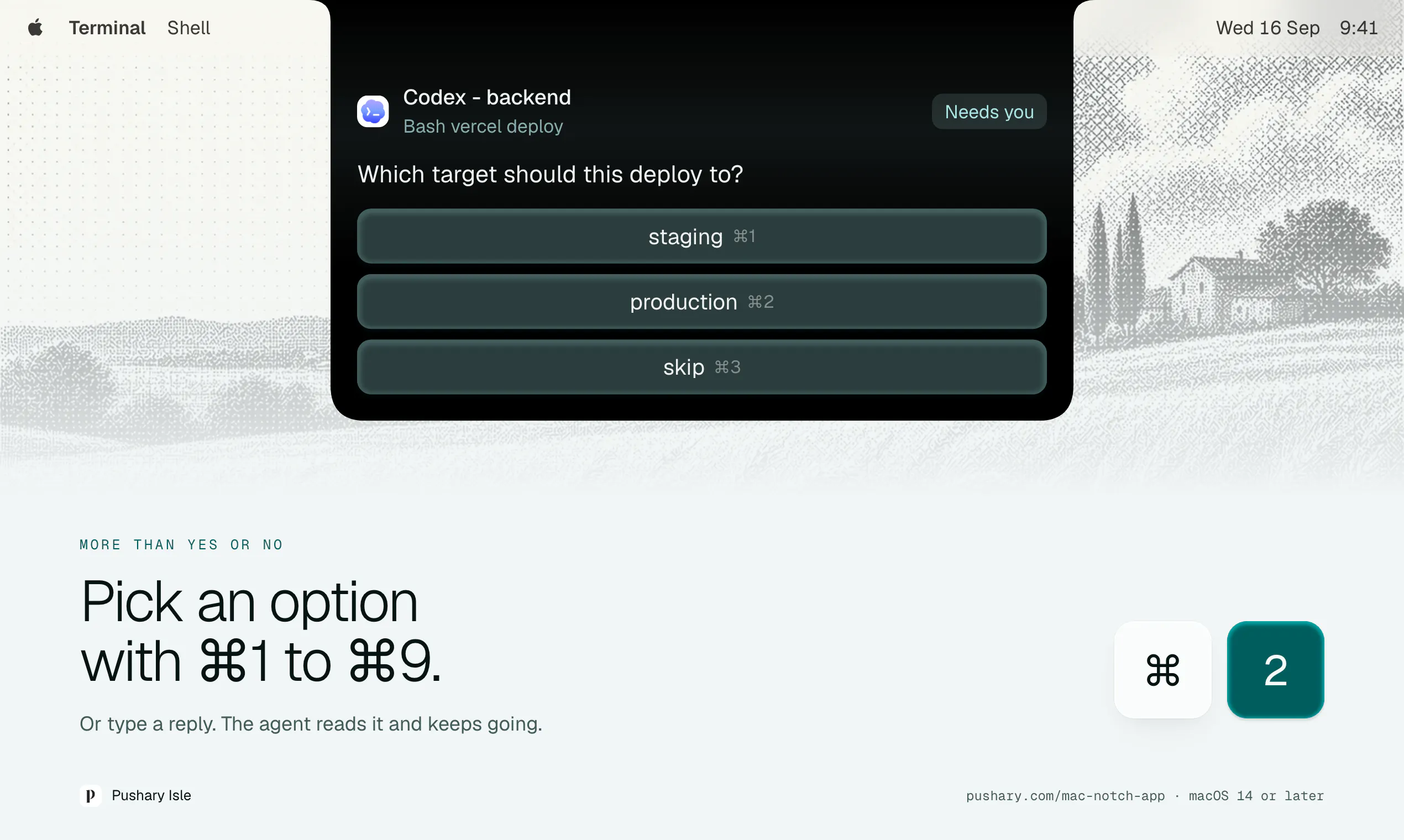
Pushary is a innovative menu bar application designed for Mac users, specifically targeting developers and AI enthusiasts. It integrates powerful AI tools such as Claude Code, Codex, Cursor, Gemini CLI, VS Code, and OpenCode directly into the Mac’s notch, offering quick access to essential development and AI functionalities. With its native implementation and minimal footprint—just 8 MB to download and 38 MB at rest—Pushary aims to streamline workflows by enabling users to approve actions, navigate terminals, or respond from their phones effortlessly. Its seamless integration into the Mac ecosystem makes it ideal for developers who want to boost productivity without cluttering their workspace. What sets Pushary apart is its focus on accessibility and convenience, bringing advanced AI capabilities to the Mac’s interface for efficient, on-the-go interaction.
Screenshots
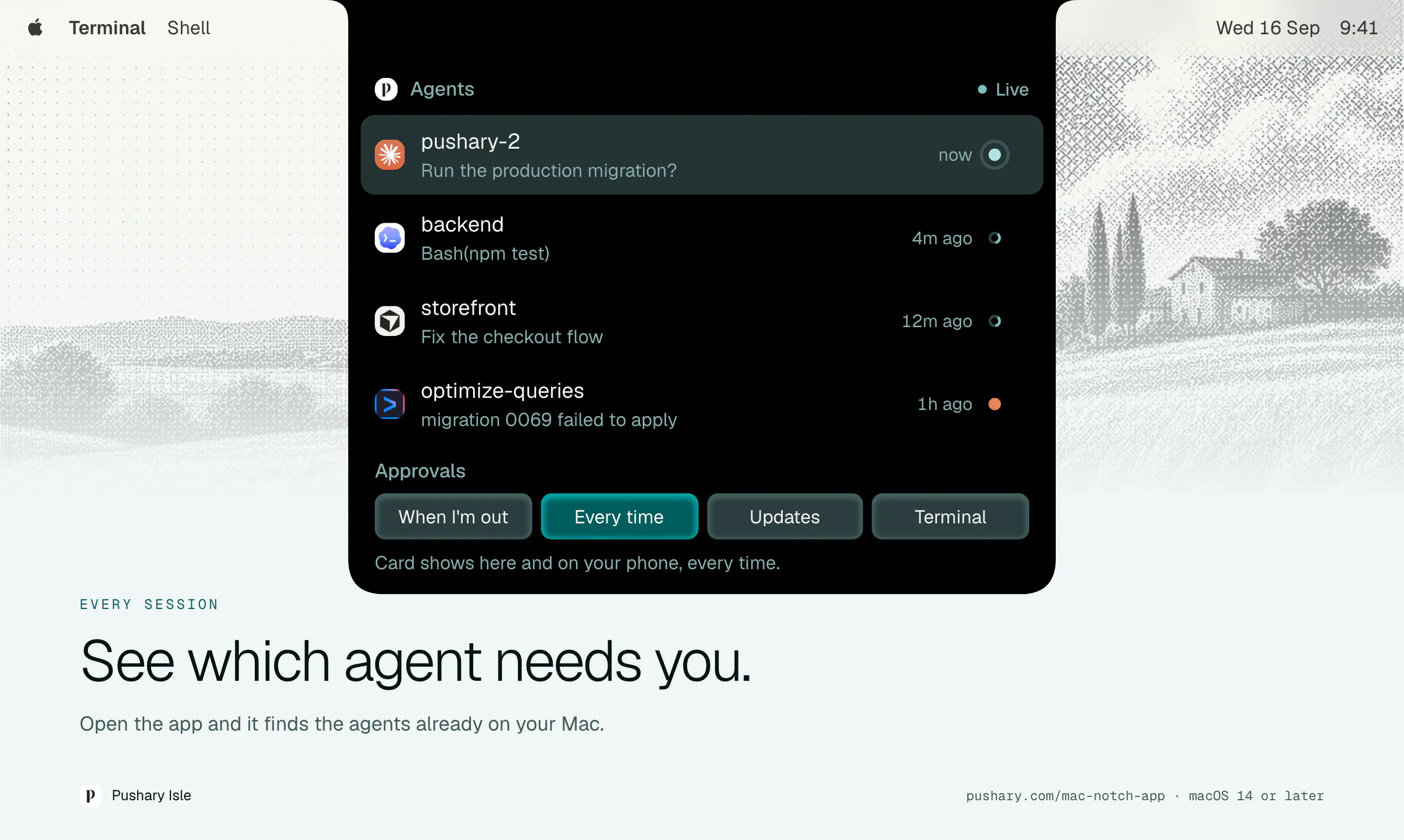
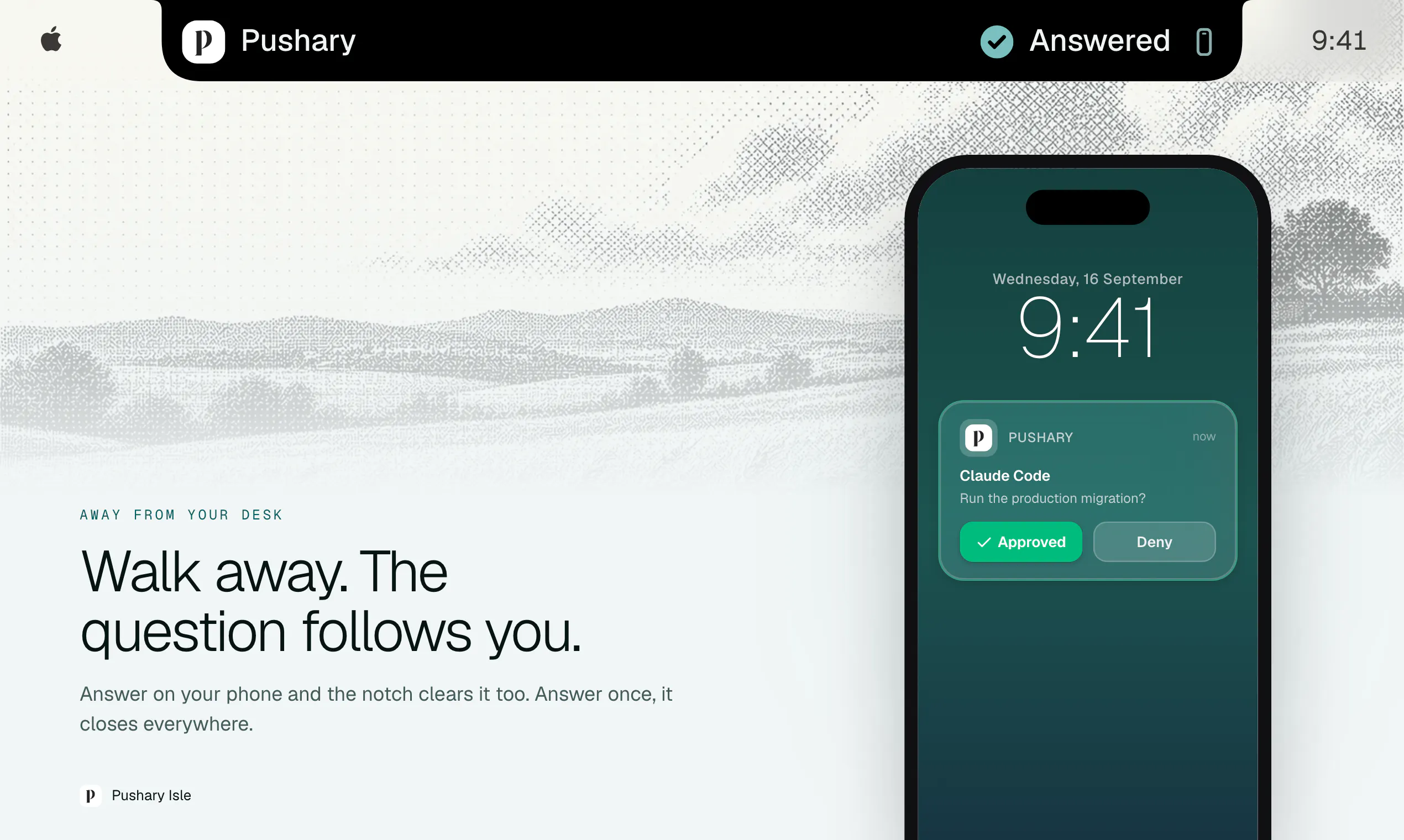
+1 more screenshots
Pros
- ✓Native Mac application with minimal resource footprint
- ✓Easy access to multiple AI tools from the menu bar
- ✓Supports quick approval, terminal navigation, and remote response
- ✓Designed for developers and AI users seeking workflow enhancements
- ✓Includes integration with popular coding and AI platforms
Cons
- ✗Limited information on pricing and subscription models
- ✗Currently lacks user reviews and widespread adoption
- ✗Functionality may depend on updates to integrated AI tools
Use Cases
Pricing
Pricing not verified
Quick Info
Topics
Makers

Aadil Ghani
@aadilbuildsAlternatives
Similar Tools in Developer Tools




Embed Badge
Add this badge to your website to show that Pushary is featured on Visalytica.
<a href="https://www.visalytica.com/tool/pushary-1240357" target="_blank" rel="noopener noreferrer" style="display:inline-flex;align-items:center;gap:6px;padding:6px 14px;background:#7c3aed;color:#fff;border-radius:8px;font-family:-apple-system,system-ui,sans-serif;font-size:13px;font-weight:600;text-decoration:none;transition:background .2s" onmouseover="this.style.background='#6d28d9'" onmouseout="this.style.background='#7c3aed'"><svg width="14" height="14" viewBox="0 0 24 24" fill="none" stroke="currentColor" stroke-width="2.5" stroke-linecap="round" stroke-linejoin="round"><path d="M12 20V10"/><path d="M18 20V4"/><path d="M6 20v-4"/></svg>Featured on Visalytica</a>