
Pushary
Approve AI requests from your lock screen
About Pushary
Pushary is an innovative productivity tool designed for developers and AI enthusiasts who want seamless control over AI agents directly from their lock screens. By connecting your AI tools such as Claude Code, Codex, Cursor, Gemini CLI, Hermes, or Claude Cowork via a simple QR code scan, users can quickly approve or deny requests with a tap on their mobile devices. The latest update introduces native iPhone and Android apps, making the process even more streamlined and accessible on mobile. Pushary’s auto-approval policies for safe reads, combined with an audit trail for every decision, ensure both security and accountability. This tool is ideal for teams managing multiple AI integrations who need quick, secure, and convenient approval workflows without disrupting their workflow.
Screenshots
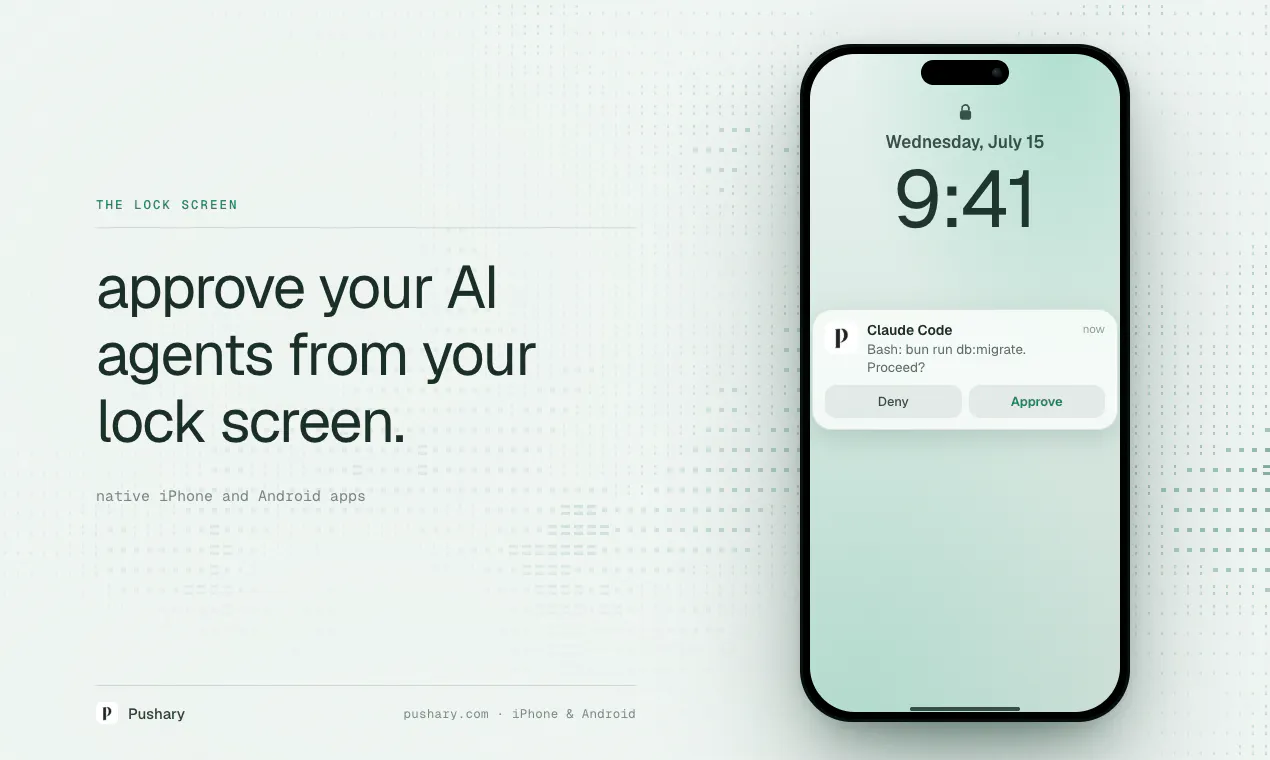
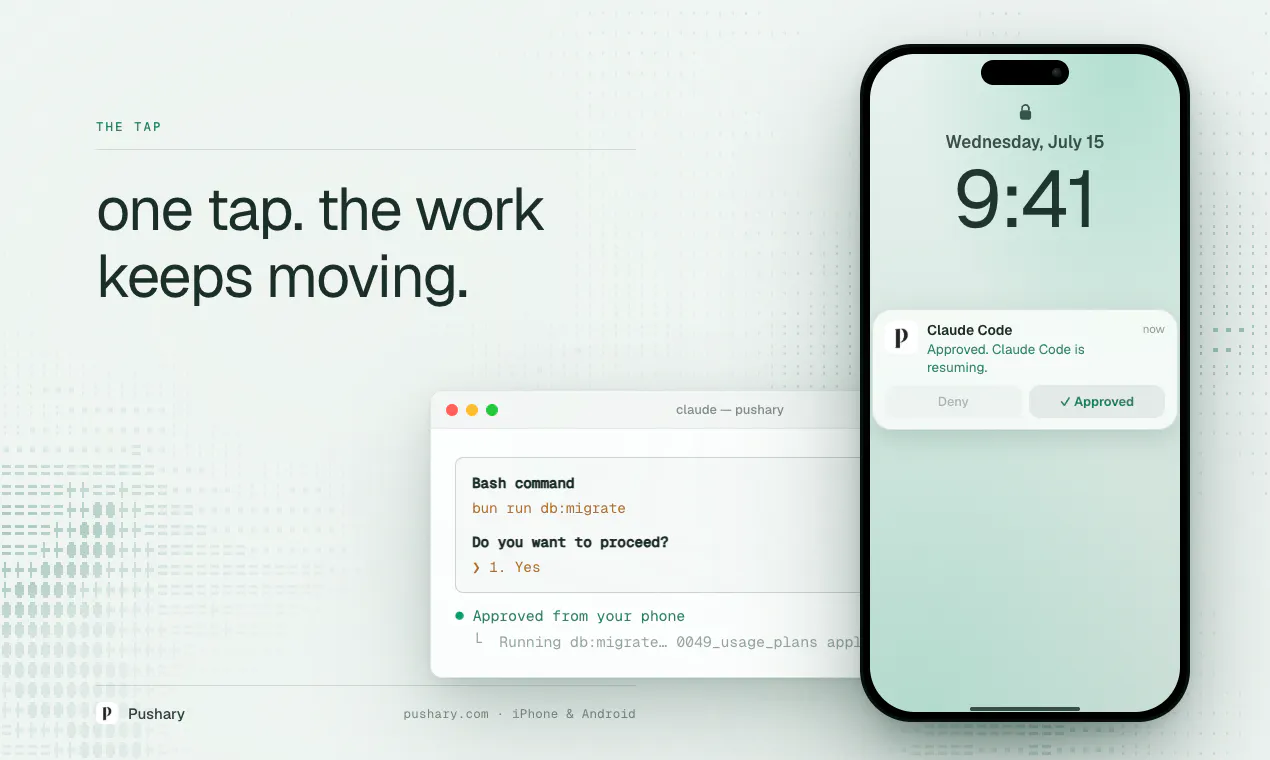
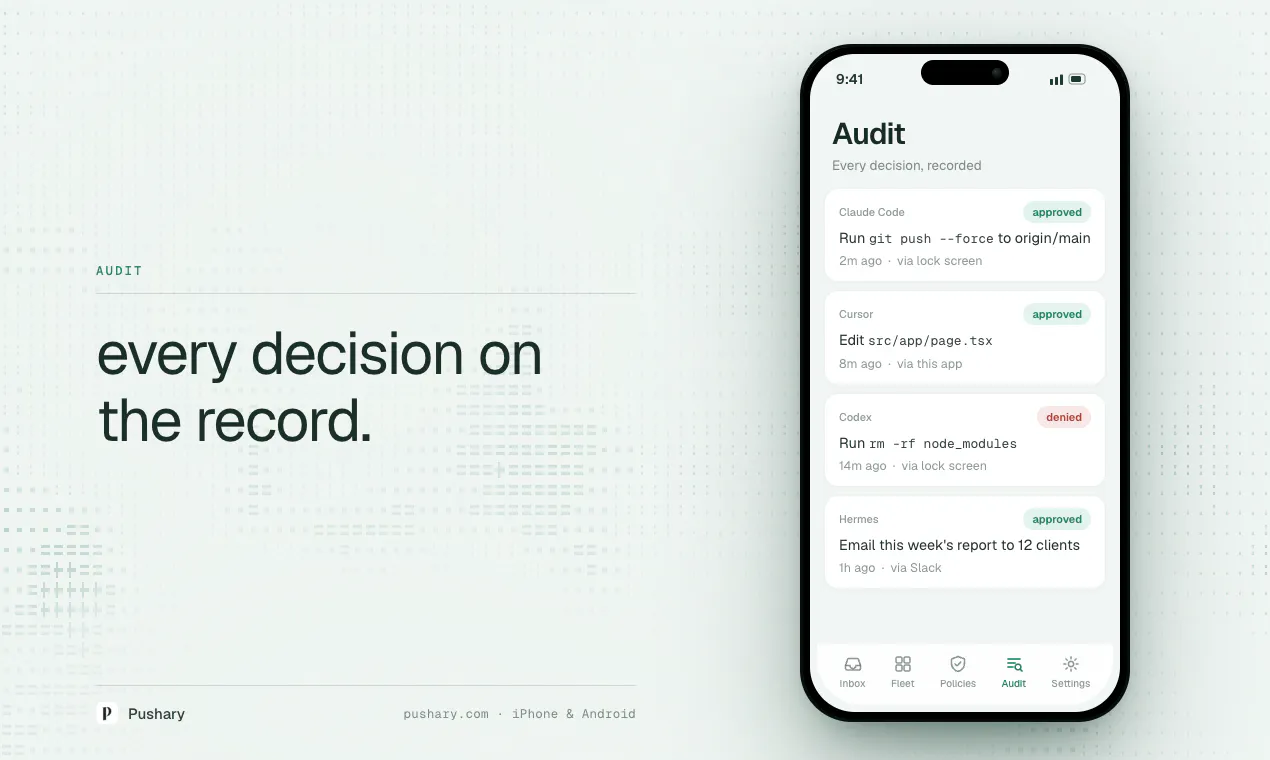
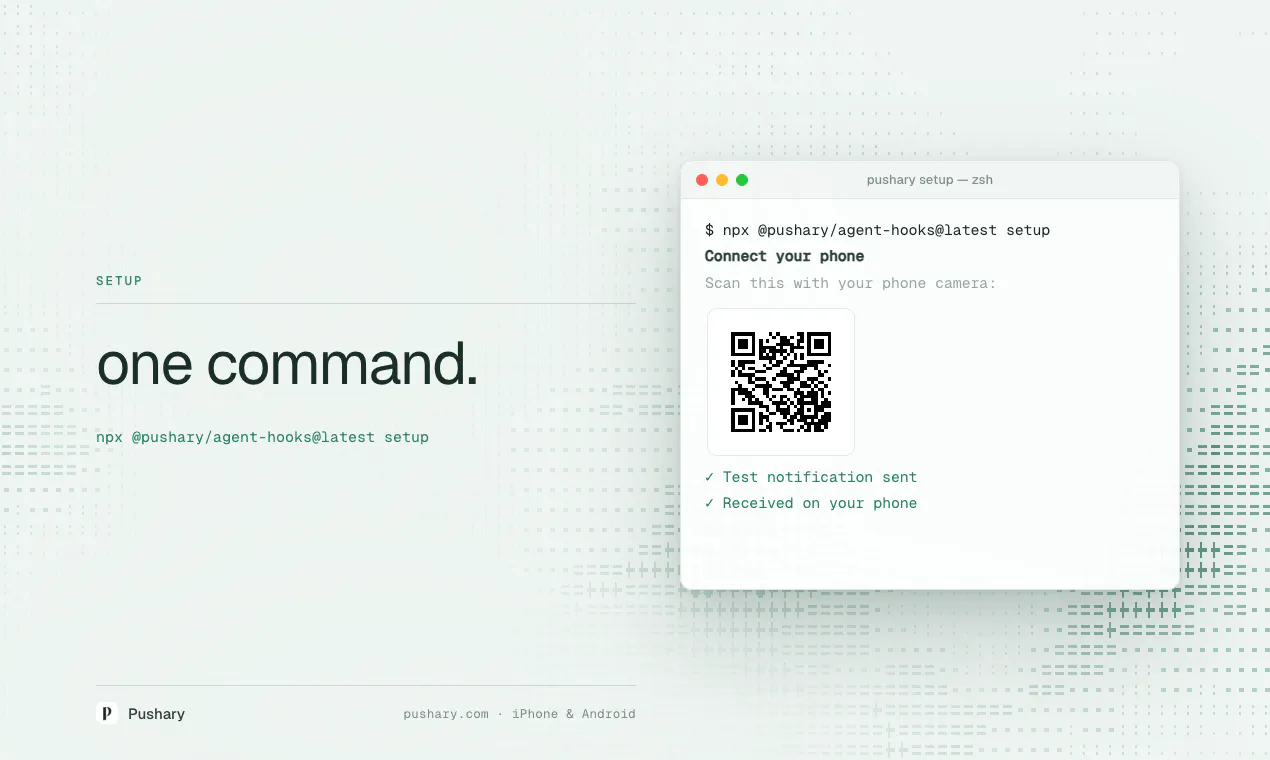
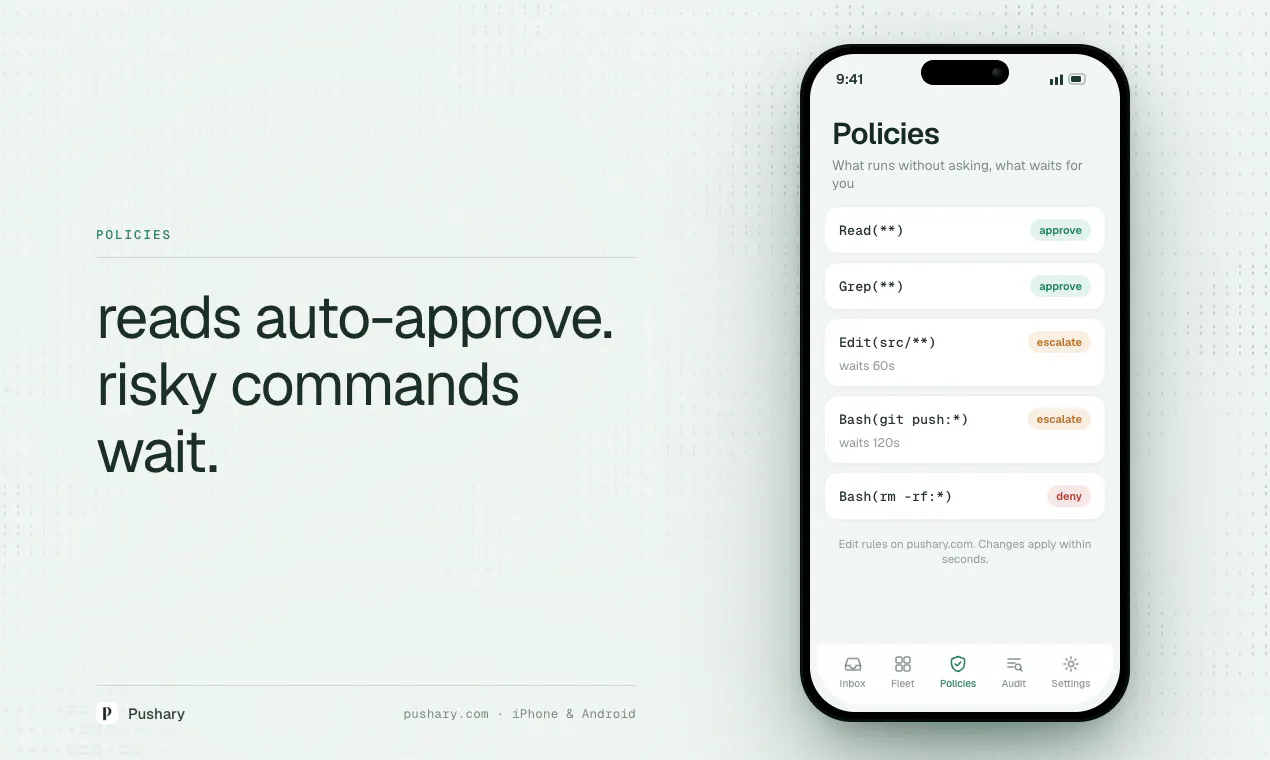
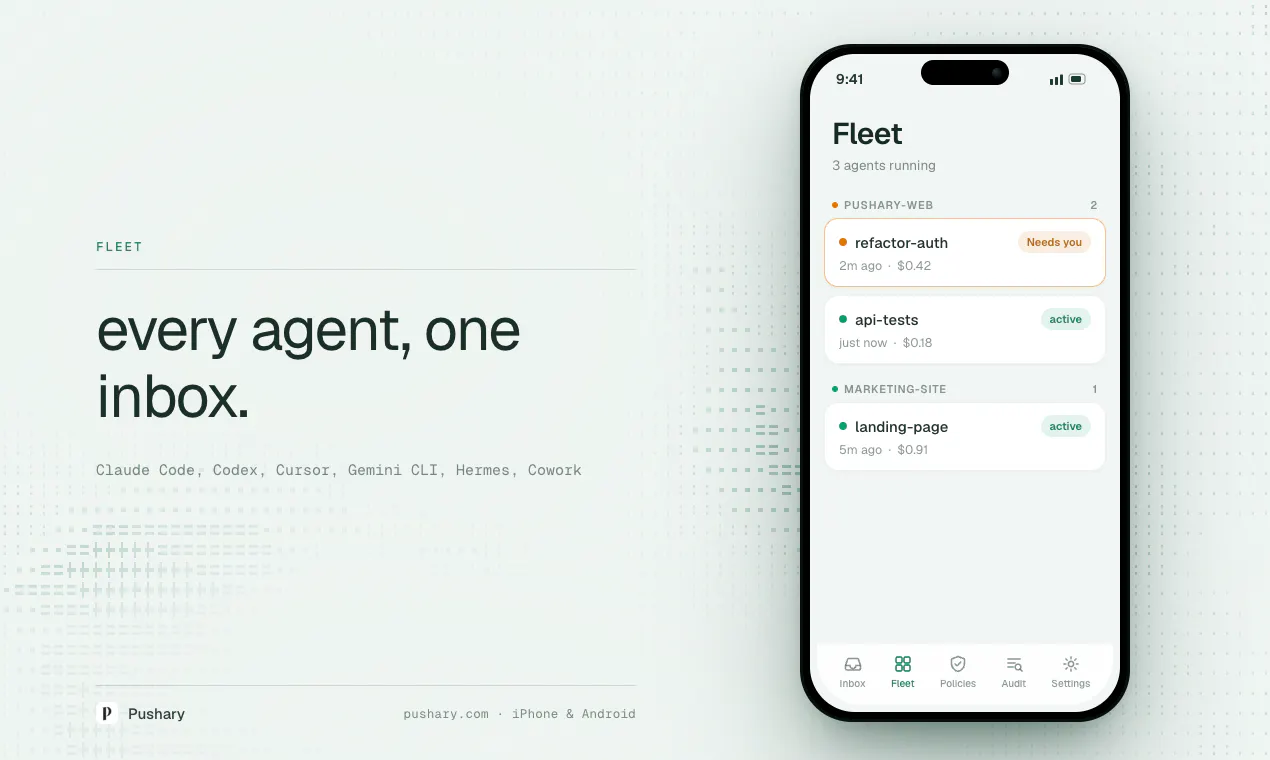
+1 more screenshots
Pros
- ✓Seamless mobile approval process via native apps
- ✓Easy QR code pairing for quick setup without manual key entry
- ✓Supports multiple popular AI agents and tools
- ✓Auto-approval policies enhance security and efficiency
- ✓Maintains a detailed audit trail for accountability
Cons
- ✗Limited information on pricing structure and plans
- ✗Potential reliance on specific AI tools that may require additional setup
- ✗User interface and experience details are not extensively documented
Use Cases
Pricing
Likely operates on a freemium model with basic features available for free and premium plans offering enhanced controls or integrations, though specific details are not publicly confirmed.

Similar Tools in AI Assistants




Embed Badge
Add this badge to your website to show that Pushary is featured on Visalytica.
<a href="https://www.visalytica.com/tool/pushary" target="_blank" rel="noopener noreferrer" style="display:inline-flex;align-items:center;gap:6px;padding:6px 14px;background:#7c3aed;color:#fff;border-radius:8px;font-family:-apple-system,system-ui,sans-serif;font-size:13px;font-weight:600;text-decoration:none;transition:background .2s" onmouseover="this.style.background='#6d28d9'" onmouseout="this.style.background='#7c3aed'"><svg width="14" height="14" viewBox="0 0 24 24" fill="none" stroke="currentColor" stroke-width="2.5" stroke-linecap="round" stroke-linejoin="round"><path d="M12 20V10"/><path d="M18 20V4"/><path d="M6 20v-4"/></svg>Featured on Visalytica</a>