
Pulse Island
A living island for your Mac's notch
About Pulse Island
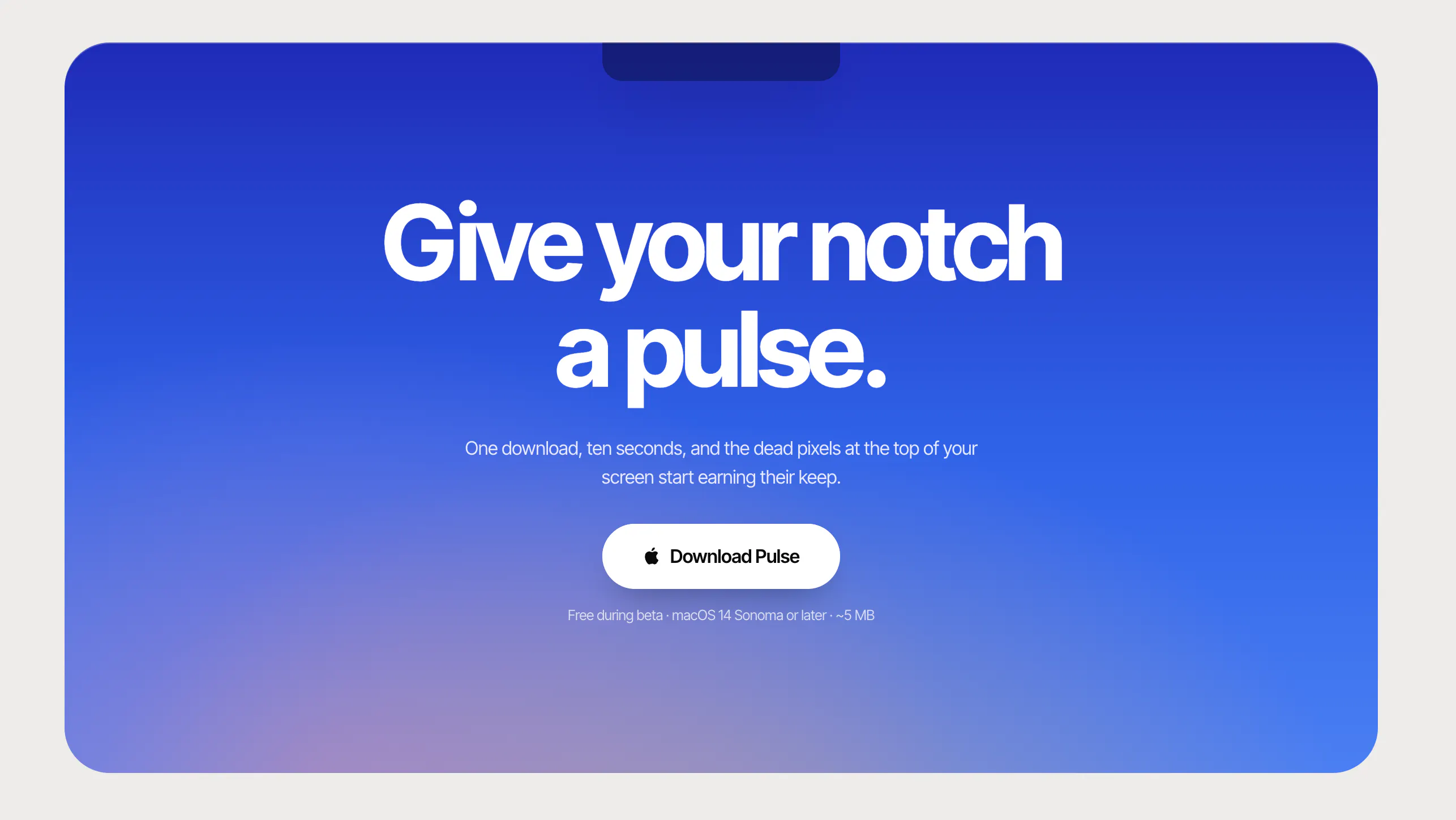
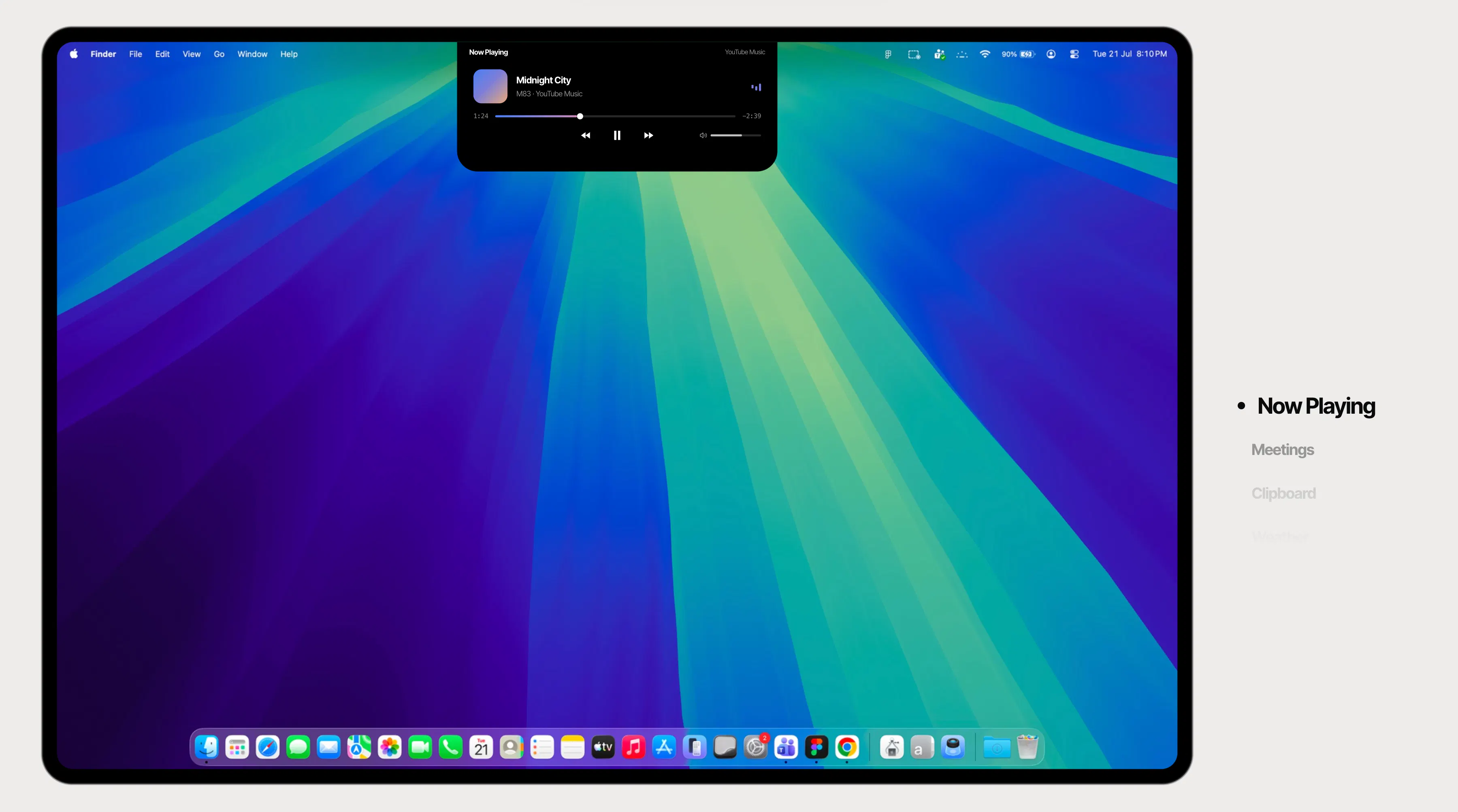
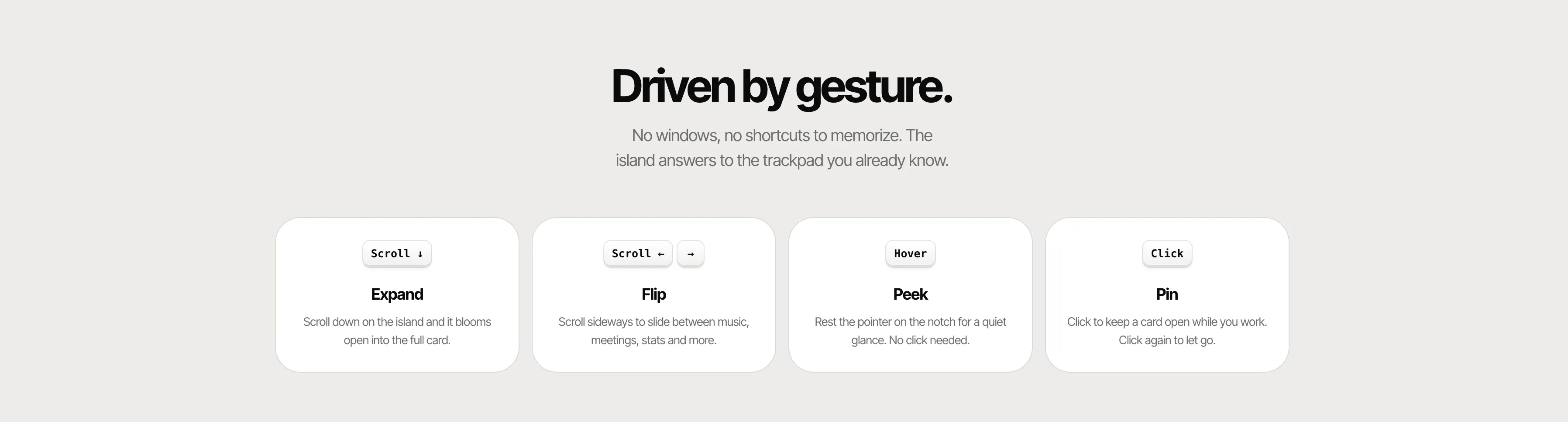
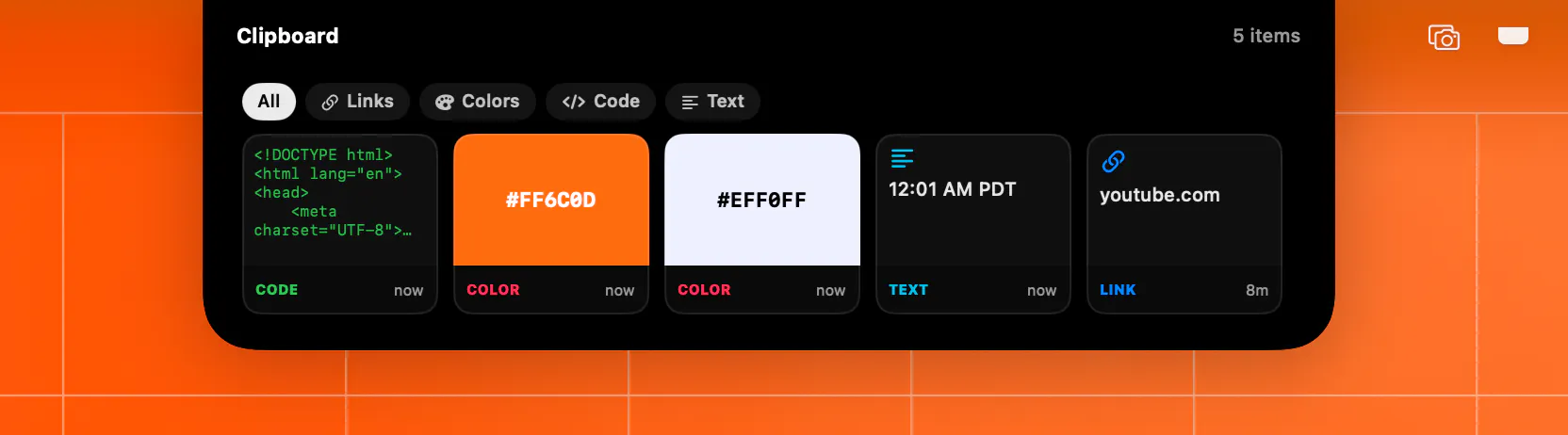
Pulse Island transforms the MacBook's notch into a dynamic, customizable display, effectively turning it into a mini information hub. Designed for Mac users seeking quick, glanceable access to vital data, it displays real-time updates on music playback, meetings, clipboard content, weather, focus timers, device status, and live system stats. Its seamless integration makes multitasking smoother, reducing the need to switch between apps or windows. The tool's unique approach leverages the often underutilized notch area, enhancing productivity and user experience with a visually appealing, live-updating interface. Suitable for professionals, students, and tech enthusiasts alike, Pulse Island elevates the Mac experience by turning a hardware design element into a powerful productivity feature.
Screenshots
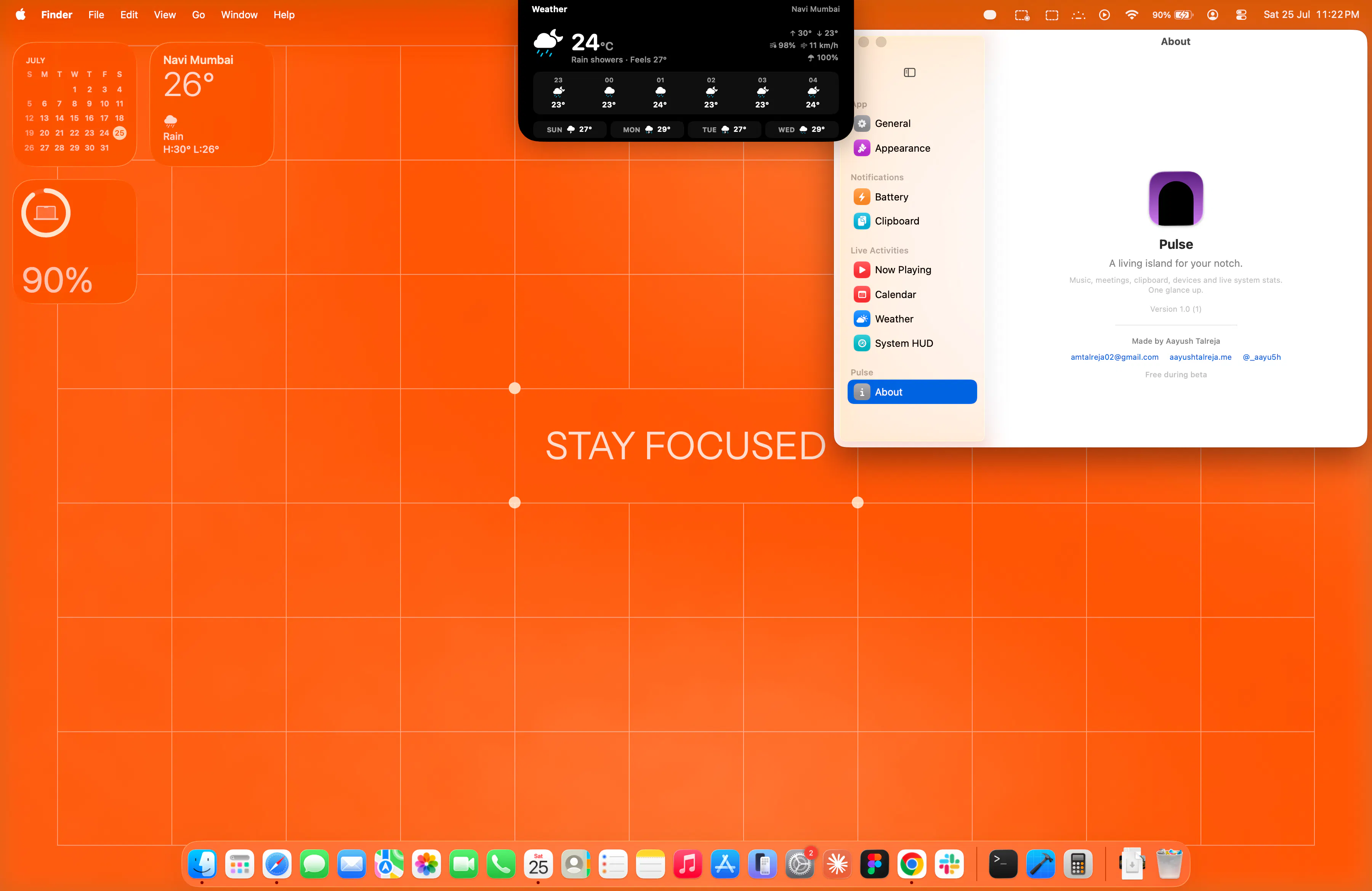
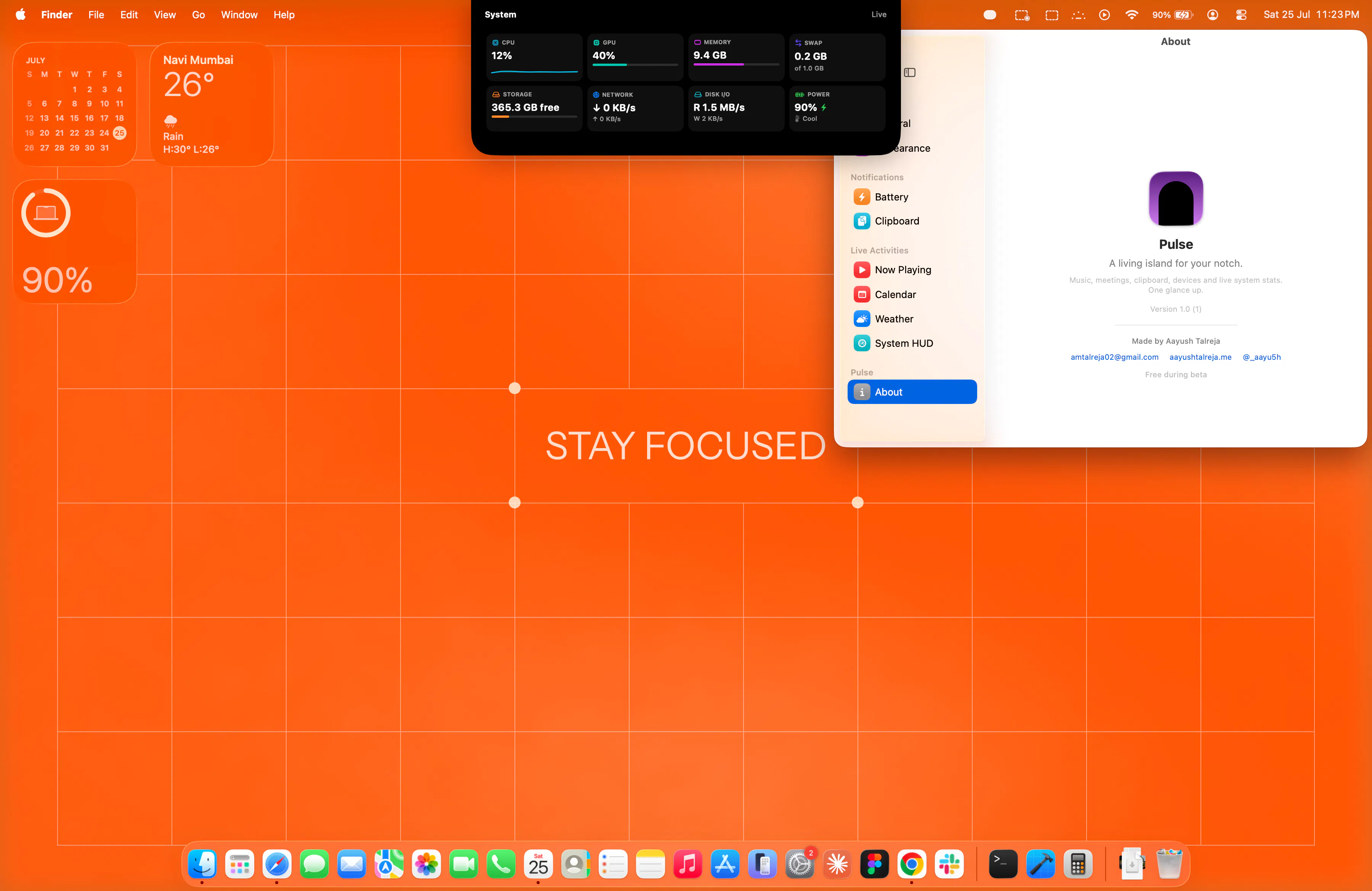
+3 more screenshots
Pros
- ✓Transforms the Mac notch into a customizable, live info display
- ✓Enhances productivity by providing quick, glanceable updates
- ✓Supports a variety of data types like music, weather, system stats, and more
- ✓Easy to install and integrate with existing workflows
- ✓Adds a modern, dynamic aesthetic to MacBook interfaces
Cons
- ✗Limited to MacBook models with a notch, reducing compatibility
- ✗Features are dependent on ongoing updates and support
- ✗Potential performance impact on older Macs with limited resources
Use Cases
Pricing
Likely follows a freemium model, offering core features for free with optional paid upgrades for additional customization or advanced features. Exact pricing details are not specified.
Quick Info
Topics
Makers

Aayush Talreja
Alternatives
Similar Tools in Productivity




Embed Badge
Add this badge to your website to show that Pulse Island is featured on Visalytica.
<a href="https://www.visalytica.com/tool/pulse-island" target="_blank" rel="noopener noreferrer" style="display:inline-flex;align-items:center;gap:6px;padding:6px 14px;background:#7c3aed;color:#fff;border-radius:8px;font-family:-apple-system,system-ui,sans-serif;font-size:13px;font-weight:600;text-decoration:none;transition:background .2s" onmouseover="this.style.background='#6d28d9'" onmouseout="this.style.background='#7c3aed'"><svg width="14" height="14" viewBox="0 0 24 24" fill="none" stroke="currentColor" stroke-width="2.5" stroke-linecap="round" stroke-linejoin="round"><path d="M12 20V10"/><path d="M18 20V4"/><path d="M6 20v-4"/></svg>Featured on Visalytica</a>