
Public Speaking VR Simulator
Rehearse presentations in your browser or in VR
About Public Speaking VR Simulator
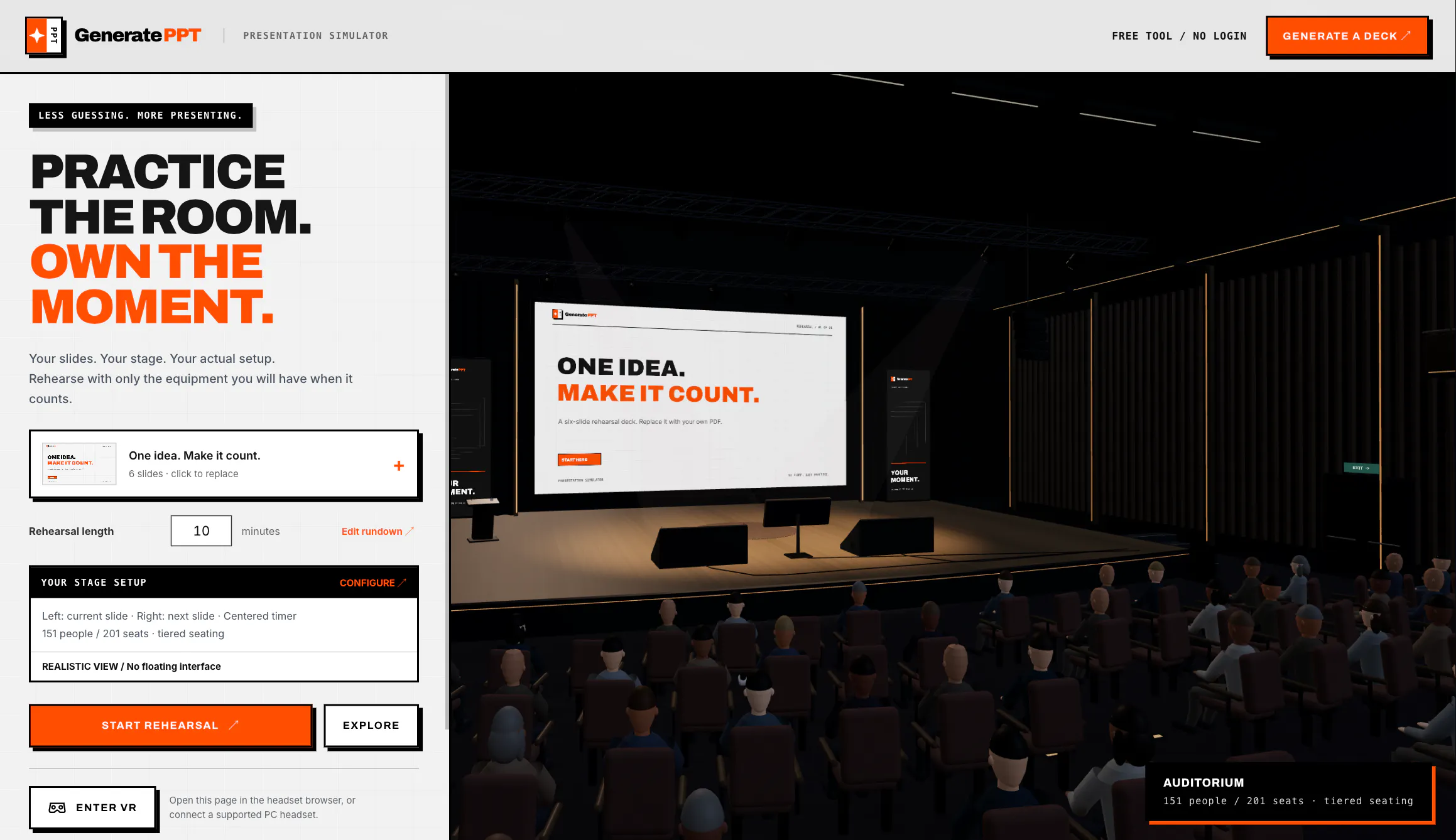
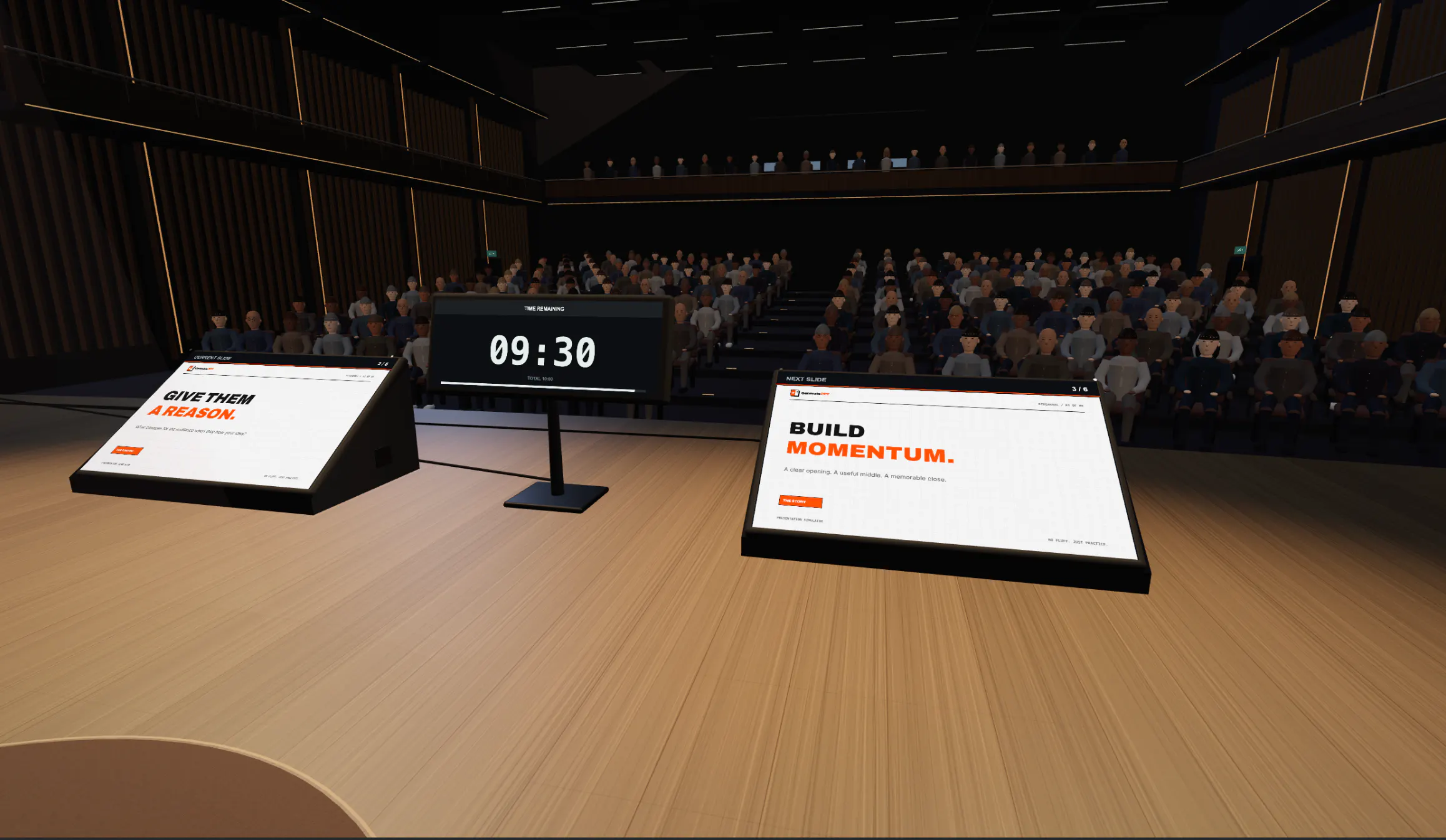
Public Speaking VR Simulator offers a cutting-edge platform for practicing presentations in a highly realistic virtual environment. Designed for professionals, educators, and students, it allows users to rehearse on customizable virtual stages while uploading their slides for seamless integration. Whether in a browser or immersive VR via WebXR, this tool provides a versatile solution to improve public speaking skills, boost confidence, and refine delivery techniques. Its ability to simulate real-world presentation settings makes it an attractive choice for those seeking a more engaging and interactive rehearsal experience. The inclusion of realistic presenter equipment enhances immersion, helping users feel as if they are speaking in front of a live audience. This combination of flexibility, realism, and ease of use sets it apart as a valuable resource for remote training, classroom practice, or individual skill development.
Screenshots
Pros
- ✓Supports both browser-based and VR environments for flexible use
- ✓Customizable virtual stages and presenter equipment enhance realism
- ✓Easy upload and integration of presentation slides
- ✓Ideal for remote teams, educators, and individuals seeking public speaking improvement
Cons
- ✗Limited user base with zero ProductHunt votes currently
- ✗Potential hardware requirements for optimal VR experience
- ✗Lack of detailed pricing or subscription information
Use Cases
Pricing
Pricing not verified
Quick Info
Topics
Makers

Fernando from aiCarousels
@Fer_MOMENTOAlternatives
Similar Tools in Developer Tools




Embed Badge
Add this badge to your website to show that Public Speaking VR Simulator is featured on Visalytica.
<a href="https://www.visalytica.com/tool/public-speaking-vr-simulator" target="_blank" rel="noopener noreferrer" style="display:inline-flex;align-items:center;gap:6px;padding:6px 14px;background:#7c3aed;color:#fff;border-radius:8px;font-family:-apple-system,system-ui,sans-serif;font-size:13px;font-weight:600;text-decoration:none;transition:background .2s" onmouseover="this.style.background='#6d28d9'" onmouseout="this.style.background='#7c3aed'"><svg width="14" height="14" viewBox="0 0 24 24" fill="none" stroke="currentColor" stroke-width="2.5" stroke-linecap="round" stroke-linejoin="round"><path d="M12 20V10"/><path d="M18 20V4"/><path d="M6 20v-4"/></svg>Featured on Visalytica</a>