
Prompt Bridge
Keep AI Context Portable
About Prompt Bridge
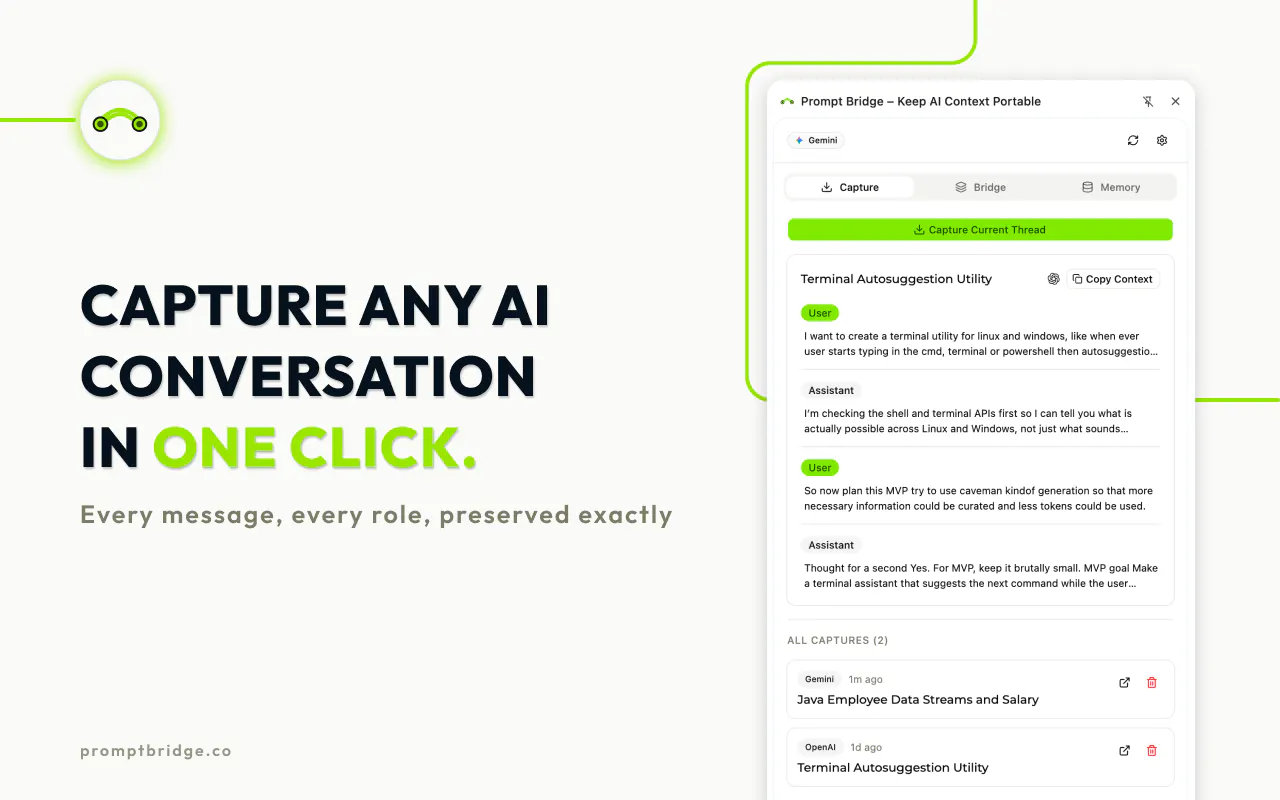
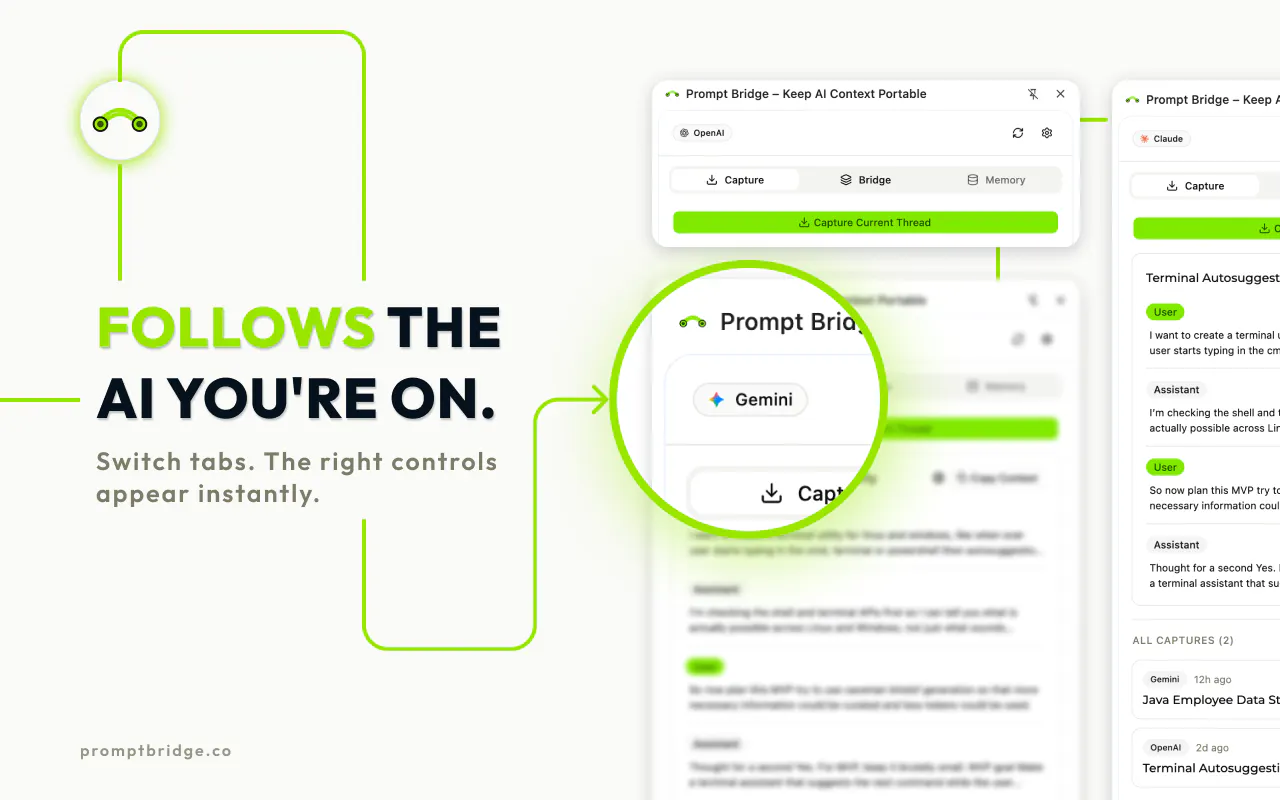
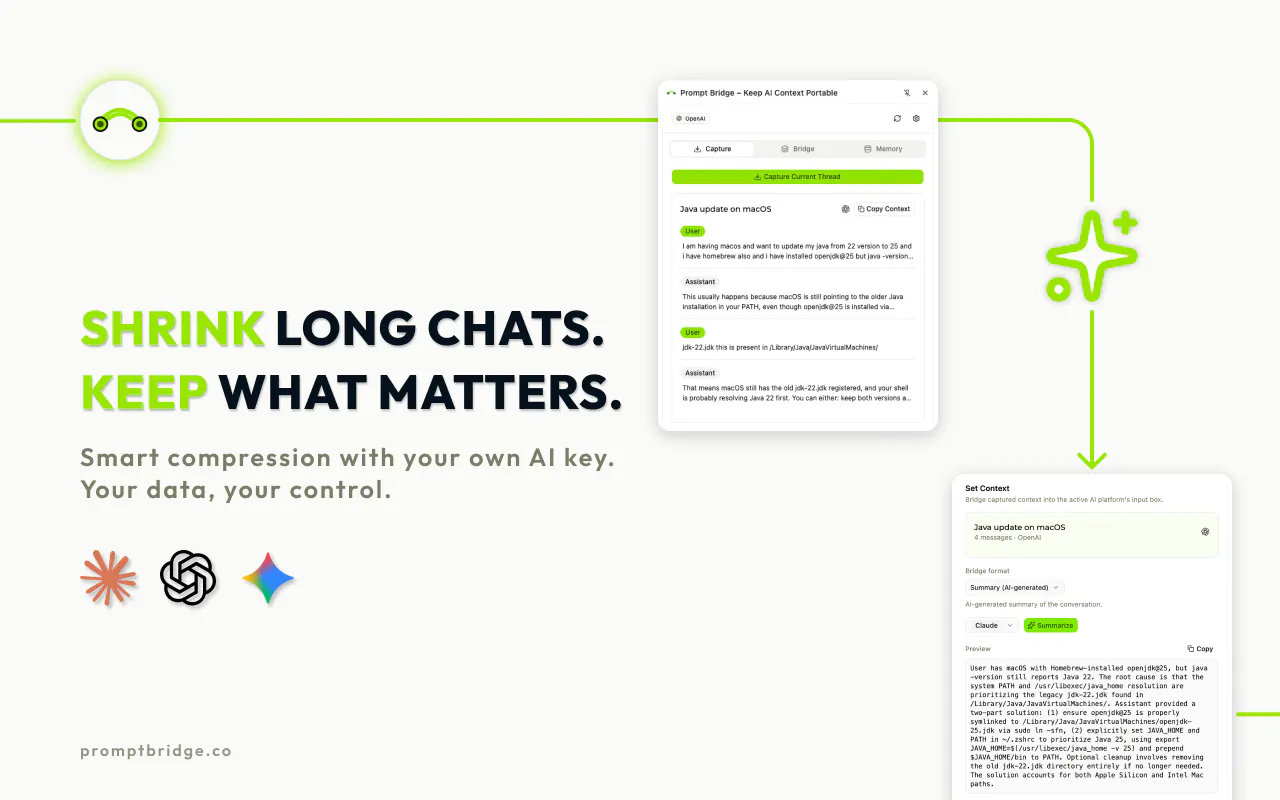
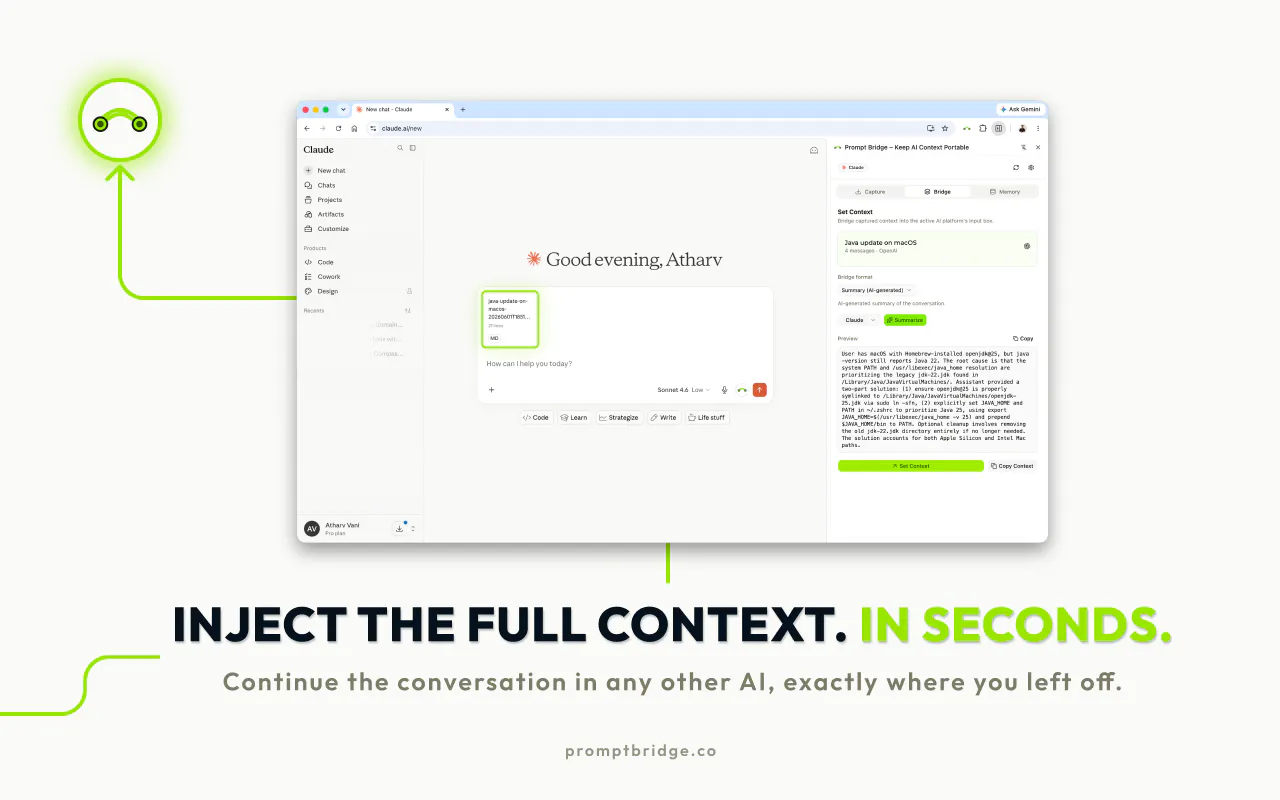
Prompt Bridge is a innovative Chrome extension designed for anyone who works extensively with AI conversation platforms. Its core function is to preserve and transfer the full context of your AI interactions across various major platforms, eliminating the need to restart or re-establish context in each new session. This makes it especially valuable for users engaged in long, complex workflows or research that require maintaining conversation continuity. By ensuring your AI conversations are portable, Prompt Bridge enhances productivity and reduces the frustration of losing valuable context. Its seamless integration with popular AI tools makes it a must-have for developers, content creators, and researchers looking for a smoother AI experience without switching between multiple tabs or losing insights.
Screenshots
Pros
- ✓Maintains full conversation context across multiple AI platforms
- ✓Saves time by preventing the need to restart or rephrase prompts
- ✓Easy to install and use as a Chrome extension
- ✓Enhances productivity for long-term or complex AI workflows
- ✓Free to use, making it accessible to all users
Cons
- ✗Limited to Chrome browser, not available for other browsers
- ✗Depends on compatibility with major AI platforms, which may vary over time
- ✗Lacks advanced customization options or integrations beyond context transfer
Use Cases
Pricing
Likely a free Chrome extension with no paid tiers, offering basic context transfer features. Additional premium features or support may be available, but details are uncertain at this time.
Quick Info
Topics
Makers

Atharv Vani
Alternatives
Similar Tools in AI Assistants




Embed Badge
Add this badge to your website to show that Prompt Bridge is featured on Visalytica.
<a href="https://www.visalytica.com/tool/prompt-bridge" target="_blank" rel="noopener noreferrer" style="display:inline-flex;align-items:center;gap:6px;padding:6px 14px;background:#7c3aed;color:#fff;border-radius:8px;font-family:-apple-system,system-ui,sans-serif;font-size:13px;font-weight:600;text-decoration:none;transition:background .2s" onmouseover="this.style.background='#6d28d9'" onmouseout="this.style.background='#7c3aed'"><svg width="14" height="14" viewBox="0 0 24 24" fill="none" stroke="currentColor" stroke-width="2.5" stroke-linecap="round" stroke-linejoin="round"><path d="M12 20V10"/><path d="M18 20V4"/><path d="M6 20v-4"/></svg>Featured on Visalytica</a>