
Privent
See Your AI Data Exposure
About Privent
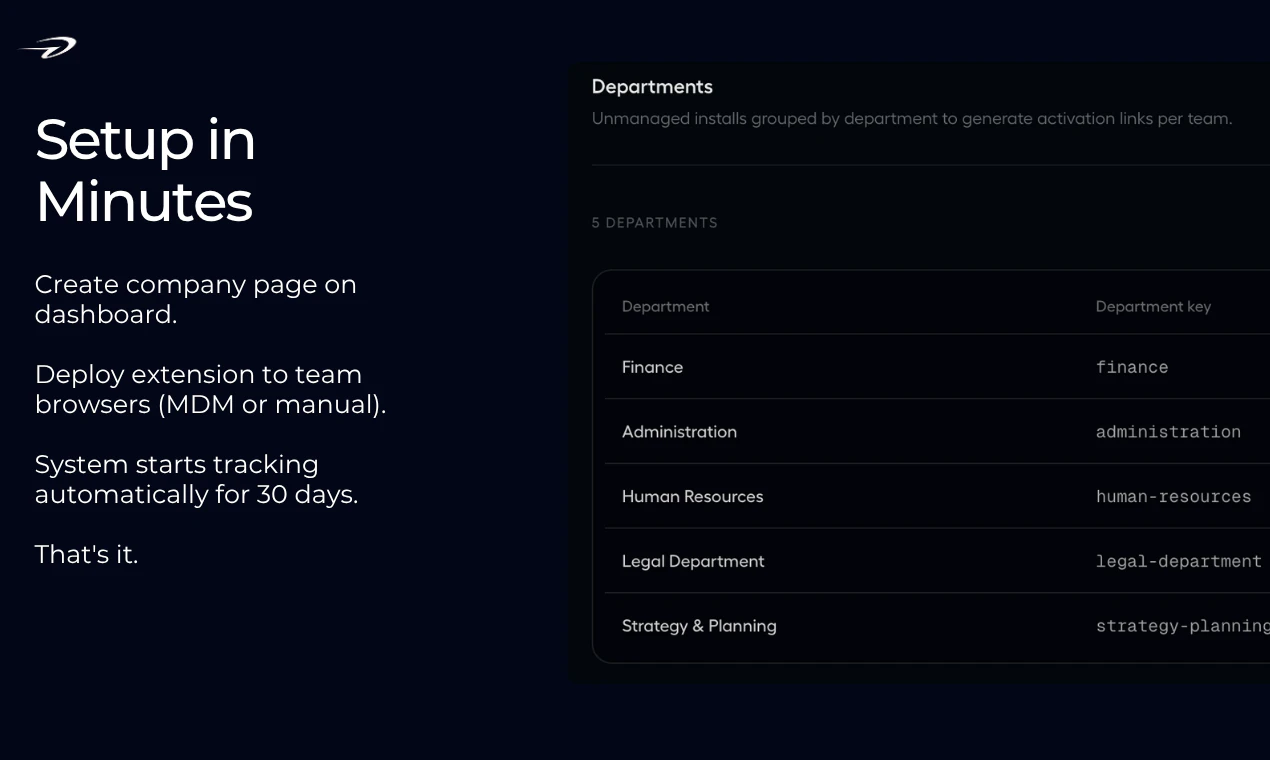
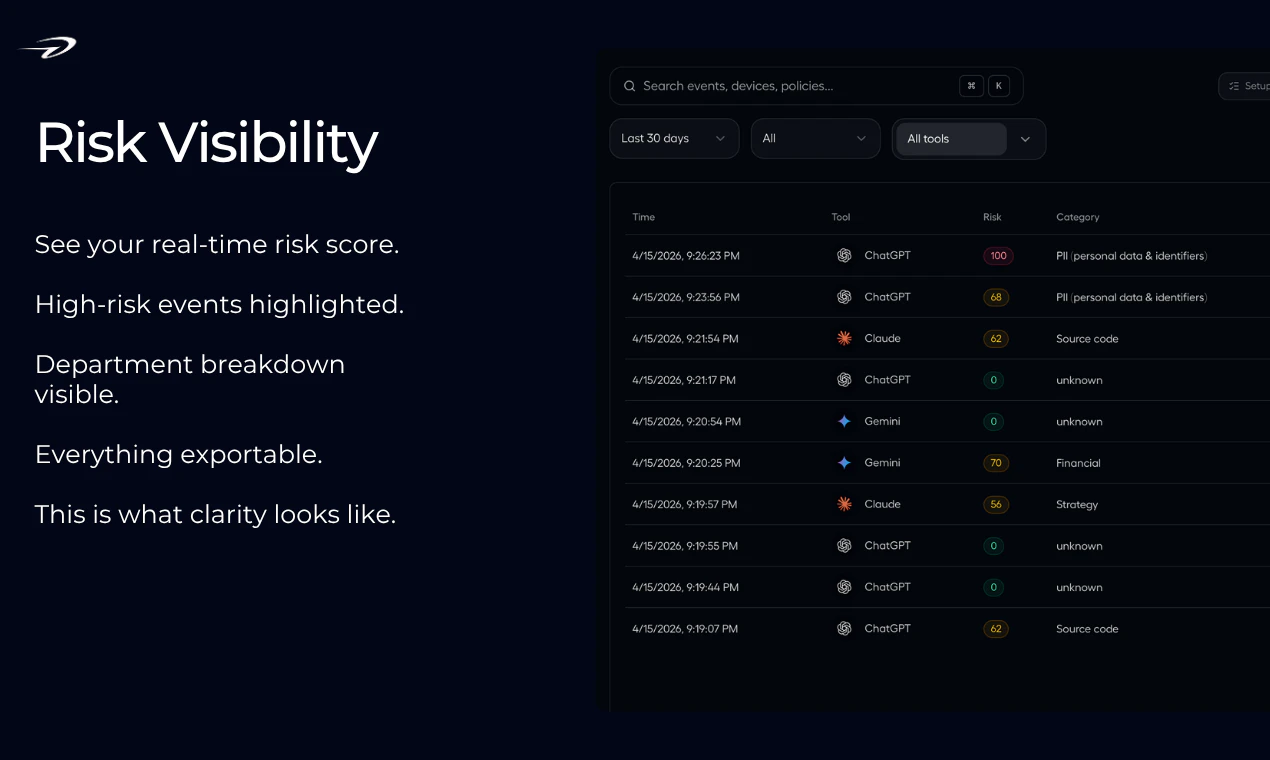
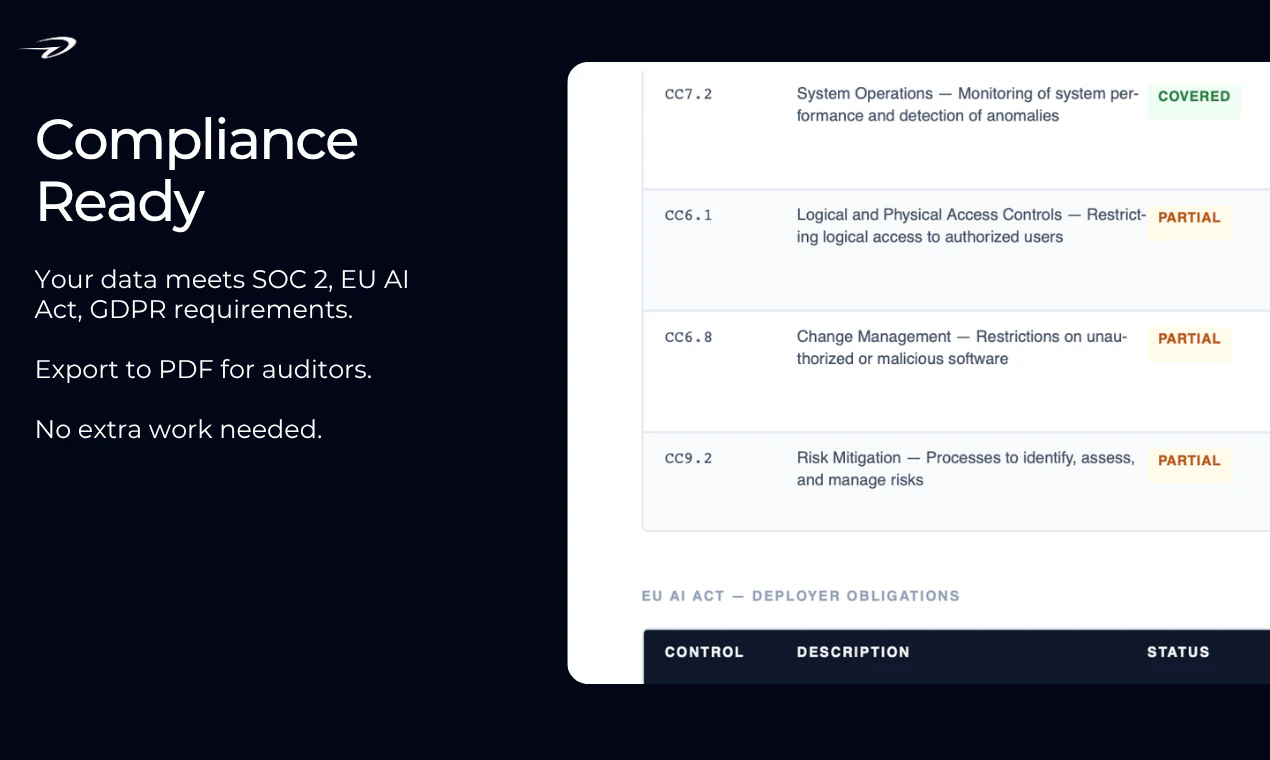
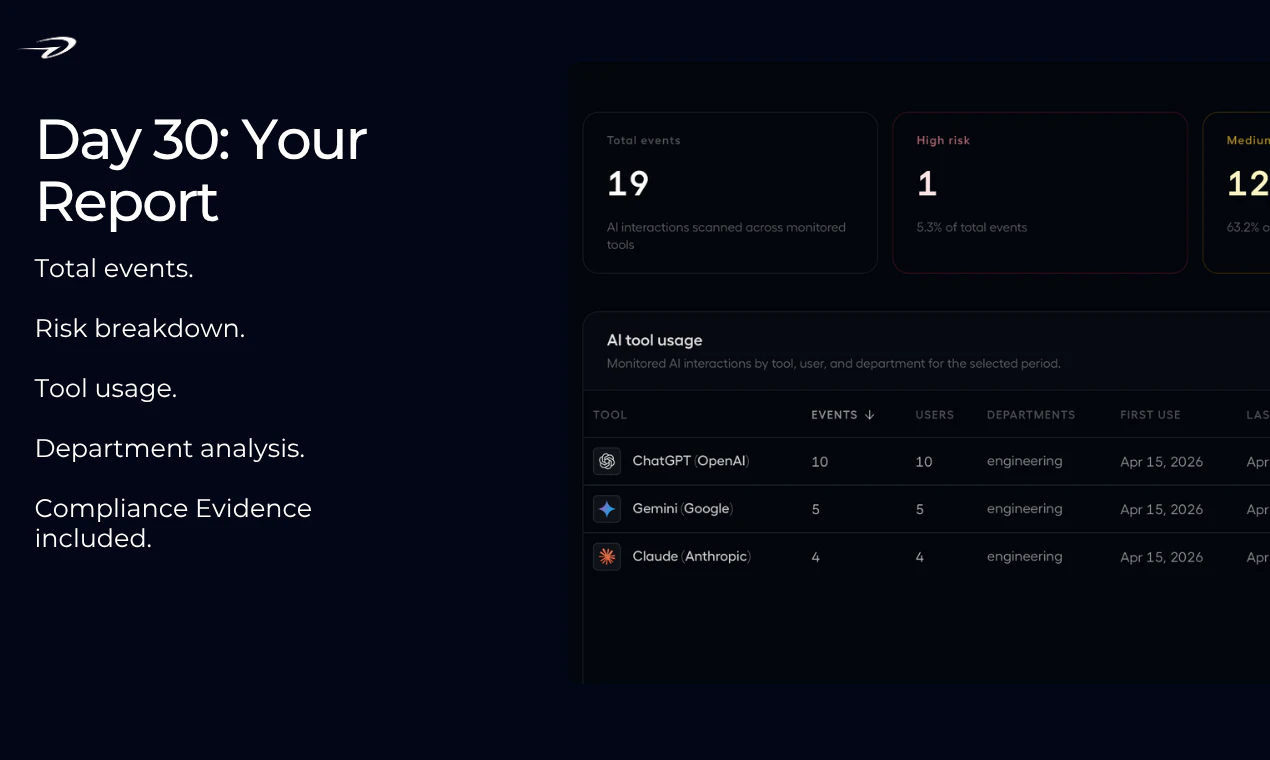
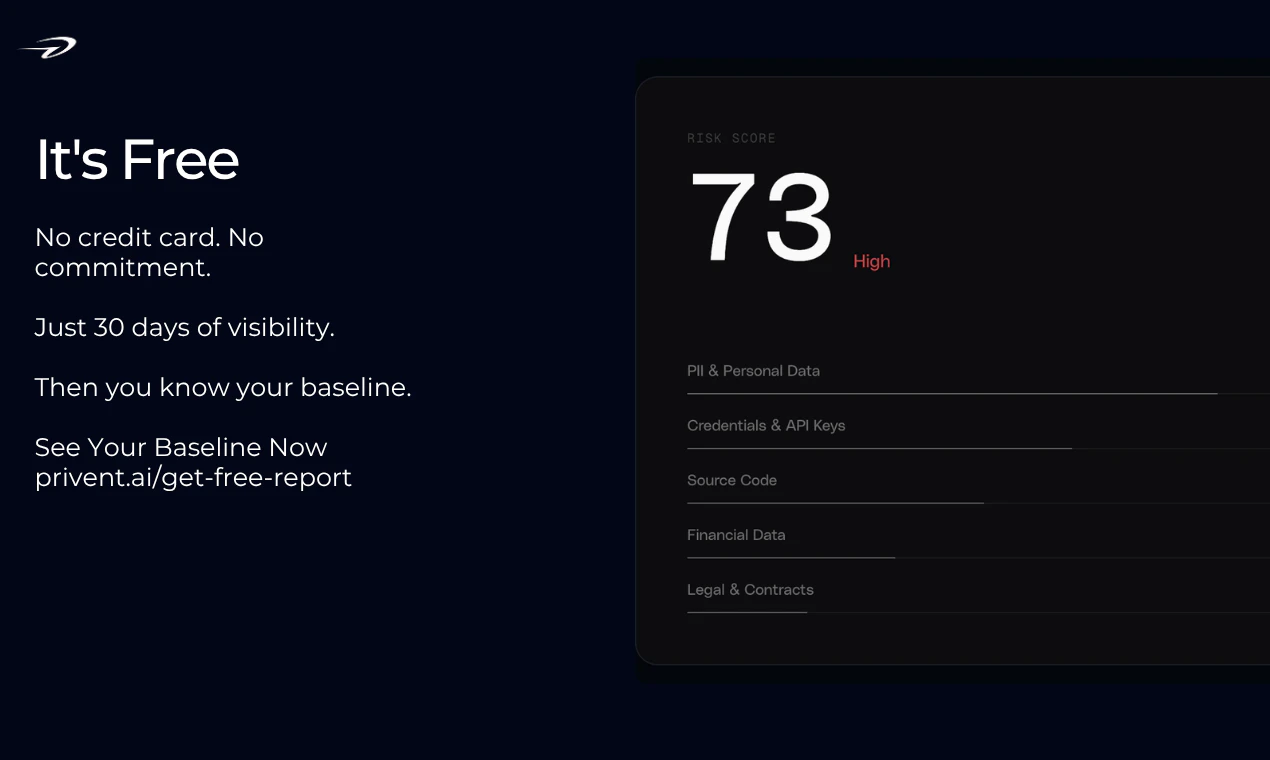
Privent is a powerful Chrome extension designed to give organizations visibility into their AI data exposure. As employees frequently send sensitive information to AI models like ChatGPT, Claude, and Gemini without awareness, Privent offers real-time detection of data leaks, including PII, credentials, source code, and financial data. It provides a 30-day window to review what data has left the organization, along with a full audit trail spanning 365 days. Built with privacy by design, Privent ensures raw prompts are never stored, while offering compliance reports aligned with SOC 2 and EU AI Act standards. Its ease of use—completely free with no setup or credit card required—makes it accessible for teams seeking to manage their AI data security proactively. This tool is ideal for security teams, compliance officers, and organizations integrating AI into their workflows who want to prevent unintended data leaks and ensure regulatory compliance in an increasingly AI-driven environment.
Screenshots

Pros
- ✓Real-time detection of sensitive data leaks
- ✓Privacy-focused with no storage of raw prompts
- ✓Easy to install and use, no setup or costs
- ✓Provides comprehensive compliance reporting
- ✓Full audit trail for 365 days
Cons
- ✗Limited to Chrome extension, may require additional tools for broader coverage
- ✗Currently lacks detailed customization options for alerts
- ✗No information on premium features or advanced integrations
Use Cases
Pricing
Privent appears to be free to use, with no mention of paid plans or premium features, making it accessible for small and large organizations alike.
Quick Info
Topics
Alternatives
Similar Tools in AI Assistants




Embed Badge
Add this badge to your website to show that Privent is featured on Visalytica.
<a href="https://www.visalytica.com/tool/privent" target="_blank" rel="noopener noreferrer" style="display:inline-flex;align-items:center;gap:6px;padding:6px 14px;background:#7c3aed;color:#fff;border-radius:8px;font-family:-apple-system,system-ui,sans-serif;font-size:13px;font-weight:600;text-decoration:none;transition:background .2s" onmouseover="this.style.background='#6d28d9'" onmouseout="this.style.background='#7c3aed'"><svg width="14" height="14" viewBox="0 0 24 24" fill="none" stroke="currentColor" stroke-width="2.5" stroke-linecap="round" stroke-linejoin="round"><path d="M12 20V10"/><path d="M18 20V4"/><path d="M6 20v-4"/></svg>Featured on Visalytica</a>