PrintScreen.ly
Screenshots and screen recording your desktop deserves.
About PrintScreen.ly
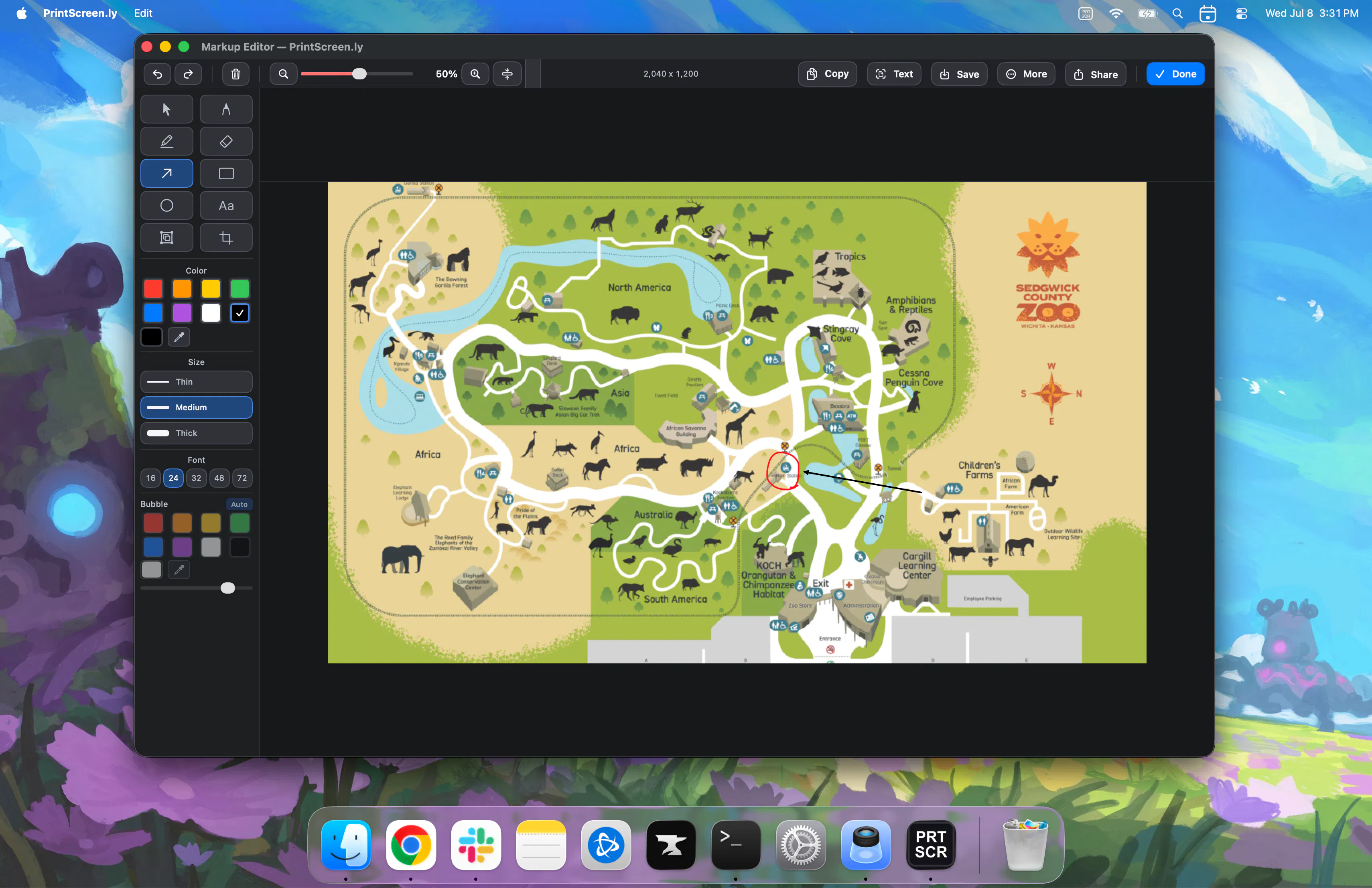
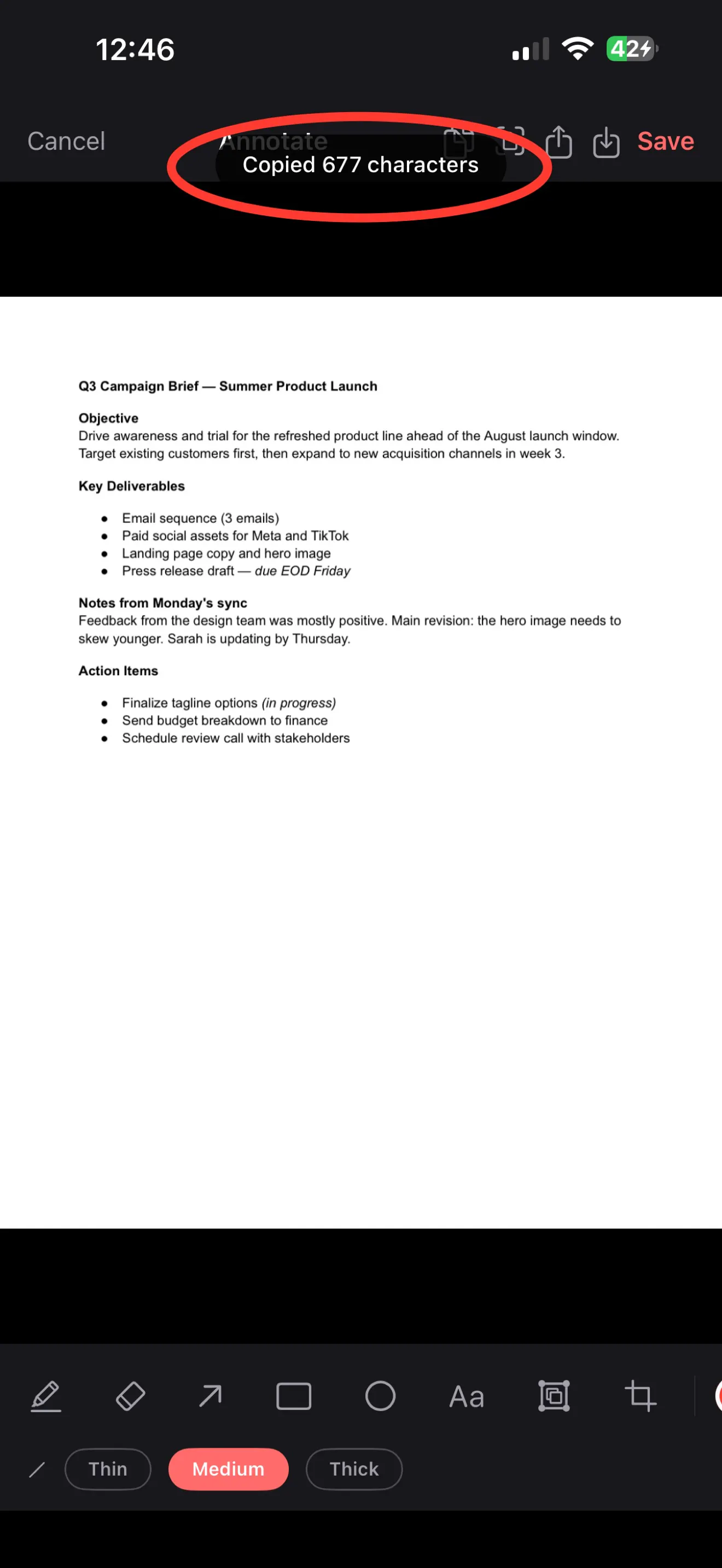
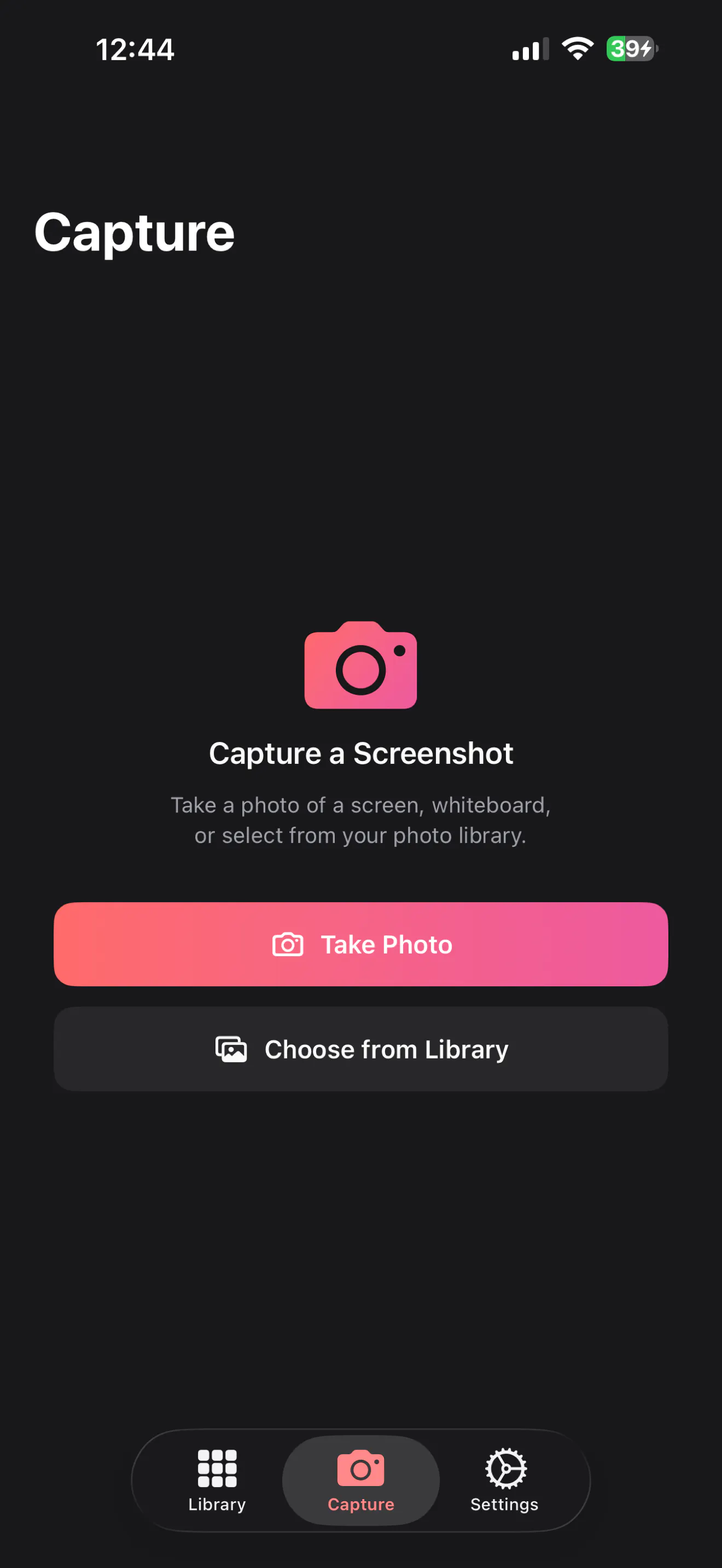
PrintScreen.ly is a versatile screenshot and screen recording tool designed for Mac and Windows users who need quick, reliable capture solutions. It supports capturing region, window, fullscreen, and scrolling screenshots, making it ideal for detailed visual documentation. The tool also offers screen recording capabilities with audio, allowing users to record MP4 videos with system and microphone audio, which is perfect for tutorials, demos, or quick recordings. The use of global hotkeys enables instant access from anywhere, while delayed captures make it easy to grab tricky menus or tooltips. Every screenshot is automatically saved, copied to the clipboard, and synced across platforms via a cloud library, ensuring seamless access and organization. Recordings are stored locally in the user’s designated folder, maintaining privacy and control over data. Its combination of powerful features and cross-platform functionality makes PrintScreen.ly suitable for designers, developers, content creators, and productivity-focused users alike, offering a comprehensive yet straightforward capture experience.
Screenshots
Pros
- ✓Supports multiple capture modes including region, window, fullscreen, and scrolling
- ✓Integrated screen recording with system and mic audio in MP4 format
- ✓Global hotkeys enable quick access from any location
- ✓Auto-saving and cloud sync for easy organization and multi-device access
- ✓Delayed captures for capturing tricky menus and tooltips
Cons
- ✗Recording files are stored locally, which might be less convenient for users wanting cloud storage for videos
- ✗No mention of advanced editing tools or annotations within the app
- ✗Pricing details are unclear, which could impact decision-making for some users
Use Cases
Pricing
Likely follows a freemium model, offering core screenshot and recording features for free with potential paid plans for advanced features or storage options. Exact pricing details are not specified.

Similar Tools in Developer Tools




Embed Badge
Add this badge to your website to show that PrintScreen.ly is featured on Visalytica.
<a href="https://www.visalytica.com/tool/printscreen-ly" target="_blank" rel="noopener noreferrer" style="display:inline-flex;align-items:center;gap:6px;padding:6px 14px;background:#7c3aed;color:#fff;border-radius:8px;font-family:-apple-system,system-ui,sans-serif;font-size:13px;font-weight:600;text-decoration:none;transition:background .2s" onmouseover="this.style.background='#6d28d9'" onmouseout="this.style.background='#7c3aed'"><svg width="14" height="14" viewBox="0 0 24 24" fill="none" stroke="currentColor" stroke-width="2.5" stroke-linecap="round" stroke-linejoin="round"><path d="M12 20V10"/><path d="M18 20V4"/><path d="M6 20v-4"/></svg>Featured on Visalytica</a>