Presentify
Take your presentation skills to the next level
About Presentify
Presentify is a powerful macOS application designed to enhance the clarity and engagement of digital presentations. It offers a suite of annotation tools, including cursor highlighting, spotlighting, zooming, and screen annotation, making it ideal for educators, sales professionals, and remote presenters. Compatible with popular presentation platforms like Keynote, Google Slides, and PowerPoint, as well as video conferencing apps such as Zoom, Microsoft Teams, and Google Meet, Presentify ensures presenters can emphasize key points seamlessly during live sessions or recordings. Its intuitive interface and real-time annotation capabilities set it apart, allowing users to deliver more dynamic and professional presentations with minimal effort. Whether conducting webinars, online classes, or sales demos, Presentify helps users communicate more effectively and keep their audience engaged.
Screenshots
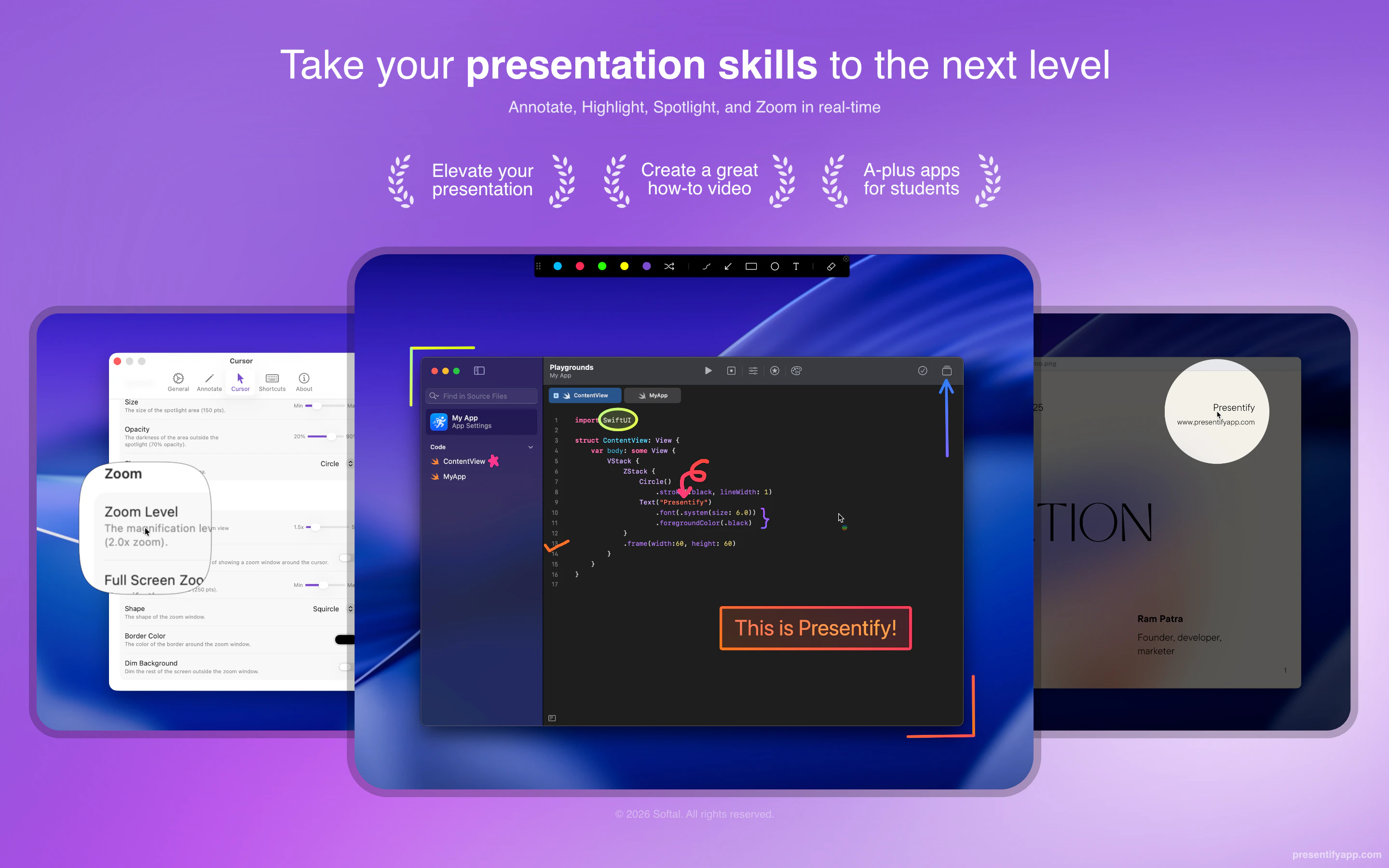
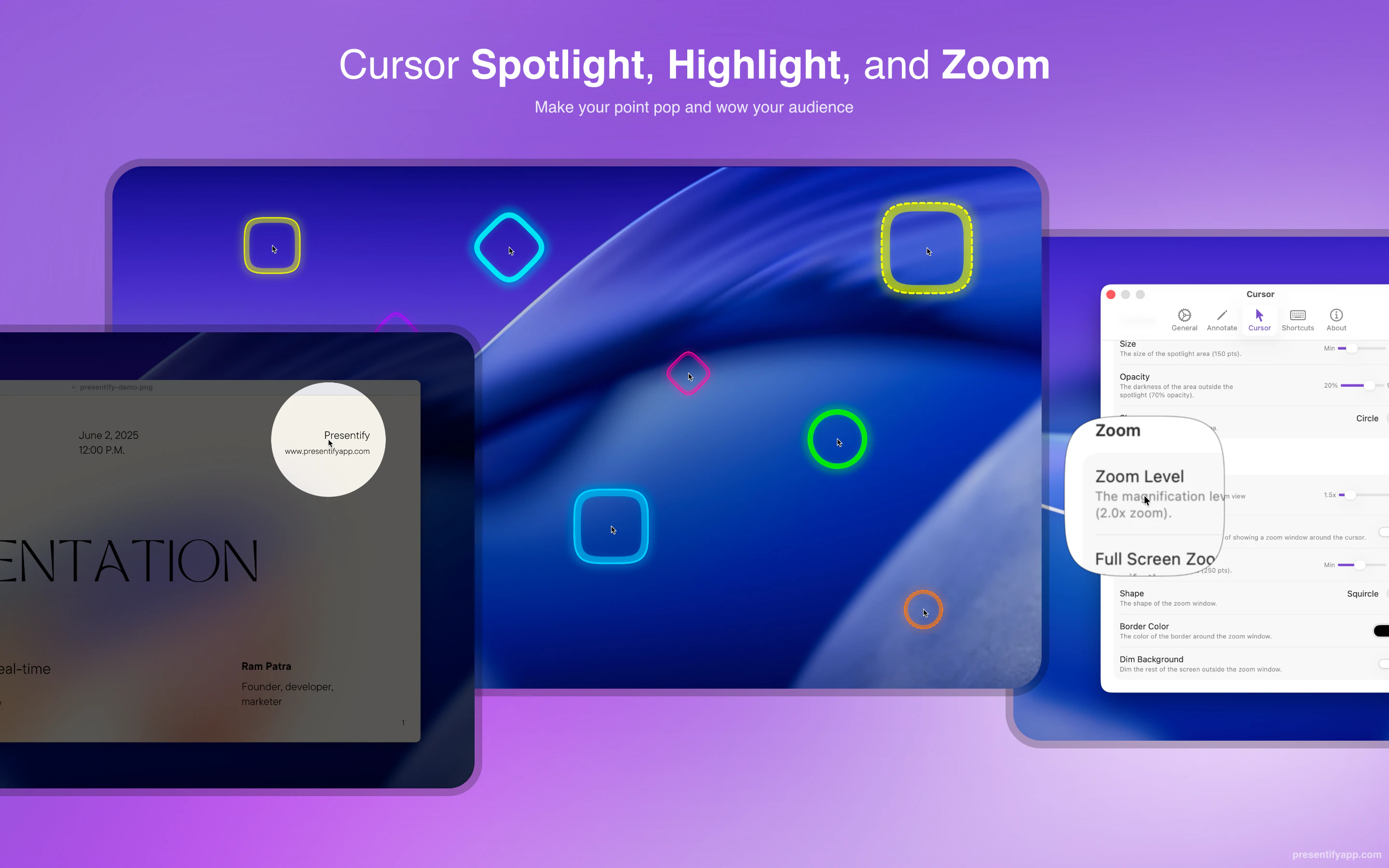
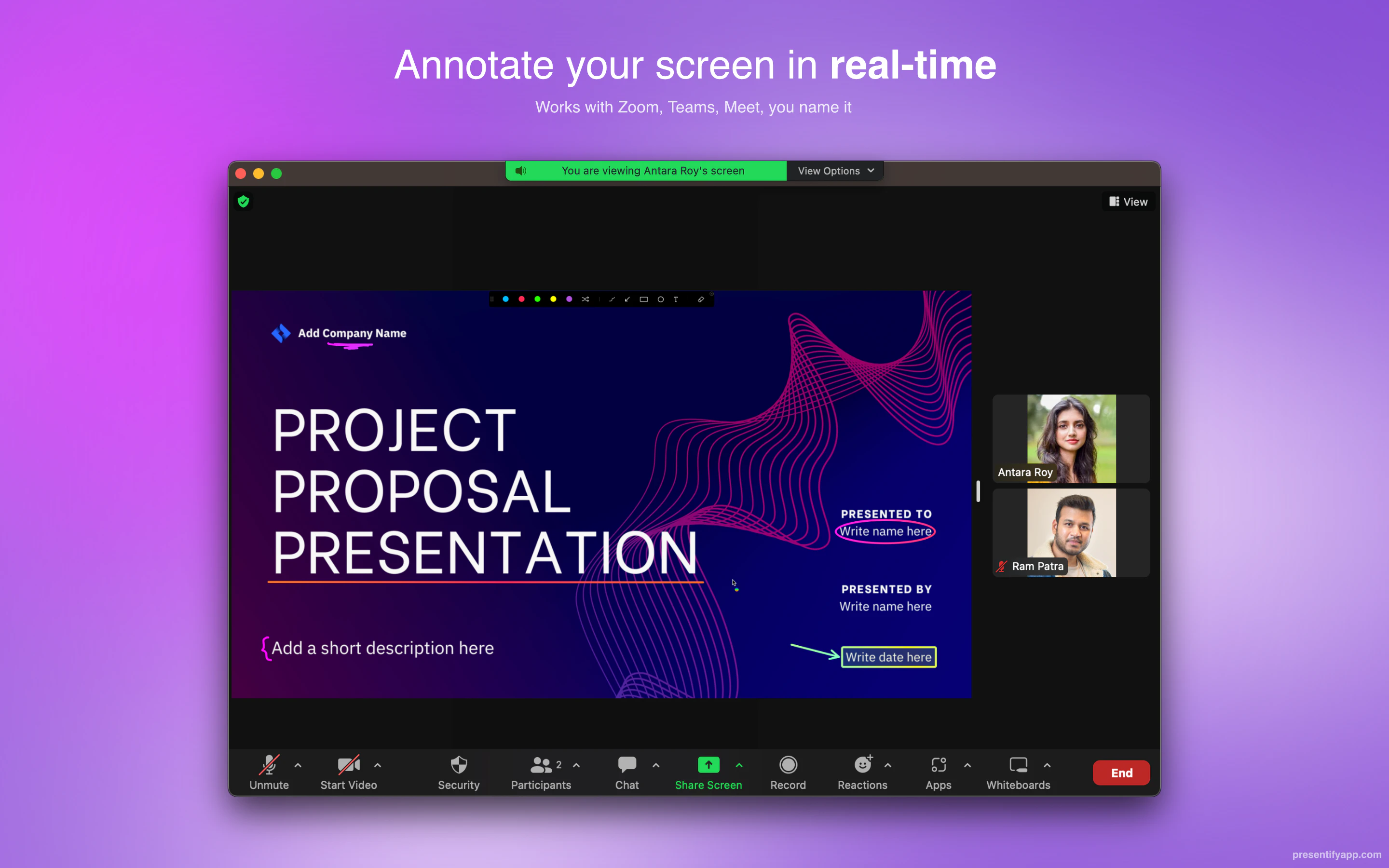
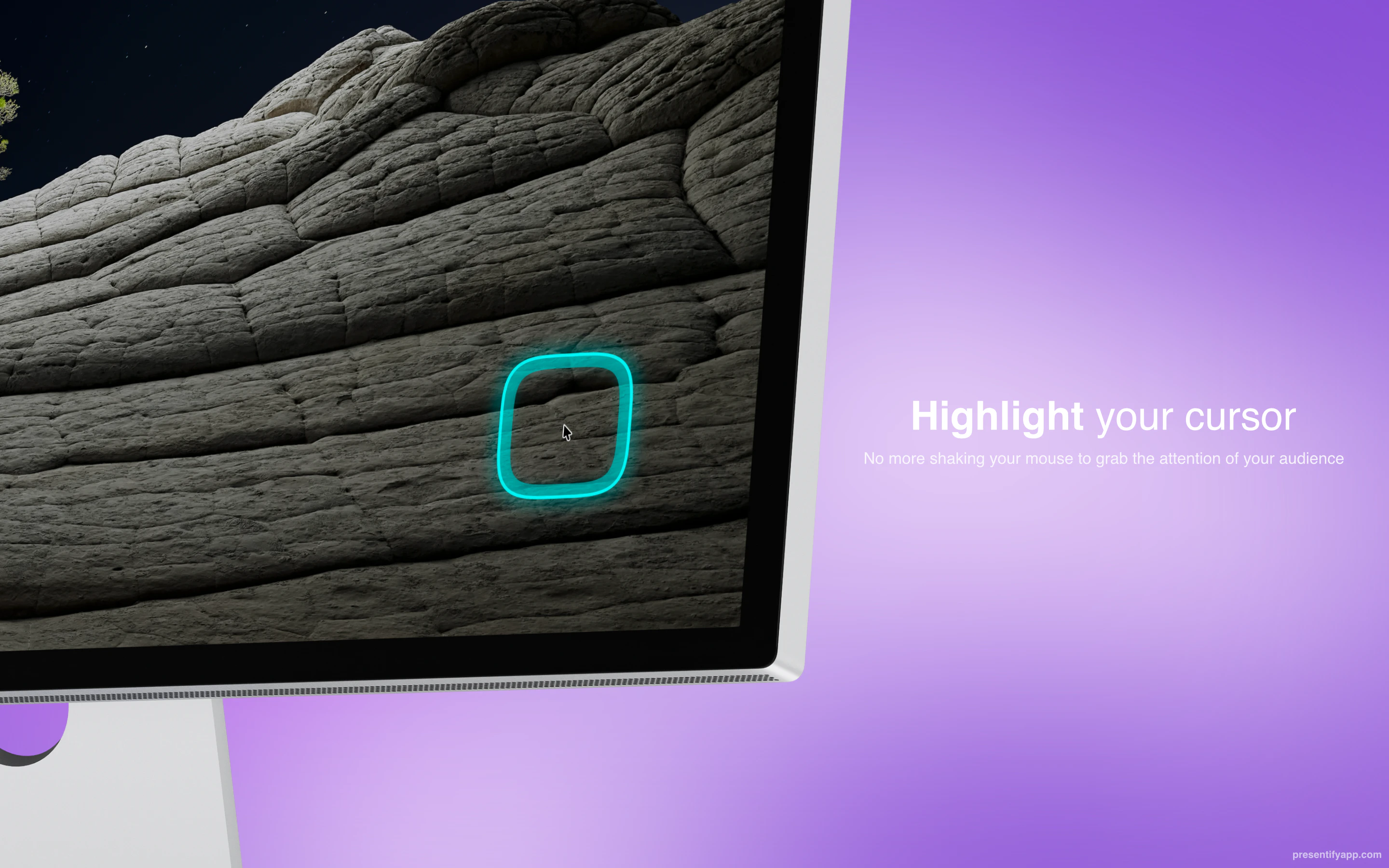
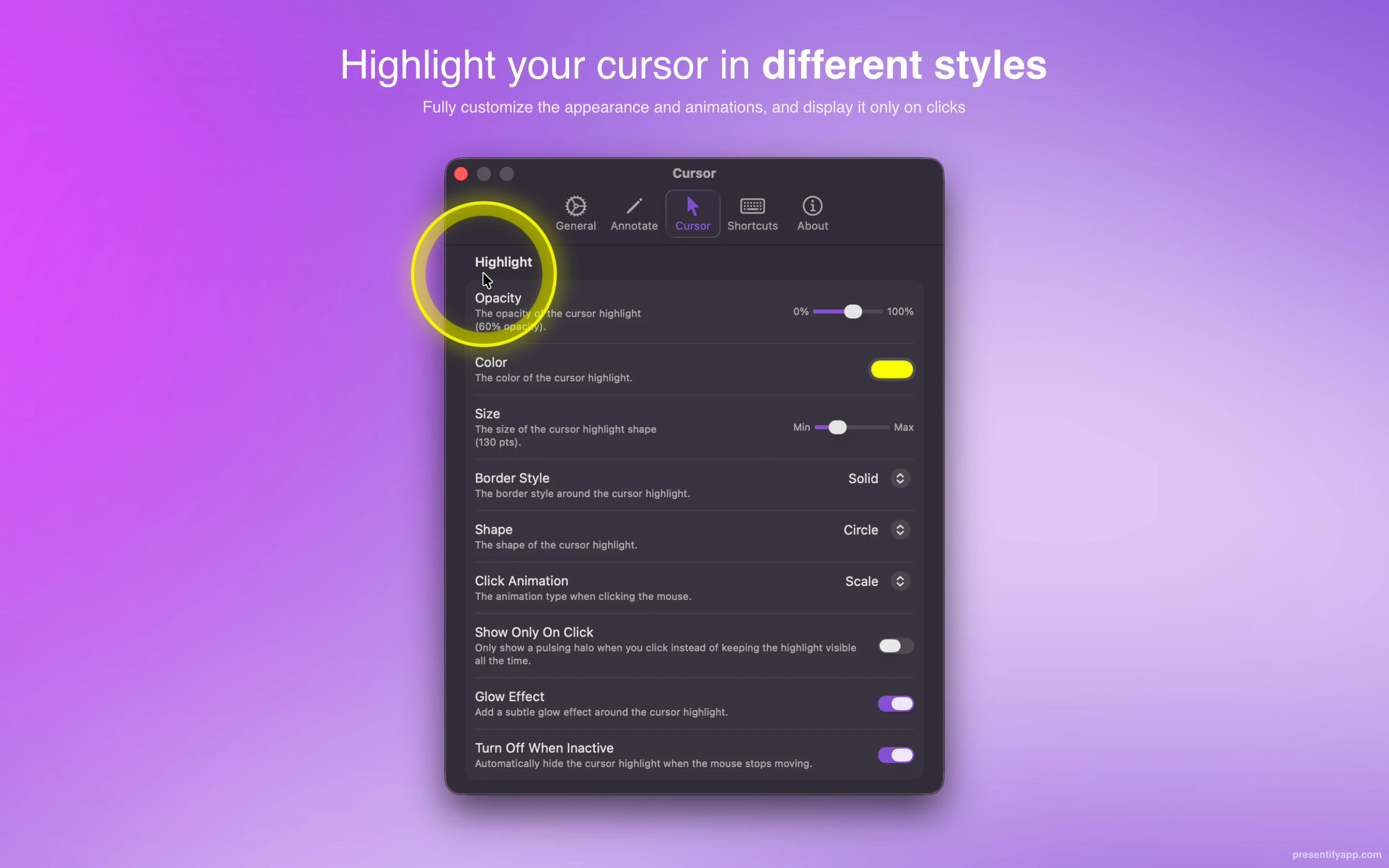
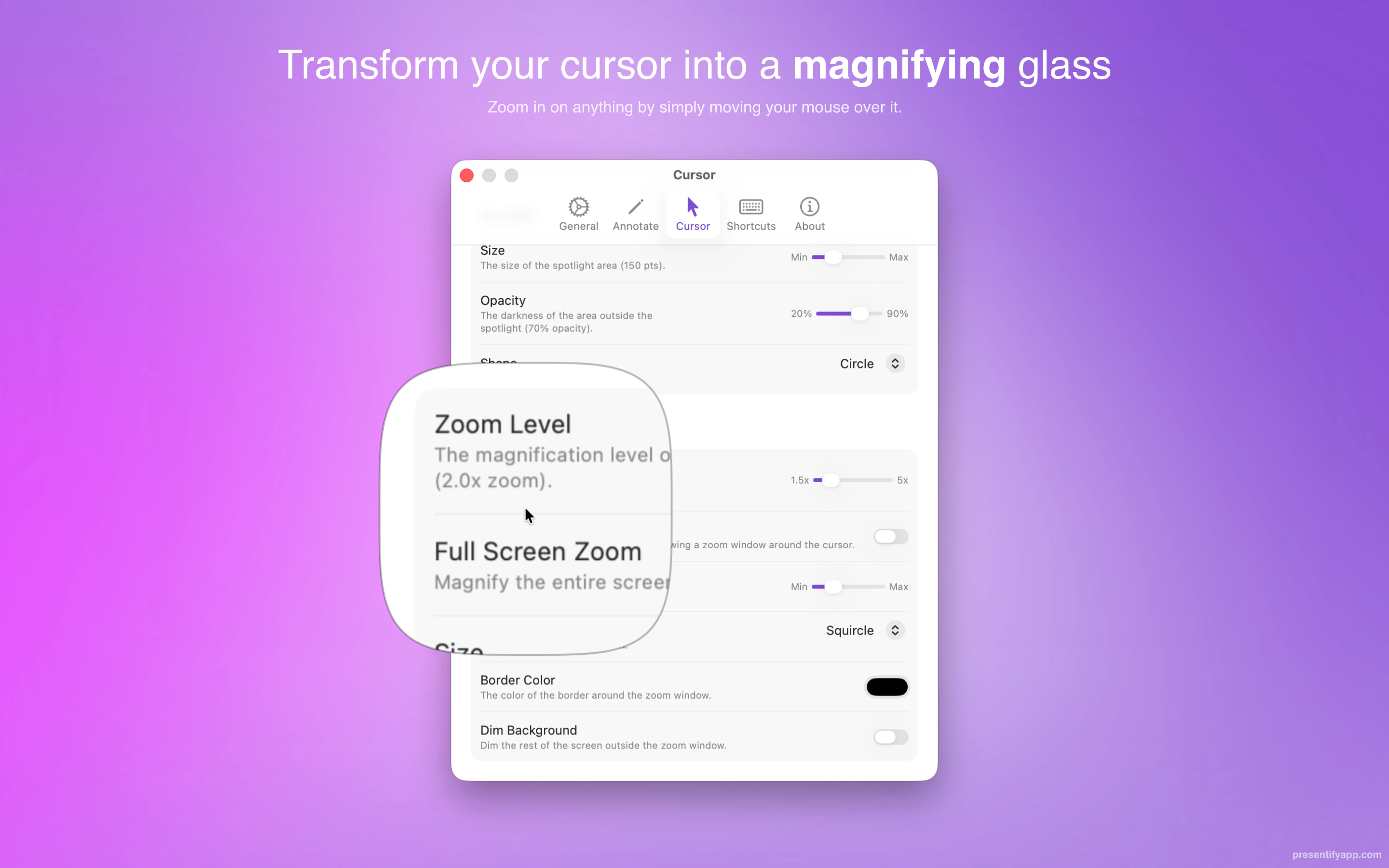
+3 more screenshots
Pros
- ✓Easy-to-use interface with real-time annotation features
- ✓Compatible with multiple presentation and video conferencing apps
- ✓Enhances audience engagement through visual emphasis
- ✓Lightweight and performs smoothly on macOS
- ✓Allows for highlighting, spotlighting, and zooming on specific screen areas
Cons
- ✗Limited to macOS, excluding Windows and Linux users
- ✗Features may be basic compared to full-fledged presentation software
- ✗Lacks advanced recording or editing capabilities
Use Cases
Pricing
Likely operates on a freemium model with basic features available for free, with premium plans offering additional functionalities at a monthly or yearly fee. Exact pricing details are not specified but are typically affordable for individual professionals and teams.
Quick Info
Topics
Alternatives
Similar Tools in AI Image & Design




Embed Badge
Add this badge to your website to show that Presentify is featured on Visalytica.
<a href="https://www.visalytica.com/tool/presentify" target="_blank" rel="noopener noreferrer" style="display:inline-flex;align-items:center;gap:6px;padding:6px 14px;background:#7c3aed;color:#fff;border-radius:8px;font-family:-apple-system,system-ui,sans-serif;font-size:13px;font-weight:600;text-decoration:none;transition:background .2s" onmouseover="this.style.background='#6d28d9'" onmouseout="this.style.background='#7c3aed'"><svg width="14" height="14" viewBox="0 0 24 24" fill="none" stroke="currentColor" stroke-width="2.5" stroke-linecap="round" stroke-linejoin="round"><path d="M12 20V10"/><path d="M18 20V4"/><path d="M6 20v-4"/></svg>Featured on Visalytica</a>