
Portlivo
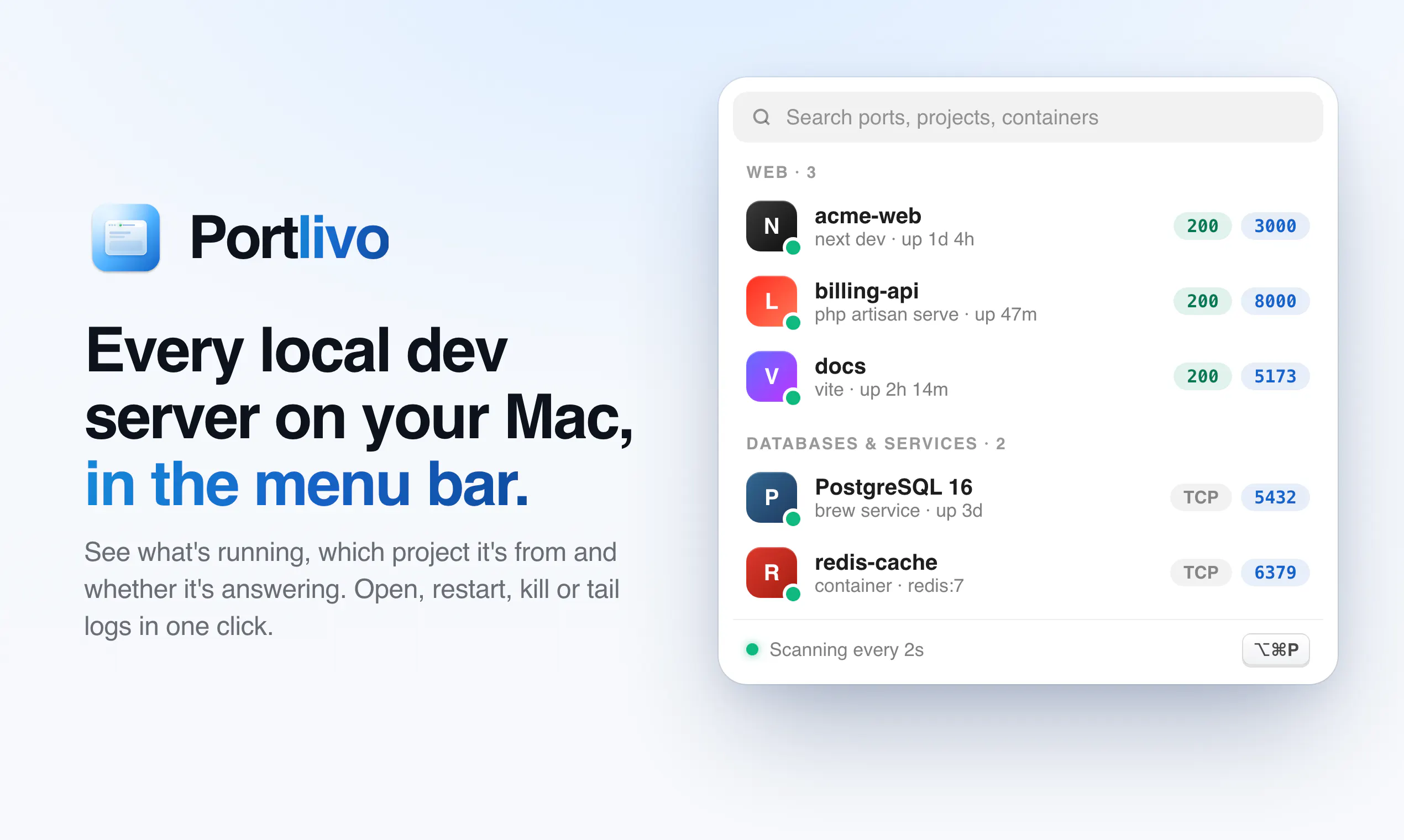
Every local dev server on your Mac, in the menu bar
About Portlivo
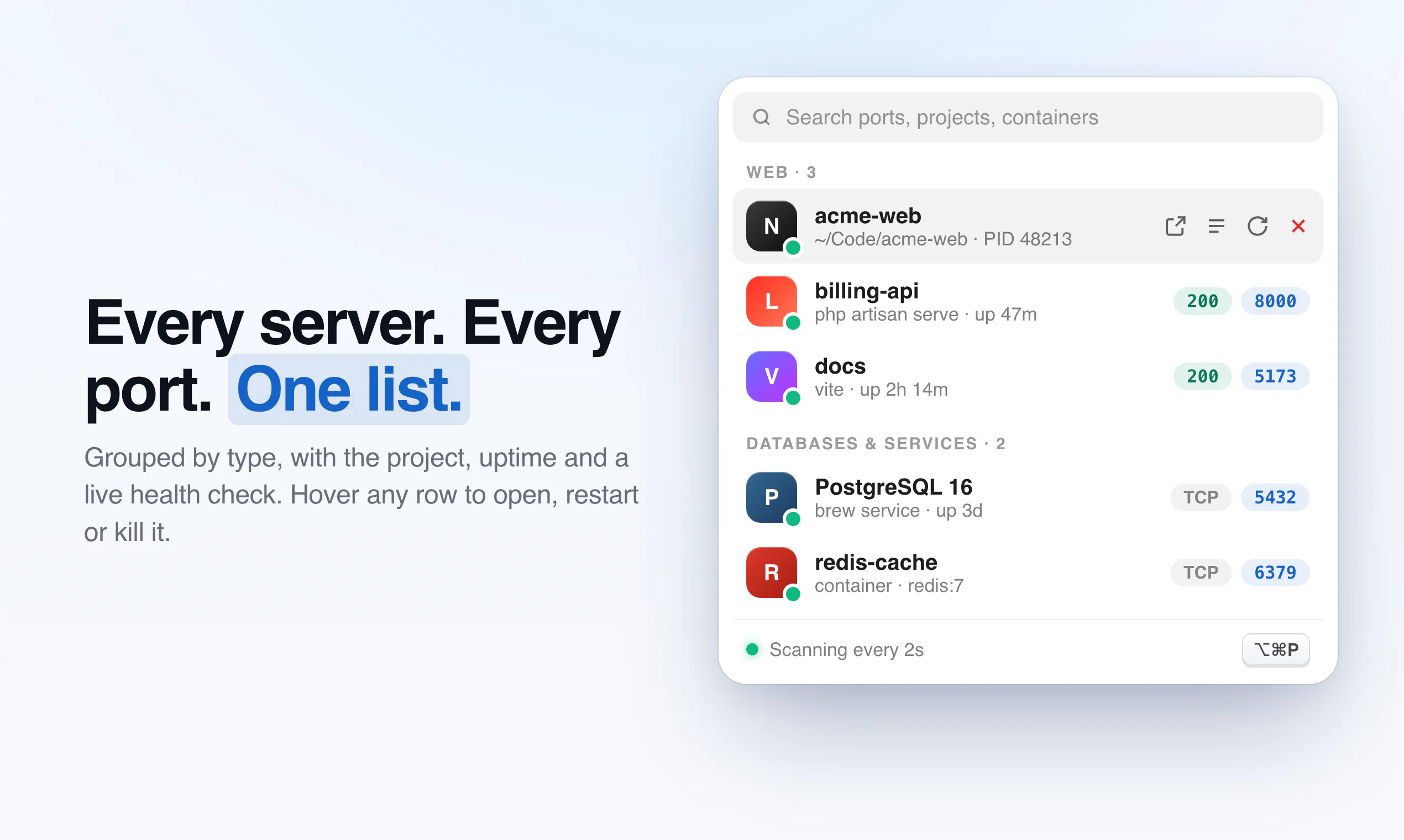
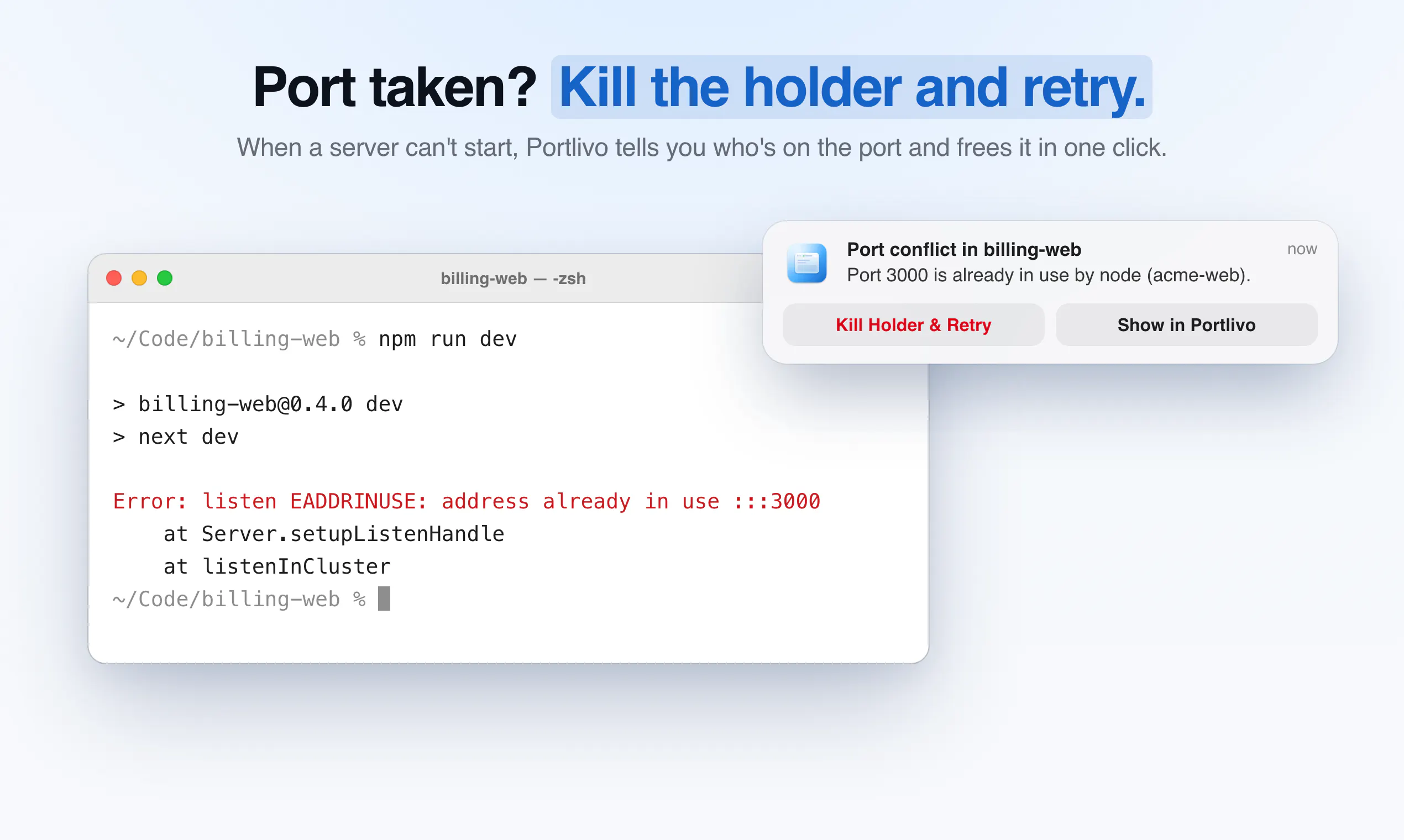
Portlivo is a streamlined macOS menu bar application designed for developers who manage multiple local servers. It provides real-time visibility into all running dev servers and their associated ports, displaying crucial details such as project origin, startup commands, uptime, and responsiveness. With a simple click, users can open, restart, kill processes, tail logs, or share server information, significantly enhancing workflow efficiency. Its native, lightweight design requires no account setup and offers a one-time purchase model, making it accessible and easy to use for individual developers and small teams alike. Portlivo’s focus on simplicity and quick access makes it a valuable tool for developers who need quick insights and control over local environments without cluttering their workspace.
Screenshots

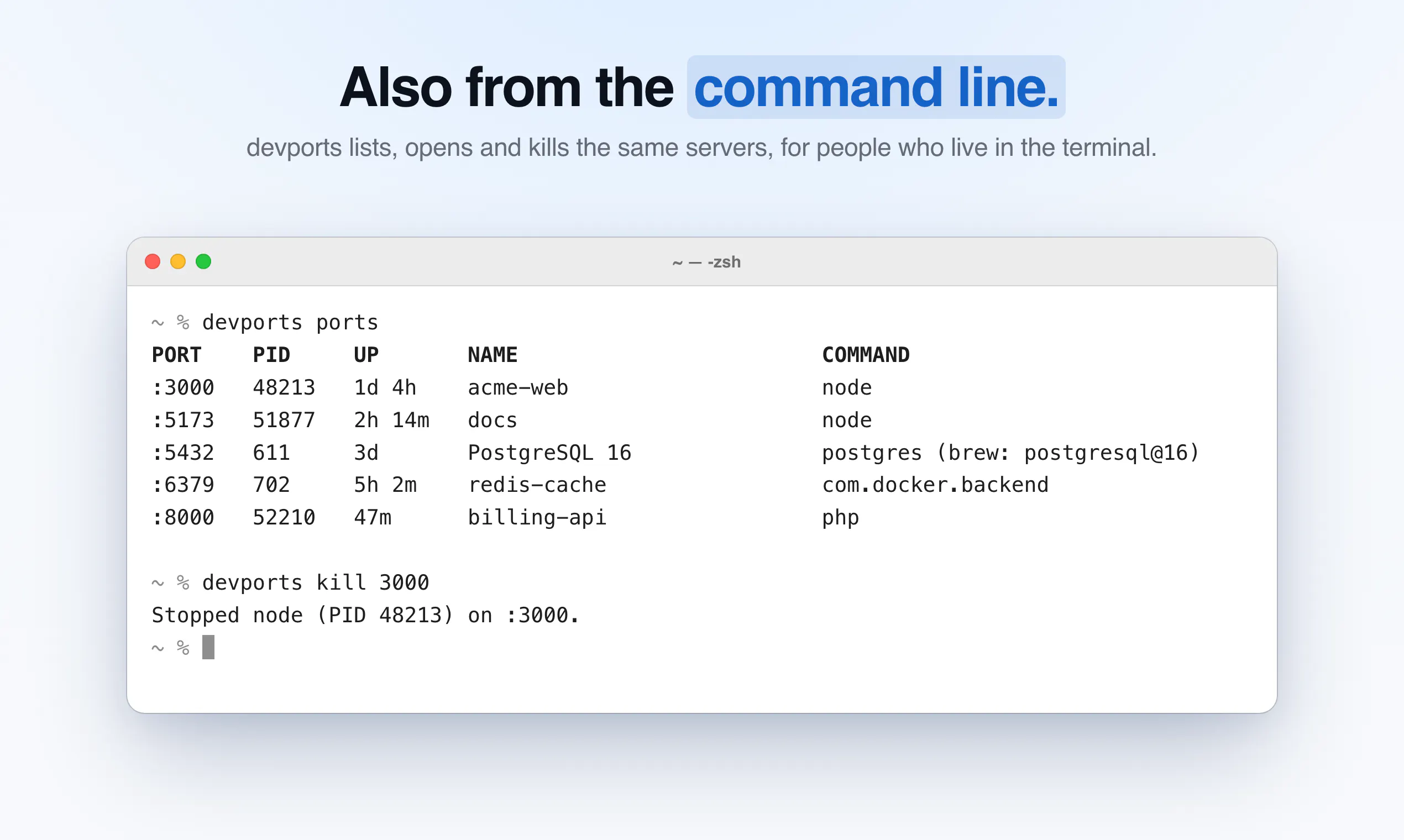
+1 more screenshots
Pros
- ✓Real-time monitoring of all local dev servers and ports
- ✓One-click controls for opening, restarting, killing, and sharing servers
- ✓No account needed, native Mac application, one-time payment
- ✓Provides detailed insights like project info, uptime, and logs
- ✓Lightweight and seamlessly integrates into the menu bar
Cons
- ✗Limited to Mac users, not cross-platform
- ✗Features are focused on local server management, may lack advanced integrations
- ✗User interface details and customization options are not specified
Use Cases
Pricing
Pricing not verified
Quick Info
Topics
Makers

Anmol Sethi
Similar Tools in Developer Tools




Embed Badge
Add this badge to your website to show that Portlivo is featured on Visalytica.
<a href="https://www.visalytica.com/tool/portlivo" target="_blank" rel="noopener noreferrer" style="display:inline-flex;align-items:center;gap:6px;padding:6px 14px;background:#7c3aed;color:#fff;border-radius:8px;font-family:-apple-system,system-ui,sans-serif;font-size:13px;font-weight:600;text-decoration:none;transition:background .2s" onmouseover="this.style.background='#6d28d9'" onmouseout="this.style.background='#7c3aed'"><svg width="14" height="14" viewBox="0 0 24 24" fill="none" stroke="currentColor" stroke-width="2.5" stroke-linecap="round" stroke-linejoin="round"><path d="M12 20V10"/><path d="M18 20V4"/><path d="M6 20v-4"/></svg>Featured on Visalytica</a>