
PopTask v2.0
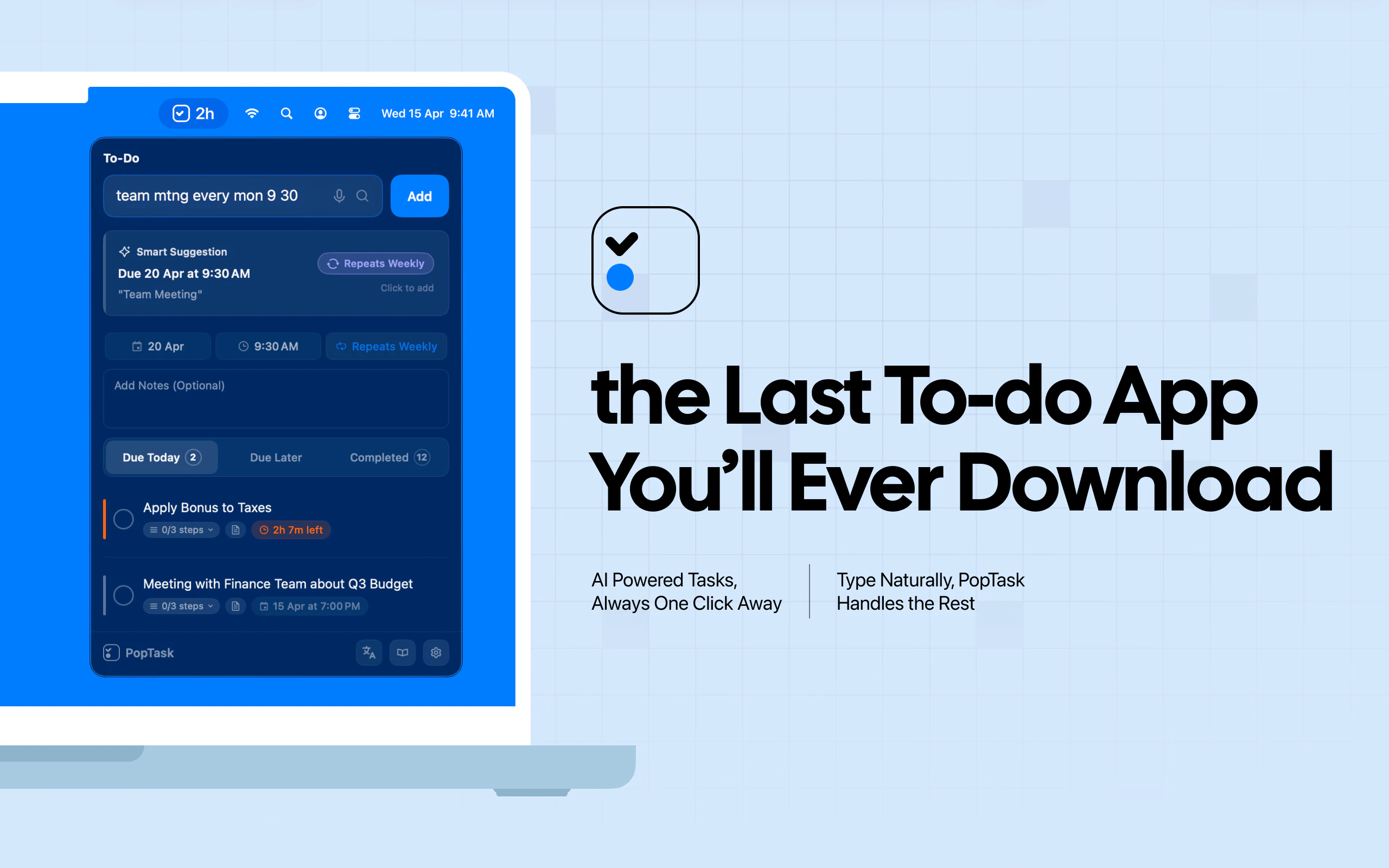
3 seconds from thought to task. No clicks, no app switching.
About PopTask v2.0
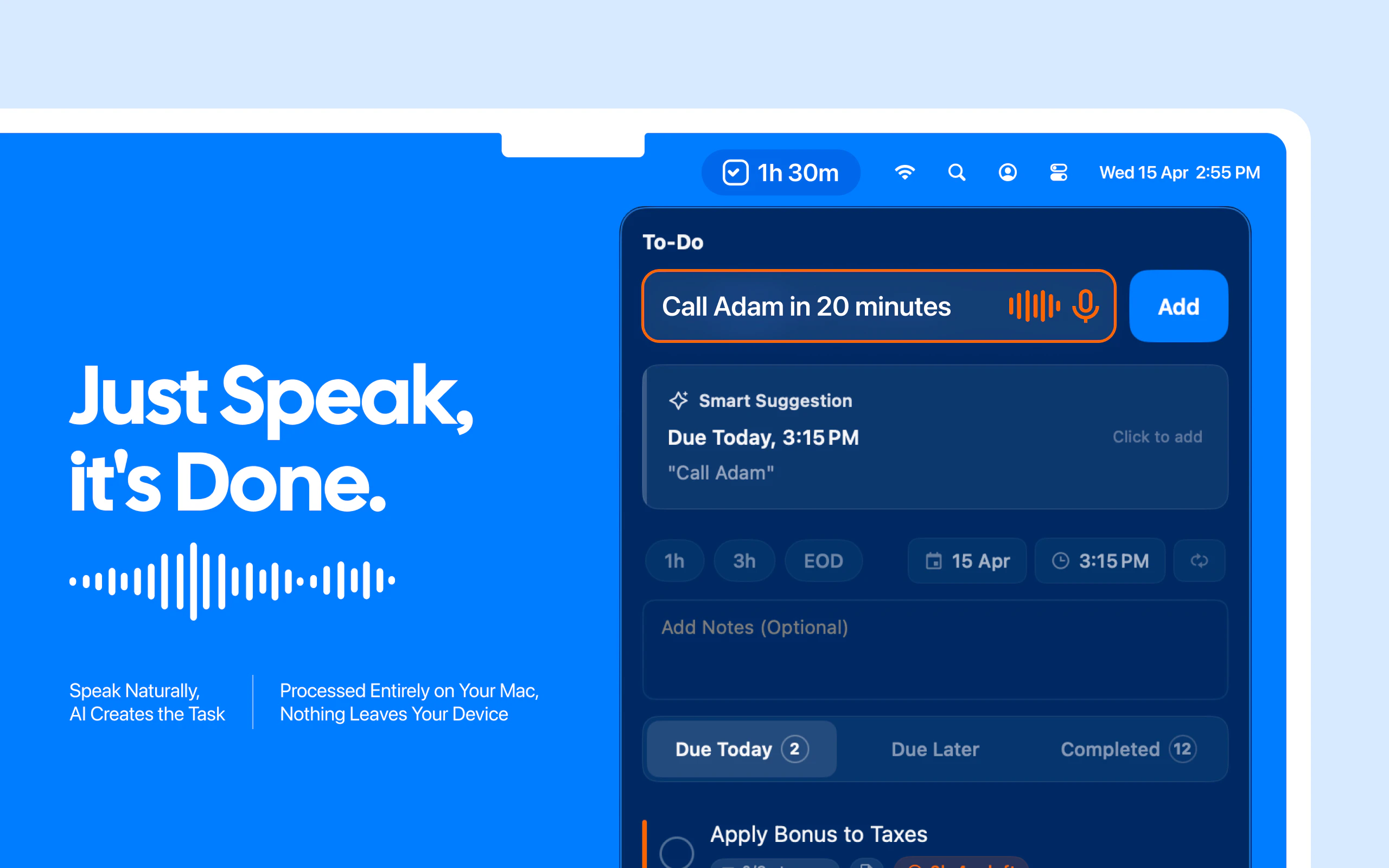
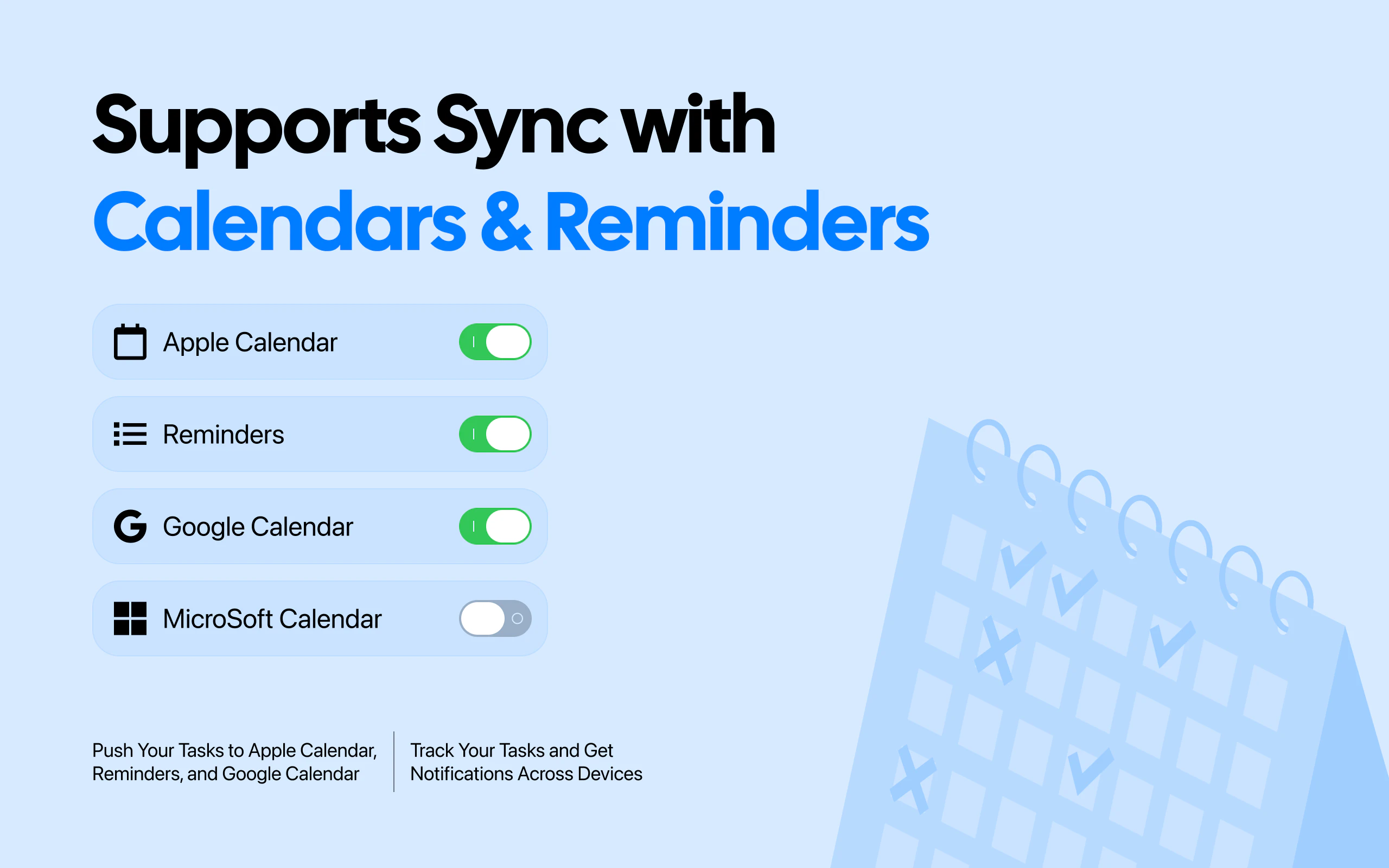
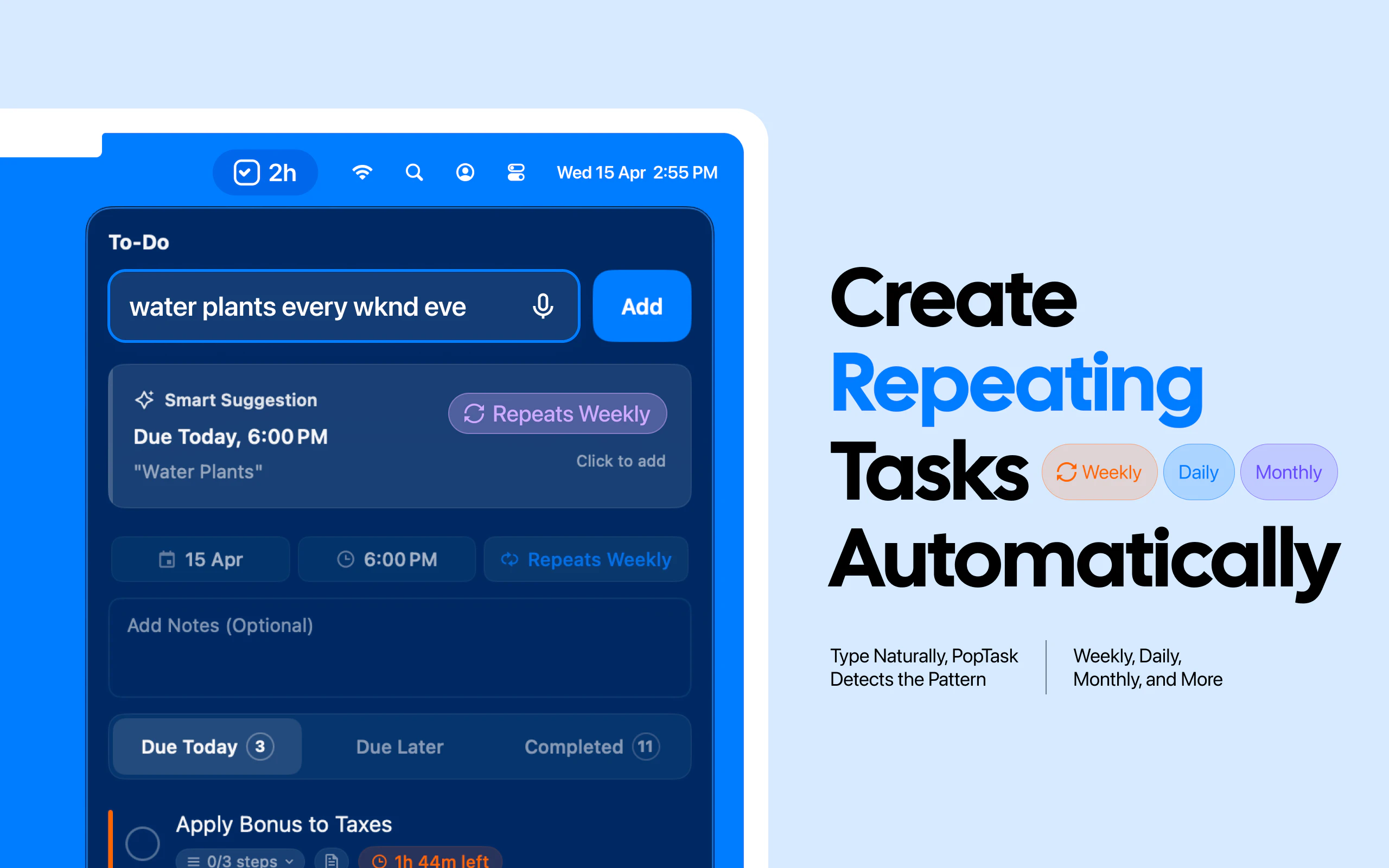
PopTask v2.0 is an innovative productivity tool designed for those who want to capture and schedule tasks instantly without disrupting their workflow. Using just a quick shortcut, users can type or speak a task—such as 'meeting with boss in 2 hours'—and PopTask automatically schedules it across popular calendar and reminder platforms like Google Calendar, Apple Calendar, and Reminders. Its core appeal lies in its seamless, no-click, no-app-switching approach, allowing users to stay focused on their work while effortlessly managing tasks. No forms, dropdowns, or date pickers are needed; just natural language input. The tool emphasizes privacy and simplicity by avoiding cloud storage and tracking, making it ideal for privacy-conscious users seeking speed and convenience. Its minimalistic design and quick interaction model make it suitable for professionals, students, and anyone looking to optimize task management without adding complexity to their routines.
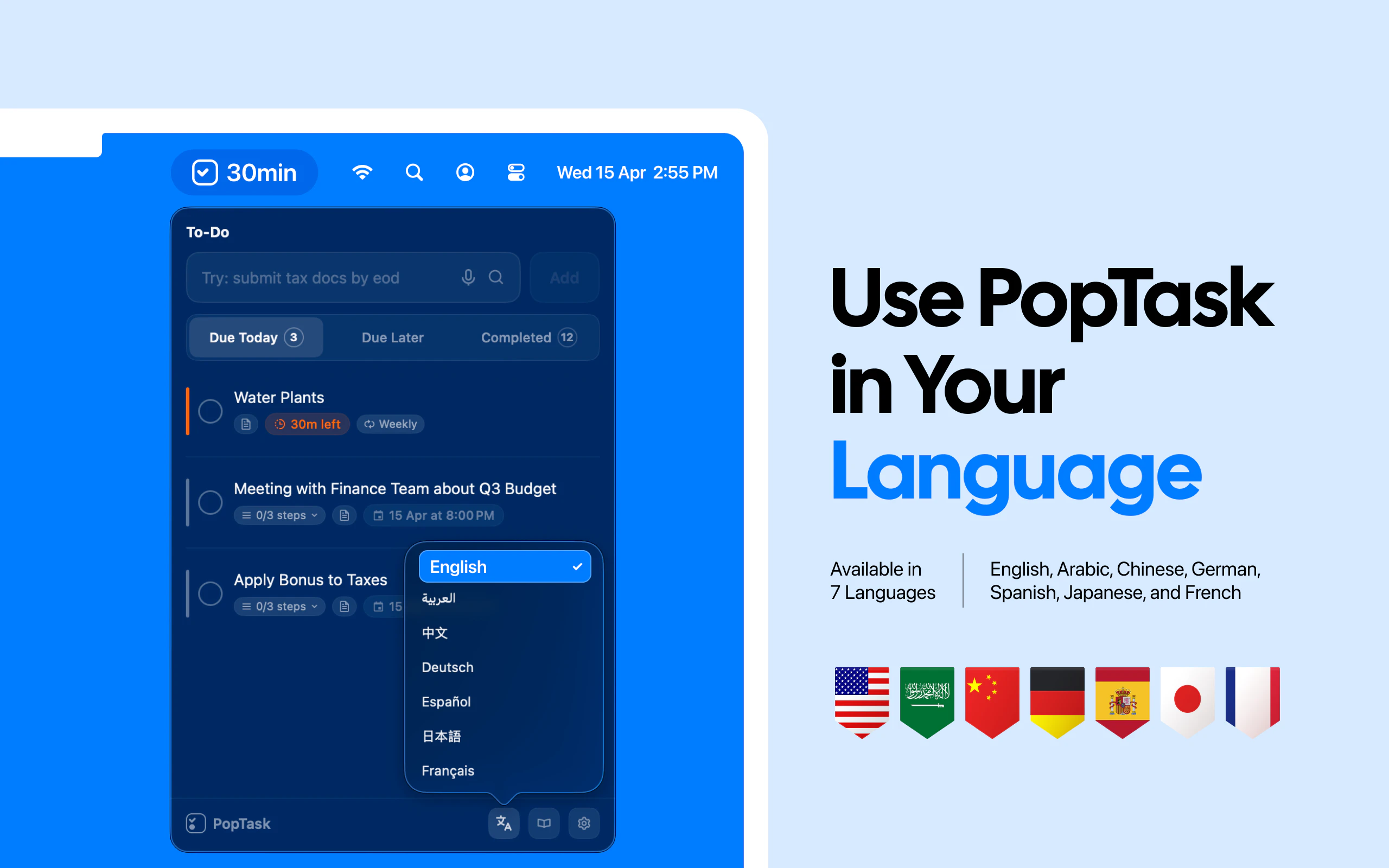
Screenshots
Pros
- ✓Instant task capture in 3 seconds or less
- ✓No app switching, no clutter, minimal disruption
- ✓Supports spoken commands for hands-free use
- ✓Syncs seamlessly with popular calendar and reminder apps
- ✓No account, no cloud, prioritizes privacy
Cons
- ✗Limited advanced task management features
- ✗Depends on quick shortcut setup; may require initial configuration
- ✗Lacks integrations with other productivity tools or project management platforms
Use Cases
Pricing
Likely adopts a freemium model with core features available for free; premium features or integrations may come at a cost, but details are not explicitly provided.
Quick Info
Topics
Alternatives
Similar Tools in Productivity




Embed Badge
Add this badge to your website to show that PopTask v2.0 is featured on Visalytica.
<a href="https://www.visalytica.com/tool/poptask-v2-0" target="_blank" rel="noopener noreferrer" style="display:inline-flex;align-items:center;gap:6px;padding:6px 14px;background:#7c3aed;color:#fff;border-radius:8px;font-family:-apple-system,system-ui,sans-serif;font-size:13px;font-weight:600;text-decoration:none;transition:background .2s" onmouseover="this.style.background='#6d28d9'" onmouseout="this.style.background='#7c3aed'"><svg width="14" height="14" viewBox="0 0 24 24" fill="none" stroke="currentColor" stroke-width="2.5" stroke-linecap="round" stroke-linejoin="round"><path d="M12 20V10"/><path d="M18 20V4"/><path d="M6 20v-4"/></svg>Featured on Visalytica</a>