
PopTask
Light menu bar task manager for quickly capturing tasks
About PopTask
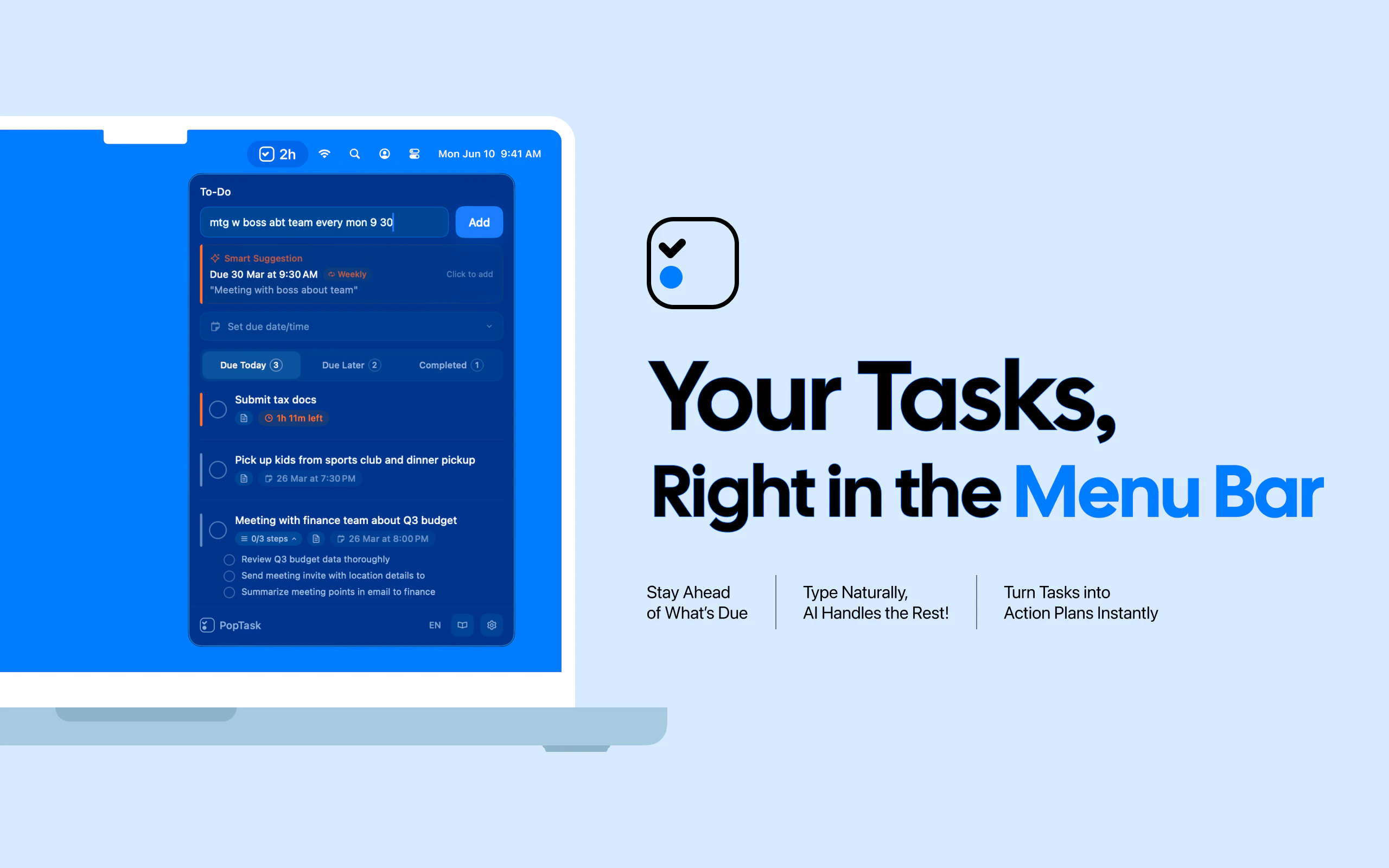
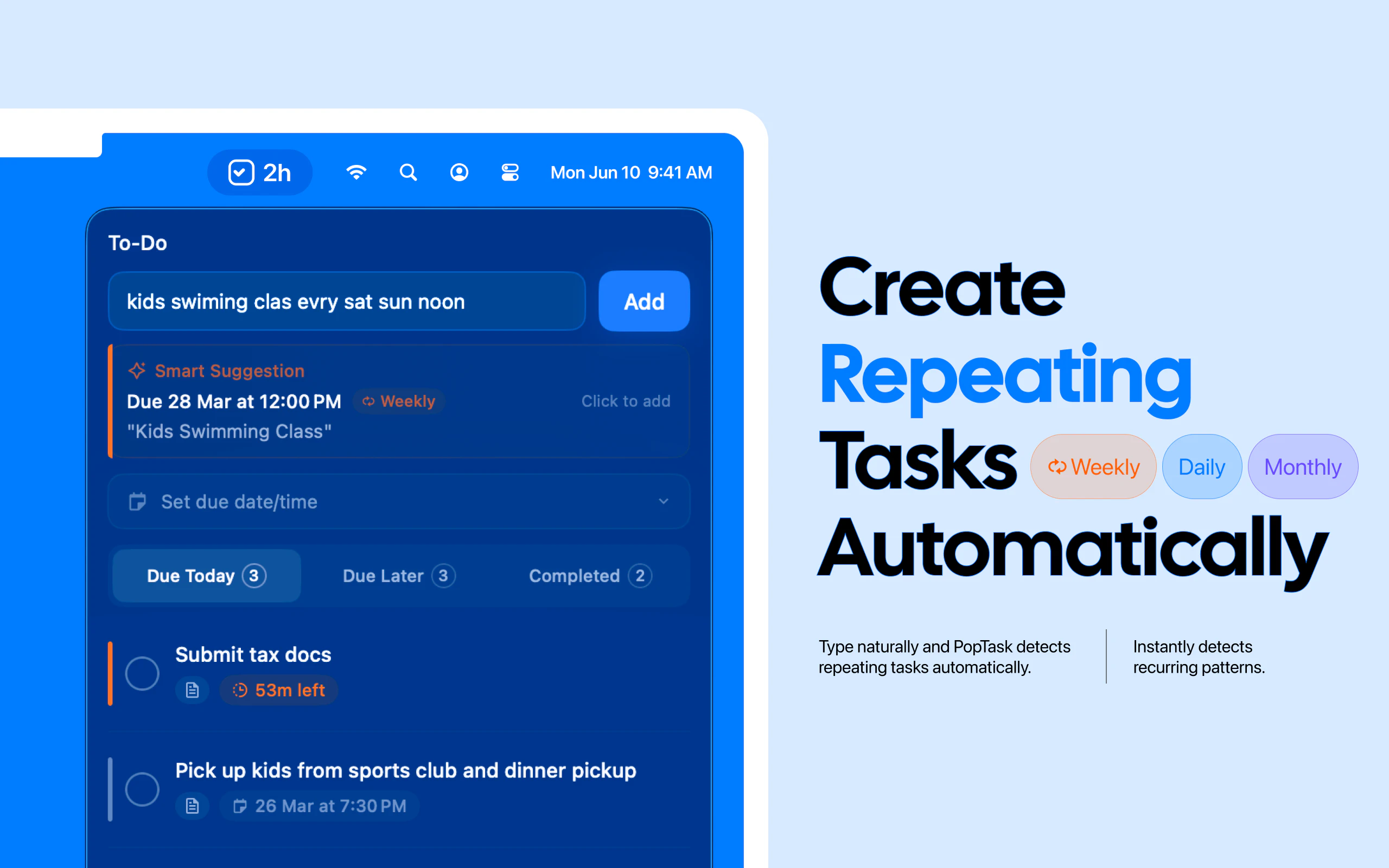
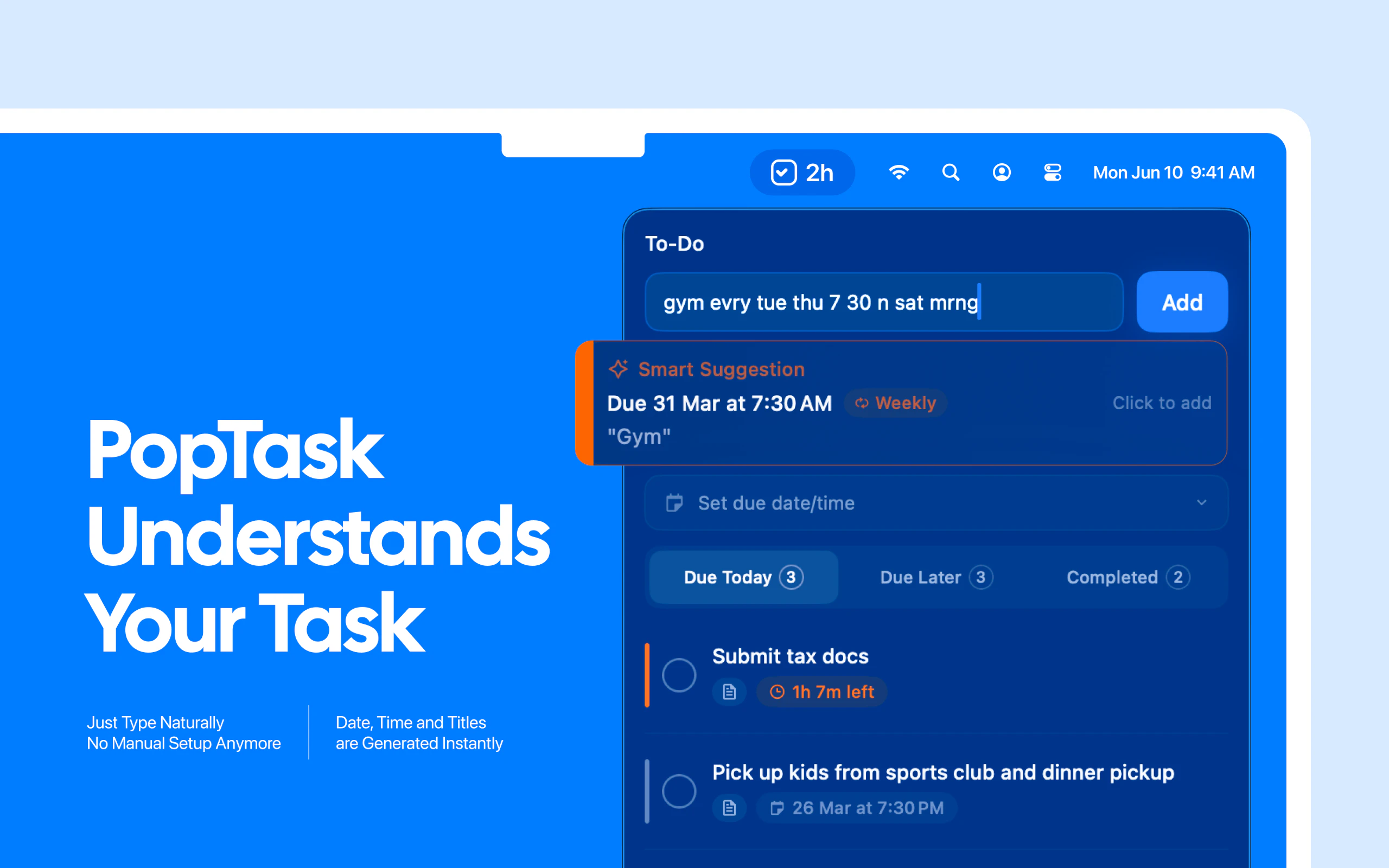
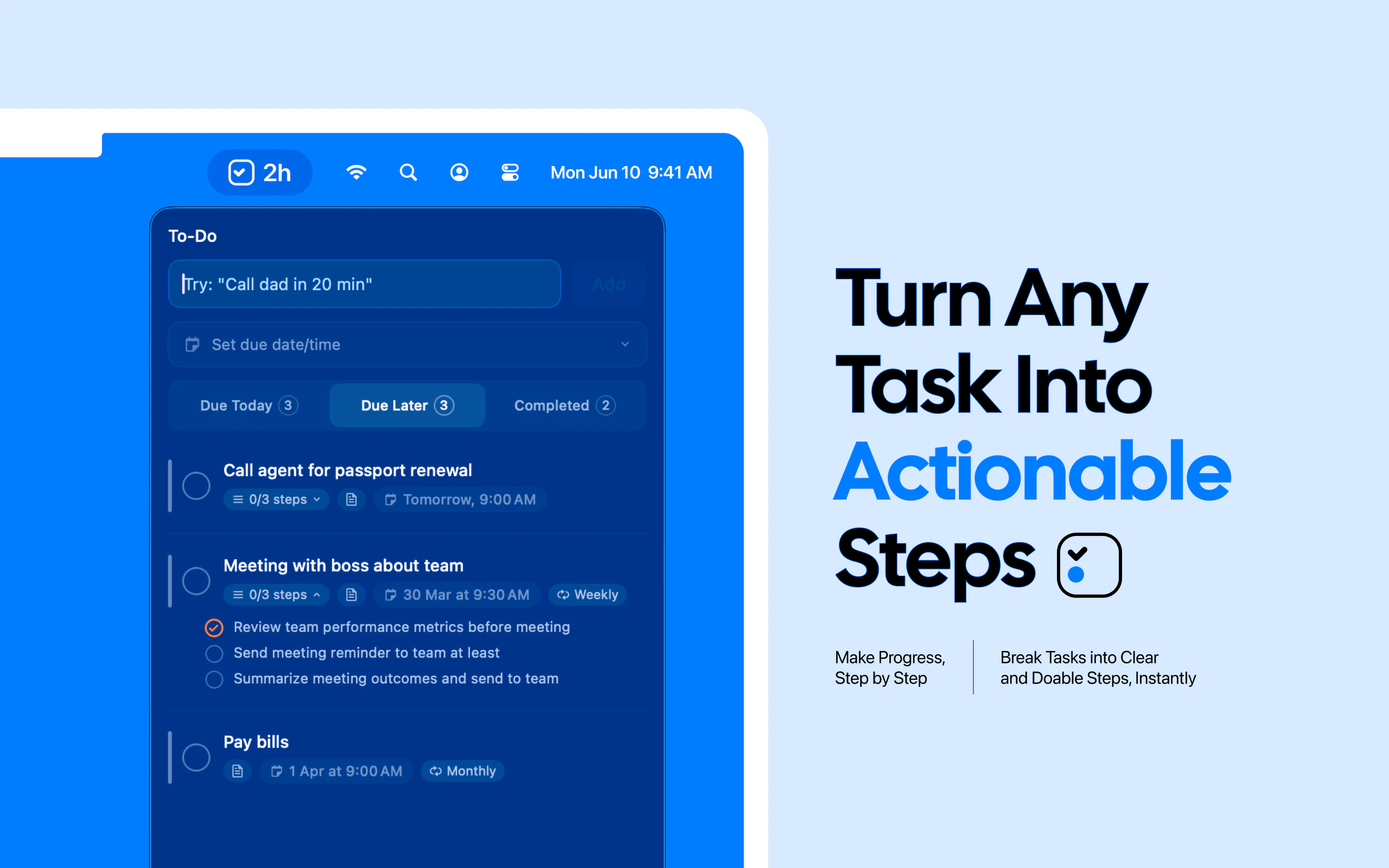
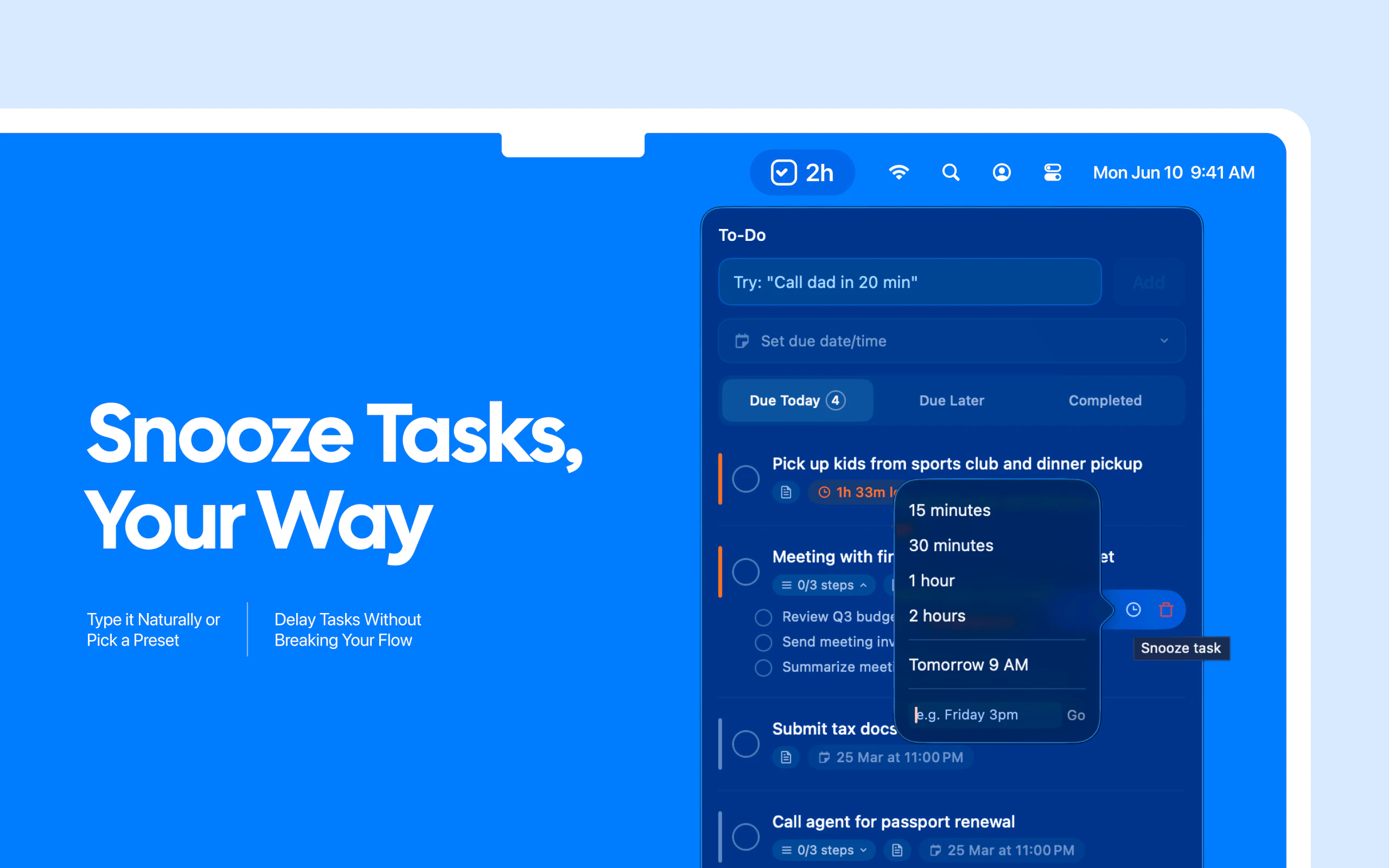
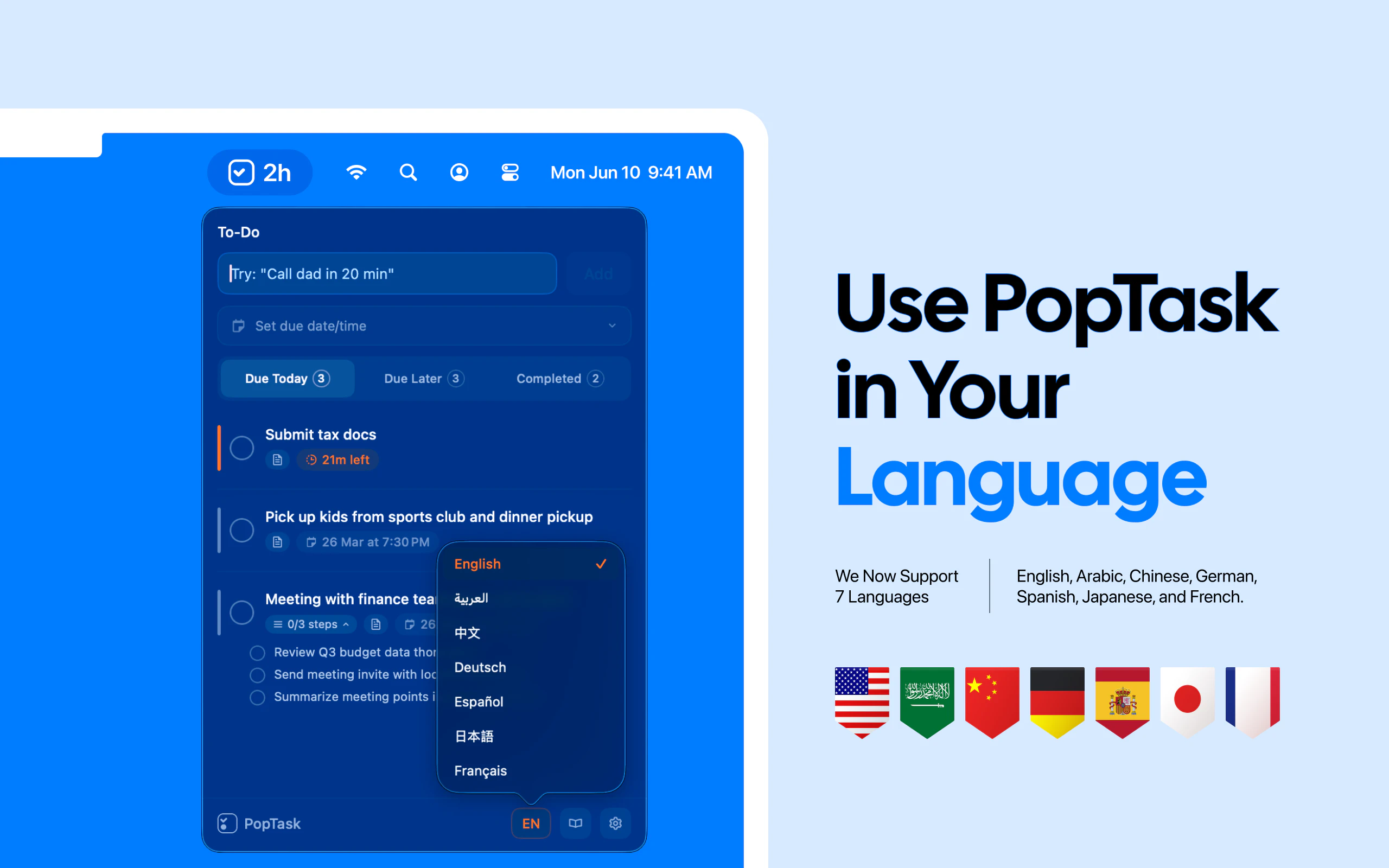
PopTask is a sleek and efficient menu bar task manager designed specifically for macOS users seeking quick and effortless task capture. Its intuitive interface allows users to jot down tasks using natural language, even if the input is messy, shorthand, or contains slang. Powered by AI, PopTask automatically understands and schedules tasks, making task management smoother and less disruptive. Supporting seven languages and offering smart countdown alerts, it caters to a diverse user base and enhances productivity. The tool runs natively on macOS 26 and later, with cloud support for earlier versions, ensuring seamless integration into users' workflows. Its AI-driven scheduling and task breakdown features set it apart by reducing manual input and optimizing task organization, making it ideal for busy professionals, students, and anyone looking to streamline their task capture process.
Screenshots
Pros
- ✓Quick and natural task capturing with AI understanding
- ✓Supports multiple languages for diverse users
- ✓Native macOS app with cloud backup options
- ✓Smart countdown alerts for deadlines
- ✓AI-powered scheduling and task breakdown
Cons
- ✗Limited to macOS platforms, reducing cross-platform flexibility
- ✗May have a learning curve for users unfamiliar with AI-assisted tools
- ✗Advanced features could be overkill for simple task lists
Use Cases
Pricing
Likely follows a freemium model, offering basic features for free with premium plans that include advanced scheduling and AI capabilities, with paid plans probably starting around $5-$10 per month.
Quick Info
Topics
Alternatives
Similar Tools in Productivity




Embed Badge
Add this badge to your website to show that PopTask is featured on Visalytica.
<a href="https://www.visalytica.com/tool/poptask" target="_blank" rel="noopener noreferrer" style="display:inline-flex;align-items:center;gap:6px;padding:6px 14px;background:#7c3aed;color:#fff;border-radius:8px;font-family:-apple-system,system-ui,sans-serif;font-size:13px;font-weight:600;text-decoration:none;transition:background .2s" onmouseover="this.style.background='#6d28d9'" onmouseout="this.style.background='#7c3aed'"><svg width="14" height="14" viewBox="0 0 24 24" fill="none" stroke="currentColor" stroke-width="2.5" stroke-linecap="round" stroke-linejoin="round"><path d="M12 20V10"/><path d="M18 20V4"/><path d="M6 20v-4"/></svg>Featured on Visalytica</a>