
Pollen Create
Your AI Assistant for Interactive Training
About Pollen Create
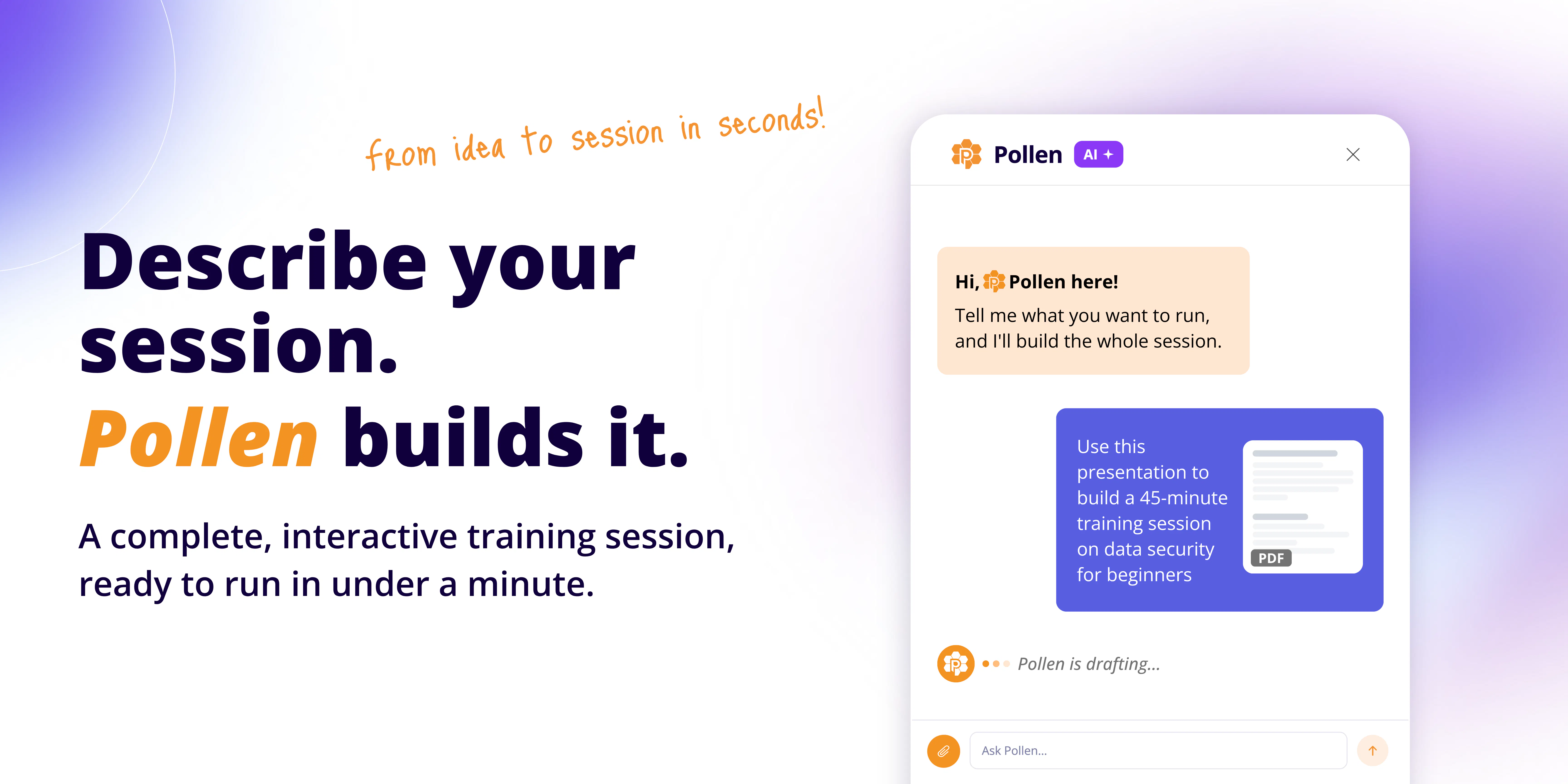
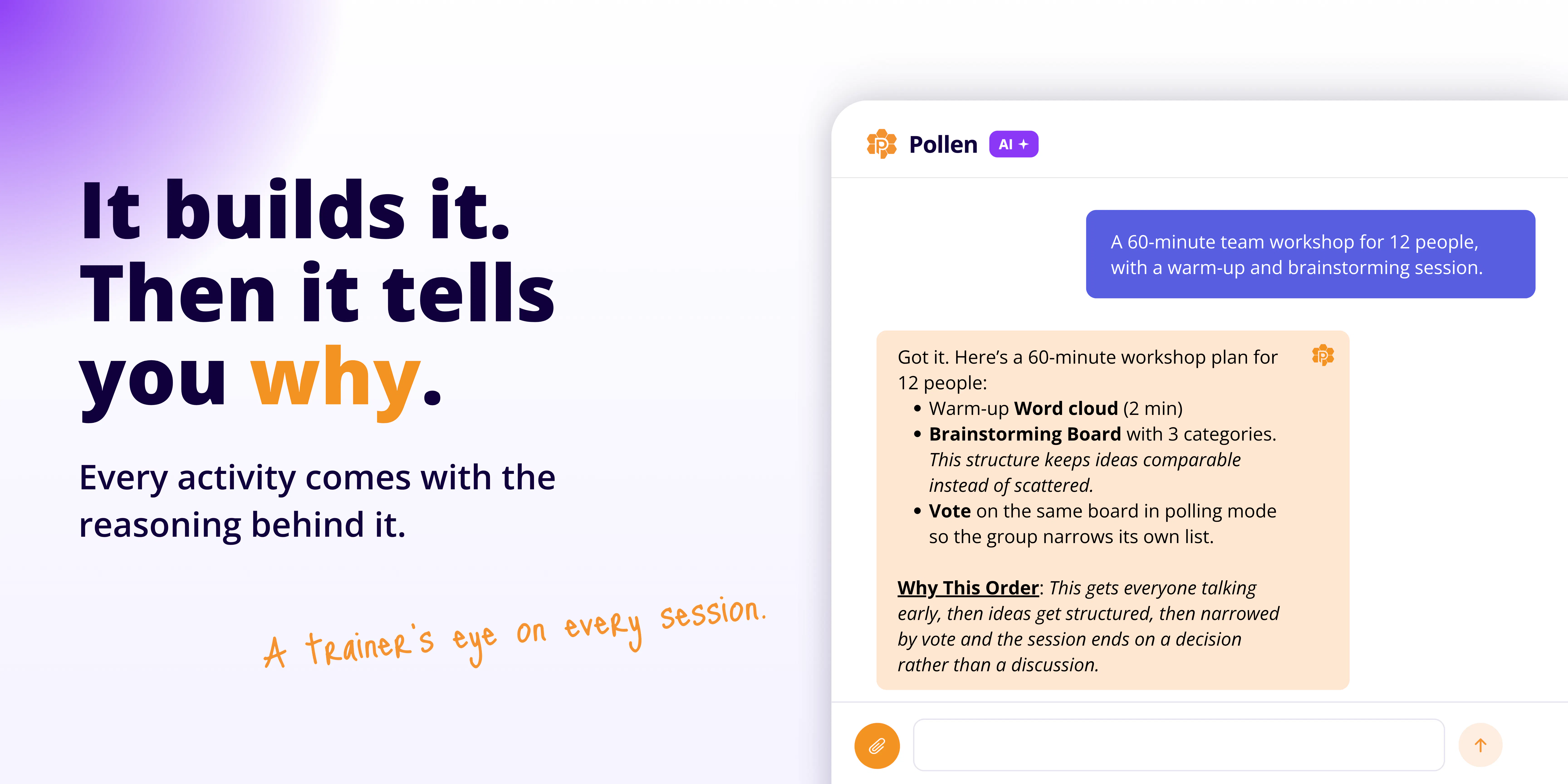
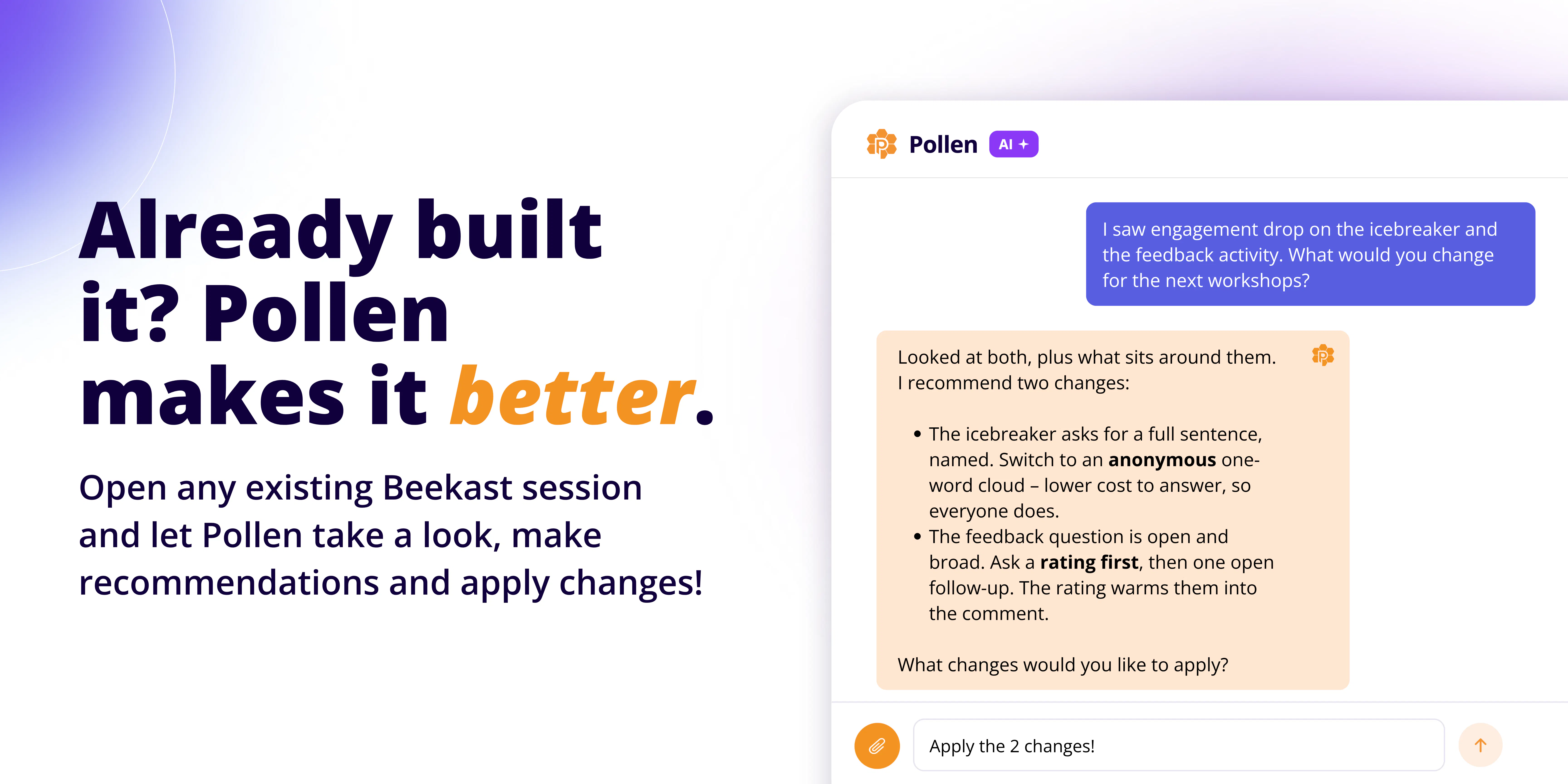
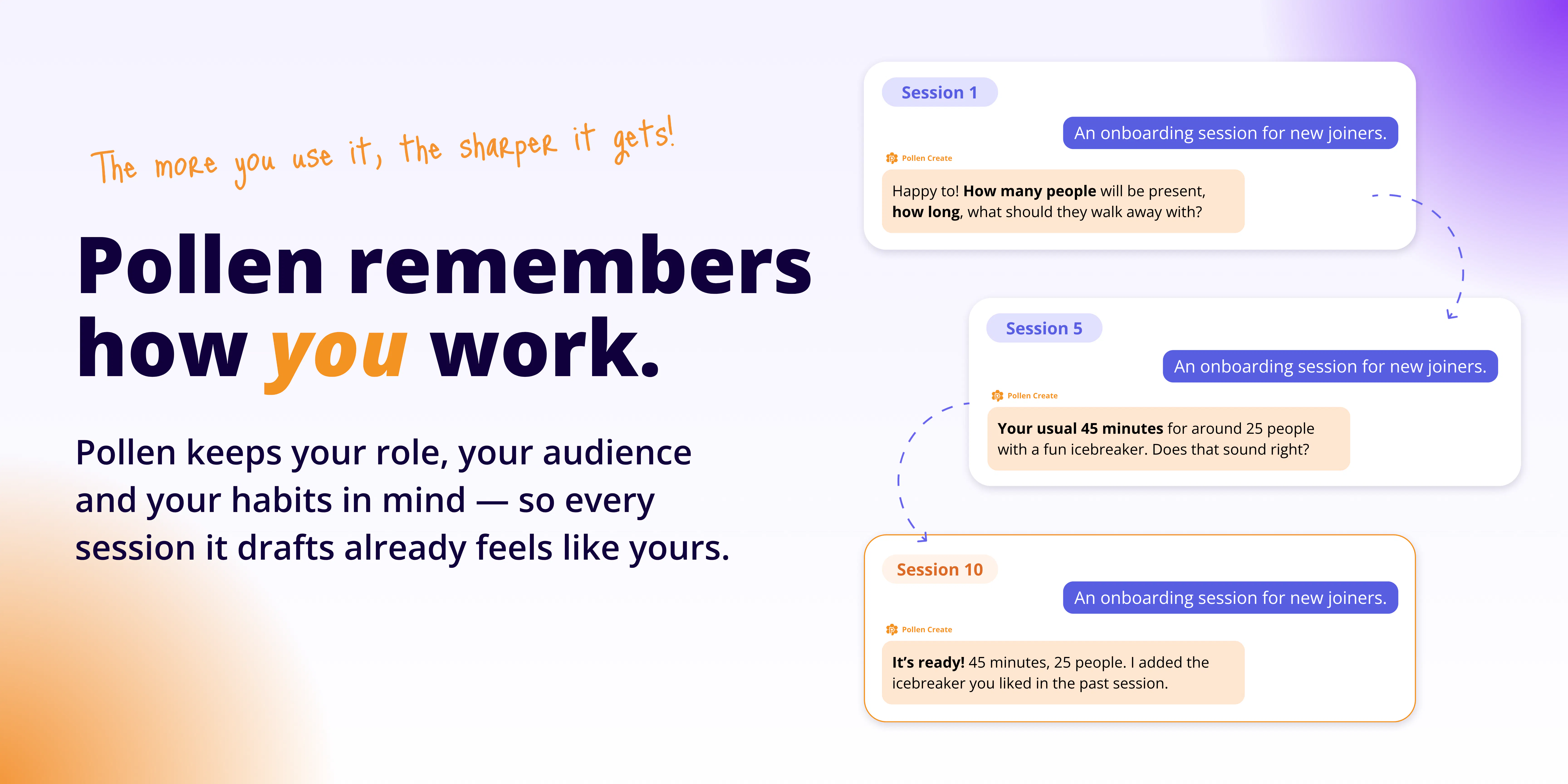
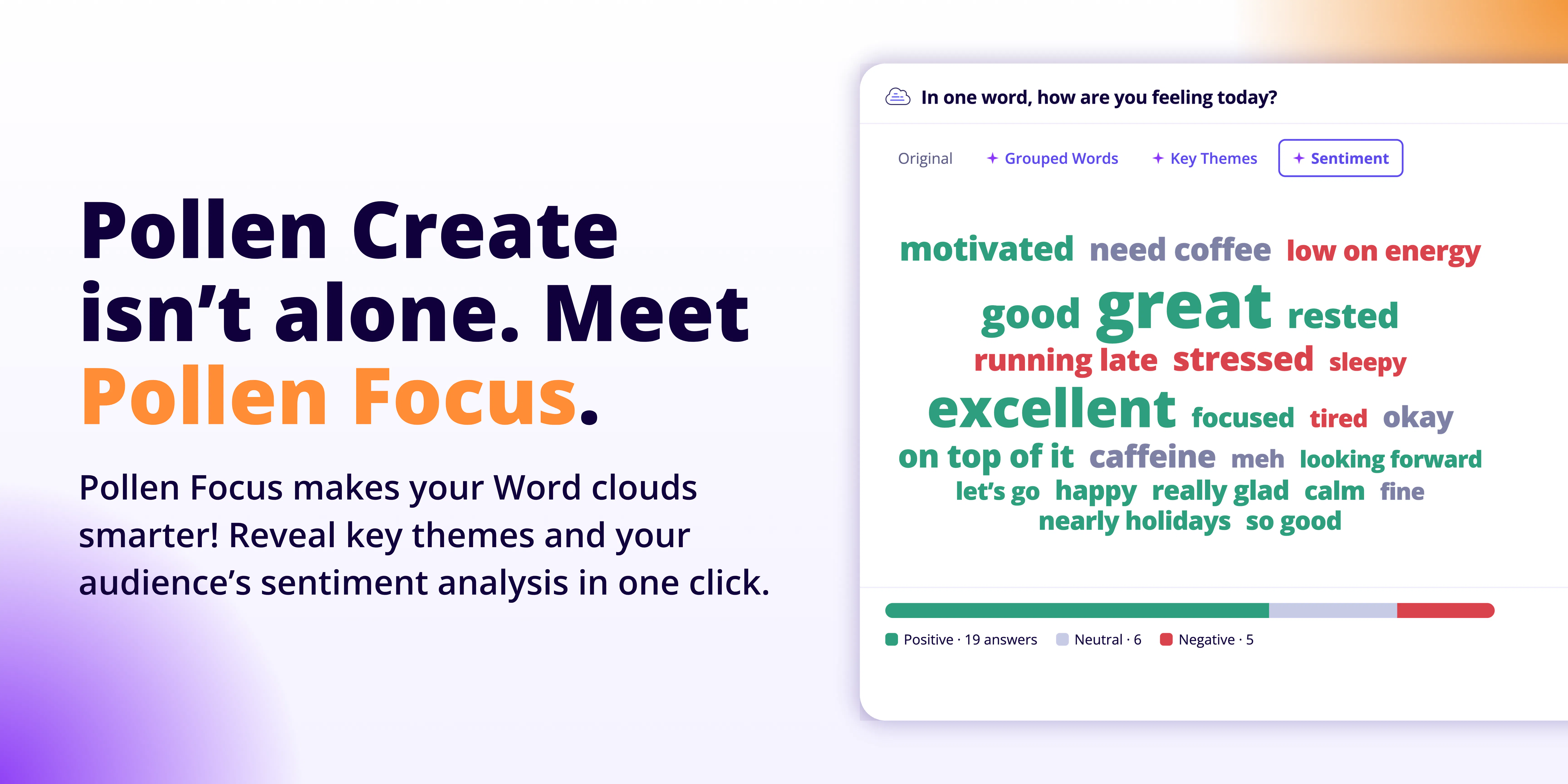
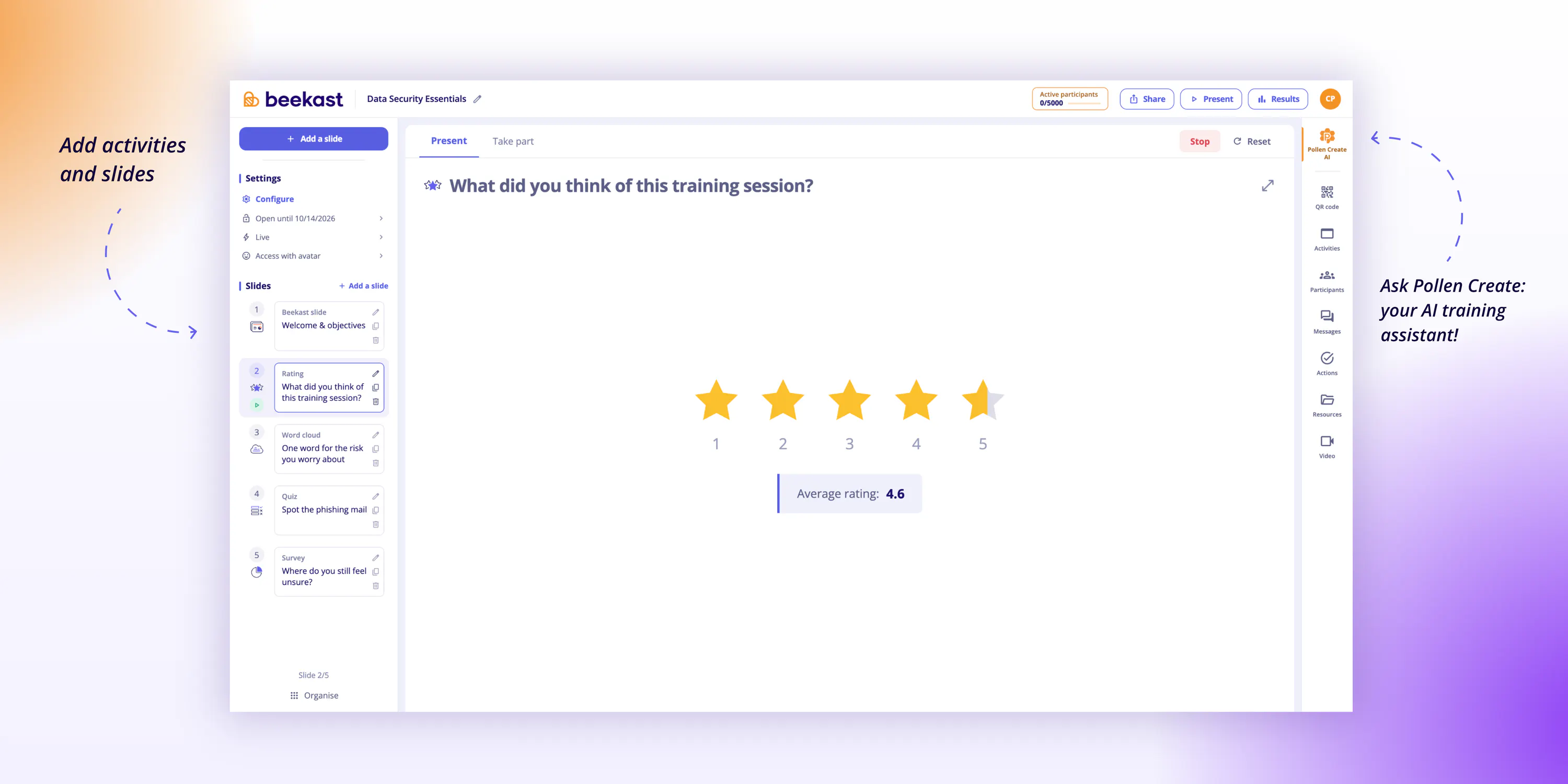
Pollen Create is an innovative AI-powered training assistant integrated within Beekast, designed to streamline the creation of interactive training sessions. Users can quickly generate comprehensive session plans by describing their needs or uploading existing decks or PDFs, enabling the production of engaging, structured training experiences in under a minute. The tool not only crafts session frameworks, including timing and activities, but also facilitates live sessions that can be conducted via Teams, Zoom, Webex, or in physical rooms. Its intelligent features include personalized tips, explanations of its choices, and the ability to learn from user habits, making each session more tailored over time. Ideal for trainers, educators, and facilitators seeking efficiency and interactivity, Pollen Create simplifies the complex process of session design while enhancing participant engagement.
Screenshots
Pros
- ✓Speeds up session creation with AI automation
- ✓Supports multiple conferencing platforms for flexibility
- ✓Provides personalized tips and explanations
- ✓Learns user habits for continuous improvement
- ✓Allows easy integration with existing materials
Cons
- ✗Limited information on pricing and subscription models
- ✗Potential learning curve for new users
- ✗Dependent on Beekast platform for full functionality
Use Cases
Pricing
Pricing not verified
Quick Info
Topics
Makers

Clara Plançon
Alternatives
Similar Tools in AI Assistants




Embed Badge
Add this badge to your website to show that Pollen Create is featured on Visalytica.
<a href="https://www.visalytica.com/tool/pollen-create" target="_blank" rel="noopener noreferrer" style="display:inline-flex;align-items:center;gap:6px;padding:6px 14px;background:#7c3aed;color:#fff;border-radius:8px;font-family:-apple-system,system-ui,sans-serif;font-size:13px;font-weight:600;text-decoration:none;transition:background .2s" onmouseover="this.style.background='#6d28d9'" onmouseout="this.style.background='#7c3aed'"><svg width="14" height="14" viewBox="0 0 24 24" fill="none" stroke="currentColor" stroke-width="2.5" stroke-linecap="round" stroke-linejoin="round"><path d="M12 20V10"/><path d="M18 20V4"/><path d="M6 20v-4"/></svg>Featured on Visalytica</a>