
PocketLedger
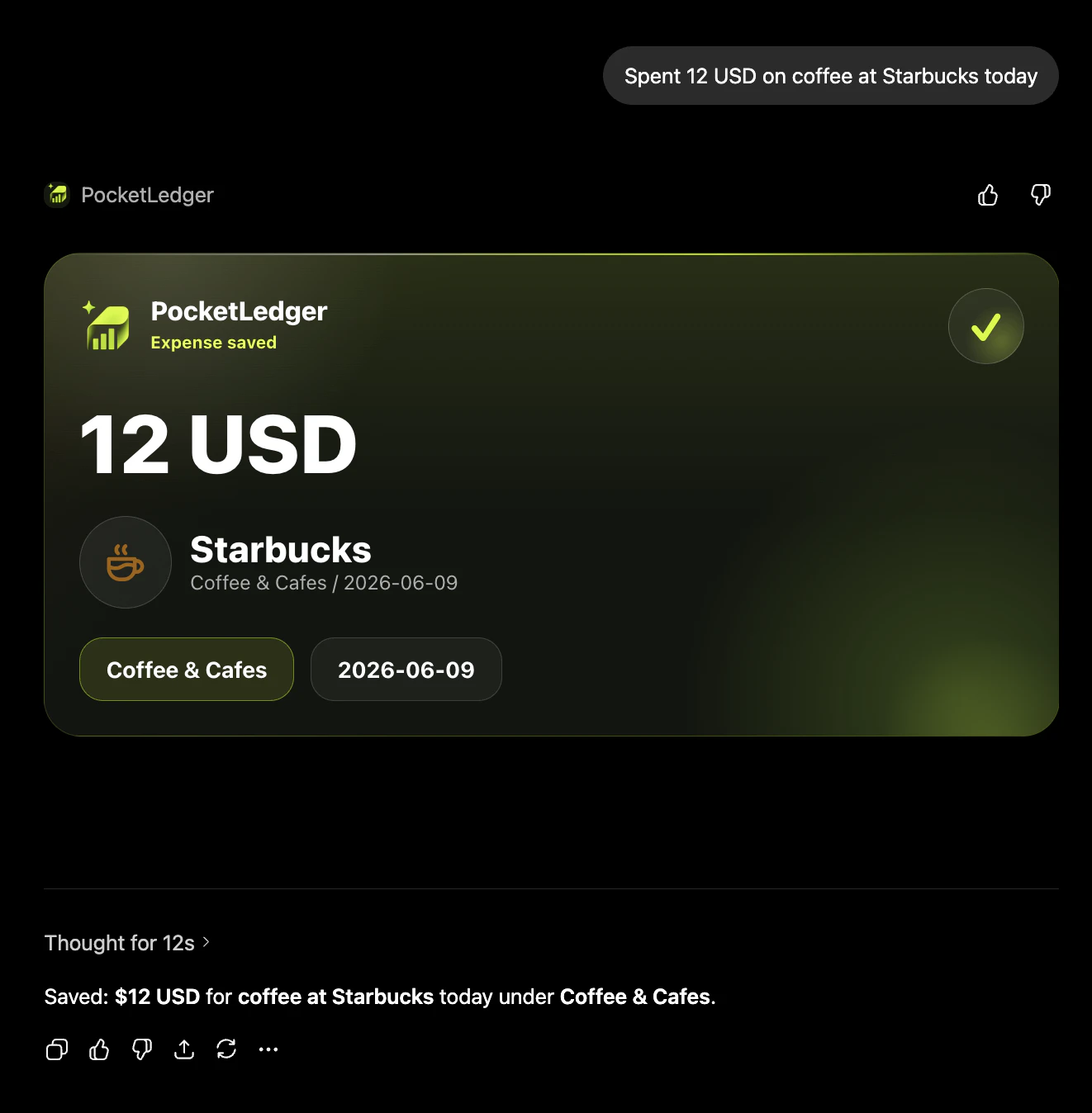
Track expenses by chatting inside ChatGPT
About PocketLedger
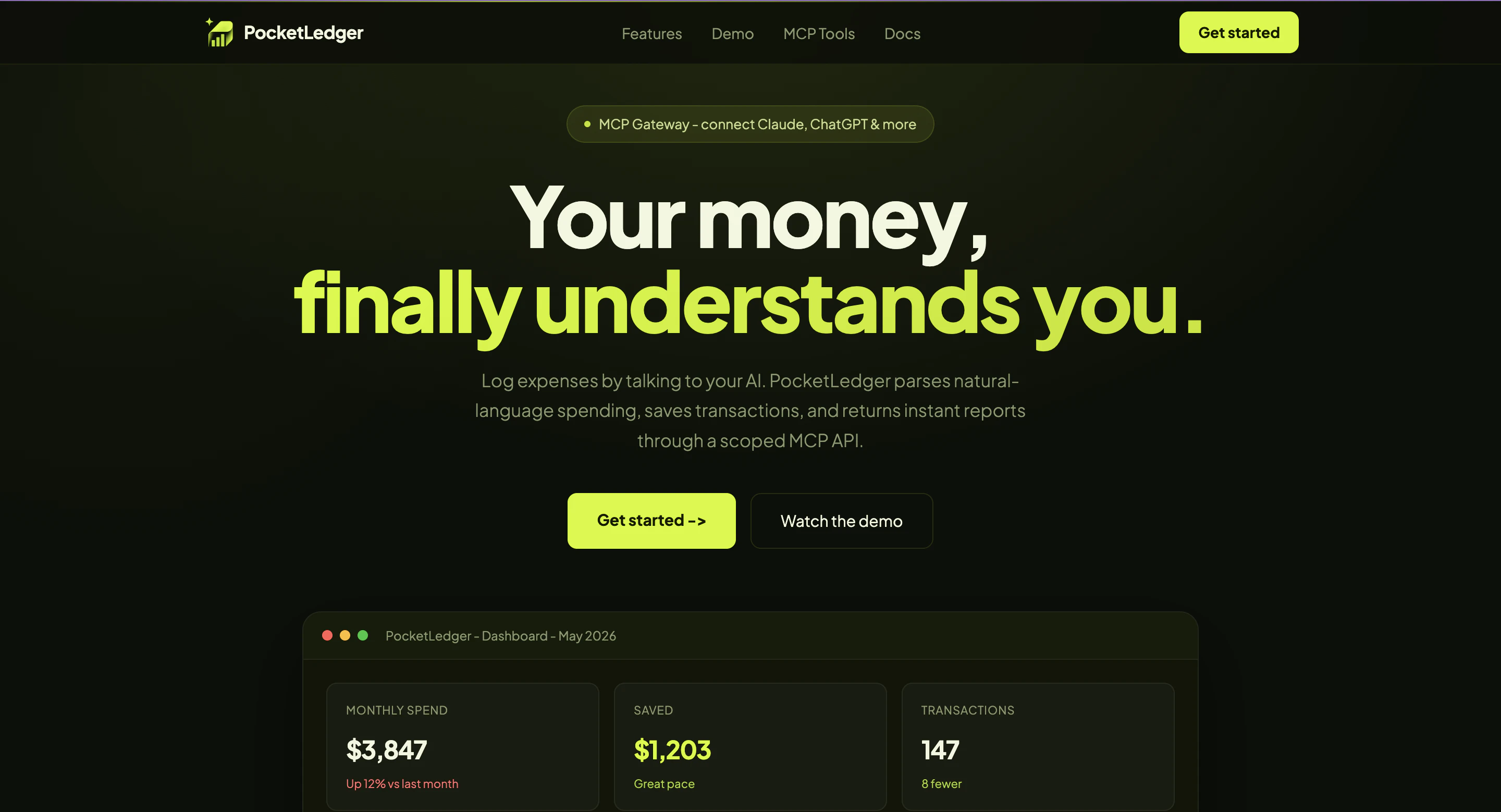
PocketLedger offers a unique approach to expense tracking by integrating directly into ChatGPT, making financial management seamless and effortless. Users can simply type their expenses into the chat, and the tool automatically logs the transaction, categorizes spending, and generates insightful reports without the need for separate apps, spreadsheets, or manual entry forms. This conversational interface appeals to those who prefer a natural, intuitive way to handle personal finance. Its simplicity and convenience make it ideal for busy individuals, freelancers, or small business owners who want quick, real-time expense insights without switching platforms. The tool's ability to organize spending and provide reports on demand enhances financial awareness and helps users stay on top of their budgets effortlessly.
Screenshots

Pros
- ✓Seamless integration within ChatGPT for natural, conversational expense tracking
- ✓No need for separate apps, spreadsheets, or manual input
- ✓Automatic expense categorization and report generation
- ✓User-friendly and accessible for non-technical users
- ✓Ideal for quick, real-time financial updates
Cons
- ✗Limited to ChatGPT users, restricting accessibility
- ✗Potential accuracy issues with expense detection and categorization
- ✗Lacks advanced budgeting or financial planning features
Use Cases
Pricing
Likely adopts a freemium model, offering basic expense tracking features for free with optional premium plans for advanced reporting or integrations. Exact pricing details are not specified but are probably designed to be affordable for casual users.
Quick Info
Topics
Makers

Alireza Saligheh
Alternatives
Similar Tools in AI Assistants




Embed Badge
Add this badge to your website to show that PocketLedger is featured on Visalytica.
<a href="https://www.visalytica.com/tool/pocketledger" target="_blank" rel="noopener noreferrer" style="display:inline-flex;align-items:center;gap:6px;padding:6px 14px;background:#7c3aed;color:#fff;border-radius:8px;font-family:-apple-system,system-ui,sans-serif;font-size:13px;font-weight:600;text-decoration:none;transition:background .2s" onmouseover="this.style.background='#6d28d9'" onmouseout="this.style.background='#7c3aed'"><svg width="14" height="14" viewBox="0 0 24 24" fill="none" stroke="currentColor" stroke-width="2.5" stroke-linecap="round" stroke-linejoin="round"><path d="M12 20V10"/><path d="M18 20V4"/><path d="M6 20v-4"/></svg>Featured on Visalytica</a>