
PluginTracker
Real install counts, usage data & feedback for WP plugins
About PluginTracker
PluginTracker is a powerful analytics tool designed for WordPress plugin developers and marketplace managers. Unlike the publicly available install counts, PluginTracker provides accurate, real-time data on active installs, giving users a clearer picture of a plugin's popularity and usage. Additionally, it offers in-depth user-environment telemetry, including PHP and WordPress versions, active themes, plugins, deactivation reasons, server details, and more—data traditionally hard to access. This comprehensive insight enables developers to benchmark their products against competitors, analyze user feedback and support tickets, and make smarter, data-driven product decisions. By focusing on real-world usage metrics and environment details, PluginTracker helps users understand their audience better and optimize their offerings accordingly.
Screenshots

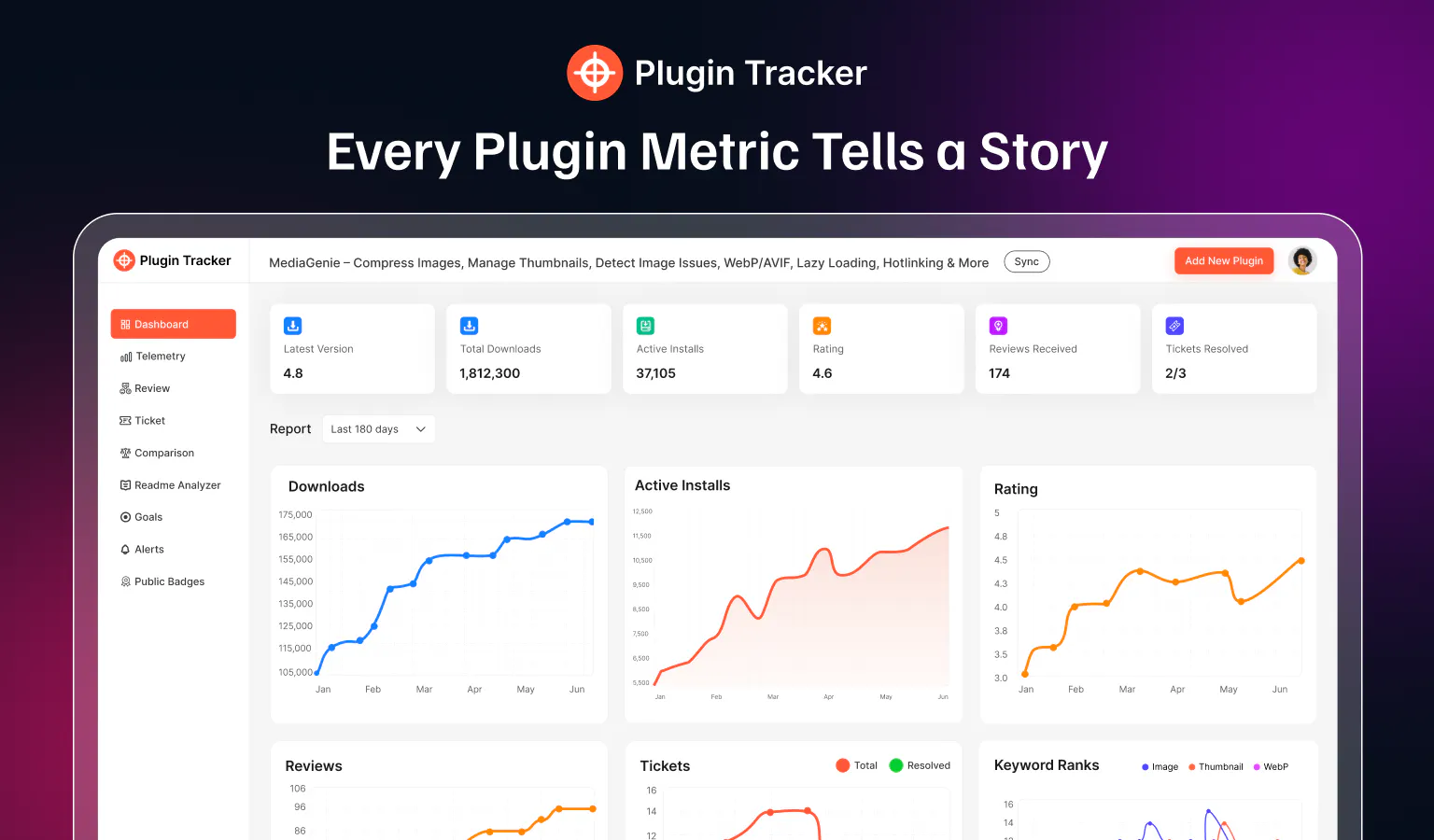


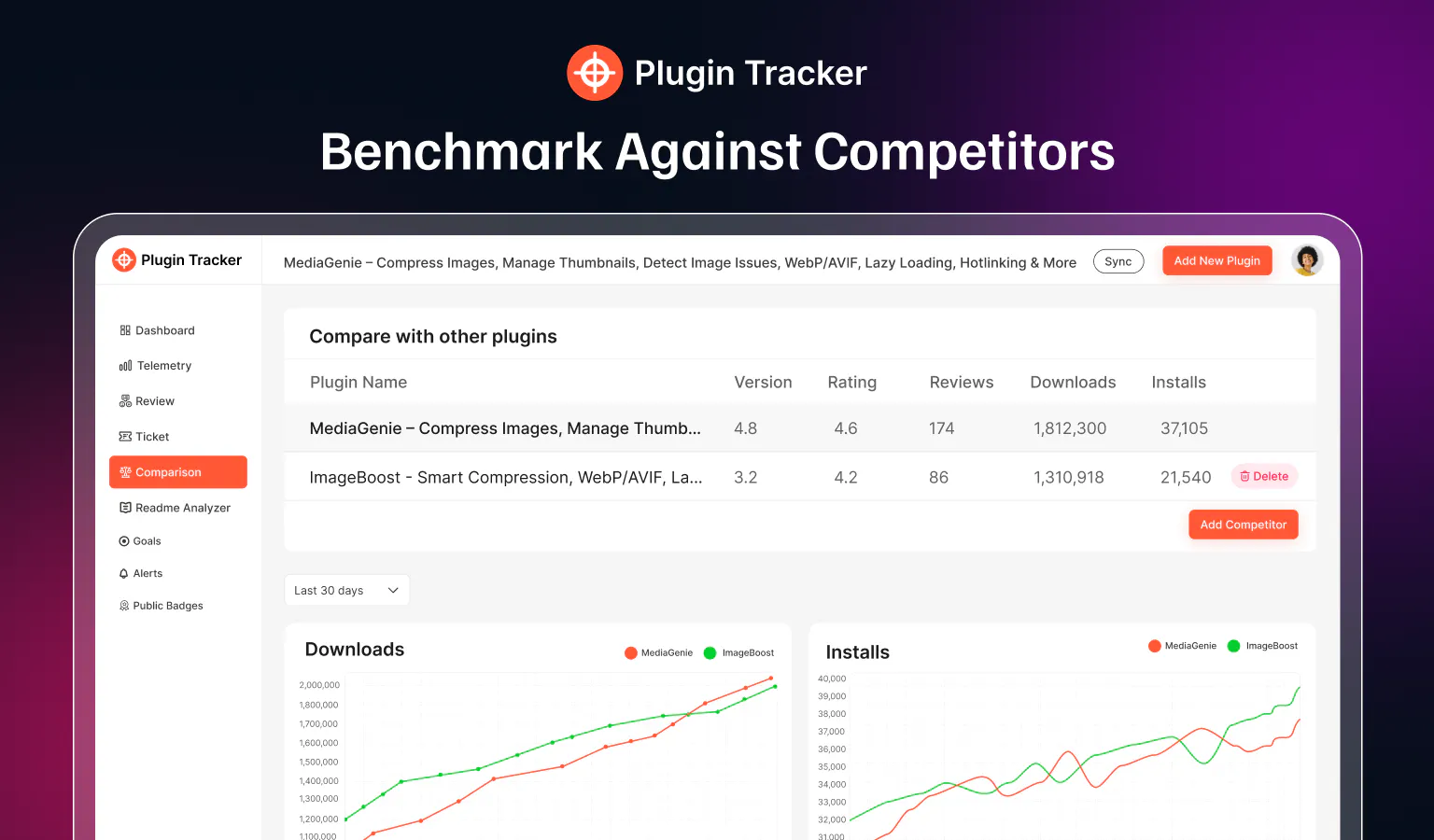

+1 more screenshots
Pros
- ✓Provides accurate, real active install counts not available through official repositories
- ✓Offers detailed user environment telemetry for better product insights
- ✓Enables benchmarking against competitors with comprehensive data
- ✓Assists in analyzing reviews and support tickets for customer insights
- ✓Supports smarter decision-making based on real-world data
Cons
- ✗Limited information on pricing and subscription plans
- ✗Potential privacy considerations with telemetry collection
- ✗Requires integration or access to plugin data which may involve setup complexity
Use Cases
Pricing
Pricing not verified
Quick Info
Topics
Makers

Nayem Mir
Alternatives
Similar Tools in Data & Analytics




Embed Badge
Add this badge to your website to show that PluginTracker is featured on Visalytica.
<a href="https://www.visalytica.com/tool/plugintracker" target="_blank" rel="noopener noreferrer" style="display:inline-flex;align-items:center;gap:6px;padding:6px 14px;background:#7c3aed;color:#fff;border-radius:8px;font-family:-apple-system,system-ui,sans-serif;font-size:13px;font-weight:600;text-decoration:none;transition:background .2s" onmouseover="this.style.background='#6d28d9'" onmouseout="this.style.background='#7c3aed'"><svg width="14" height="14" viewBox="0 0 24 24" fill="none" stroke="currentColor" stroke-width="2.5" stroke-linecap="round" stroke-linejoin="round"><path d="M12 20V10"/><path d="M18 20V4"/><path d="M6 20v-4"/></svg>Featured on Visalytica</a>