PlanBoards
Visual collaboration & Sharing app
About PlanBoards
PlanBoards is a vibrant visual collaboration and planning tool designed to streamline workflow for creators, students, and teams overwhelmed by scattered apps and disorganized processes. It consolidates tasks, notes, files, and ideas into a single, colorful workspace that is intuitive and easy to navigate. With features like unlimited boards, rich cards, checklists, attachments, and shareable links, users can create a personalized ecosystem that promotes clarity and productivity. Its cross-platform sync ensures users can manage their projects seamlessly from mobile devices or desktops, making it ideal for on-the-go planning and collaboration. What sets PlanBoards apart is its emphasis on visual organization, turning complex workflows into simple, manageable visual maps that are easy to scan and stick with. This makes it particularly appealing for creative professionals, students, and small teams seeking a more engaging and less chaotic way to stay organized.
Screenshots
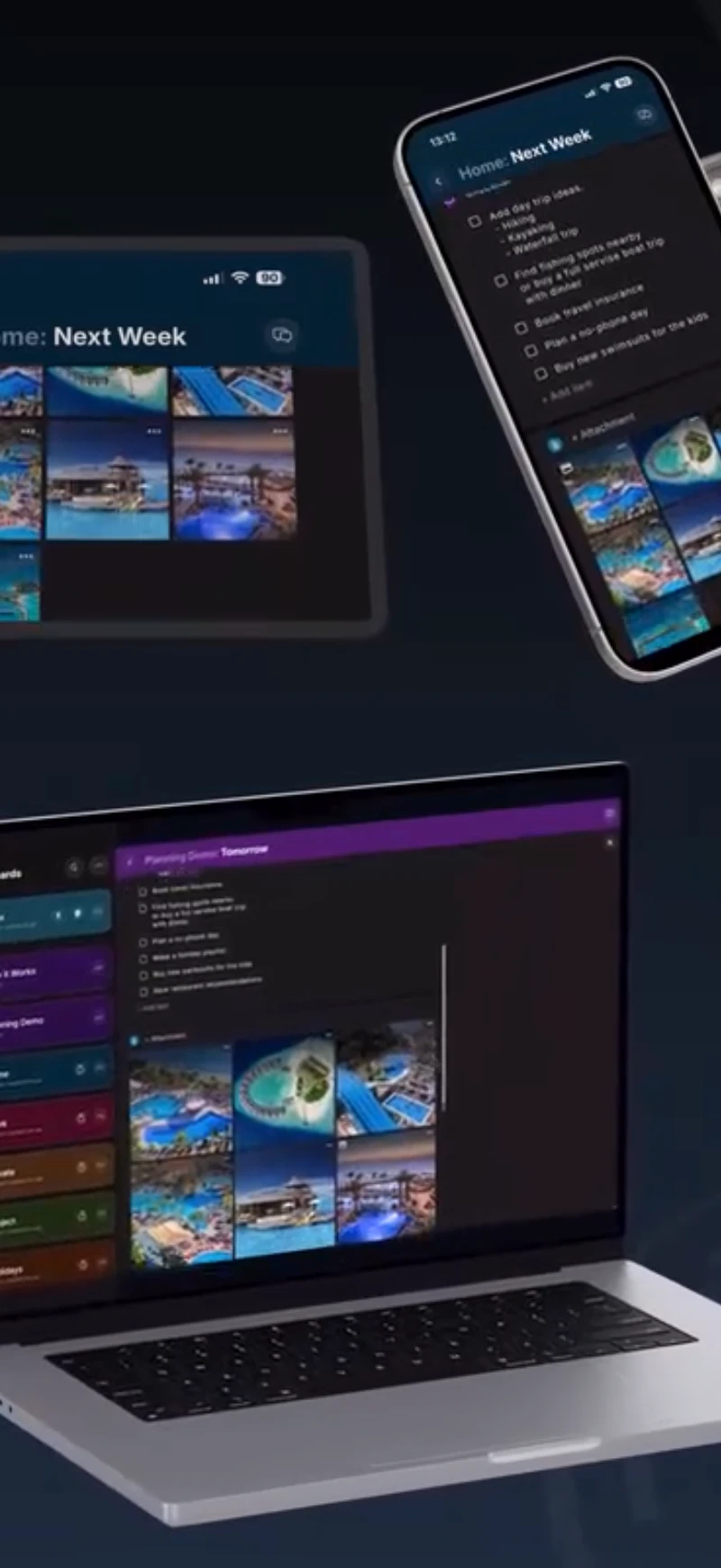
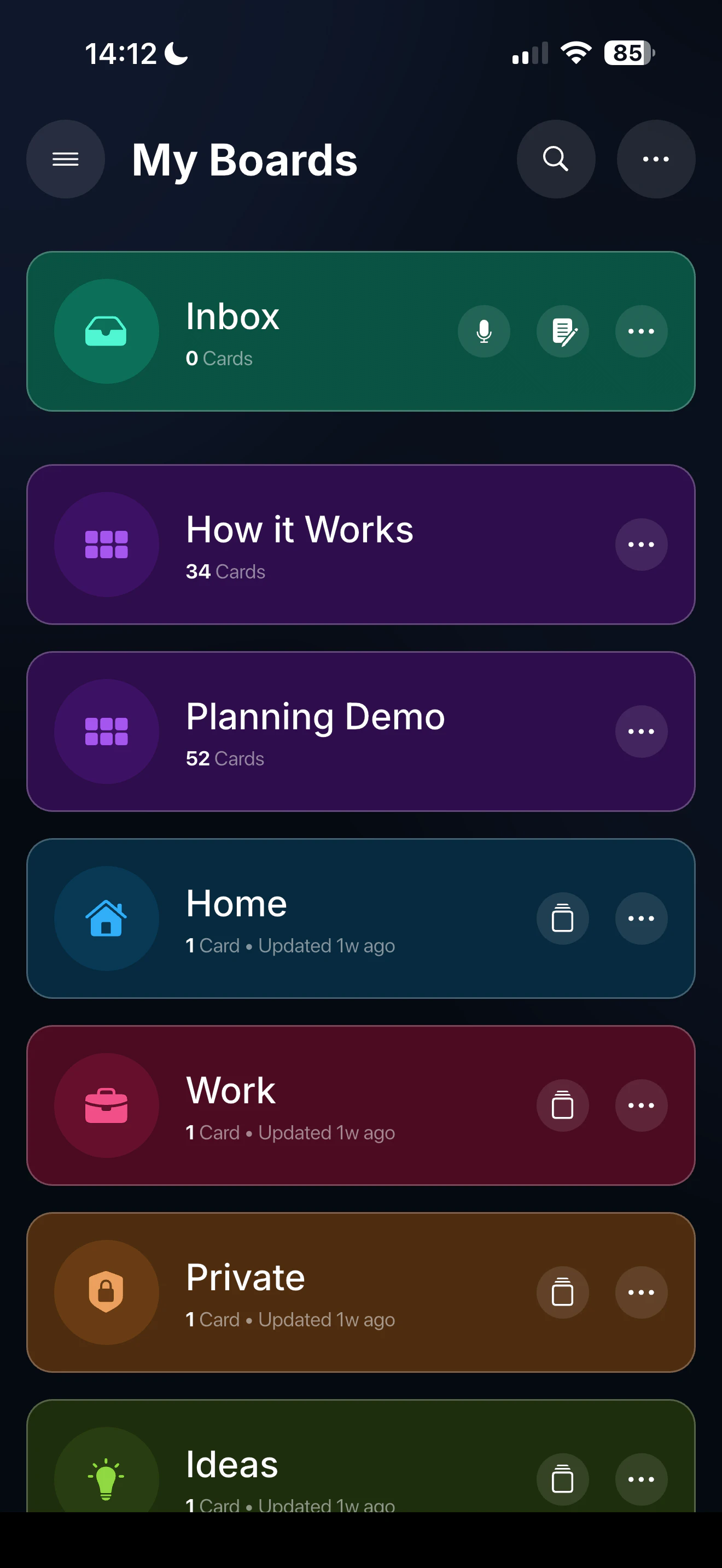
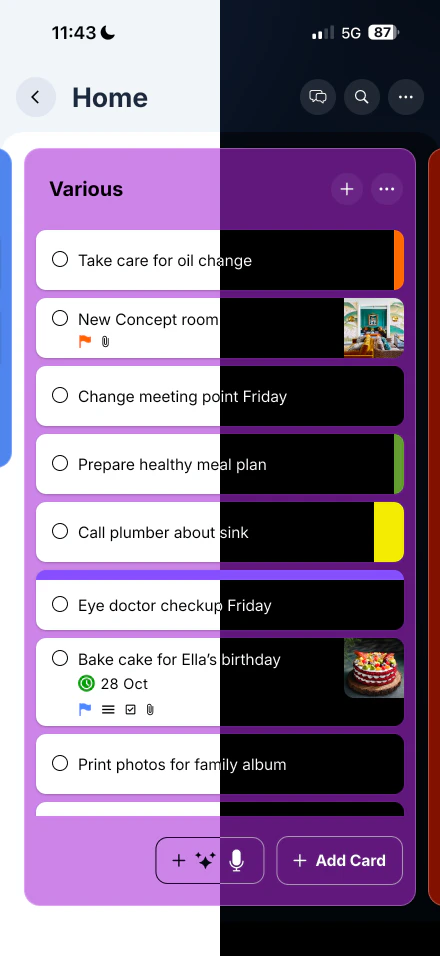
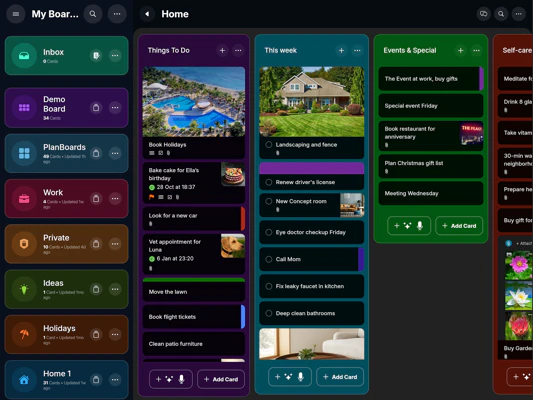
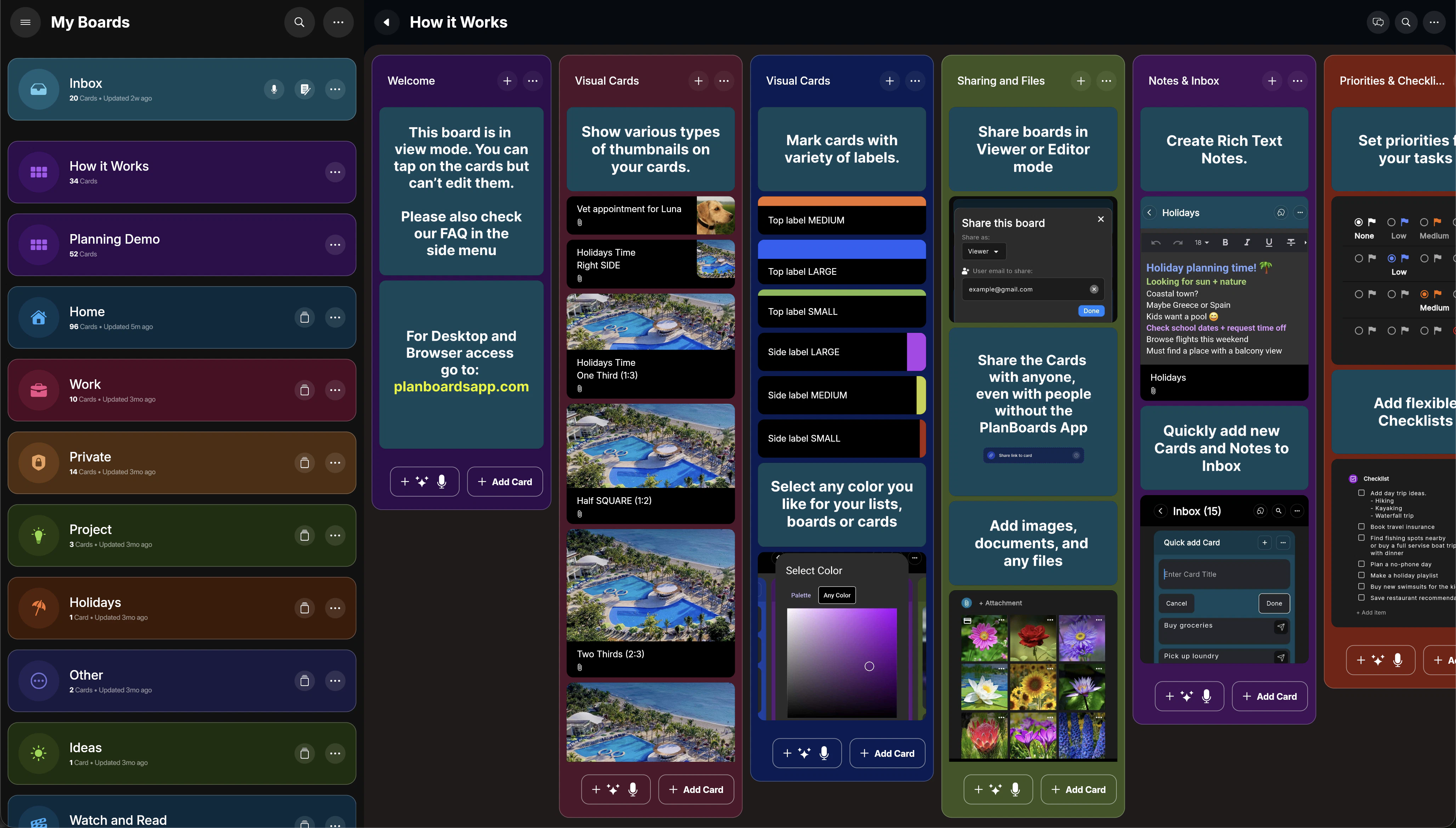
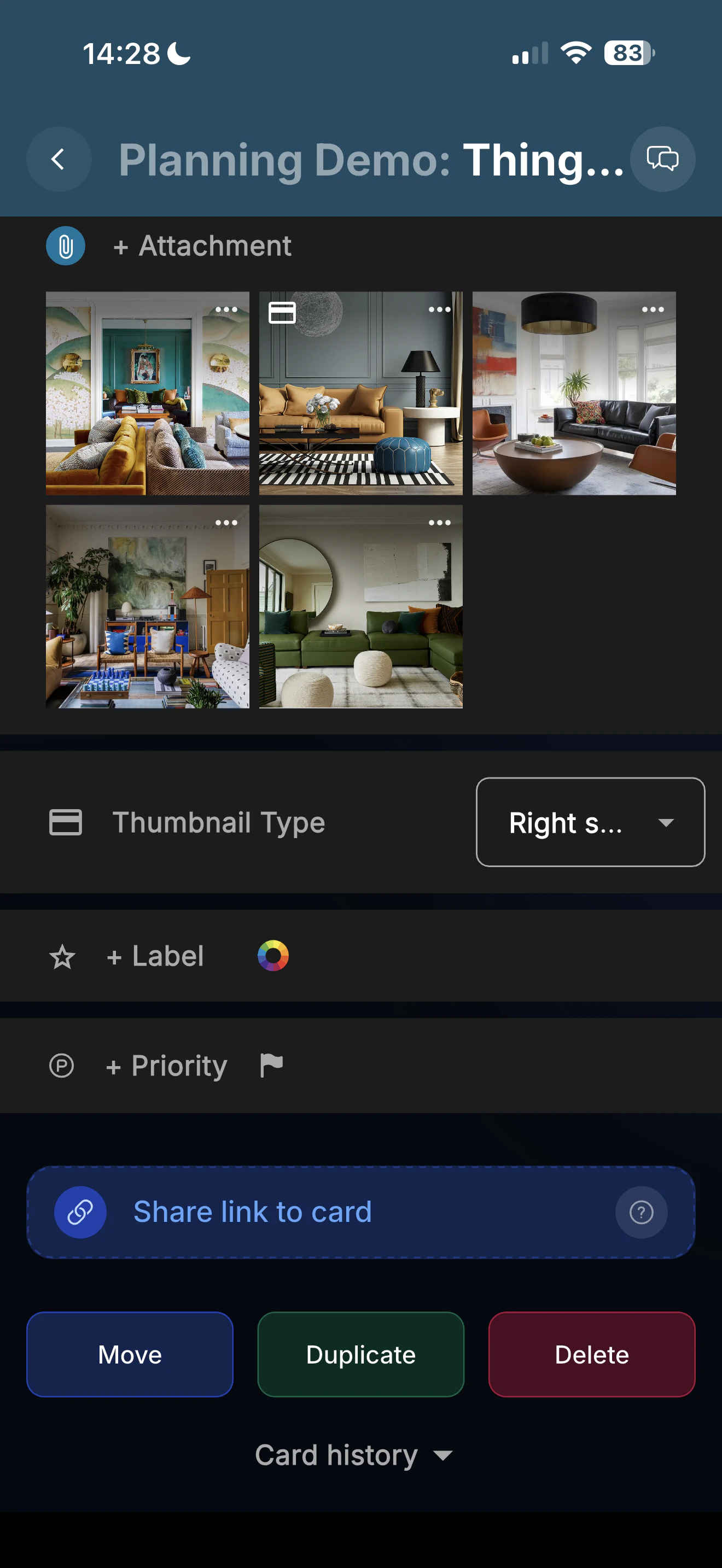
+6 more screenshots
Pros
- ✓Intuitive visual workspace that simplifies complex workflows
- ✓Unlimited boards and customizable cards for flexibility
- ✓Cross-platform synchronization for seamless access
- ✓Supports attachments, checklists, and shareable links
- ✓Ideal for diverse users including creators, students, and teams
Cons
- ✗Features may be limited for very large or enterprise-level teams
- ✗User interface might require some learning curve for new users
- ✗Pricing details are not explicitly provided, which might impact budgeting decisions
Use Cases
Pricing
Likely operates on a freemium model, offering basic features for free with premium plans that unlock additional boards, storage, and collaboration tools, typically starting at a modest monthly fee.
Quick Info
Topics
Similar Tools in Productivity




Embed Badge
Add this badge to your website to show that PlanBoards is featured on Visalytica.
<a href="https://www.visalytica.com/tool/planboards" target="_blank" rel="noopener noreferrer" style="display:inline-flex;align-items:center;gap:6px;padding:6px 14px;background:#7c3aed;color:#fff;border-radius:8px;font-family:-apple-system,system-ui,sans-serif;font-size:13px;font-weight:600;text-decoration:none;transition:background .2s" onmouseover="this.style.background='#6d28d9'" onmouseout="this.style.background='#7c3aed'"><svg width="14" height="14" viewBox="0 0 24 24" fill="none" stroke="currentColor" stroke-width="2.5" stroke-linecap="round" stroke-linejoin="round"><path d="M12 20V10"/><path d="M18 20V4"/><path d="M6 20v-4"/></svg>Featured on Visalytica</a>