
Pipali
An AI coworker for any computer work
About Pipali
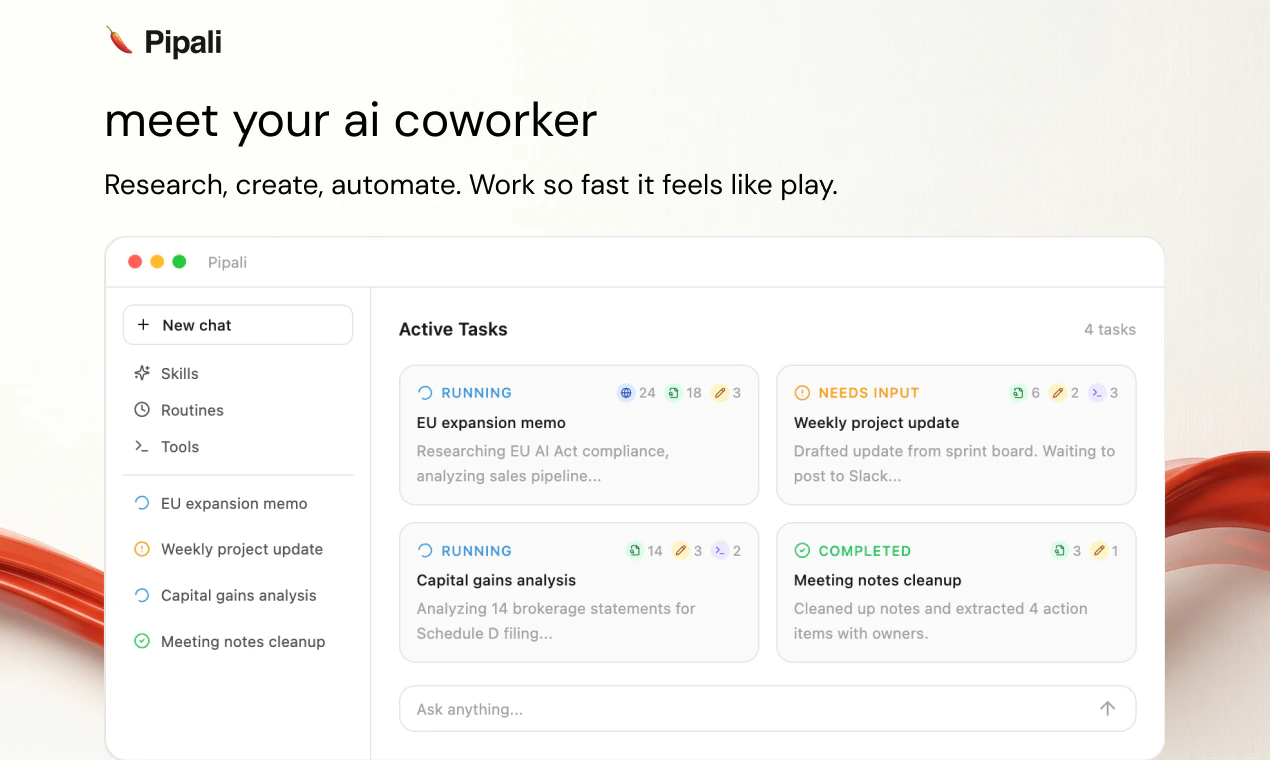
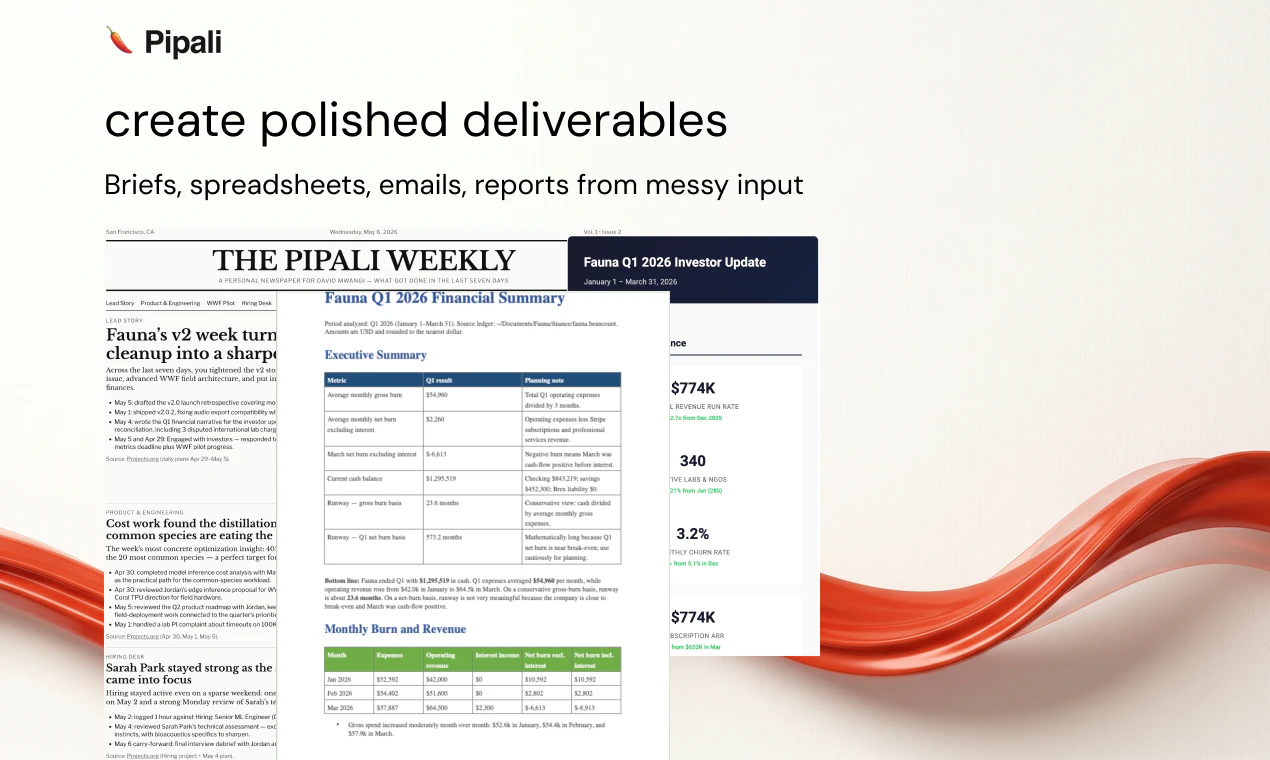
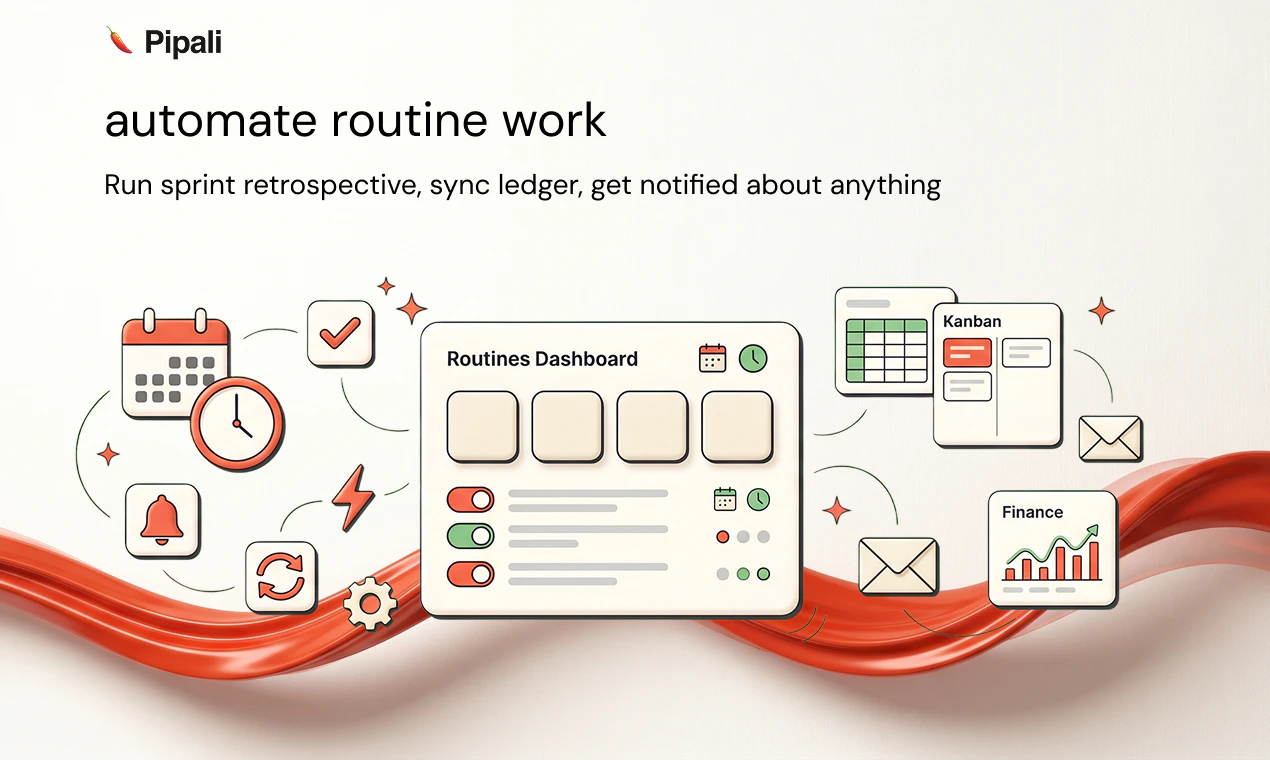
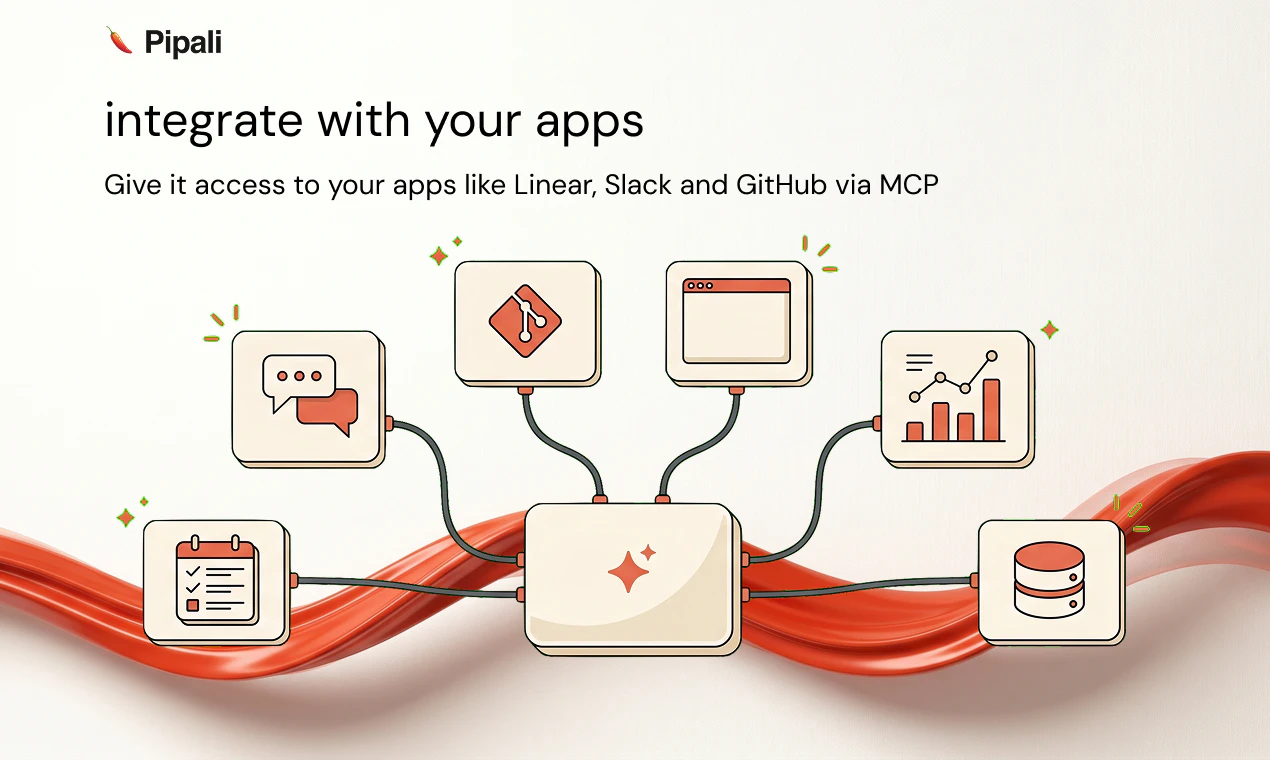
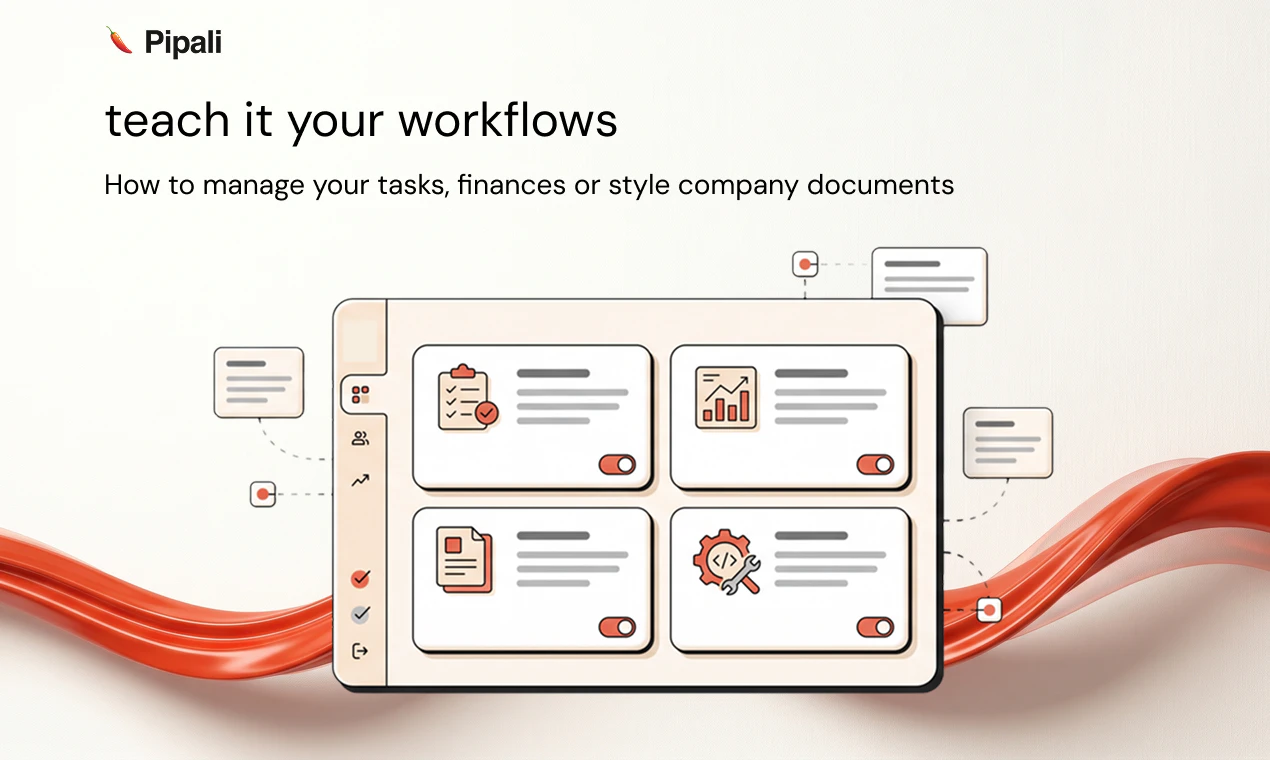
Pipali is an innovative AI coworker designed to seamlessly integrate into your computer environment, enhancing productivity across various tasks. It interacts intelligently with your files, browser, and applications to help you conduct deep research, craft polished documents, manage browser tasks, and handle routine errands. Built for professionals, developers, and knowledge workers, Pipali adapts to your workflows through customizable Skills and automates recurring tasks with Routines. Its ability to connect with popular apps like Linear, Slack, and GitHub via MCP makes it a versatile tool for streamlining workflows and boosting efficiency. Unlike traditional automation tools, Pipali's AI-driven approach offers a natural, conversational interface that simplifies complex tasks, making it accessible even for non-technical users. Its open-source potential and focus on integration position it as a flexible, scalable assistant for modern digital workspaces.
Screenshots
+1 more screenshots
Pros
- ✓Deep integration with files, browsers, and apps for comprehensive task handling
- ✓Customizable Skills and Routines for tailored workflows
- ✓Seamless app integrations like Slack, GitHub, and Linear
- ✓AI-driven assistant enabling natural interactions
- ✓Potential for open-source development and community contributions
Cons
- ✗Currently limited user base with no visible product adoption statistics
- ✗Possible learning curve for setting up Skills and Routines
- ✗Uncertain pricing structure; may require paid plans for advanced features
Use Cases
Pricing
Likely follows a freemium model with basic features available for free and premium plans offering advanced automation and integrations, starting around $10-$20/month. Exact details are not confirmed.
Quick Info
Topics
Similar Tools in AI Assistants




Embed Badge
Add this badge to your website to show that Pipali is featured on Visalytica.
<a href="https://www.visalytica.com/tool/pipali" target="_blank" rel="noopener noreferrer" style="display:inline-flex;align-items:center;gap:6px;padding:6px 14px;background:#7c3aed;color:#fff;border-radius:8px;font-family:-apple-system,system-ui,sans-serif;font-size:13px;font-weight:600;text-decoration:none;transition:background .2s" onmouseover="this.style.background='#6d28d9'" onmouseout="this.style.background='#7c3aed'"><svg width="14" height="14" viewBox="0 0 24 24" fill="none" stroke="currentColor" stroke-width="2.5" stroke-linecap="round" stroke-linejoin="round"><path d="M12 20V10"/><path d="M18 20V4"/><path d="M6 20v-4"/></svg>Featured on Visalytica</a>