
PiP Cue
Float, caption & translate any video in 100+ languages
About PiP Cue
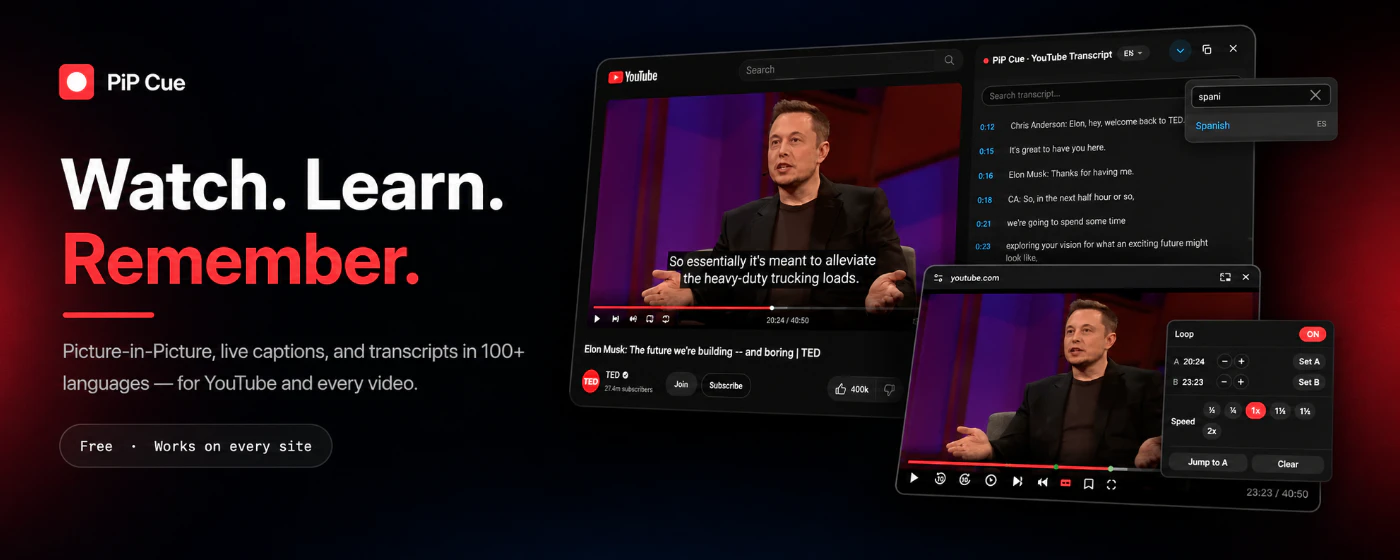
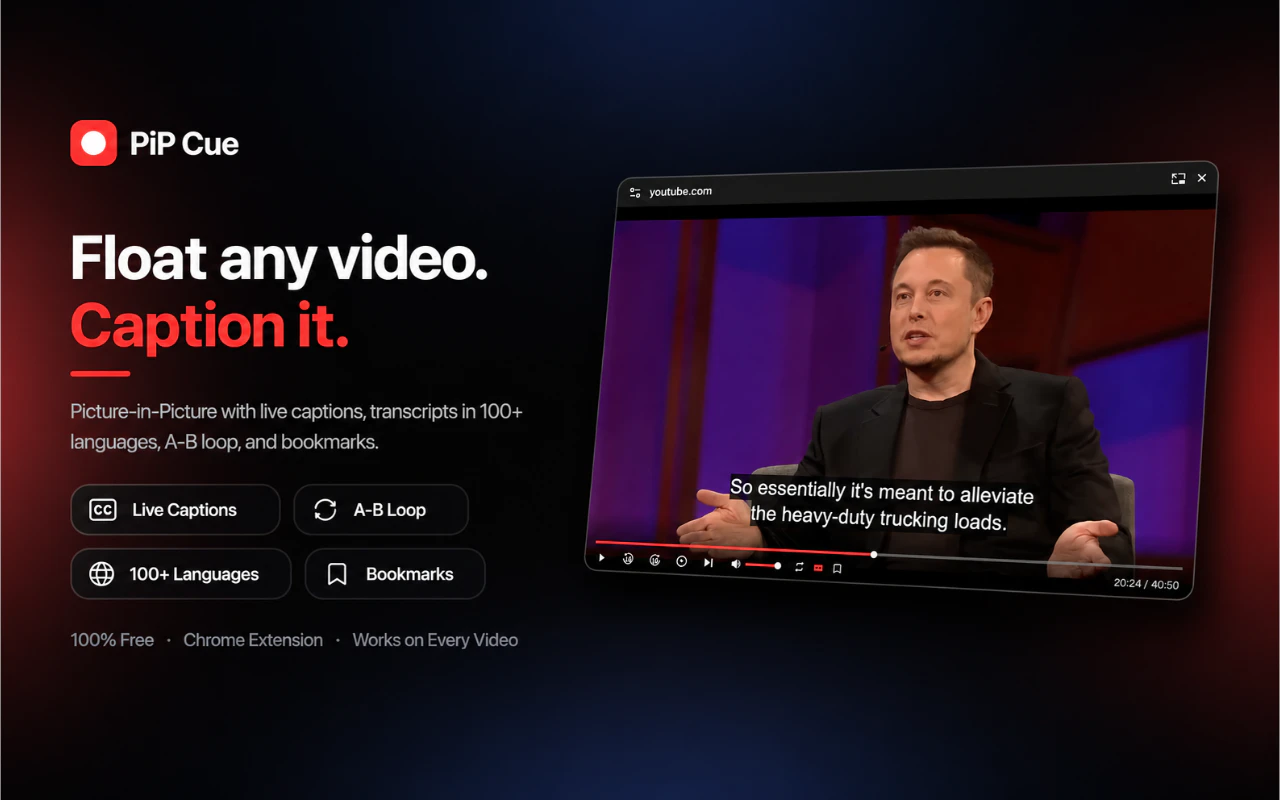
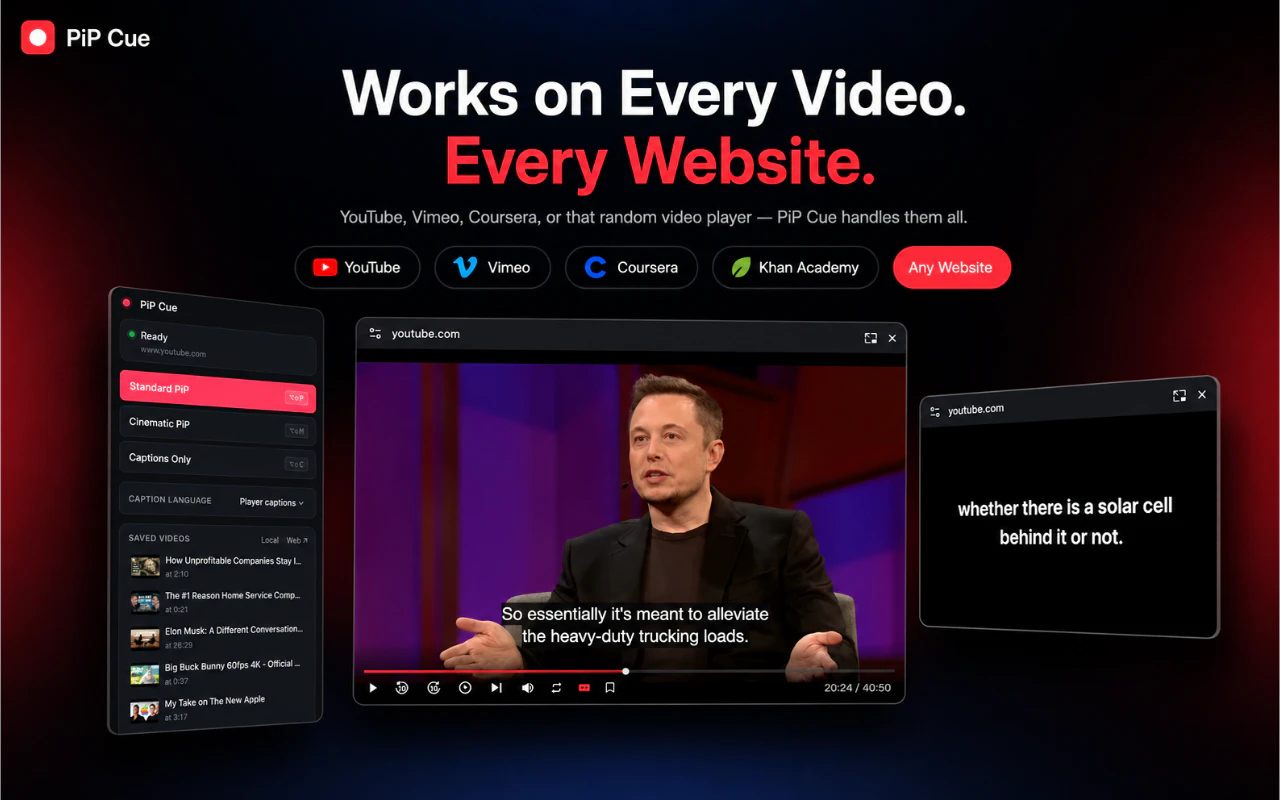
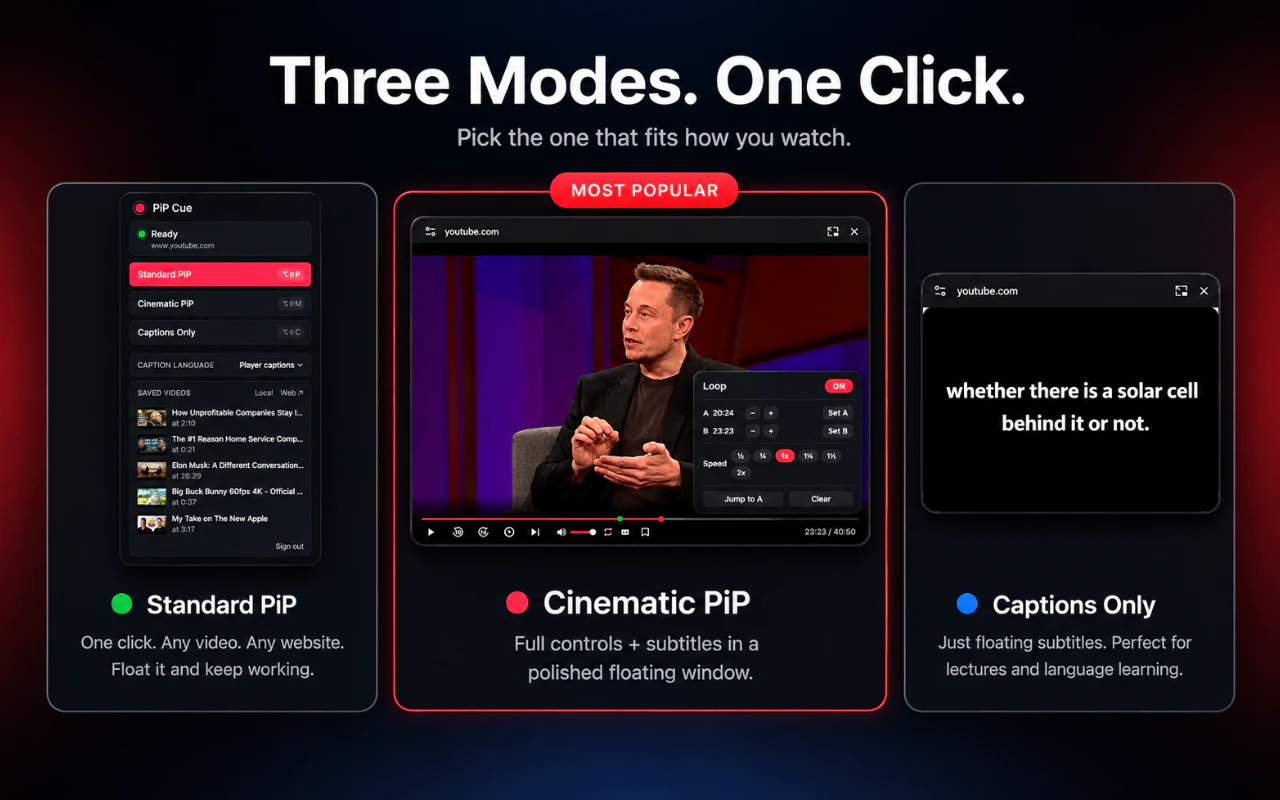
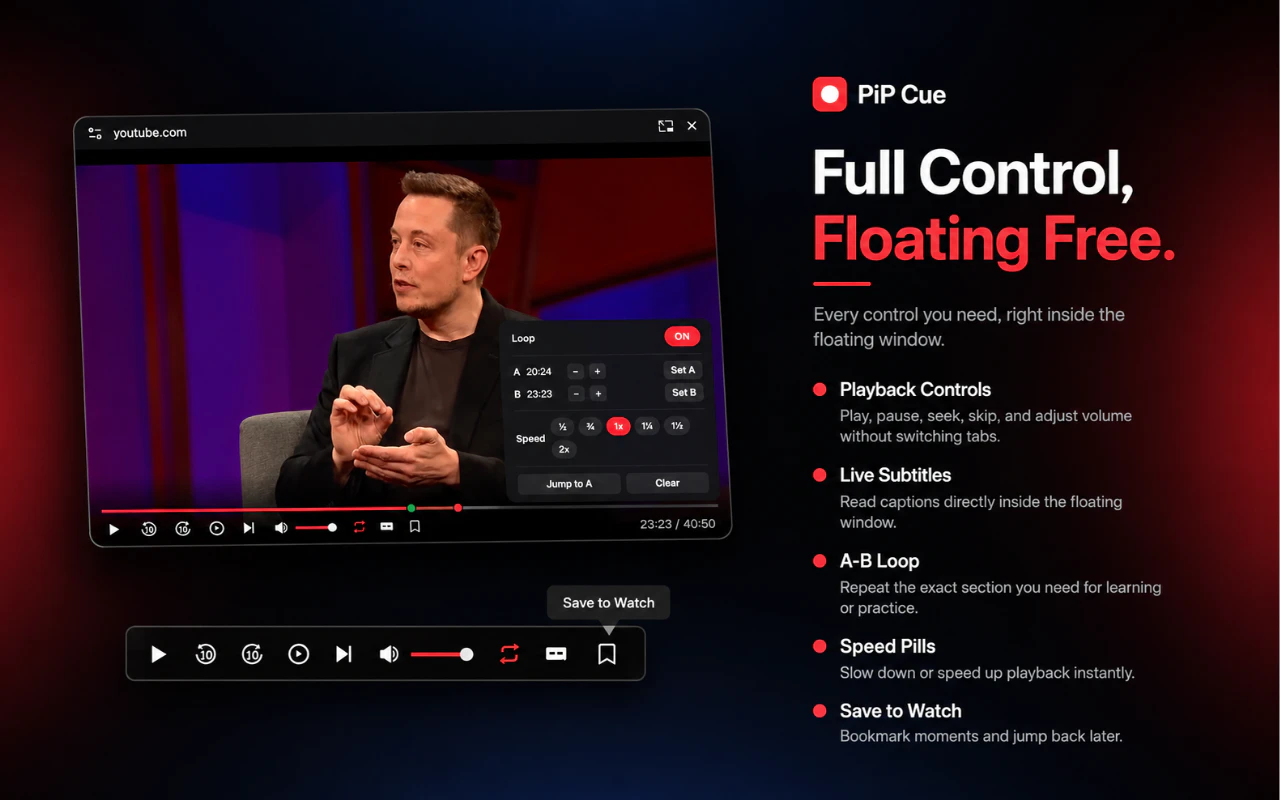
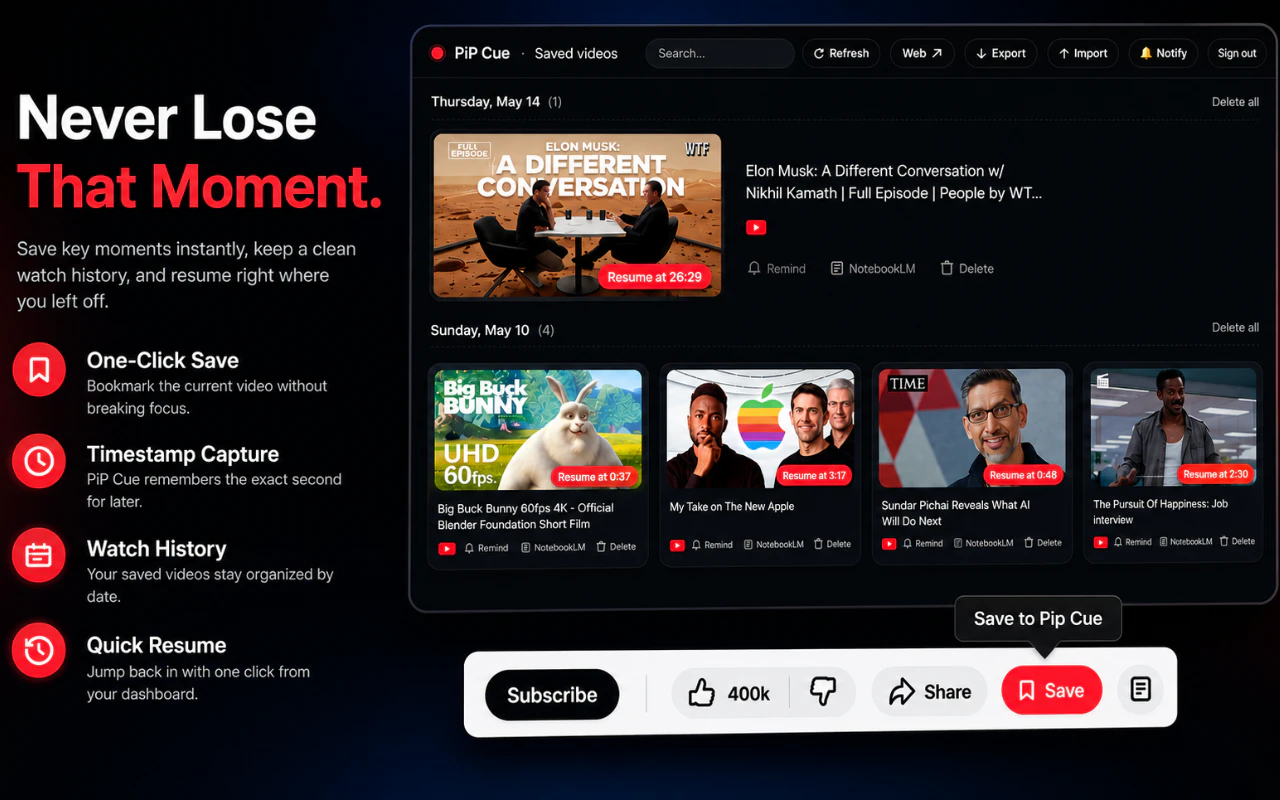
PiP Cue is a versatile Chrome extension designed to enhance the way users interact with online videos. Building on the standard Picture-in-Picture feature, it adds a suite of powerful tools including live captions, full playback controls, A-B looping, and speed adjustments, all accessible within a floating window. Its standout feature is searchable transcripts that can be translated into over 100 languages, making it ideal for following lectures, podcasts, tutorials, or multilingual content. Users can jump to specific lines, replay segments, and save moments with timestamps, transforming passive viewing into an interactive experience. With no account required and free to use, PiP Cue is perfect for students, professionals, and content enthusiasts seeking a seamless, multi-lingual viewing experience without clutter.
Screenshots
+1 more screenshots
Pros
- ✓Enables floating videos with full controls and captions
- ✓Searchable and translatable transcripts in 100+ languages
- ✓No account needed, free to use
- ✓Supports jumping to specific transcript lines and replays
- ✓Includes useful features like A-B loops and speed controls
Cons
- ✗Limited to Chrome browser only
- ✗Requires internet connection for transcript translation
- ✗Features may be basic compared to dedicated media players
Use Cases
Pricing
Free to use with no account required; features are likely included in the free version, making it accessible for most users without additional costs.
Quick Info
Topics
Makers

Naveen Kumar
Alternatives
Similar Tools in AI Image & Design




Embed Badge
Add this badge to your website to show that PiP Cue is featured on Visalytica.
<a href="https://www.visalytica.com/tool/pip-cue" target="_blank" rel="noopener noreferrer" style="display:inline-flex;align-items:center;gap:6px;padding:6px 14px;background:#7c3aed;color:#fff;border-radius:8px;font-family:-apple-system,system-ui,sans-serif;font-size:13px;font-weight:600;text-decoration:none;transition:background .2s" onmouseover="this.style.background='#6d28d9'" onmouseout="this.style.background='#7c3aed'"><svg width="14" height="14" viewBox="0 0 24 24" fill="none" stroke="currentColor" stroke-width="2.5" stroke-linecap="round" stroke-linejoin="round"><path d="M12 20V10"/><path d="M18 20V4"/><path d="M6 20v-4"/></svg>Featured on Visalytica</a>