
PicText
Spell it with your photos.
About PicText
PicText is a versatile online tool designed for creative enthusiasts and designers who want to craft eye-catching photo and text mosaics without the need for complex software. It allows users to fill letters with custom photos, create mosaic typography, and produce photo word art, making text visually striking. Its unique feature set includes placing text behind image subjects, applying various filters, shuffling tiles for artistic effects, and exporting transparent PNGs. As a private, in-browser solution, it ensures user privacy by not requiring server uploads, making it ideal for quick, secure editing. Whether for social media graphics, personalized art, or creative projects, PicText offers an intuitive platform that combines powerful features with simplicity, catering to both amateurs and professionals alike.
Screenshots
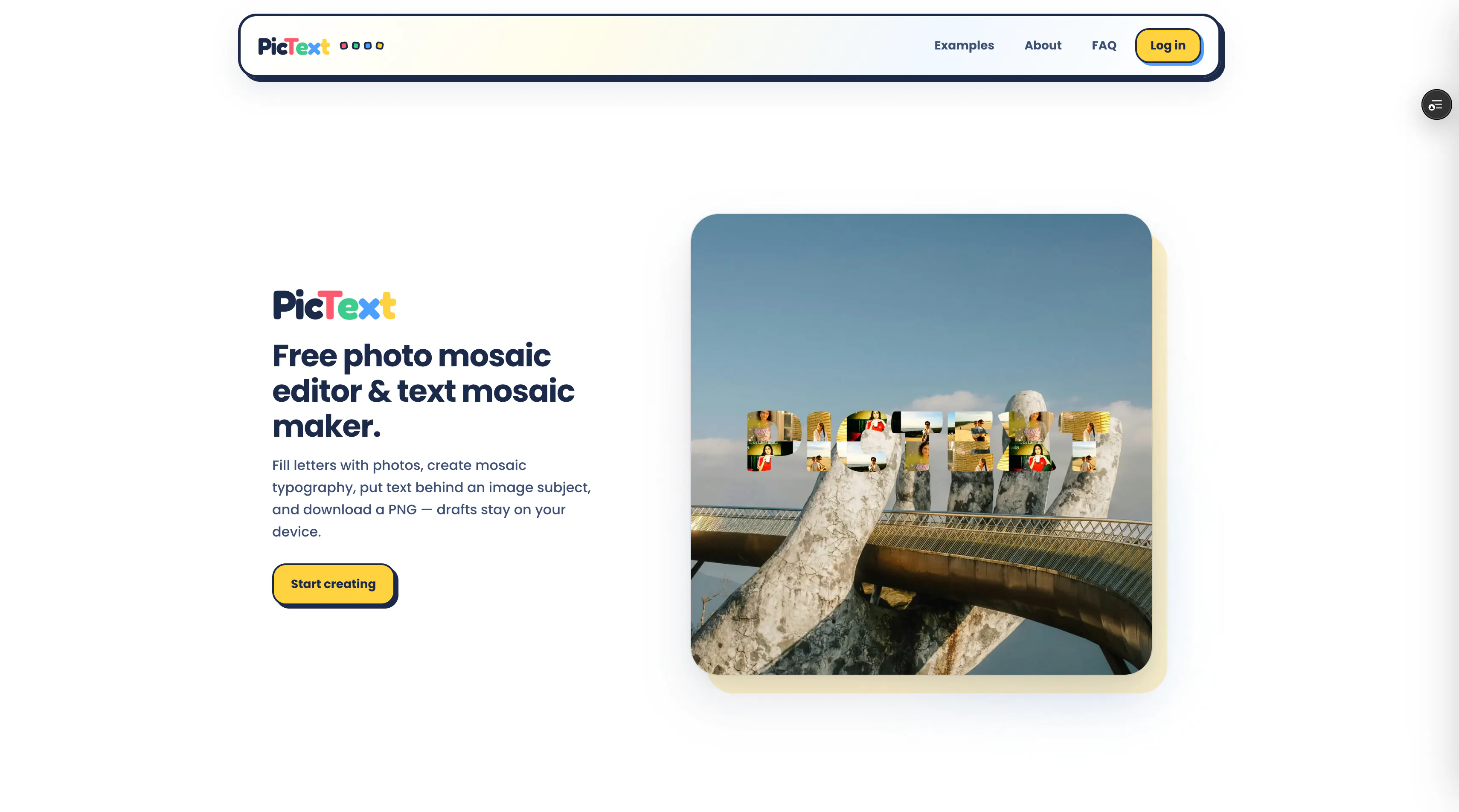



Pros
- ✓Private, in-browser editing with no server uploads
- ✓Supports a wide range of creative effects like filters and tile shuffling
- ✓Easy to use for both beginners and experienced designers
- ✓Allows creating complex photo and text mosaics effortlessly
- ✓Exports transparent PNGs for versatile use
Cons
- ✗Limited information on advanced editing features or integrations
- ✗No pricing details or subscription plans provided
- ✗ProductHunt votes are currently zero, indicating limited user feedback
Use Cases
Pricing
Pricing not verified

Similar Tools in AI Image & Design




Embed Badge
Add this badge to your website to show that PicText is featured on Visalytica.
<a href="https://www.visalytica.com/tool/pictext" target="_blank" rel="noopener noreferrer" style="display:inline-flex;align-items:center;gap:6px;padding:6px 14px;background:#7c3aed;color:#fff;border-radius:8px;font-family:-apple-system,system-ui,sans-serif;font-size:13px;font-weight:600;text-decoration:none;transition:background .2s" onmouseover="this.style.background='#6d28d9'" onmouseout="this.style.background='#7c3aed'"><svg width="14" height="14" viewBox="0 0 24 24" fill="none" stroke="currentColor" stroke-width="2.5" stroke-linecap="round" stroke-linejoin="round"><path d="M12 20V10"/><path d="M18 20V4"/><path d="M6 20v-4"/></svg>Featured on Visalytica</a>