
PicSweep - Photo Cleaner
Clean your Google & iCloud Photos library safely & locally.
About PicSweep - Photo Cleaner
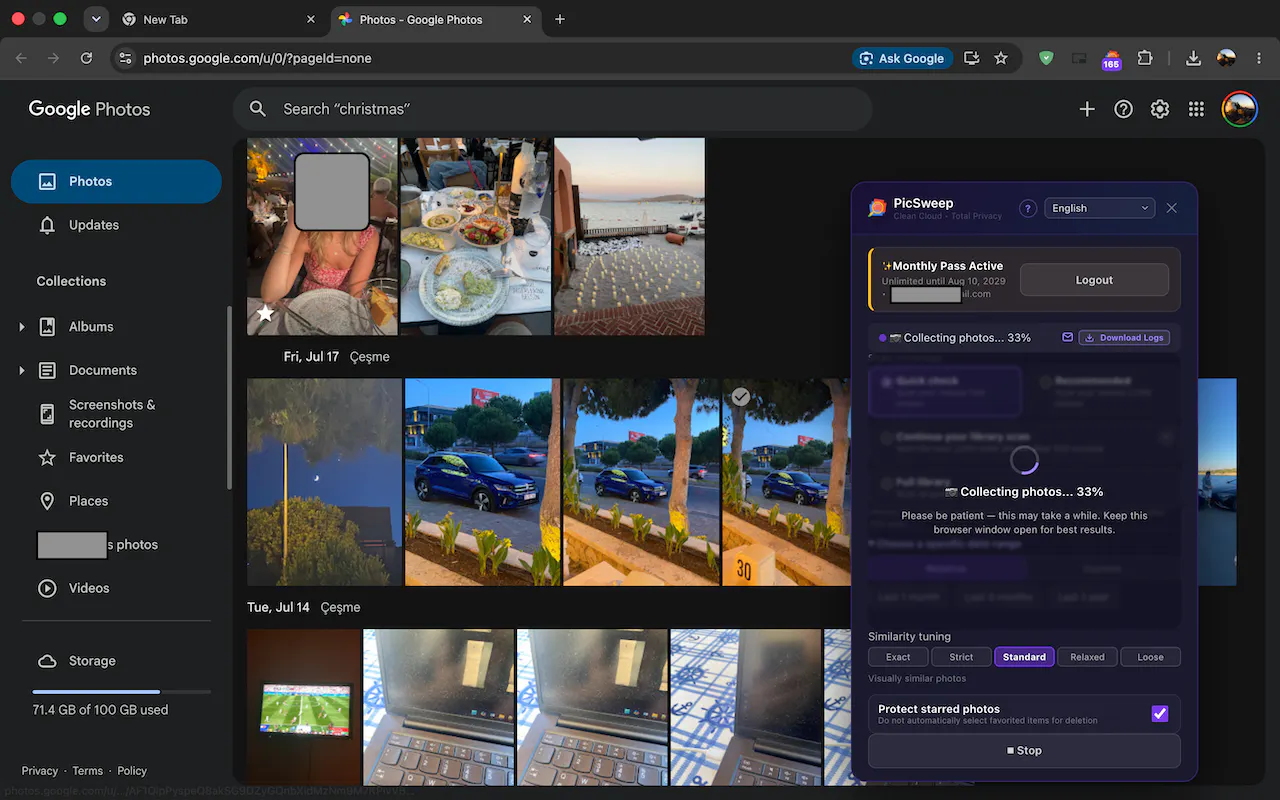
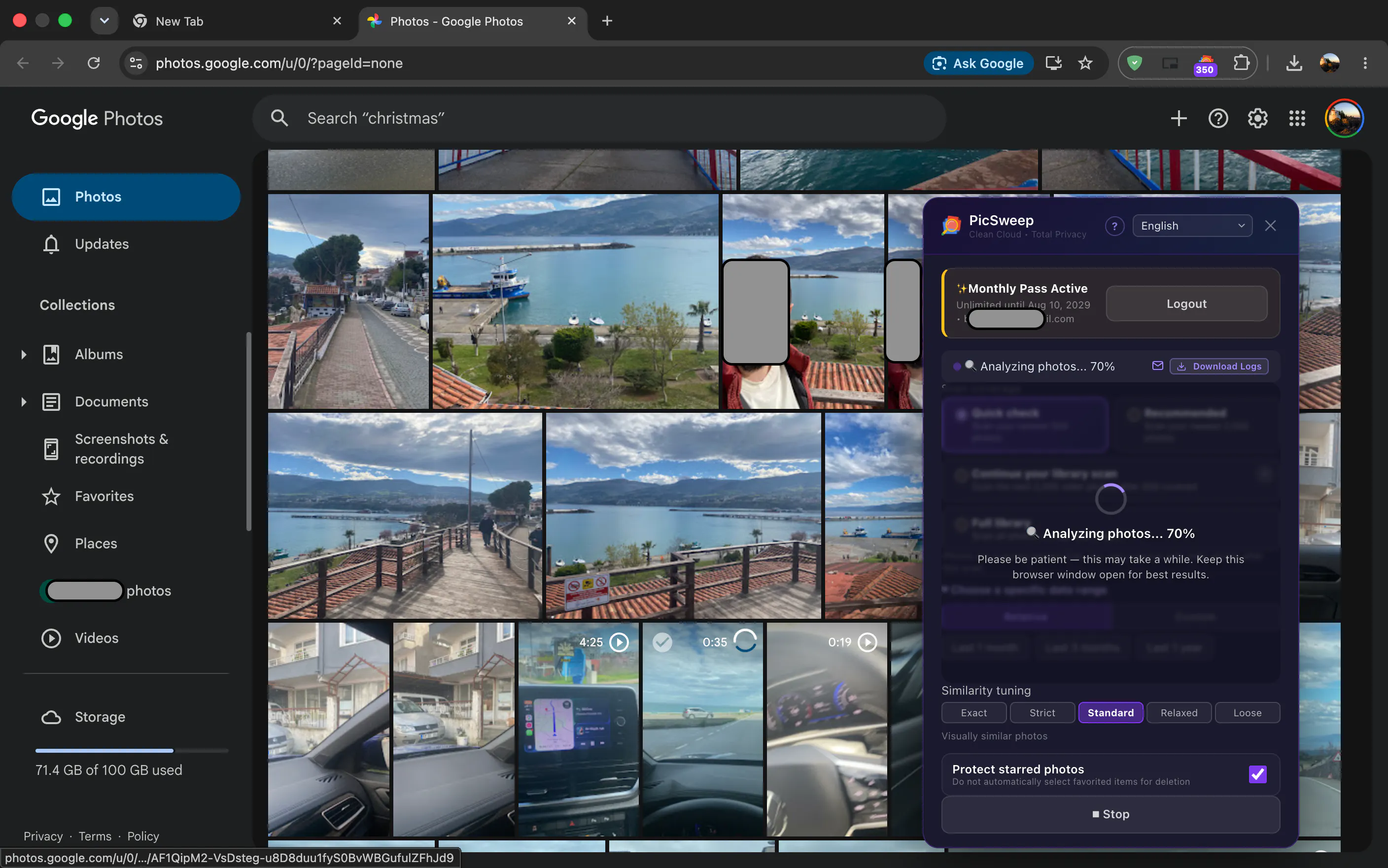
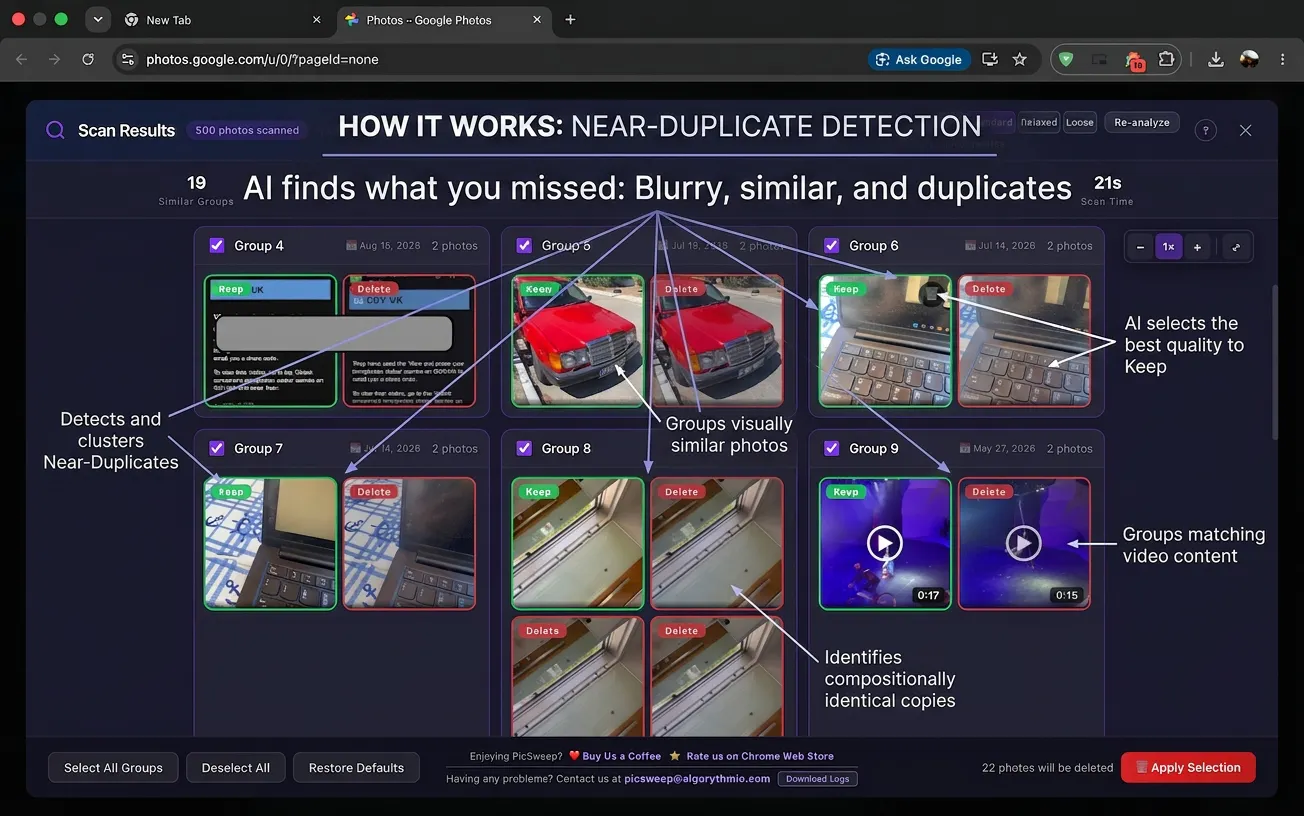
PicSweep - Photo Cleaner is a privacy-focused browser extension designed to help users efficiently clean and organize their Google Photos and iCloud Photos libraries directly from their browser. Compatible with Chrome, Brave, Edge, and Opera, it offers desktop-like power without the need for mobile apps, ensuring that your photos never leave your browser environment. Its core strength lies in anonymized, fast similarity detection using pHash and Hamming distance, enabling safe and precise bulk deletions. Users can fine-tune their cleanup process with adjustable thresholds, filters based on albums, dates, and keywords, making it ideal for those seeking to reclaim cloud storage and maintain privacy. What makes PicSweep stand out is its commitment to local, safe processing, giving users confidence that their data remains private throughout the cleanup process.
Screenshots


Pros
- ✓Privacy-first approach with local, in-browser processing
- ✓Fast and efficient similarity matching using pHash
- ✓Highly customizable filters for targeted cleaning
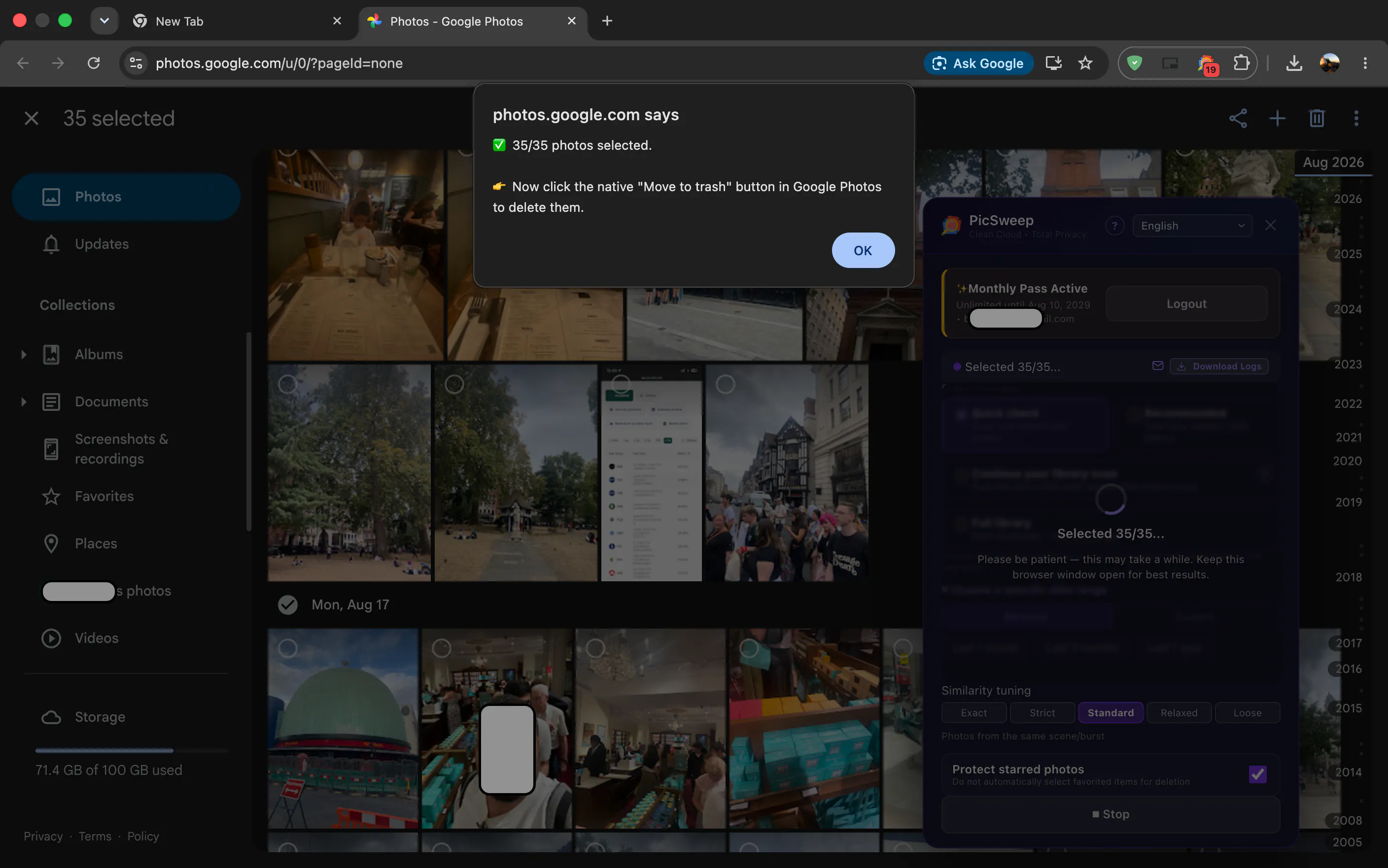
- ✓Safe bulk deletion to reclaim storage space
- ✓Compatible across multiple popular browsers
Cons
- ✗Requires browser extension installation, which may not suit all users
- ✗Limited to Google Photos and iCloud Photos, not other cloud services
- ✗Potential learning curve for new users unfamiliar with photo management
Use Cases
Pricing
Pricing not verified
Quick Info
Topics
Makers

Burak Sezin Ovant
Alternatives
Similar Tools in AI Image & Design




Embed Badge
Add this badge to your website to show that PicSweep - Photo Cleaner is featured on Visalytica.
<a href="https://www.visalytica.com/tool/picsweep-photo-cleaner" target="_blank" rel="noopener noreferrer" style="display:inline-flex;align-items:center;gap:6px;padding:6px 14px;background:#7c3aed;color:#fff;border-radius:8px;font-family:-apple-system,system-ui,sans-serif;font-size:13px;font-weight:600;text-decoration:none;transition:background .2s" onmouseover="this.style.background='#6d28d9'" onmouseout="this.style.background='#7c3aed'"><svg width="14" height="14" viewBox="0 0 24 24" fill="none" stroke="currentColor" stroke-width="2.5" stroke-linecap="round" stroke-linejoin="round"><path d="M12 20V10"/><path d="M18 20V4"/><path d="M6 20v-4"/></svg>Featured on Visalytica</a>