
PickFace: Face Album Maker
A group photo that sorts itself into a face album
About PickFace: Face Album Maker
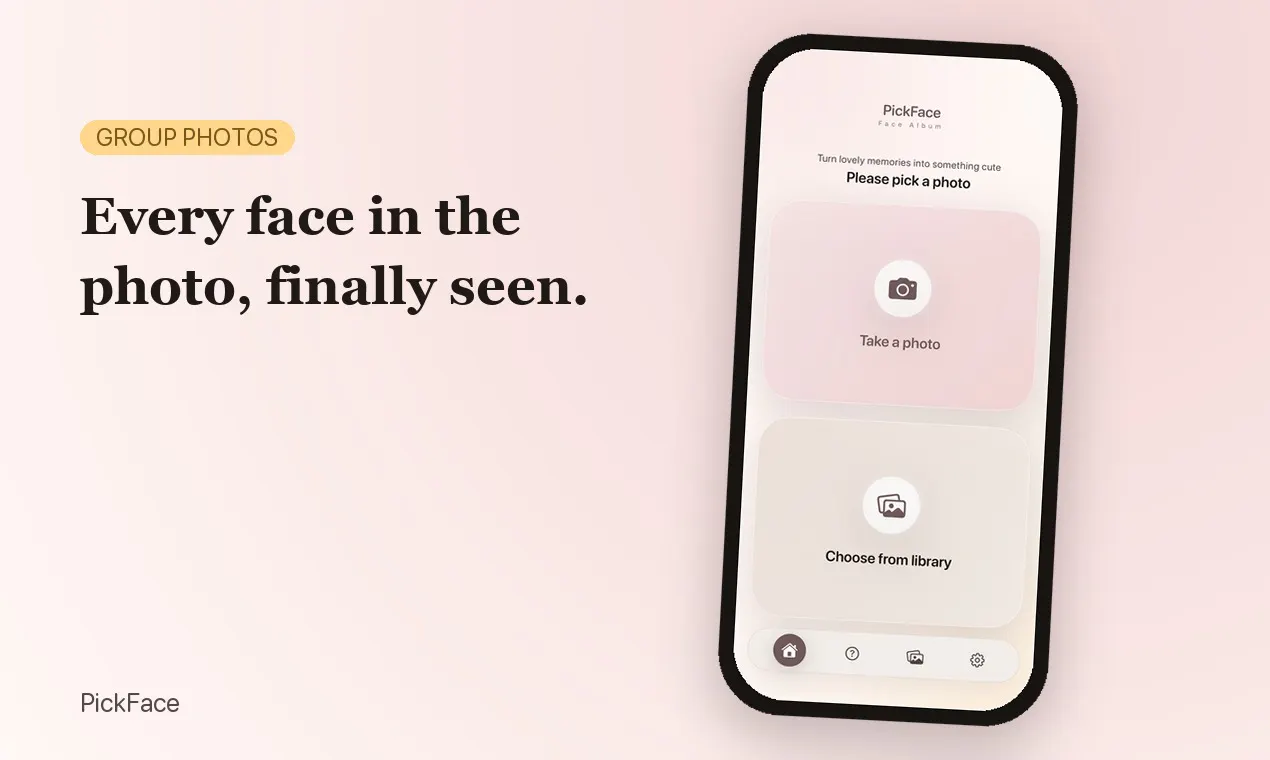
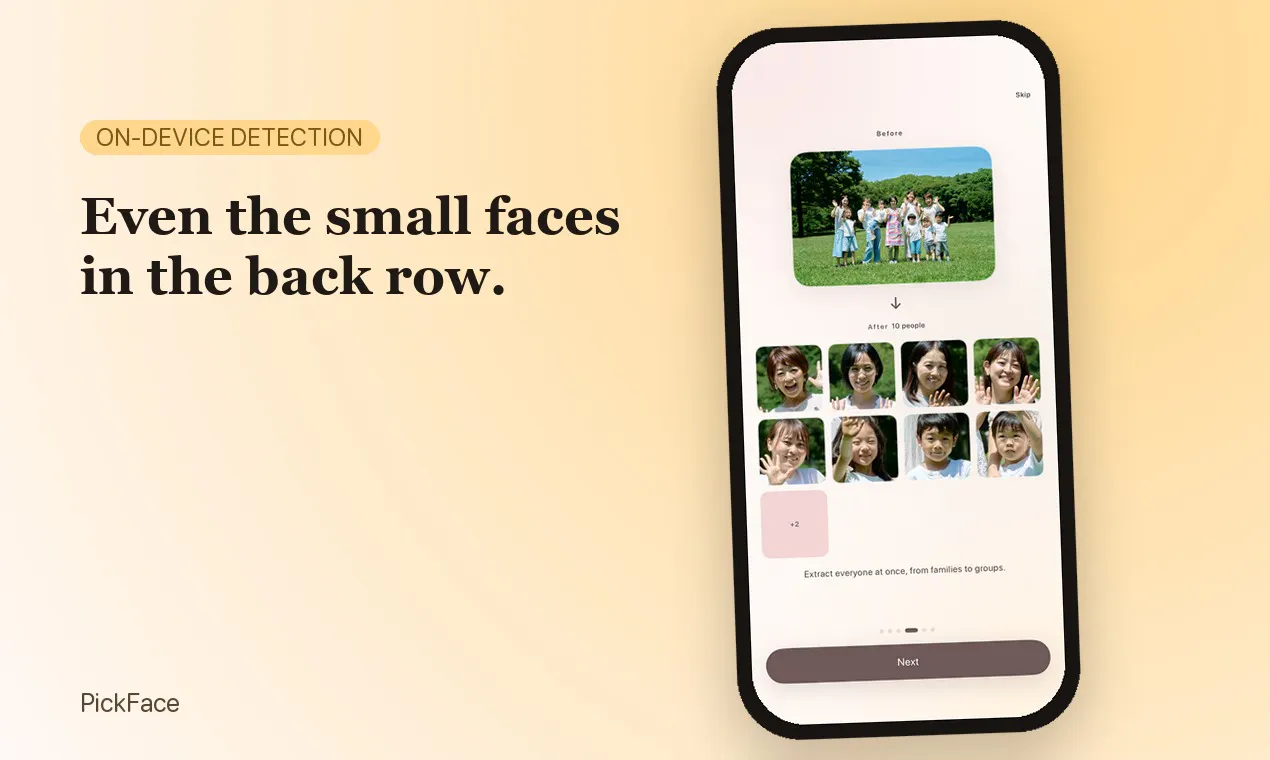
PickFace: Face Album Maker is a unique photo tool designed to automatically create organized face albums from group photos. Utilizing advanced vision scanning, it analyzes images in tiles to detect even small or distant faces that traditional single-pass methods might miss. The tool then auto-crops, straightens, and arranges these faces into customizable grids, such as yearbook layouts or simple face collages. Its privacy-centric approach ensures no biometric data is stored or recognized, making it a safe choice for users concerned about security. With no need for accounts or network calls, PickFace operates entirely on-device, providing quick and private results. Its intuitive interface makes it accessible for photographers, event organizers, or anyone who wants to turn a single photo into a shareable, neatly organized face album effortlessly.
Screenshots



Pros
- ✓On-device processing ensures privacy and quick results
- ✓Detects small and distant faces with multi-tile vision scanning
- ✓No account or network required, making it simple and private
- ✓Auto-straightens and crops faces for perfect presentation
- ✓Flexible layout options like yearbook or grid formats
Cons
- ✗Limited to detection only; no face recognition or tagging
- ✗Free tier capped at 5 scans per month
- ✗Lacks advanced editing features or customization beyond layout options
Use Cases
Pricing
Free for up to 5 scans per month; one-time unlock available to remove limits and ads, with no subscription model. Likely operates on a pay-once basis for full access.
Quick Info
Topics
Makers

Tomohiko Saitoh
Alternatives
Similar Tools in AI Image & Design




Embed Badge
Add this badge to your website to show that PickFace: Face Album Maker is featured on Visalytica.
<a href="https://www.visalytica.com/tool/pickface-face-album-maker" target="_blank" rel="noopener noreferrer" style="display:inline-flex;align-items:center;gap:6px;padding:6px 14px;background:#7c3aed;color:#fff;border-radius:8px;font-family:-apple-system,system-ui,sans-serif;font-size:13px;font-weight:600;text-decoration:none;transition:background .2s" onmouseover="this.style.background='#6d28d9'" onmouseout="this.style.background='#7c3aed'"><svg width="14" height="14" viewBox="0 0 24 24" fill="none" stroke="currentColor" stroke-width="2.5" stroke-linecap="round" stroke-linejoin="round"><path d="M12 20V10"/><path d="M18 20V4"/><path d="M6 20v-4"/></svg>Featured on Visalytica</a>