Permute 4.0
The ultimate media converter for macOS
About Permute 4.0
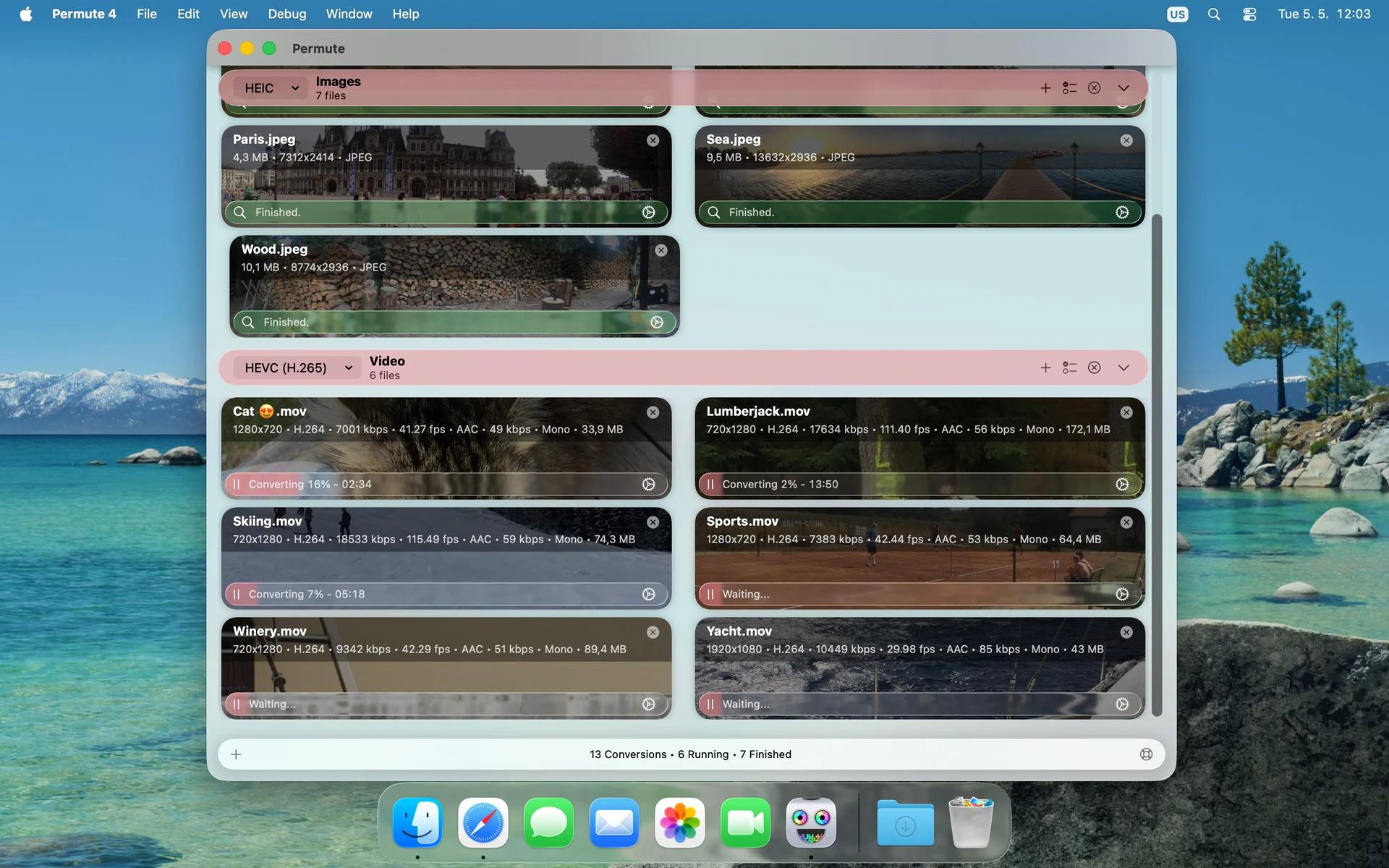
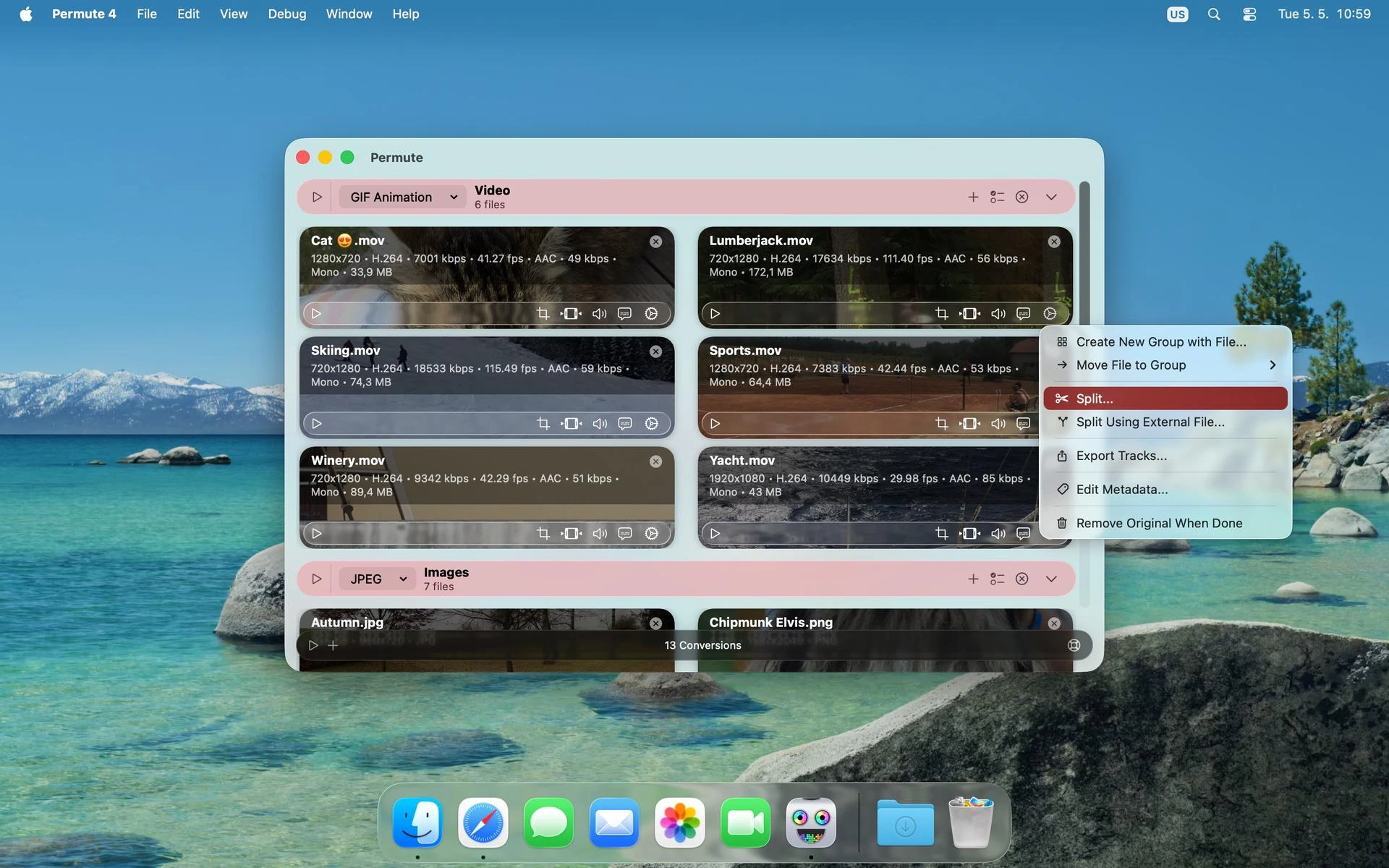
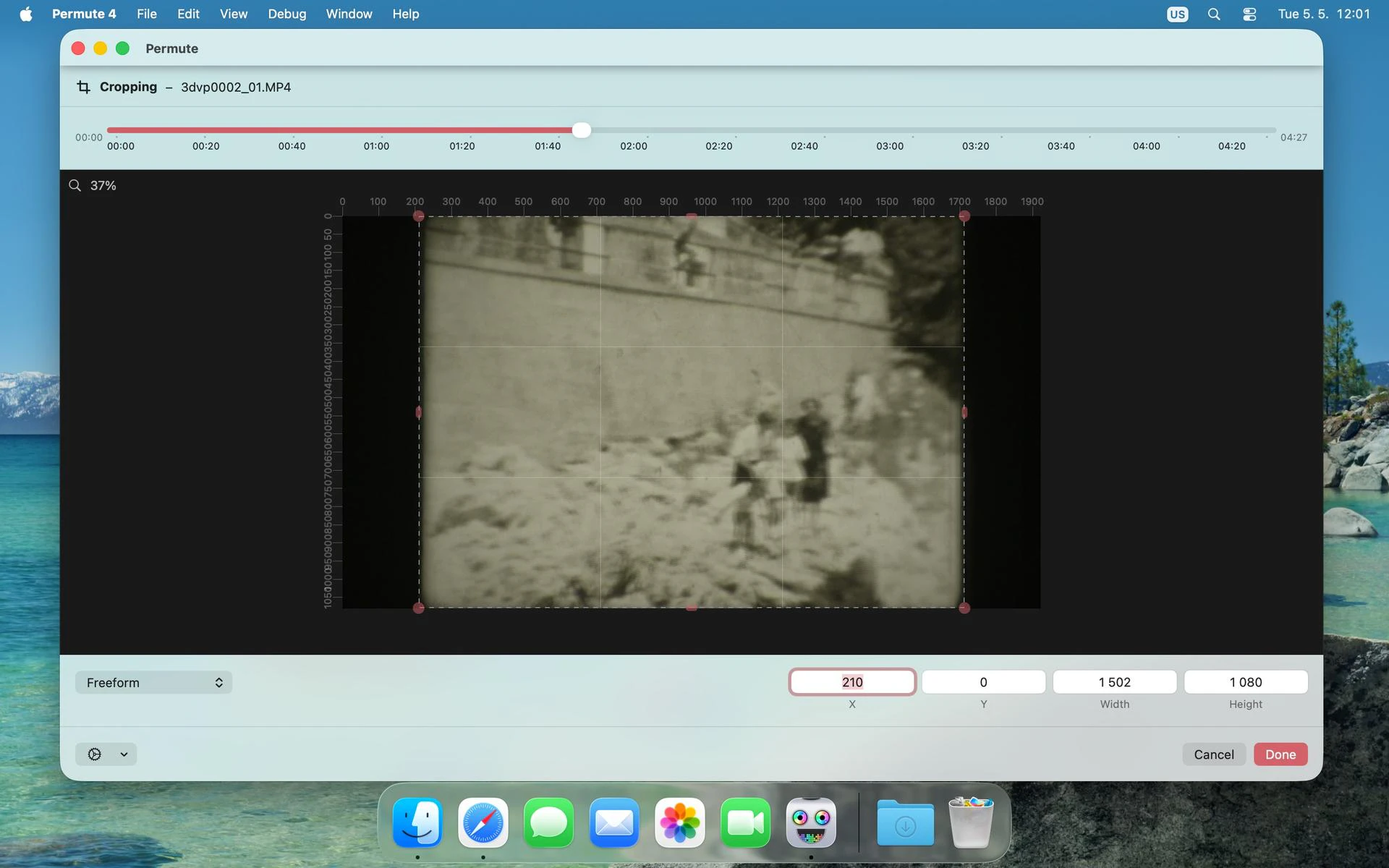
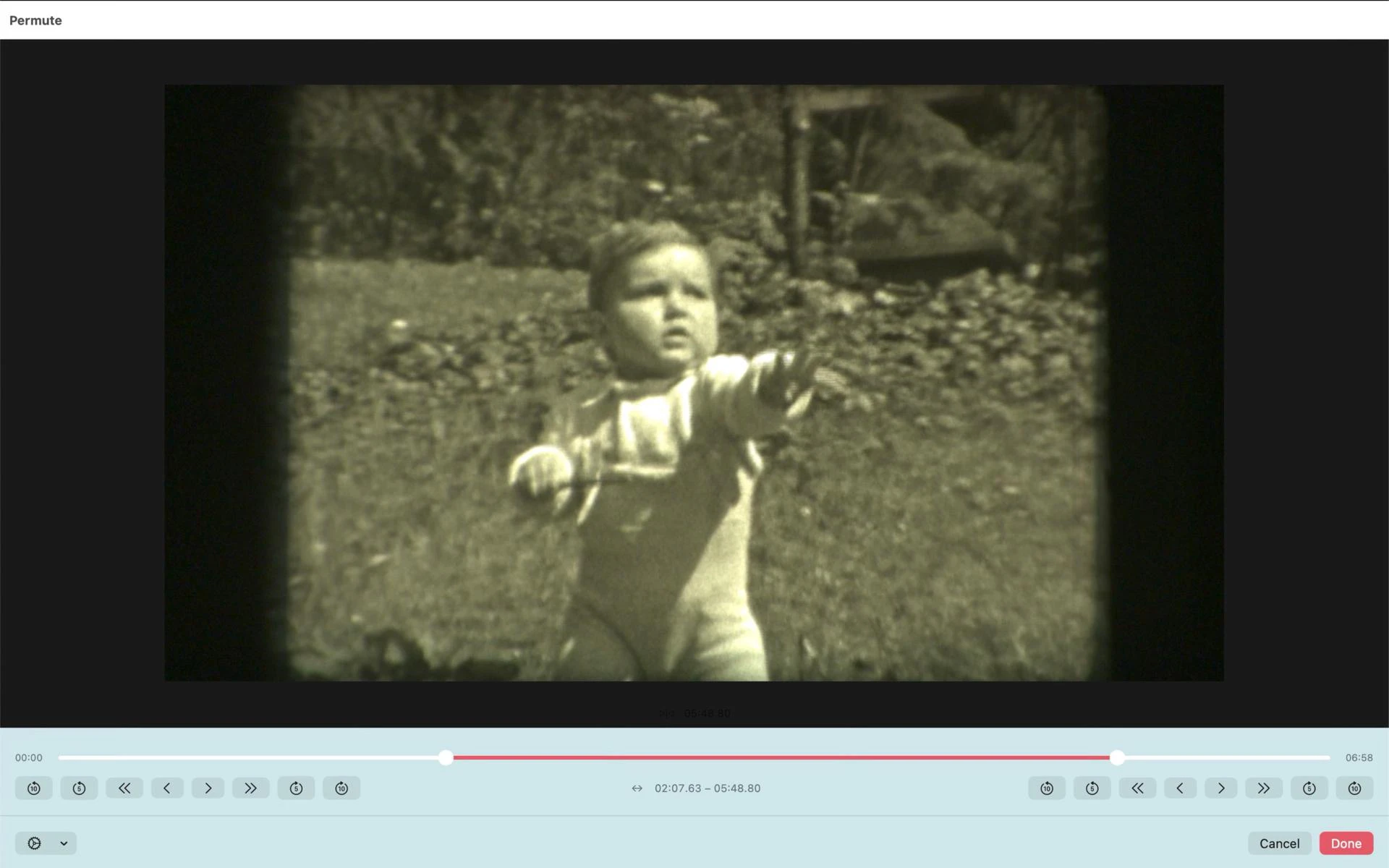
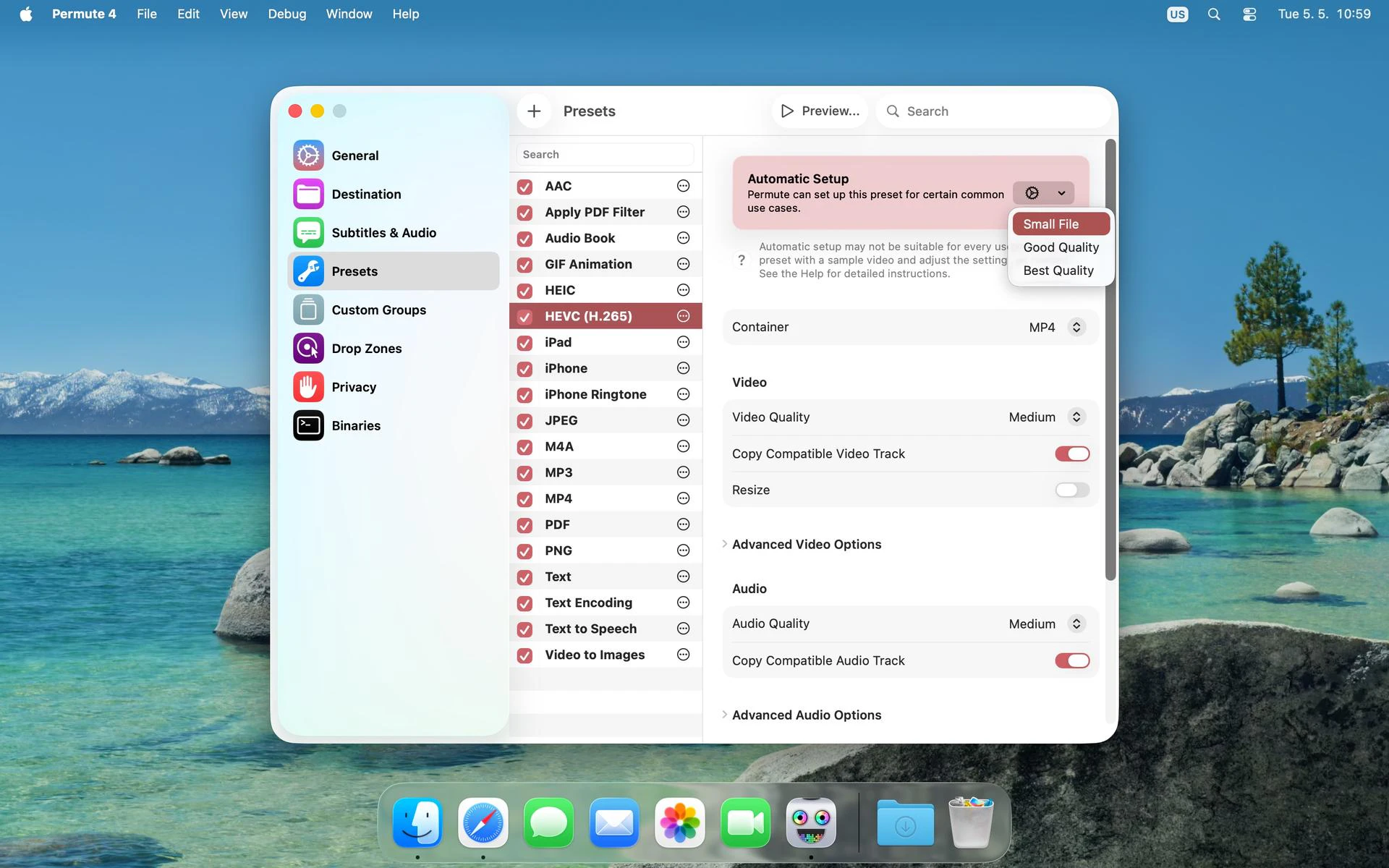
Permute 4.0 is a versatile media converter designed specifically for macOS users who need to quickly and efficiently convert images, audio, and video files across a wide range of formats. Its user-friendly interface makes it accessible for both beginners and professionals, allowing seamless conversion of media files into almost any format needed for projects, presentations, or sharing. Beyond simple conversions, Permute offers useful features like merging videos and adding subtitles, making it a comprehensive media toolkit. Its speed and reliability make it a preferred choice for content creators, videographers, and multimedia enthusiasts seeking a reliable solution without complicated workflows. Although it doesn't perform 'water-to-wine' magic, Permute excels at transforming media effortlessly, saving users time and reducing frustration.
Screenshots
Pros
- ✓Supports a wide range of media formats for images, audio, and video
- ✓Intuitive and easy-to-use interface suitable for all skill levels
- ✓Additional features like merging videos and adding subtitles
- ✓Fast processing speeds and reliable conversions
- ✓Designed specifically for macOS, ensuring optimal performance
Cons
- ✗Limited to macOS, not available for Windows or Linux
- ✗Lacks advanced editing features beyond basic conversion and merging
- ✗Pricing details are not explicitly provided, which may affect decision-making
Use Cases
Pricing
Likely operates on a freemium model with a free trial or limited features, with paid plans starting around $20-$30 for full access. Exact pricing details are not publicly specified, but the model is common for media conversion tools.
Quick Info
Topics
Makers

Charlie Monroe
Alternatives
Similar Tools in AI Image & Design




Embed Badge
Add this badge to your website to show that Permute 4.0 is featured on Visalytica.
<a href="https://www.visalytica.com/tool/permute-4-0" target="_blank" rel="noopener noreferrer" style="display:inline-flex;align-items:center;gap:6px;padding:6px 14px;background:#7c3aed;color:#fff;border-radius:8px;font-family:-apple-system,system-ui,sans-serif;font-size:13px;font-weight:600;text-decoration:none;transition:background .2s" onmouseover="this.style.background='#6d28d9'" onmouseout="this.style.background='#7c3aed'"><svg width="14" height="14" viewBox="0 0 24 24" fill="none" stroke="currentColor" stroke-width="2.5" stroke-linecap="round" stroke-linejoin="round"><path d="M12 20V10"/><path d="M18 20V4"/><path d="M6 20v-4"/></svg>Featured on Visalytica</a>