
PennyWise
Private expense tracker from bank SMS, AI runs on-device
About PennyWise
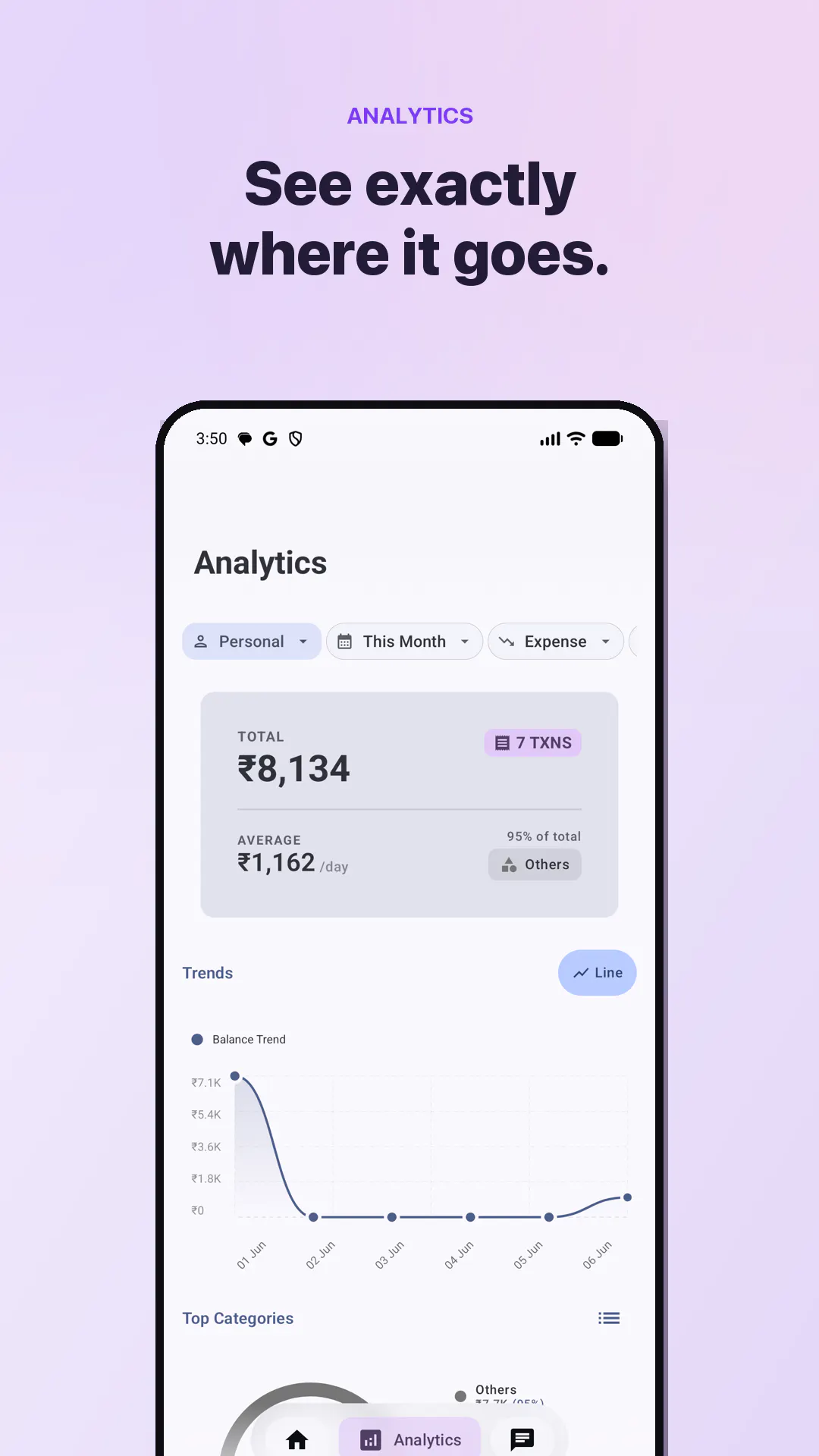
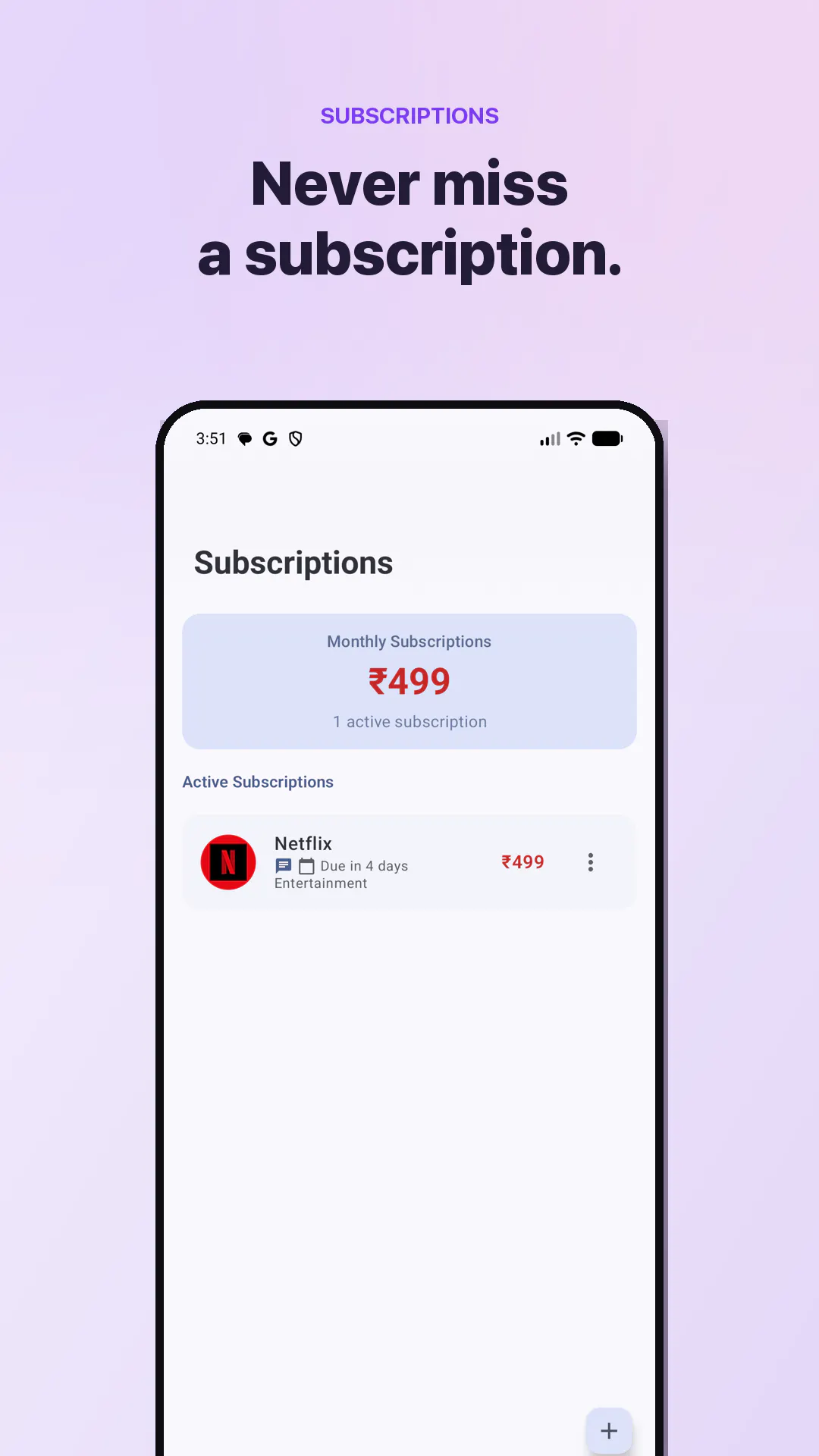
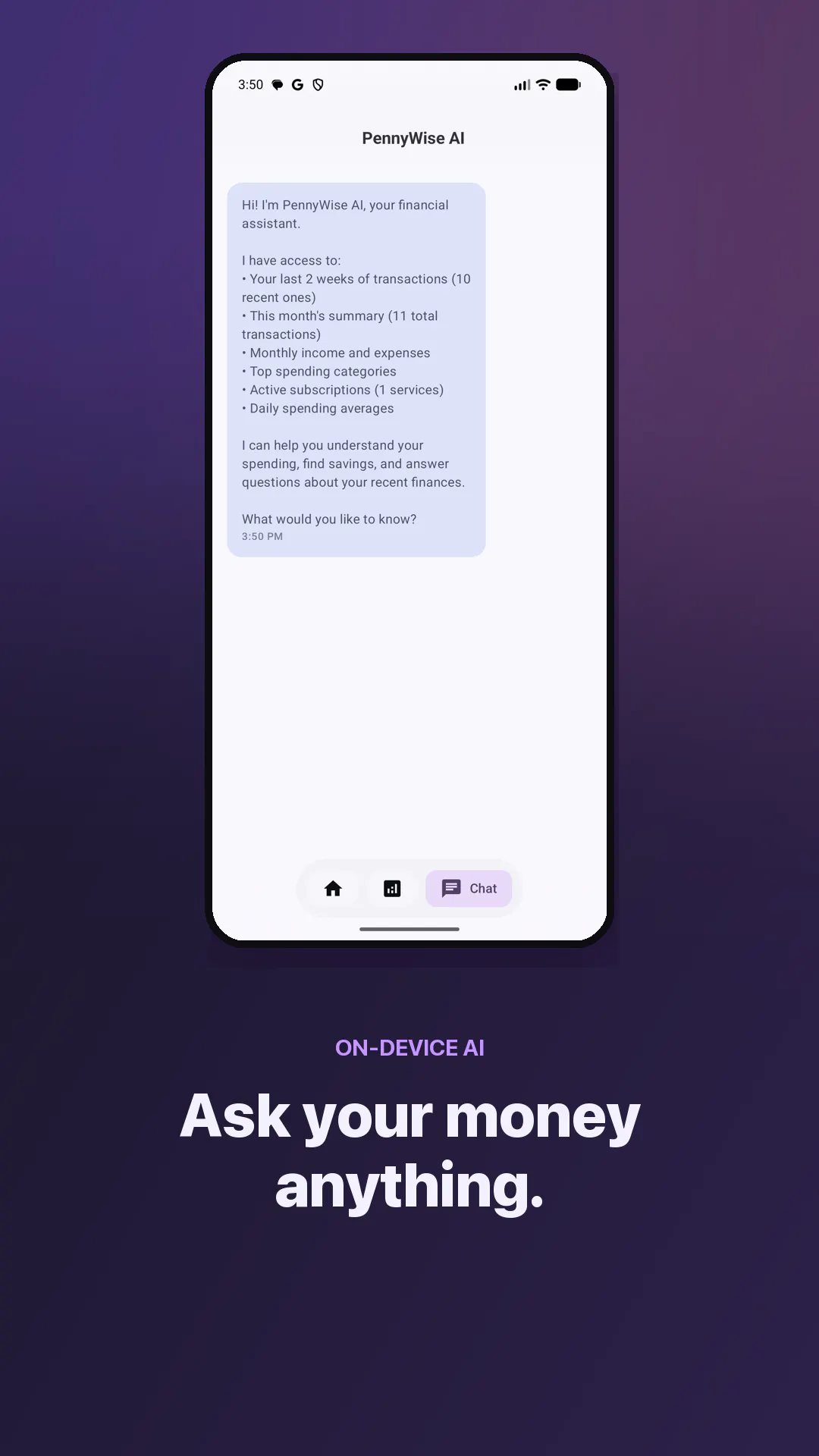
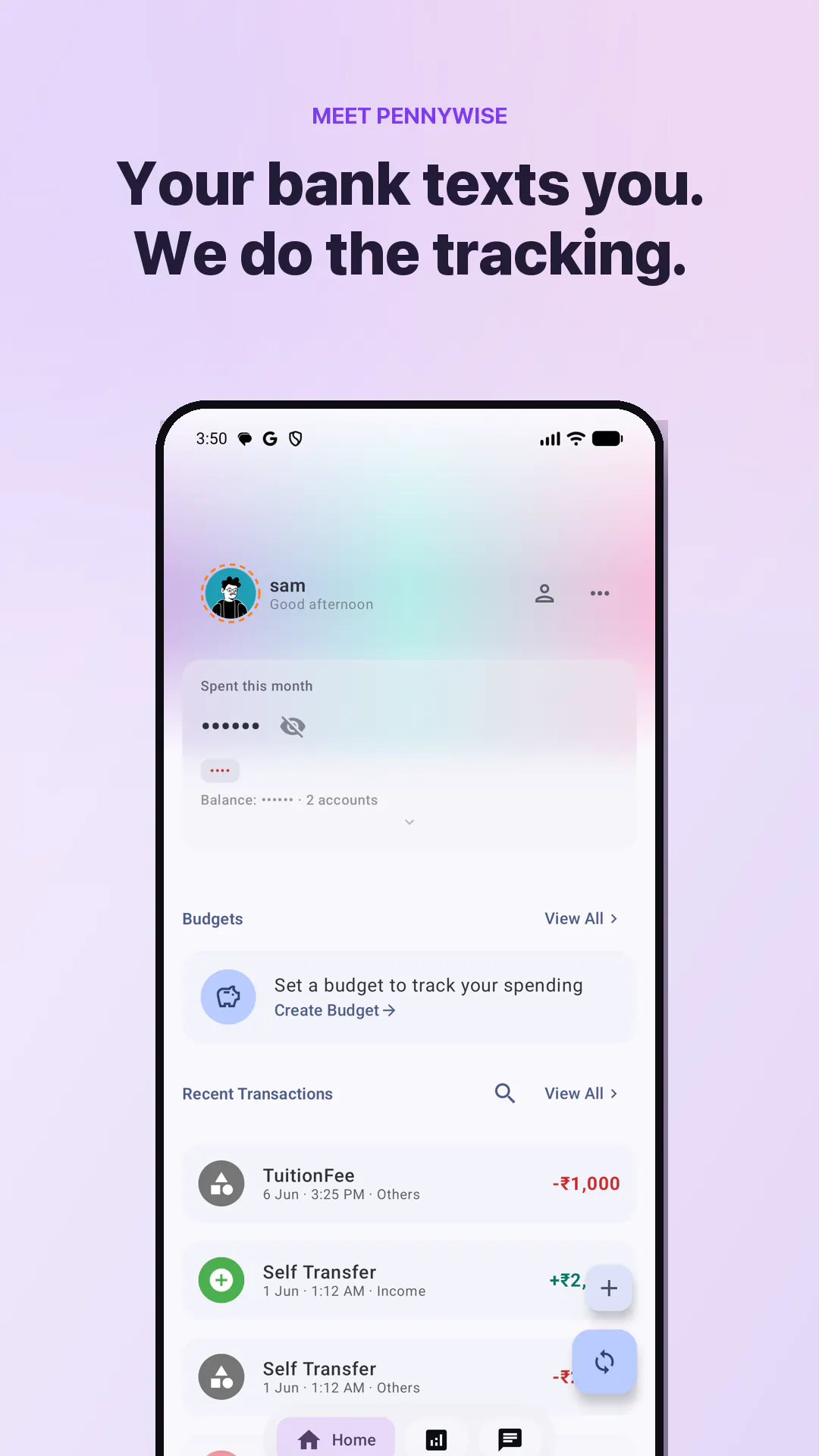
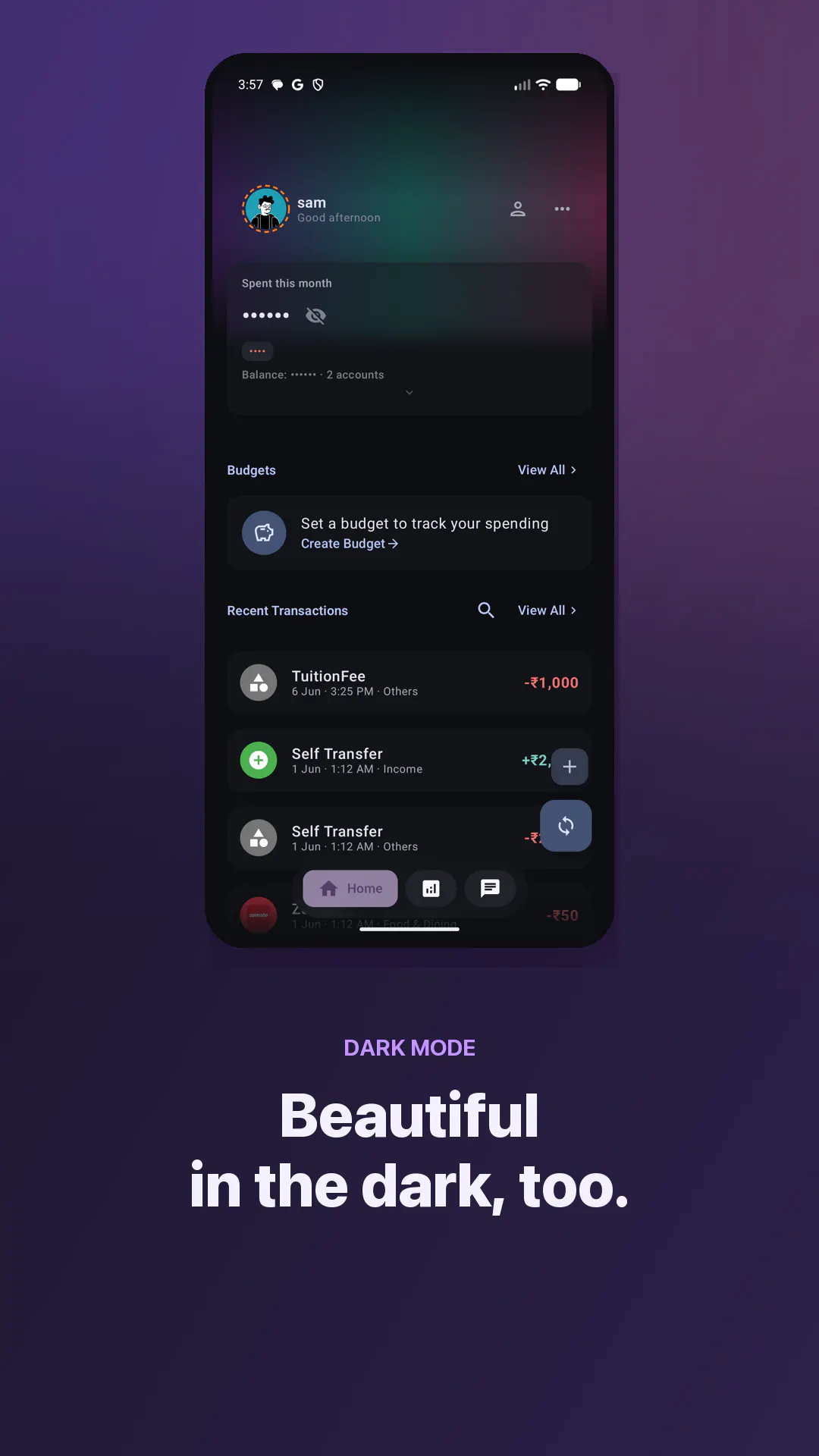
PennyWise is a privacy-focused, on-device expense tracker that automatically converts your bank or UPI SMS notifications into an organized expense timeline. Unlike traditional financial apps, PennyWise emphasizes security and simplicity by running all parsing, storage, and AI processing locally on your phone. With recent updates, it now supports an iOS app, integrates with over 157 banks across 24 countries, and allows users to import PDF statements, making expense tracking more versatile. Its open-source nature under the AGPL license and free availability on F-Droid make it an attractive choice for privacy-conscious users seeking transparency and control. The app leverages a faster, on-device Qwen AI model, enhancing its ability to interpret transaction data without needing cloud-based services. PennyWise is ideal for users who want a straightforward, secure, and open-source solution for managing personal finances without linking bank accounts or sharing data with third parties.
Screenshots
Pros
- ✓Runs entirely on-device, ensuring privacy and data security
- ✓No bank linking or login required, simplifying setup
- ✓Supports a wide range of banks and countries (157 banks, 24 countries)
- ✓Open source and free, with full features available on F-Droid
- ✓New features like PDF statement import and faster AI model
Cons
- ✗Limited to SMS-based expense tracking, may miss non-SMS transactions
- ✗No built-in banking or financial account linking for automated updates
- ✗User interface may require some familiarity with privacy-focused apps
Use Cases
Pricing
Pricing not verified
Quick Info
Topics
Alternatives
Similar Tools in AI Assistants




Embed Badge
Add this badge to your website to show that PennyWise is featured on Visalytica.
<a href="https://www.visalytica.com/tool/pennywise" target="_blank" rel="noopener noreferrer" style="display:inline-flex;align-items:center;gap:6px;padding:6px 14px;background:#7c3aed;color:#fff;border-radius:8px;font-family:-apple-system,system-ui,sans-serif;font-size:13px;font-weight:600;text-decoration:none;transition:background .2s" onmouseover="this.style.background='#6d28d9'" onmouseout="this.style.background='#7c3aed'"><svg width="14" height="14" viewBox="0 0 24 24" fill="none" stroke="currentColor" stroke-width="2.5" stroke-linecap="round" stroke-linejoin="round"><path d="M12 20V10"/><path d="M18 20V4"/><path d="M6 20v-4"/></svg>Featured on Visalytica</a>