
PeakHour 6
Real-time network monitor for Mac w/ detailed WiFi insights
About PeakHour 6
PeakHour 6 is a powerful real-time network monitoring tool designed specifically for Mac users. It offers detailed insights into Wi-Fi performance, ISP information, and router details, all accessible directly from the menu bar. What sets PeakHour 6 apart is its on-device AI Advisor, which evaluates your network connection and provides easy-to-understand grades from A+ to F, along with plain English explanations to help users grasp their network health quickly. With features like speed tests and outage alerts, it ensures users are always aware of their network status without the need for an account or cloud-based services. Ideal for professionals, IT enthusiasts, or anyone looking to optimize their home or office network, PeakHour 6 simplifies complex network data into actionable insights, making network management more accessible and less intimidating.
Screenshots
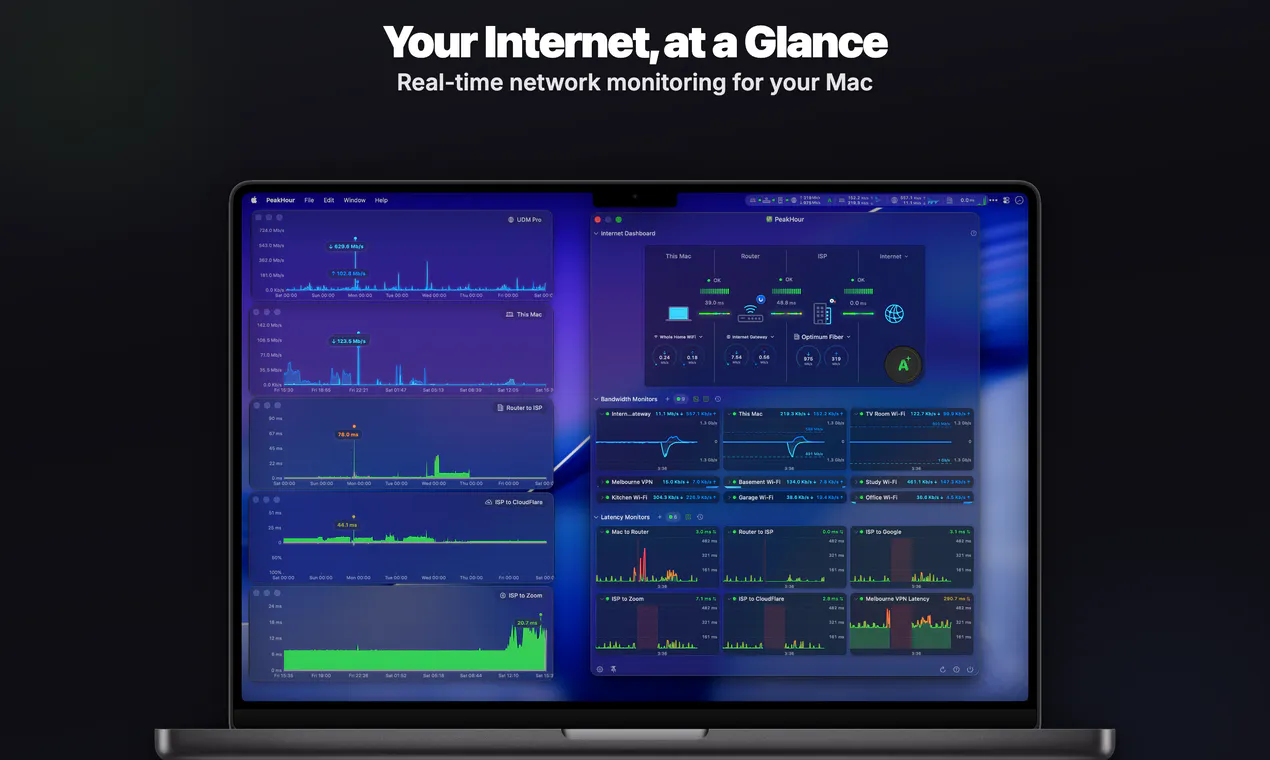


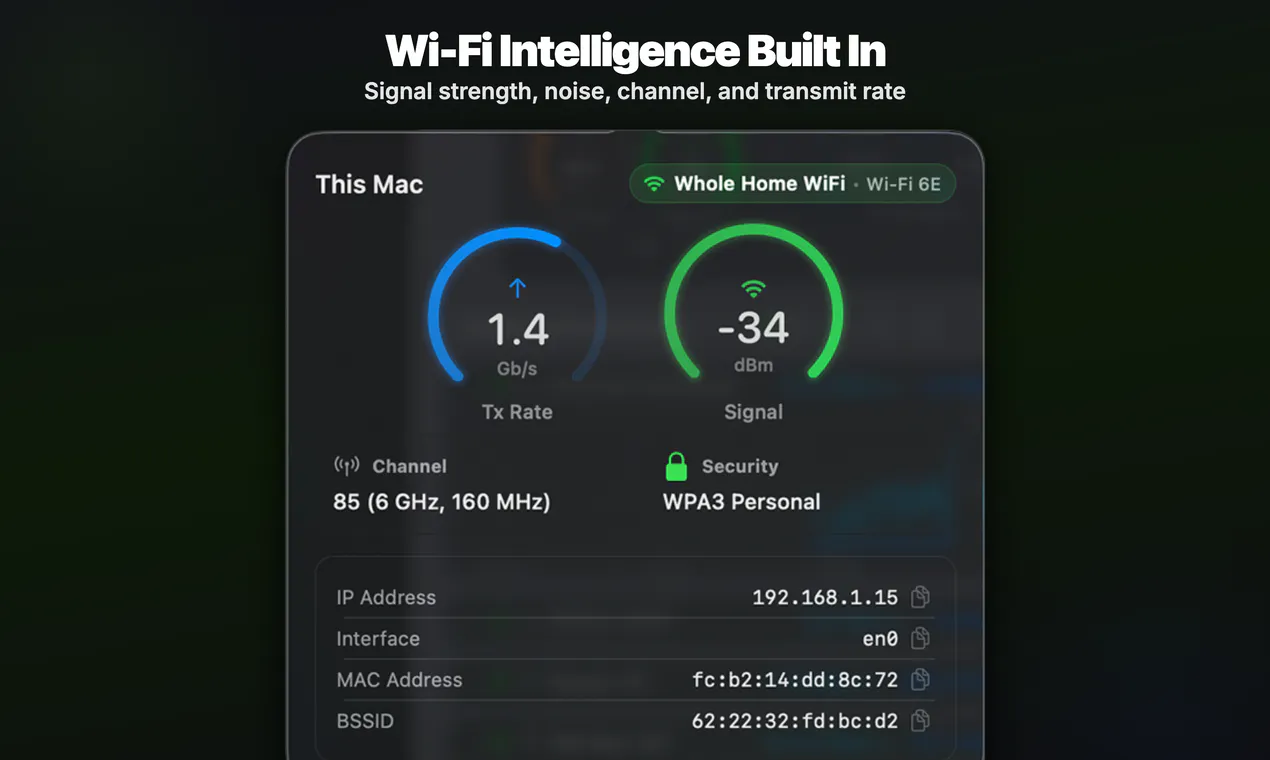

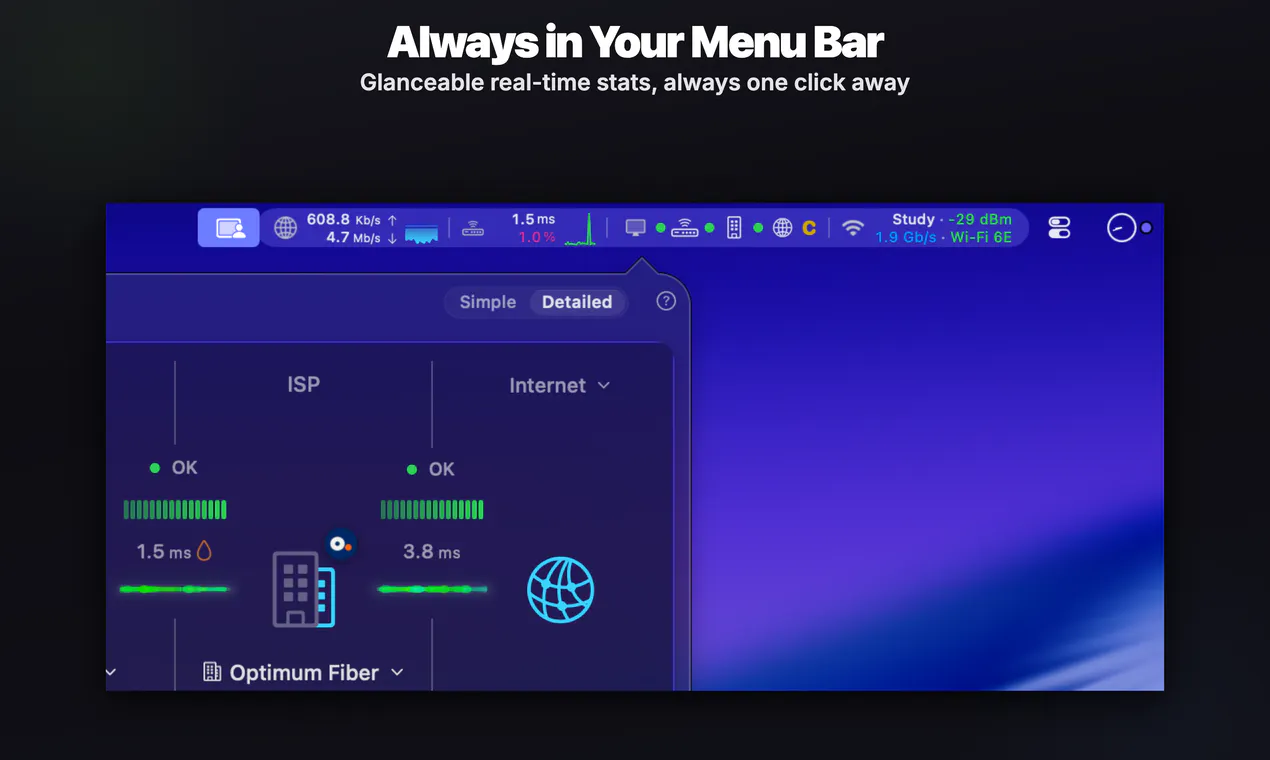
Pros
- ✓Real-time network monitoring with detailed Wi-Fi insights
- ✓On-device AI Advisor simplifies complex data
- ✓No account required, ensuring privacy and quick setup
- ✓Includes ISP, router details, speed tests, and outage alerts
- ✓User-friendly interface suitable for both novices and experts
Cons
- ✗Limited information on pricing or subscription models
- ✗Votes on Product Hunt are currently zero, indicating limited user feedback
- ✗Potentially lacking advanced customization features for power users
Use Cases
Pricing
Pricing not verified

Similar Tools in Productivity




Embed Badge
Add this badge to your website to show that PeakHour 6 is featured on Visalytica.
<a href="https://www.visalytica.com/tool/peakhour-6" target="_blank" rel="noopener noreferrer" style="display:inline-flex;align-items:center;gap:6px;padding:6px 14px;background:#7c3aed;color:#fff;border-radius:8px;font-family:-apple-system,system-ui,sans-serif;font-size:13px;font-weight:600;text-decoration:none;transition:background .2s" onmouseover="this.style.background='#6d28d9'" onmouseout="this.style.background='#7c3aed'"><svg width="14" height="14" viewBox="0 0 24 24" fill="none" stroke="currentColor" stroke-width="2.5" stroke-linecap="round" stroke-linejoin="round"><path d="M12 20V10"/><path d="M18 20V4"/><path d="M6 20v-4"/></svg>Featured on Visalytica</a>