
PDFPageCut
Extract selected pages from a PDF in your browse
About PDFPageCut
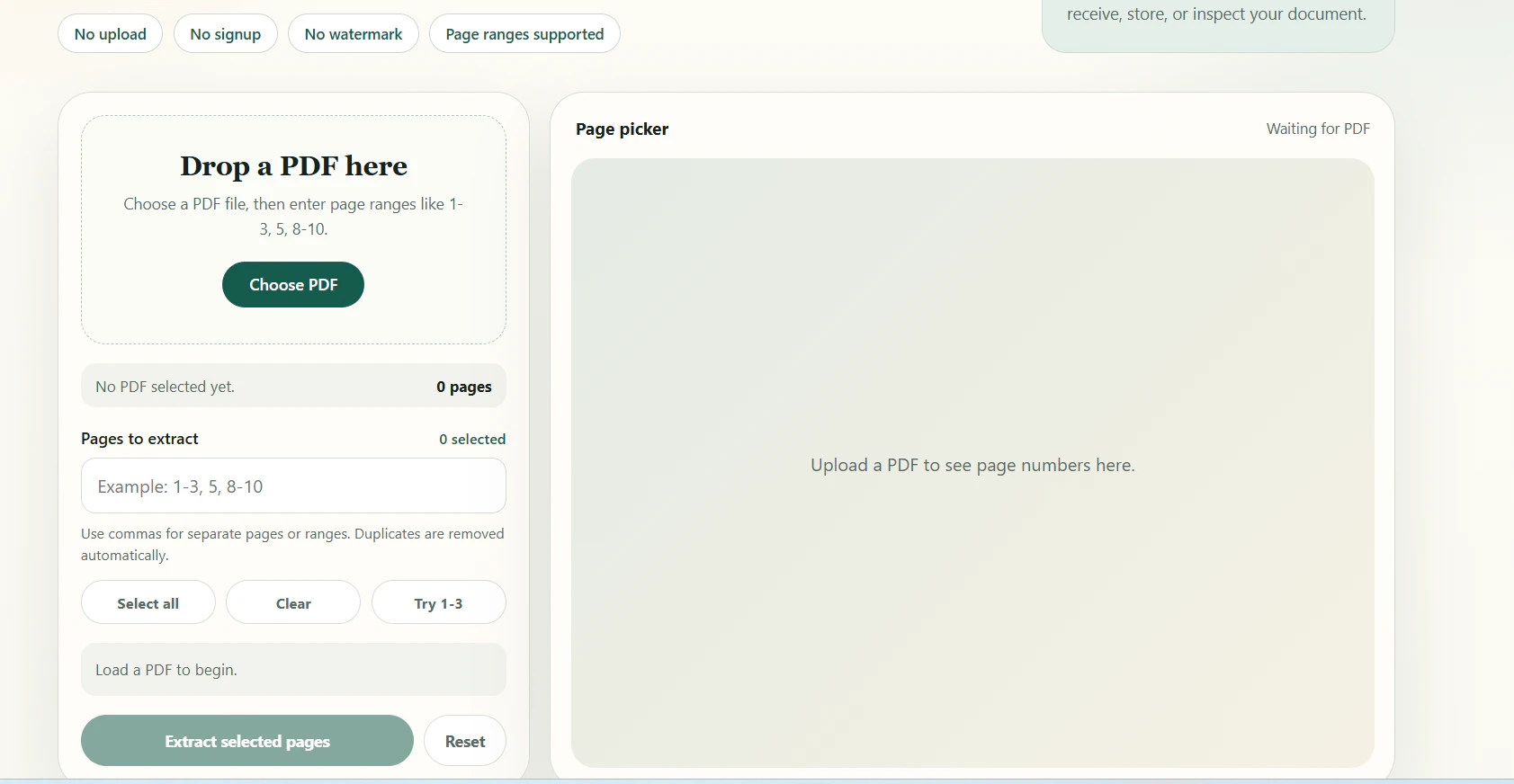
PDFPageCut is a straightforward, browser-based utility designed for users who need to extract specific pages from a PDF without hassle. Its intuitive interface allows users to input page ranges like '1-3, 5, 8-10', select individual pages, and quickly generate a new PDF containing only the selected pages. What sets PDFPageCut apart is its no-signup requirement, absence of watermarks, and the fact that it operates entirely within the browser, eliminating the need to upload files to a server. This makes it a privacy-conscious and quick solution for occasional PDF editing tasks. Perfect for students, professionals, or anyone needing a quick, no-fuss way to trim PDFs, PDFPageCut emphasizes simplicity and convenience, enabling users to focus on their workflow without unnecessary distractions.
Screenshots
Pros
- ✓No sign-up required, ensuring quick access
- ✓Operates entirely within the browser for privacy and speed
- ✓No watermarks or ads, preserving document integrity
- ✓Supports custom page range selection for flexibility
- ✓Free to use with no cost involved
Cons
- ✗Limited to basic page extraction, no advanced editing features
- ✗Dependence on browser functionality, which may vary across devices
- ✗Lacks batch processing or automation capabilities
Use Cases
Pricing
Free to use, with no sign-up or subscription required. Likely operates as a free, ad-free web tool supported by the developer's motives or minimal monetization strategies.
Quick Info
Topics
Alternatives
Similar Tools in Developer Tools




Embed Badge
Add this badge to your website to show that PDFPageCut is featured on Visalytica.
<a href="https://www.visalytica.com/tool/pdfpagecut" target="_blank" rel="noopener noreferrer" style="display:inline-flex;align-items:center;gap:6px;padding:6px 14px;background:#7c3aed;color:#fff;border-radius:8px;font-family:-apple-system,system-ui,sans-serif;font-size:13px;font-weight:600;text-decoration:none;transition:background .2s" onmouseover="this.style.background='#6d28d9'" onmouseout="this.style.background='#7c3aed'"><svg width="14" height="14" viewBox="0 0 24 24" fill="none" stroke="currentColor" stroke-width="2.5" stroke-linecap="round" stroke-linejoin="round"><path d="M12 20V10"/><path d="M18 20V4"/><path d="M6 20v-4"/></svg>Featured on Visalytica</a>