PDF AI: Document Scanner
The AI document workspace that works fully offline
About PDF AI: Document Scanner
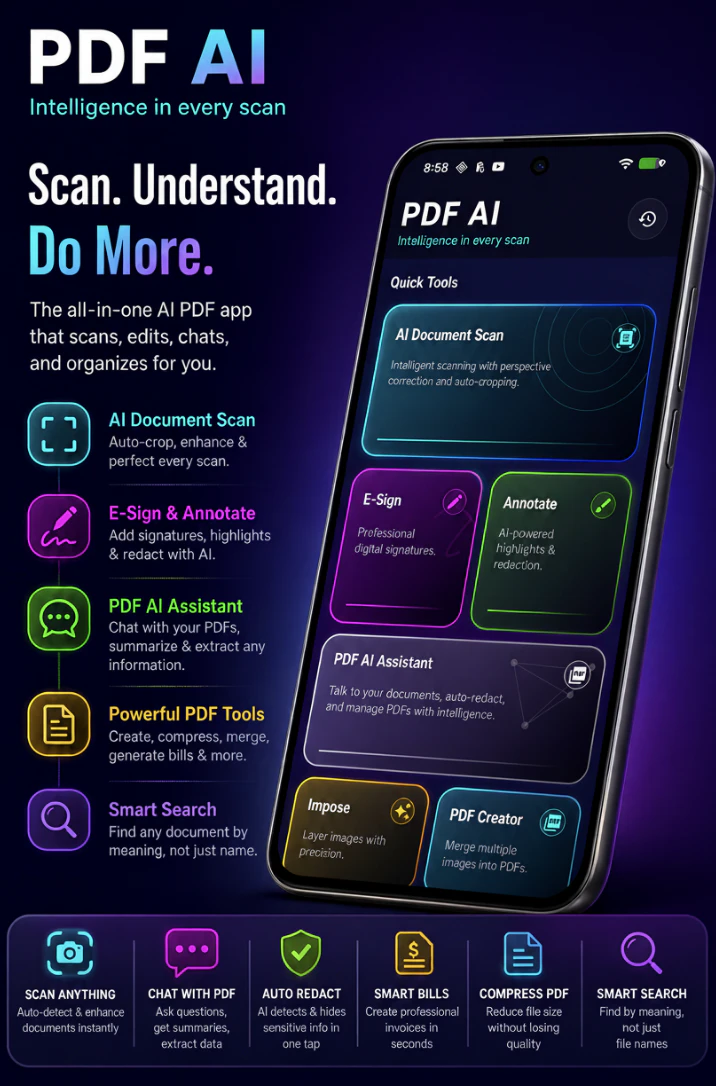
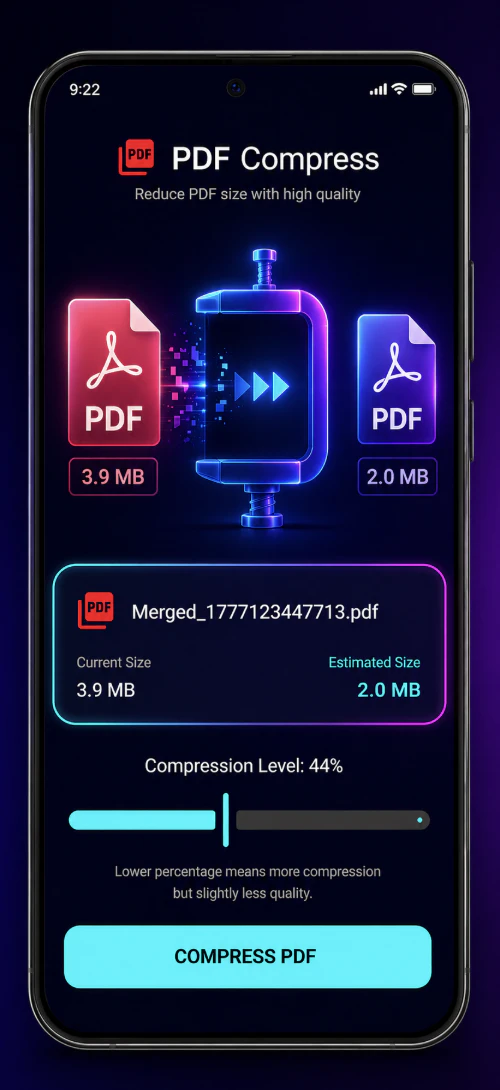
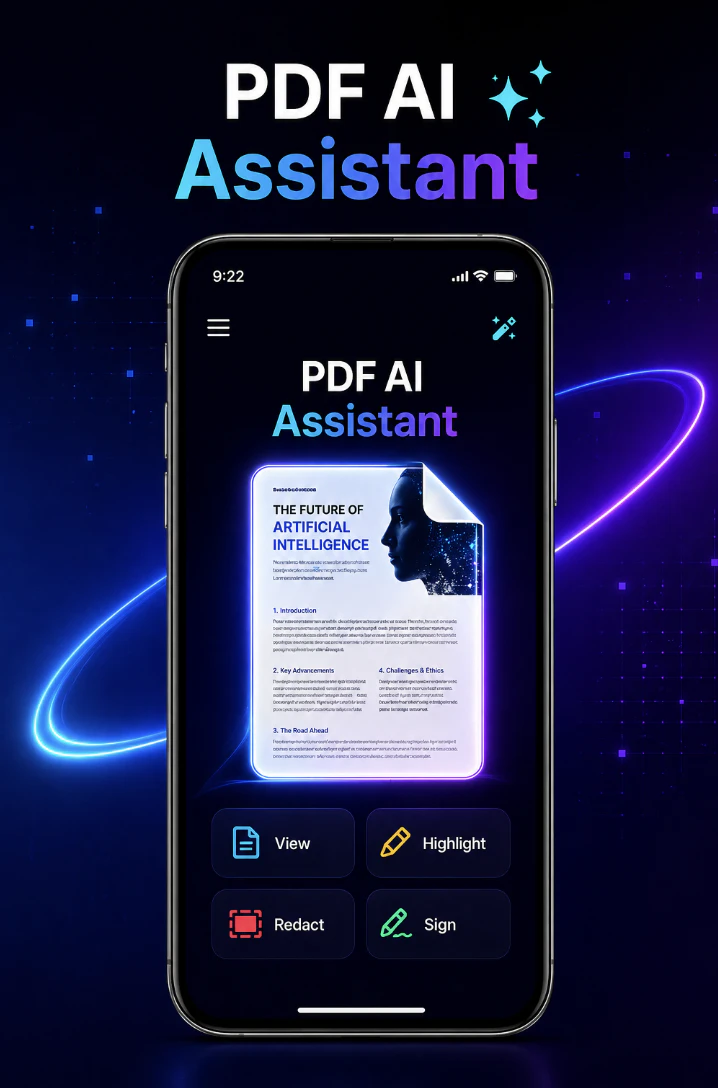
PDF AI: Document Scanner is an all-in-one AI-powered workspace designed to streamline document management tasks. It consolidates multiple apps—such as scanning, signing, reading, redacting, and invoicing—into a single, intelligent offline platform, making it ideal for professionals and businesses seeking efficiency and security. Its standout features include AI-driven scanning with auto-crop and OCR, on-device or cloud-based PDF chat for quick insights, one-tap redaction of sensitive information, digital signing and annotation tools, smart invoice creation with tax and multi-currency support, and advanced vector semantic search for finding documents by meaning rather than filename. This comprehensive suite simplifies workflows, reduces app clutter, and enhances productivity, especially for users who prefer offline operation or need robust document handling capabilities.
Screenshots
Pros
- ✓All-in-one document management workspace reducing app fragmentation
- ✓AI-powered features like auto-crop, OCR, and semantic search for efficiency
- ✓Offline functionality ensures data privacy and security
- ✓Intelligent redaction and signing tools streamline sensitive document handling
- ✓Smart invoice generator supports multi-currency and tax calculations
Cons
- ✗Limited information on pricing and subscription plans
- ✗No user reviews or ratings available yet to gauge real-world performance
- ✗Potential learning curve for advanced AI features
Use Cases
Pricing
Likely follows a freemium model with free basic features and paid plans for advanced AI capabilities, cloud storage, or premium support. Exact pricing details are not specified.
Quick Info
Topics
Alternatives
Similar Tools in AI Assistants




Embed Badge
Add this badge to your website to show that PDF AI: Document Scanner is featured on Visalytica.
<a href="https://www.visalytica.com/tool/pdf-ai-document-scanner" target="_blank" rel="noopener noreferrer" style="display:inline-flex;align-items:center;gap:6px;padding:6px 14px;background:#7c3aed;color:#fff;border-radius:8px;font-family:-apple-system,system-ui,sans-serif;font-size:13px;font-weight:600;text-decoration:none;transition:background .2s" onmouseover="this.style.background='#6d28d9'" onmouseout="this.style.background='#7c3aed'"><svg width="14" height="14" viewBox="0 0 24 24" fill="none" stroke="currentColor" stroke-width="2.5" stroke-linecap="round" stroke-linejoin="round"><path d="M12 20V10"/><path d="M18 20V4"/><path d="M6 20v-4"/></svg>Featured on Visalytica</a>