
Payback: Money & Expenses
Track who owes what — without a login or a bank connection
About Payback: Money & Expenses
Payback: Money & Expenses is a privacy-focused, local-first expense tracking app designed for users who want a simple, quick way to manage personal and shared finances without the hassle of accounts or bank integrations. Its core functionality revolves around three straightforward buttons: I gave, I got, and I spent, making it easy to record debts, split expenses, and log spending on the go. The app is particularly useful for those who prefer to keep their financial data private, as it stores records locally on the device without collecting any personal information or requiring an internet connection. Users can effortlessly share expense summaries via WhatsApp, making it ideal for splitting bills with friends or family. Its minimalist design and focus on privacy make it a unique tool for anyone seeking a hassle-free way to track money without digital footprints or complicated setups.
Screenshots
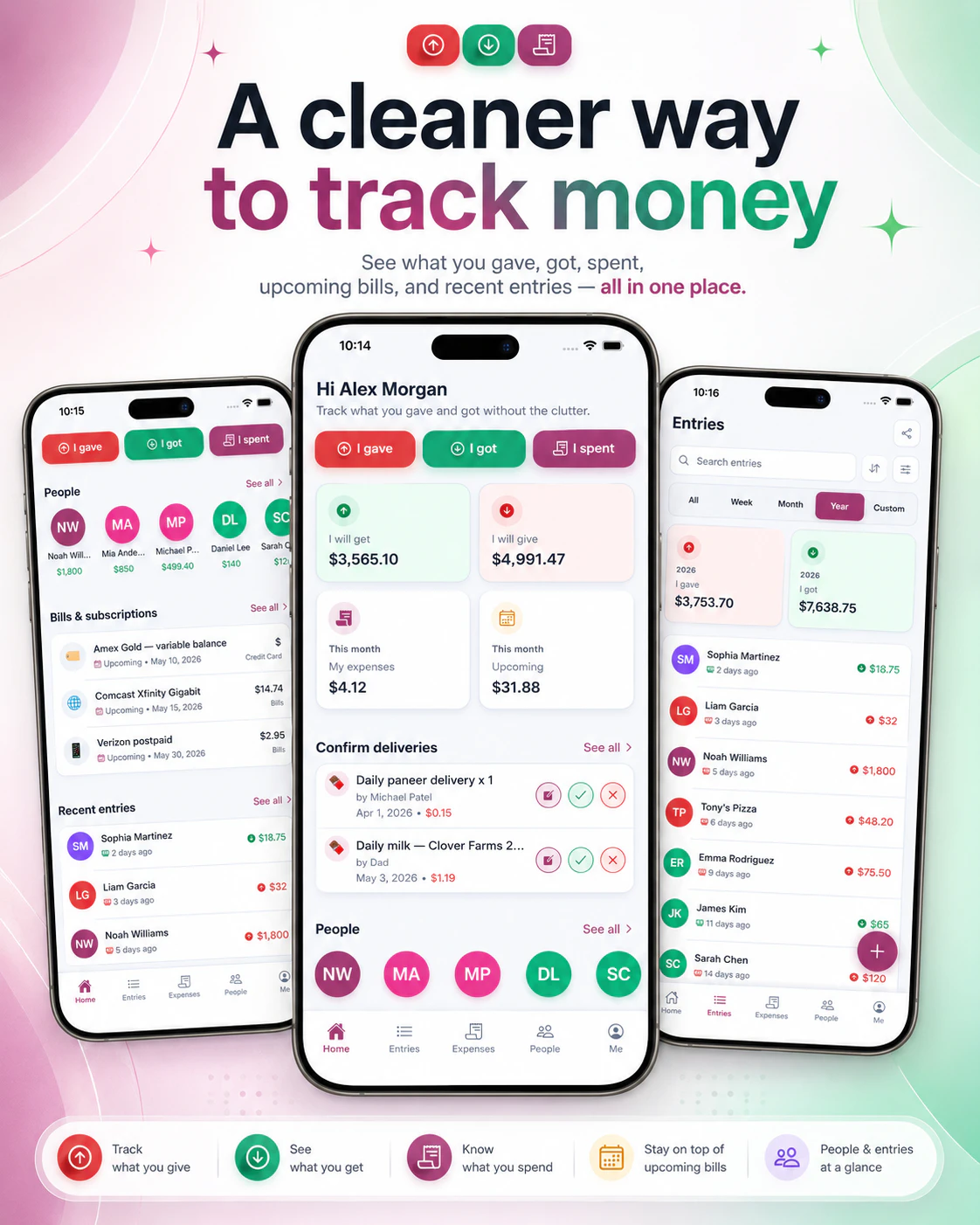
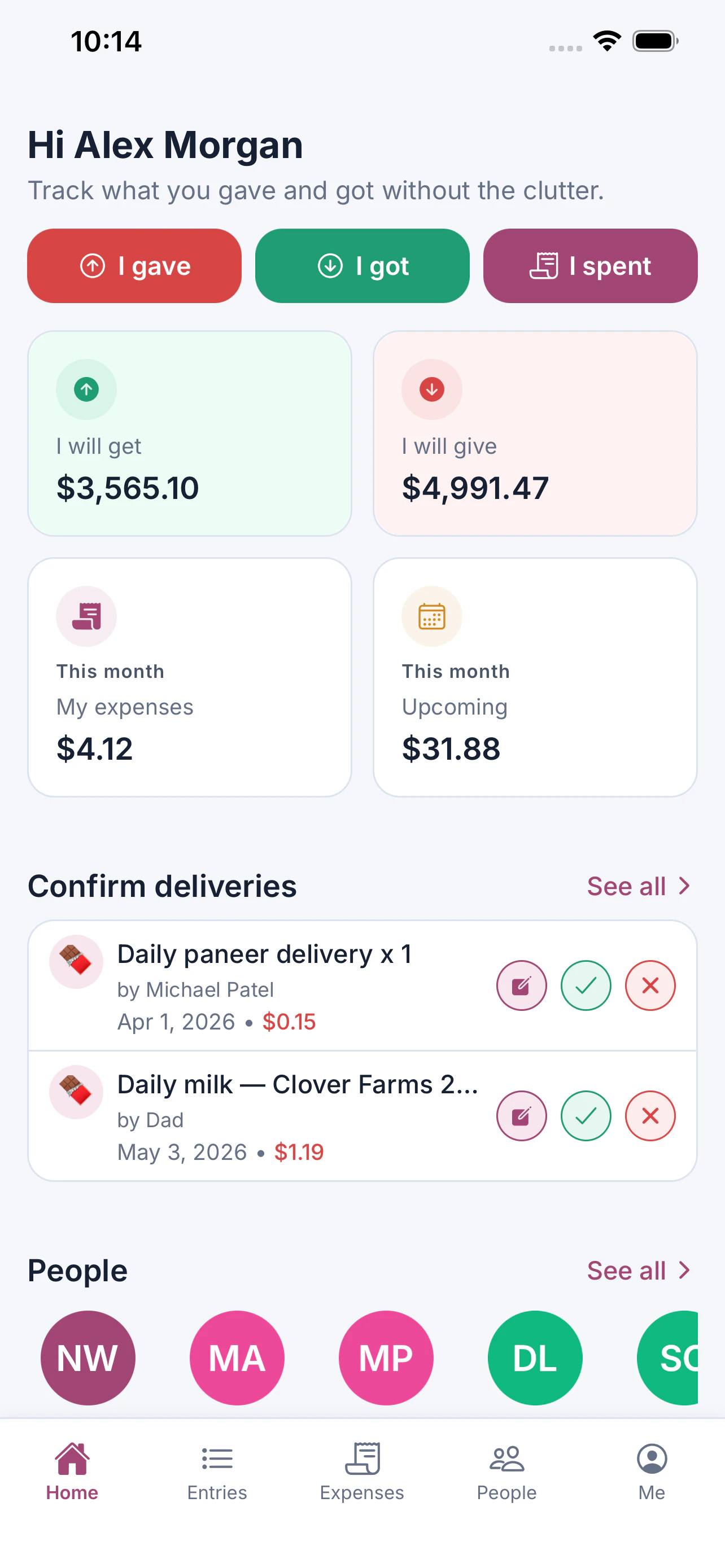
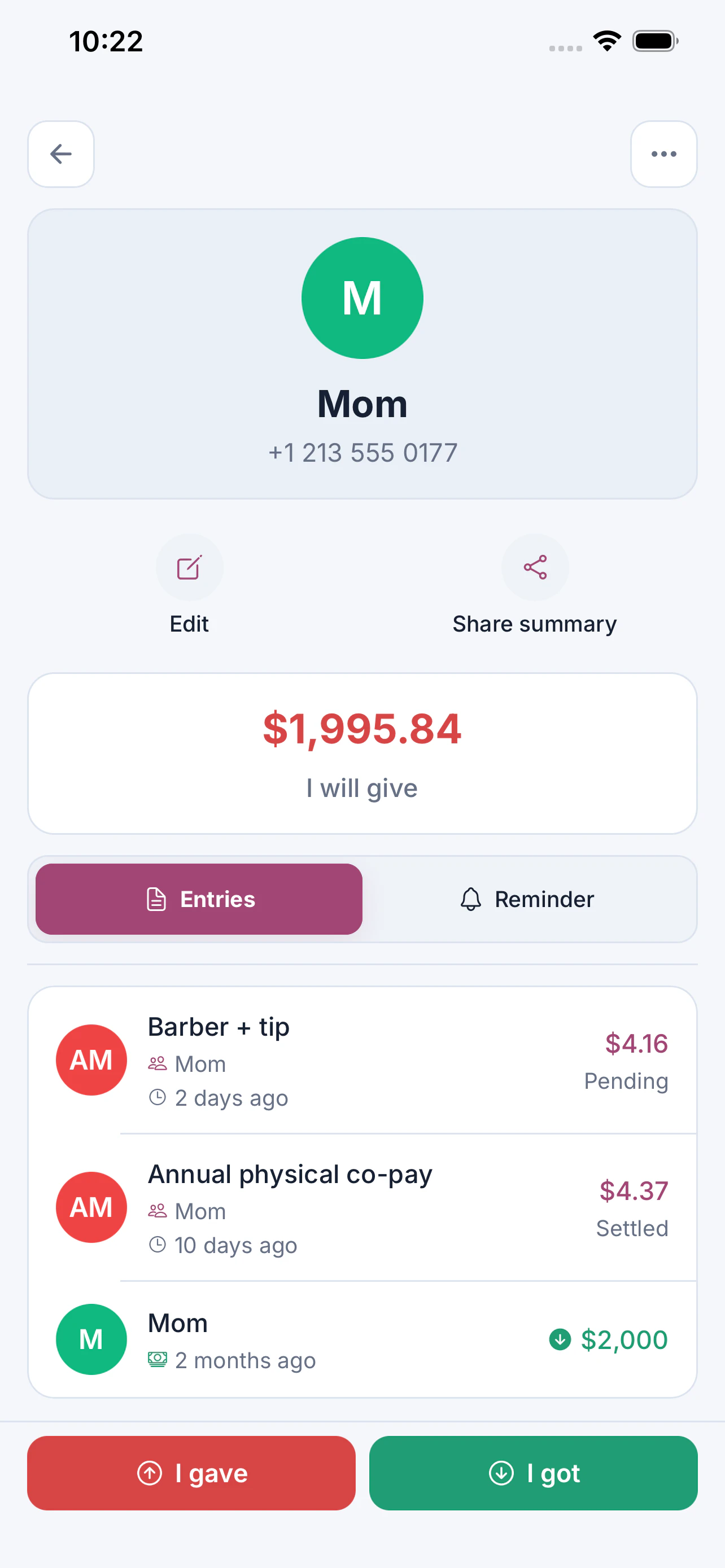
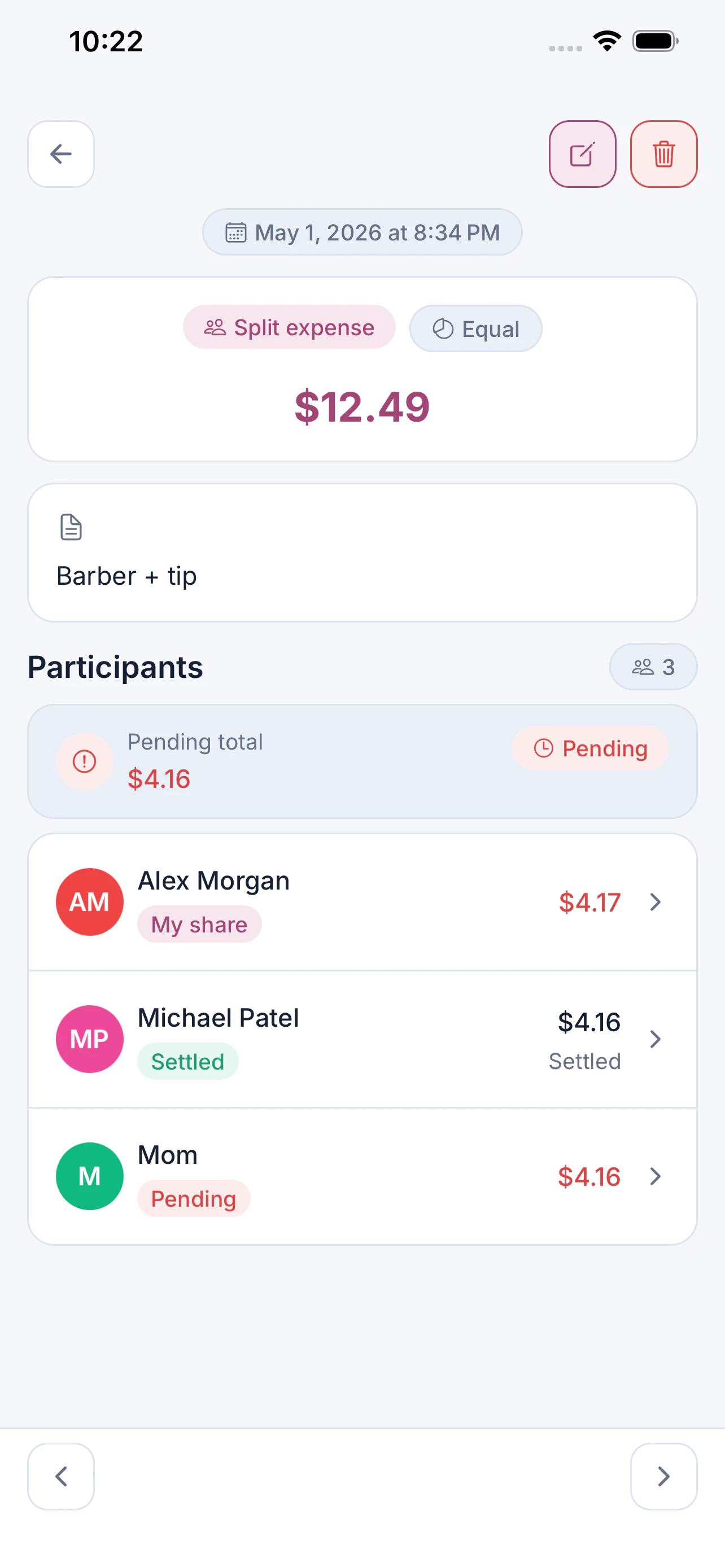
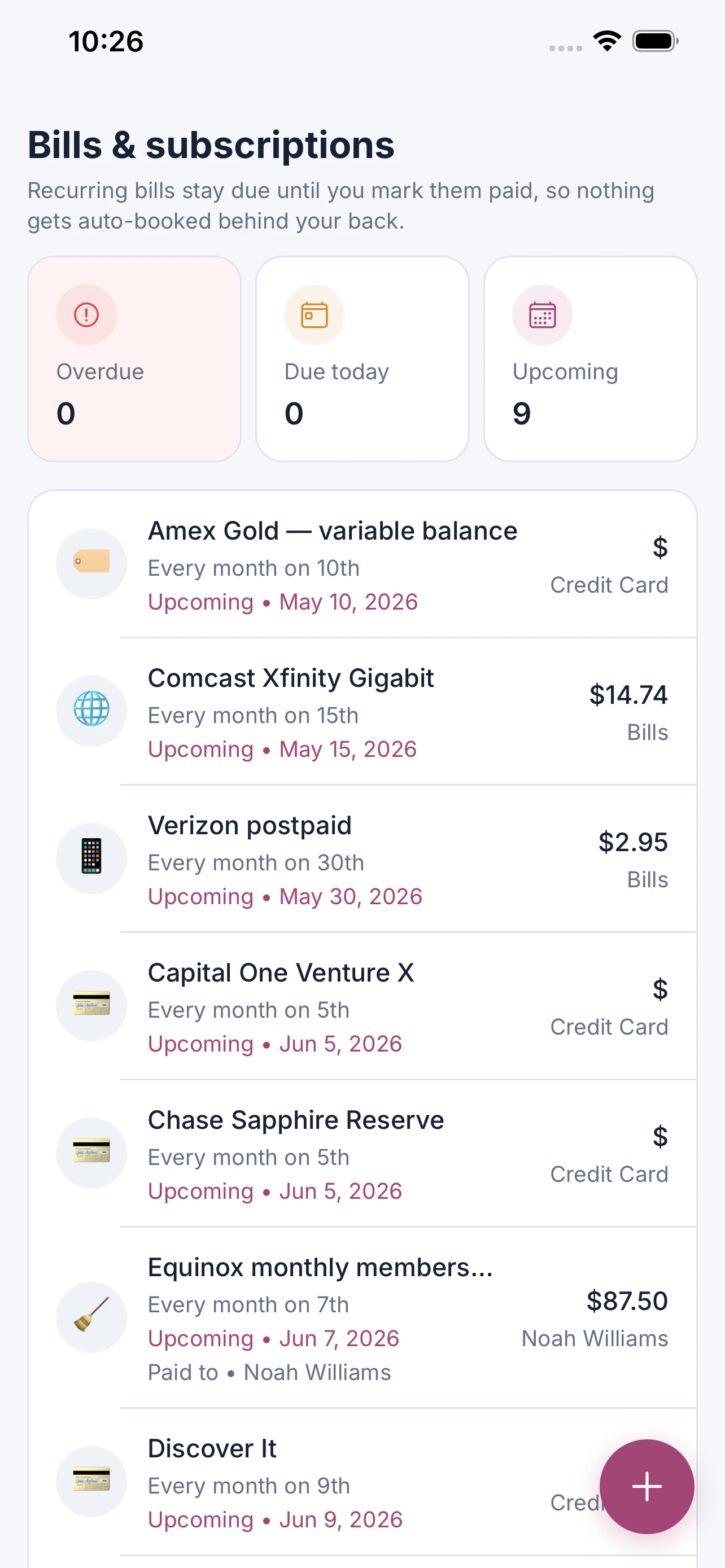
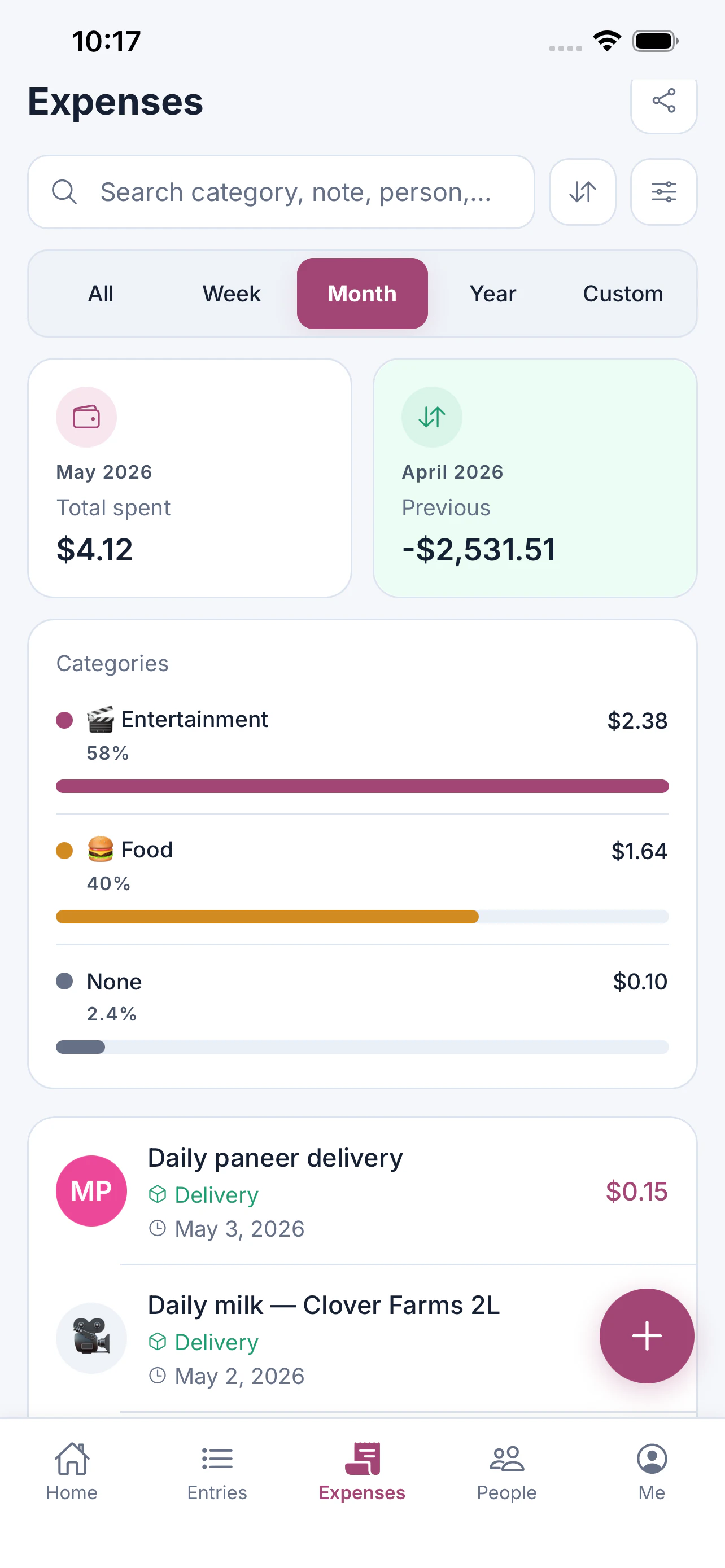
+1 more screenshots
Pros
- ✓Privacy-focused with no data collection or account requirements
- ✓Simple and intuitive three-button interface for quick entries
- ✓Local data storage ensures user control and security
- ✓Easy sharing of expense summaries via WhatsApp
- ✓Suitable for users who prefer minimalistic, no-fuss expense tracking
Cons
- ✗Limited advanced features like reports or analytics
- ✗No bank integrations or automatic transaction sync
- ✗Basic interface may lack customization options
Use Cases
Pricing
Likely a free app with a one-time download, emphasizing privacy and local storage; no subscription or in-app purchases are indicated.
Quick Info
Topics
Makers

Nivesh Saharan
Alternatives
Similar Tools in Data & Analytics



Embed Badge
Add this badge to your website to show that Payback: Money & Expenses is featured on Visalytica.
<a href="https://www.visalytica.com/tool/payback-money-expenses" target="_blank" rel="noopener noreferrer" style="display:inline-flex;align-items:center;gap:6px;padding:6px 14px;background:#7c3aed;color:#fff;border-radius:8px;font-family:-apple-system,system-ui,sans-serif;font-size:13px;font-weight:600;text-decoration:none;transition:background .2s" onmouseover="this.style.background='#6d28d9'" onmouseout="this.style.background='#7c3aed'"><svg width="14" height="14" viewBox="0 0 24 24" fill="none" stroke="currentColor" stroke-width="2.5" stroke-linecap="round" stroke-linejoin="round"><path d="M12 20V10"/><path d="M18 20V4"/><path d="M6 20v-4"/></svg>Featured on Visalytica</a>