
Patchcord
Studio sound for your mic in every Mac meeting with EQ
About Patchcord
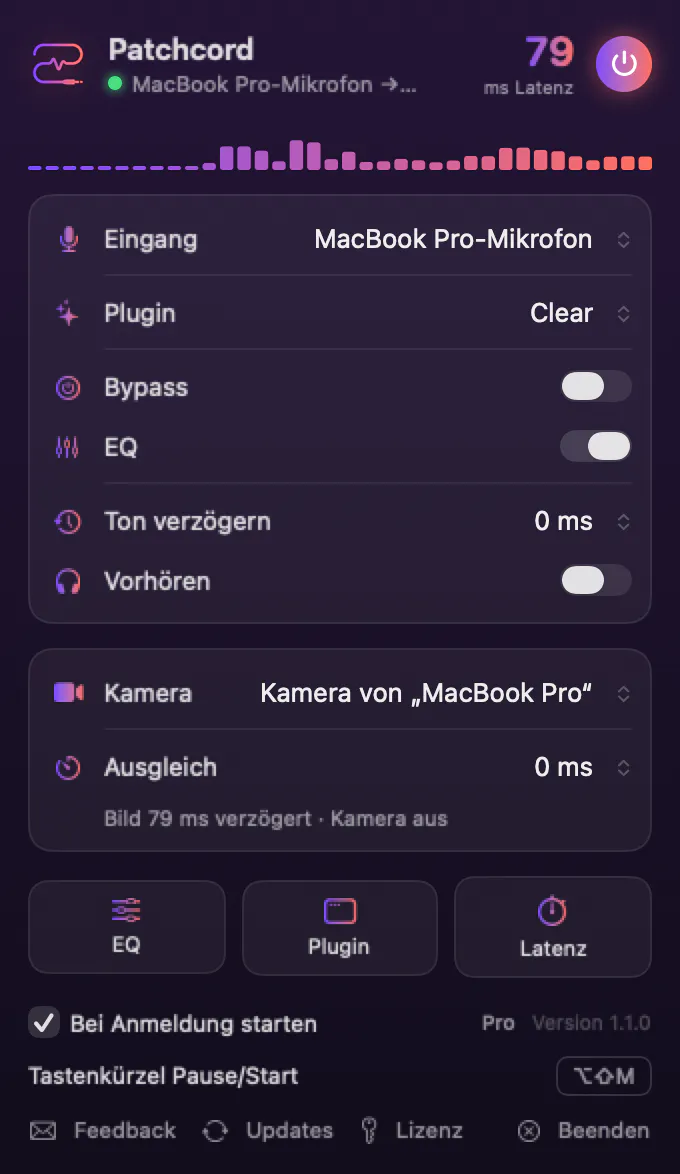
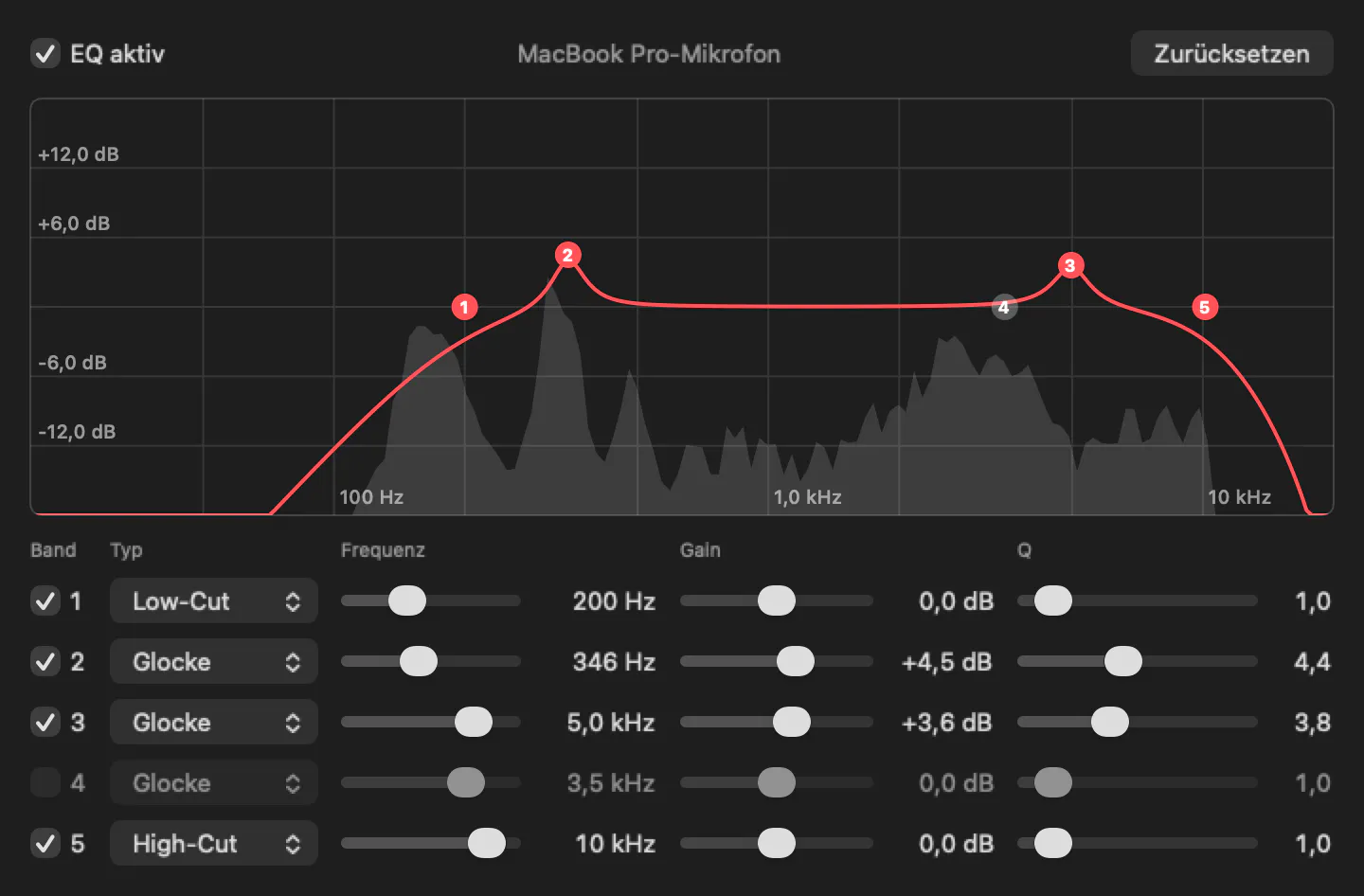
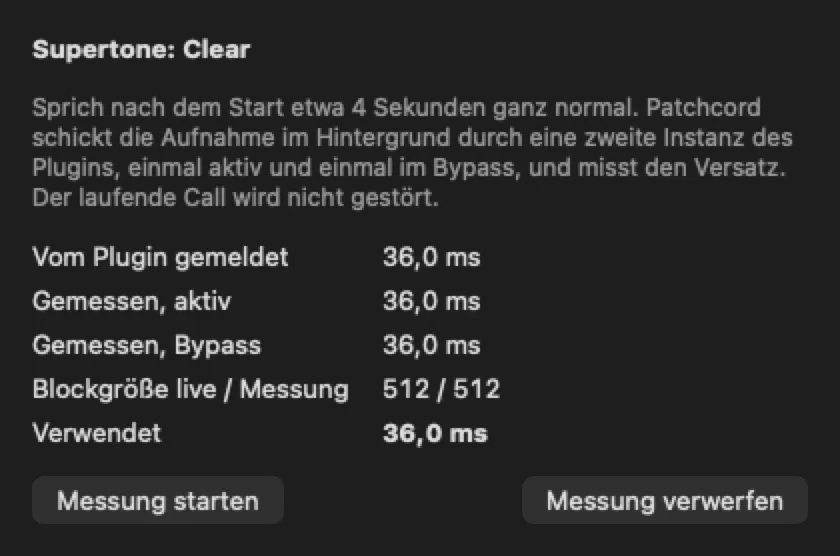
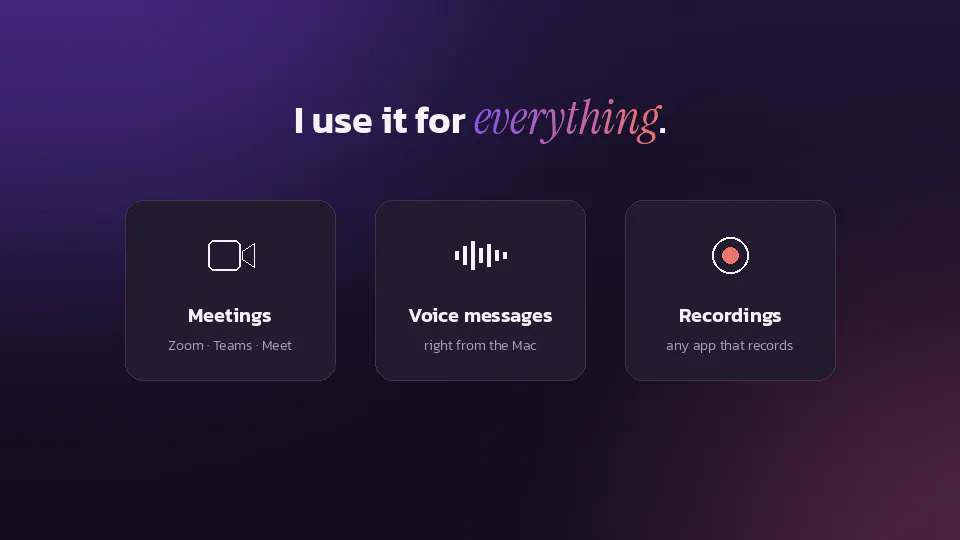
Patchcord is a versatile macOS menu bar application designed to elevate your audio quality during virtual meetings. By allowing users to run any Audio Unit plugin on their microphone, it offers real-time audio processing with customizable EQ, noise reduction, and other effects. The app seamlessly integrates with popular conferencing platforms like Zoom, Teams, Meet, and Discord by presenting itself as a virtual microphone, ensuring high-quality audio transmission. Its intuitive interface provides live spectrum visualizations for precise adjustments, and the ability to switch microphones mid-call without hassle makes it ideal for multi-mic setups or dynamic environments. Additionally, Patchcord Camera ensures your lip sync stays intact, enhancing overall video and audio coherence. With a free tier and a one-time paid Pro option, it appeals to both casual users and professionals seeking a reliable, no-subscription solution for superior audio performance.
Screenshots
Pros
- ✓Supports running any Audio Unit plugin for customized audio processing
- ✓Seamless integration with major video conferencing platforms
- ✓Live spectrum visualization for precise EQ adjustments
- ✓Switch mics mid-call without disruption
- ✓No subscription required, one-time Pro purchase available
Cons
- ✗Requires familiarity with audio plugins for optimal use
- ✗Limited to macOS, not available for Windows or Linux
- ✗Features may be complex for non-technical users
Use Cases
Pricing
Pricing not verified
Quick Info
Topics
Makers

Samuel Zielke
Similar Tools in AI Audio & Voice




Embed Badge
Add this badge to your website to show that Patchcord is featured on Visalytica.
<a href="https://www.visalytica.com/tool/patchcord" target="_blank" rel="noopener noreferrer" style="display:inline-flex;align-items:center;gap:6px;padding:6px 14px;background:#7c3aed;color:#fff;border-radius:8px;font-family:-apple-system,system-ui,sans-serif;font-size:13px;font-weight:600;text-decoration:none;transition:background .2s" onmouseover="this.style.background='#6d28d9'" onmouseout="this.style.background='#7c3aed'"><svg width="14" height="14" viewBox="0 0 24 24" fill="none" stroke="currentColor" stroke-width="2.5" stroke-linecap="round" stroke-linejoin="round"><path d="M12 20V10"/><path d="M18 20V4"/><path d="M6 20v-4"/></svg>Featured on Visalytica</a>