
PartFit 3D
Split STL & 3MF files to fit any 3D printer
About PartFit 3D
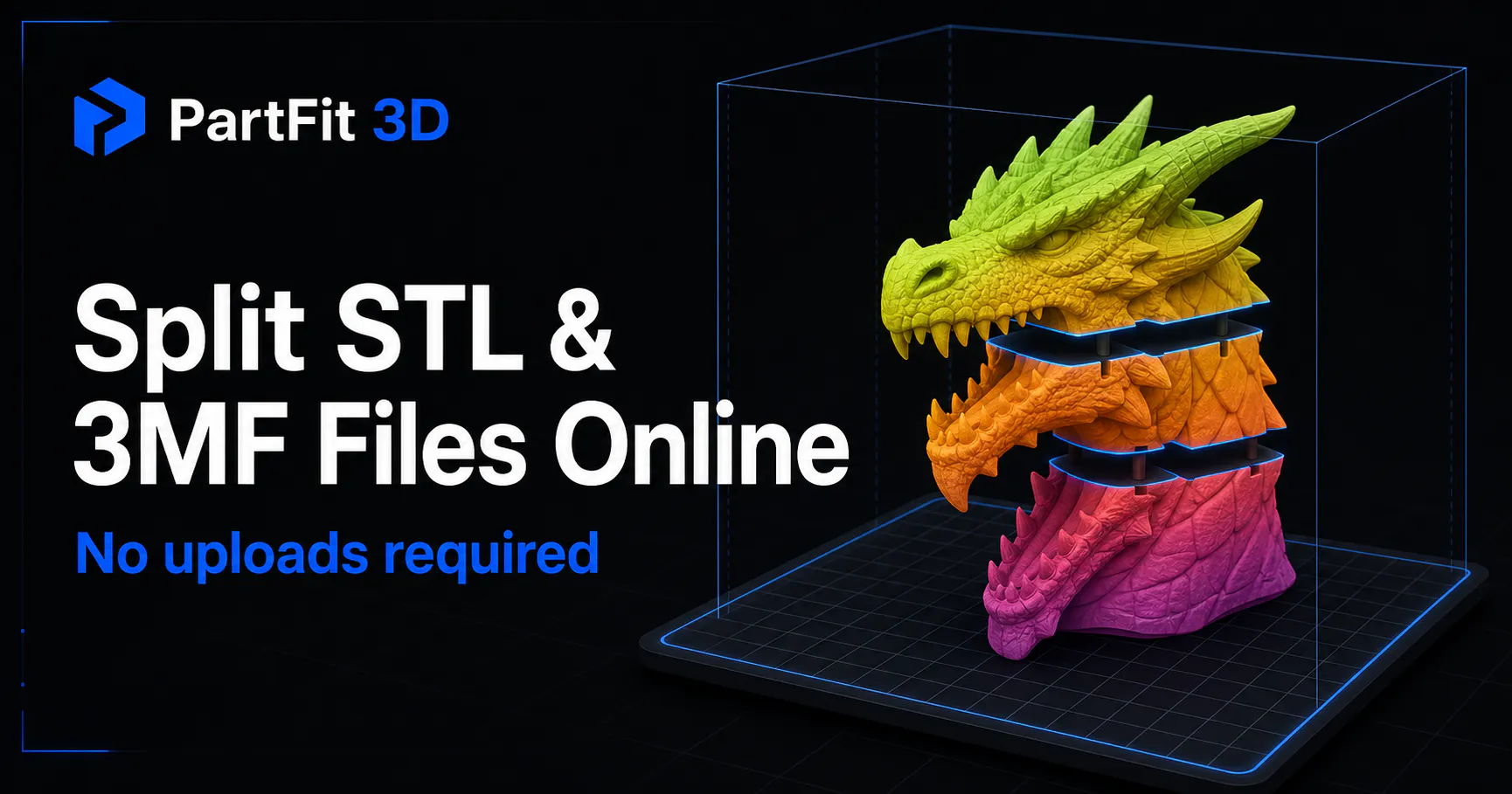
PartFit 3D is a free, browser-based tool designed to help 3D printing enthusiasts and professionals manage oversized models by splitting them into smaller, printer-compatible parts. Its intuitive interface allows users to easily orient models, make precise cuts, and verify each segment against their specific printer's build volume and safety margins. Without the need for CAD software, account registration, or server-side processing, users can quickly prepare complex STL or 3MF files directly in their browser. This tool is particularly advantageous for those dealing with large or intricate models that exceed their printer's capacity, streamlining the preparation process and reducing the need for post-processing adjustments. Its privacy-focused approach, with no uploads or external dependencies for core functions, makes it a convenient choice for hobbyists and professionals alike who value simplicity and security.
Screenshots
Pros
- ✓Free, browser-based, no installation required
- ✓Ensures model parts fit within printer build volume and safety margins
- ✓Supports multiple file formats (STL and 3MF)
- ✓User-friendly interface with model orientation and cutting tools
- ✓Maintains user privacy by not uploading files to servers
Cons
- ✗Limited advanced editing or repair features
- ✗Requires manual slicing after splitting, which may be an extra step
- ✗No cloud storage or collaboration features
Use Cases
Pricing
Free to use with no subscription or hidden fees; primarily aimed at hobbyists and small-scale users who need quick, reliable splitting tools without cost.
Quick Info
Topics
Makers

Serpit G
Alternatives
Similar Tools in AI Image & Design




Embed Badge
Add this badge to your website to show that PartFit 3D is featured on Visalytica.
<a href="https://www.visalytica.com/tool/partfit-3d" target="_blank" rel="noopener noreferrer" style="display:inline-flex;align-items:center;gap:6px;padding:6px 14px;background:#7c3aed;color:#fff;border-radius:8px;font-family:-apple-system,system-ui,sans-serif;font-size:13px;font-weight:600;text-decoration:none;transition:background .2s" onmouseover="this.style.background='#6d28d9'" onmouseout="this.style.background='#7c3aed'"><svg width="14" height="14" viewBox="0 0 24 24" fill="none" stroke="currentColor" stroke-width="2.5" stroke-linecap="round" stroke-linejoin="round"><path d="M12 20V10"/><path d="M18 20V4"/><path d="M6 20v-4"/></svg>Featured on Visalytica</a>