Parrot
Smart Meeting Assistant for Mac that helps during the call
About Parrot
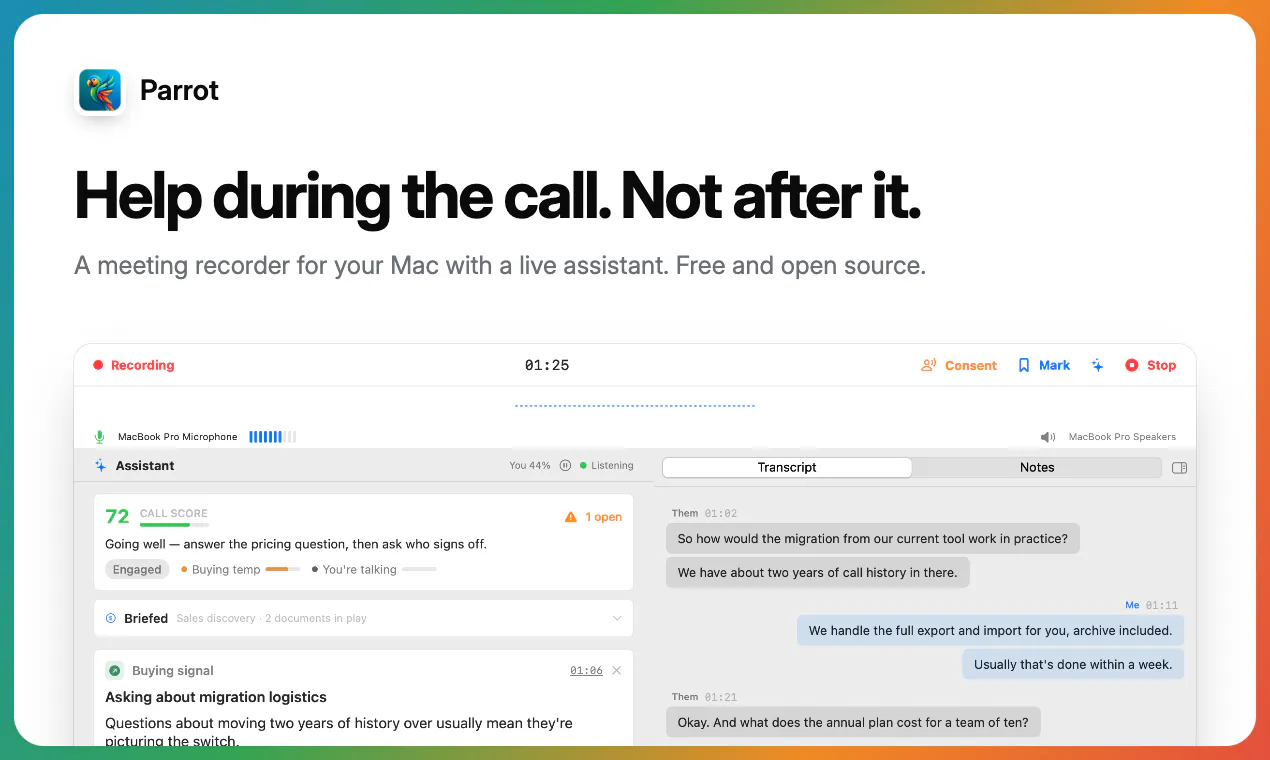
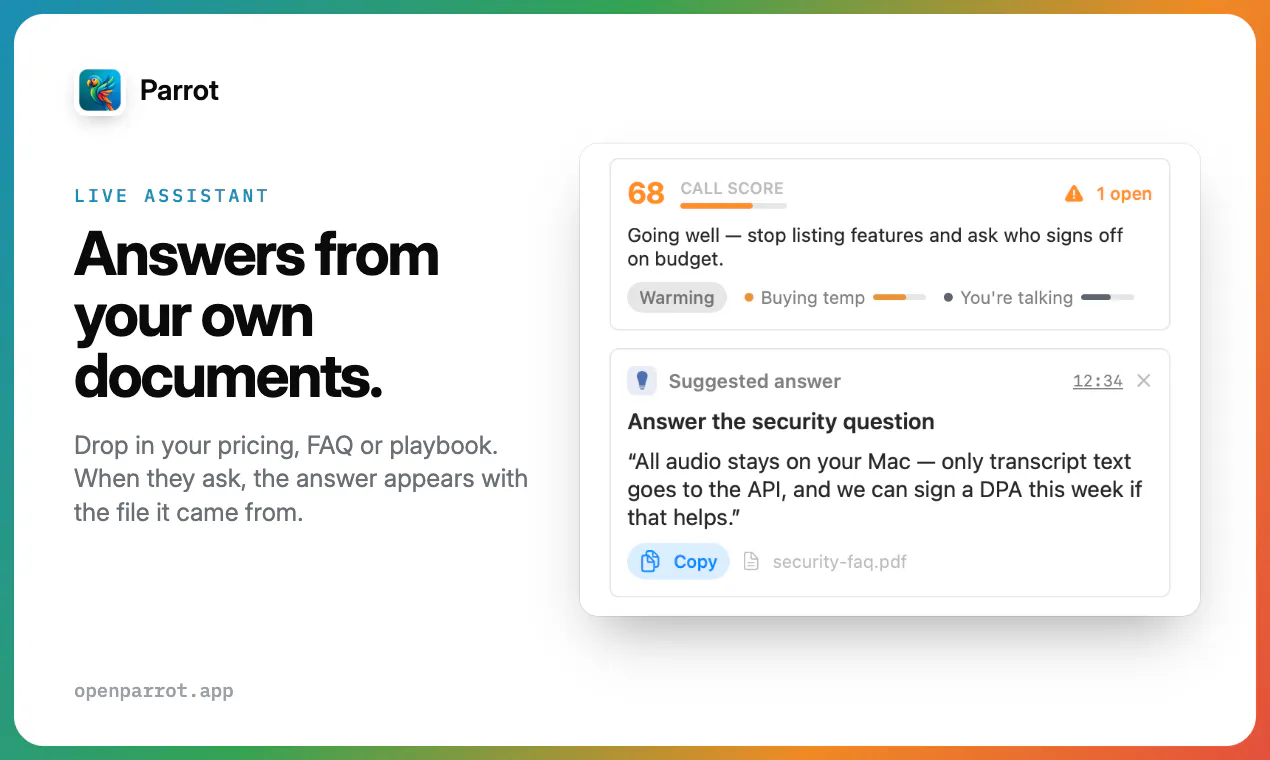
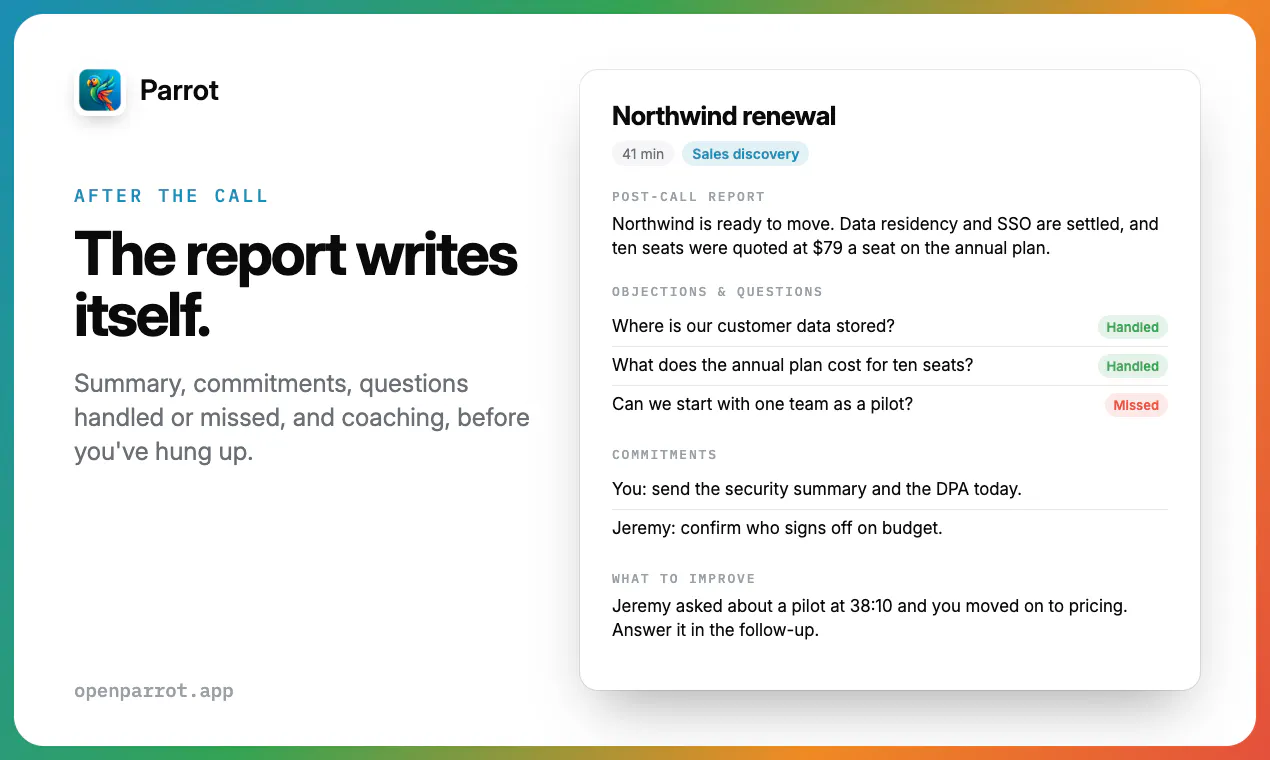
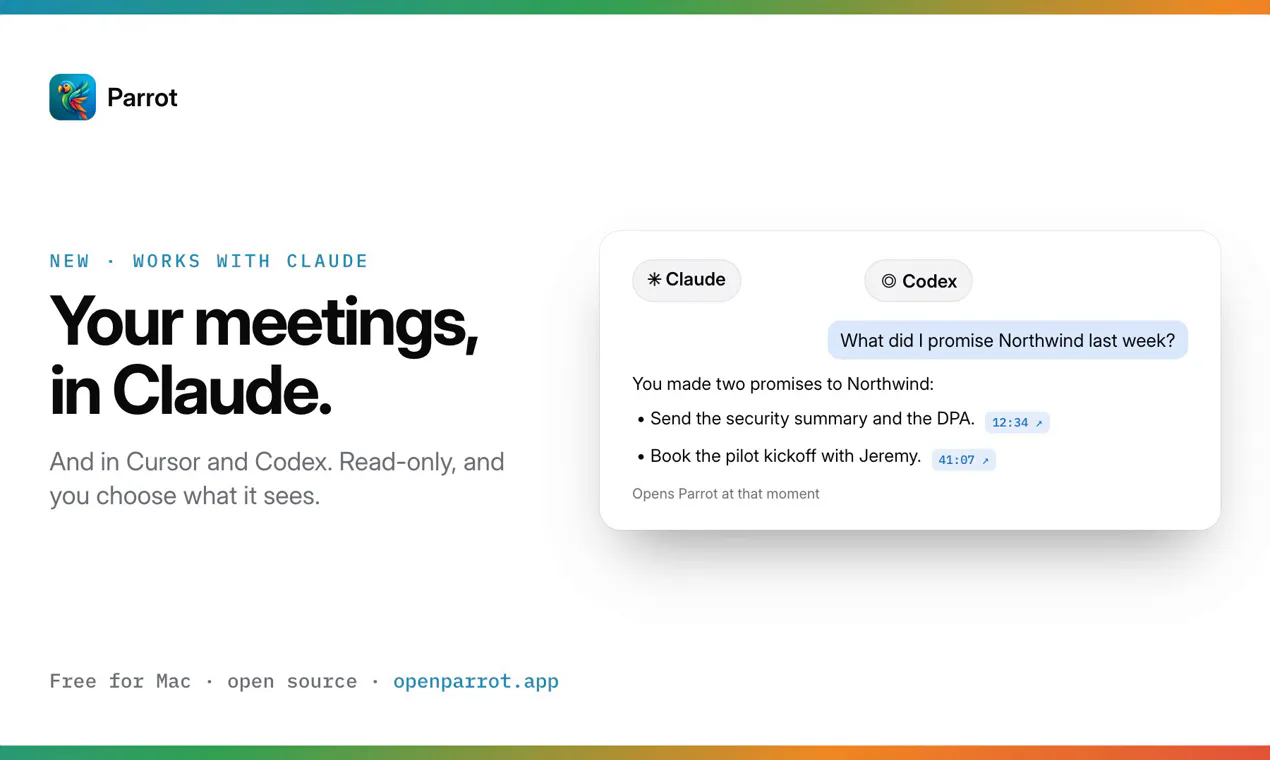
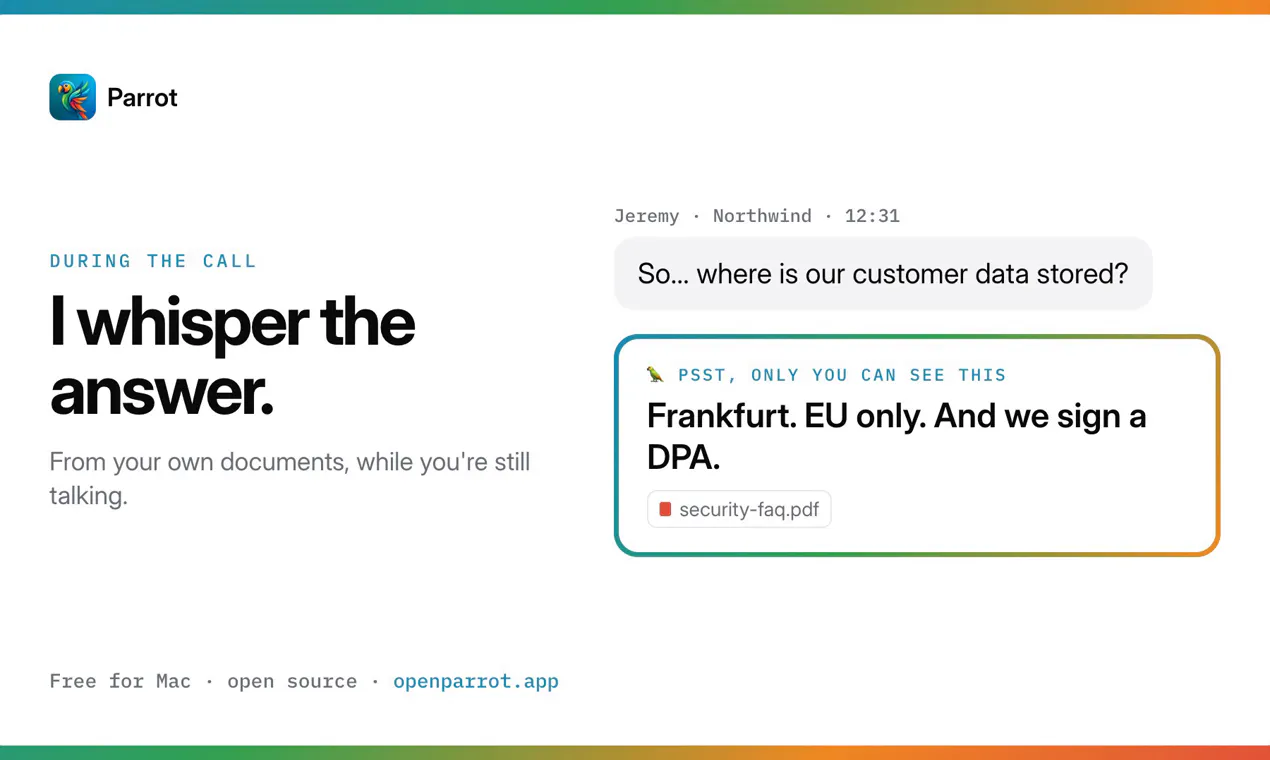
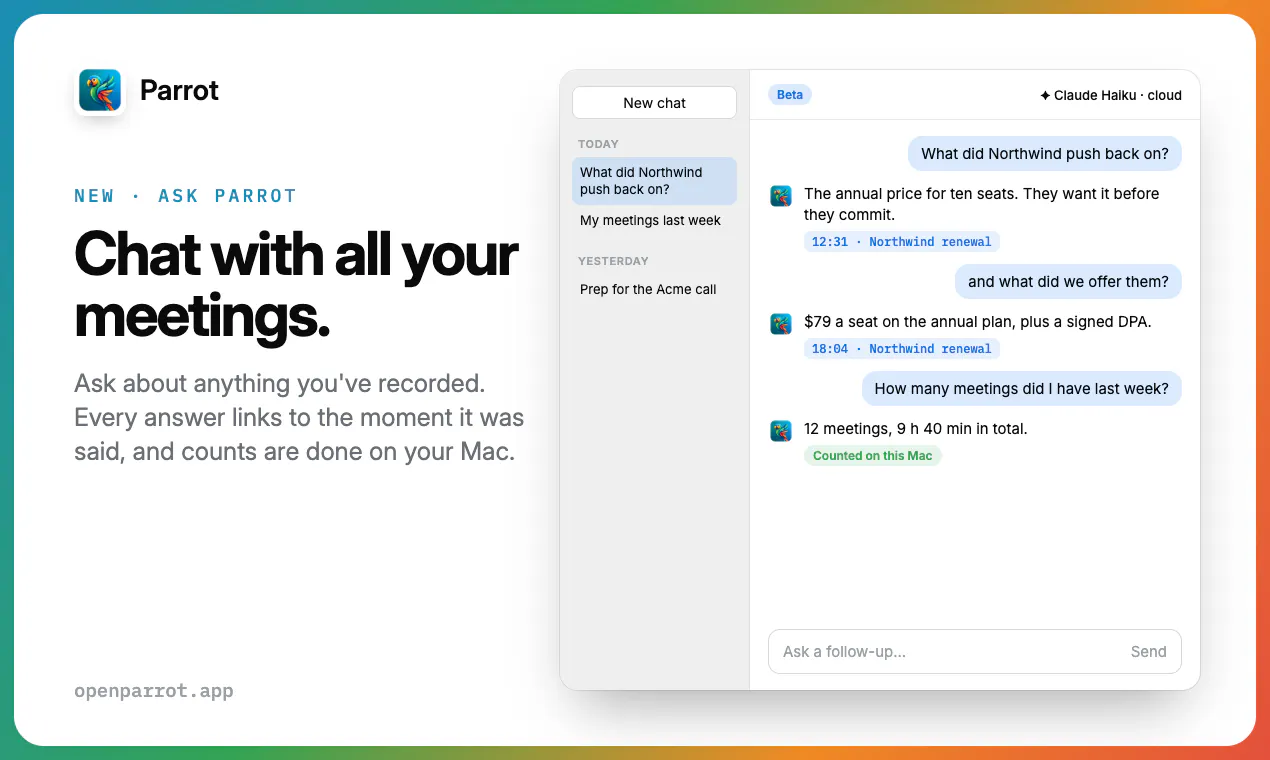
Parrot is an innovative, open-source meeting recording and transcription tool designed specifically for Mac users. Unlike traditional meeting recorders that rely on cloud services or third-party bots, Parrot operates entirely on-device, capturing audio directly from the Mac’s microphone and transcribing in real-time. This approach ensures privacy and immediate access to meeting content without post-processing delays. Its standout feature is the ability to provide contextual responses during a call—such as referencing a pricing sheet or FAQ—by surfacing relevant files and information instantly. Additionally, after meetings, Parrot offers insights like promises made, questions missed, and even allows users to chat with their meeting history, making follow-ups more efficient. Its support for local AI models like Claude with Ollama or hosting on your own server makes it highly customizable and privacy-conscious. With no account or subscription required, Parrot is an attractive choice for professionals seeking a lightweight, secure, and intelligent meeting assistant for Mac.
Screenshots
+6 more screenshots
Pros
- ✓On-device recording and transcription for enhanced privacy
- ✓Real-time contextual assistance during meetings
- ✓Supports local AI models for customization and data security
- ✓No account, subscription, or cloud dependency
- ✓Post-meeting insights and chat capabilities
Cons
- ✗Limited to Mac, restricting cross-platform use
- ✗Requires technical setup for local AI models
- ✗Features may be less polished compared to commercial solutions
Use Cases
Pricing
Pricing not verified
Quick Info
Topics
Makers

Uygar Turantekin
@uturantekinAlternatives
Similar Tools in AI Assistants




Embed Badge
Add this badge to your website to show that Parrot is featured on Visalytica.
<a href="https://www.visalytica.com/tool/parrot-1260394" target="_blank" rel="noopener noreferrer" style="display:inline-flex;align-items:center;gap:6px;padding:6px 14px;background:#7c3aed;color:#fff;border-radius:8px;font-family:-apple-system,system-ui,sans-serif;font-size:13px;font-weight:600;text-decoration:none;transition:background .2s" onmouseover="this.style.background='#6d28d9'" onmouseout="this.style.background='#7c3aed'"><svg width="14" height="14" viewBox="0 0 24 24" fill="none" stroke="currentColor" stroke-width="2.5" stroke-linecap="round" stroke-linejoin="round"><path d="M12 20V10"/><path d="M18 20V4"/><path d="M6 20v-4"/></svg>Featured on Visalytica</a>