
Parall
Run multiple instances of the same app on your Mac
About Parall
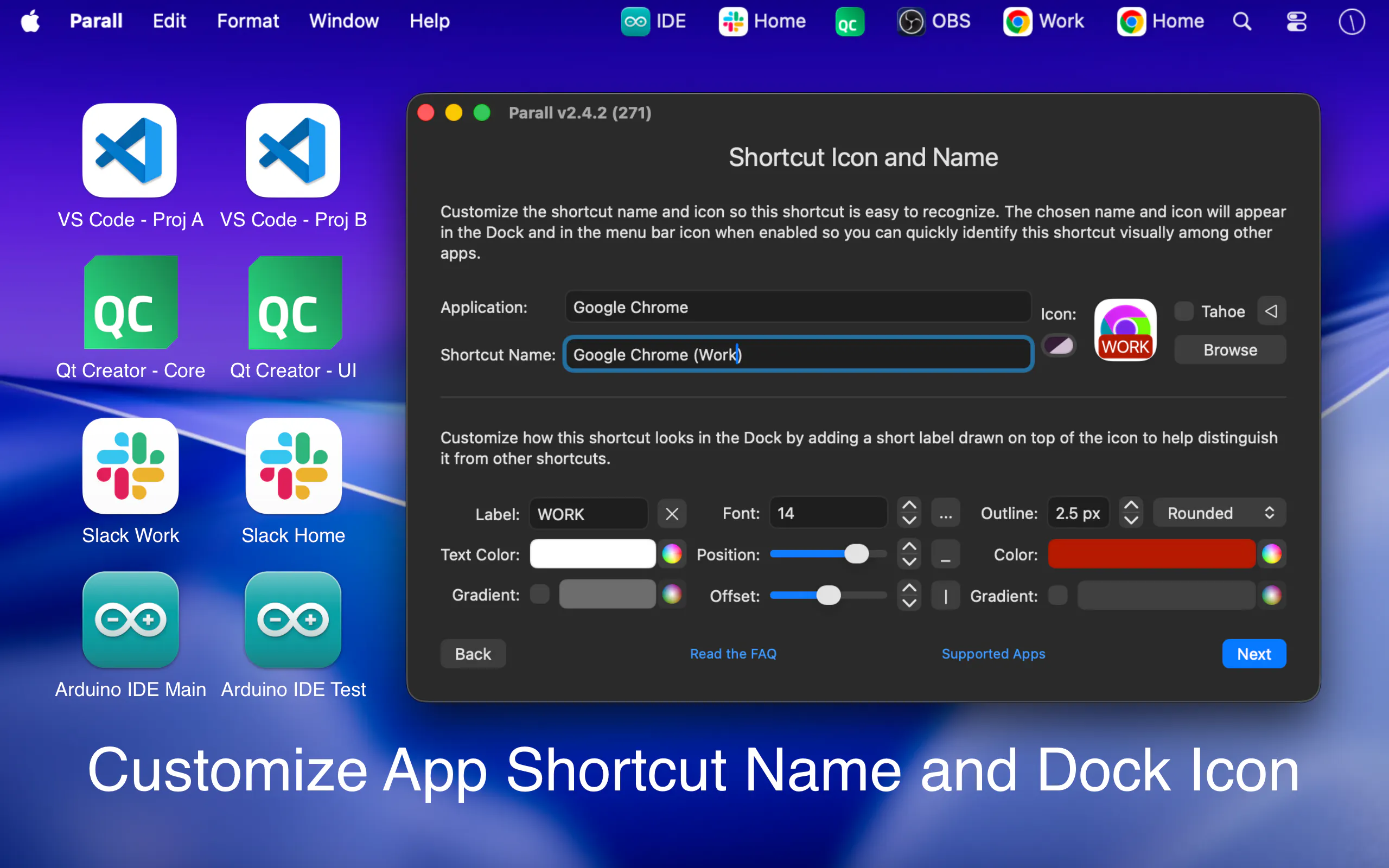
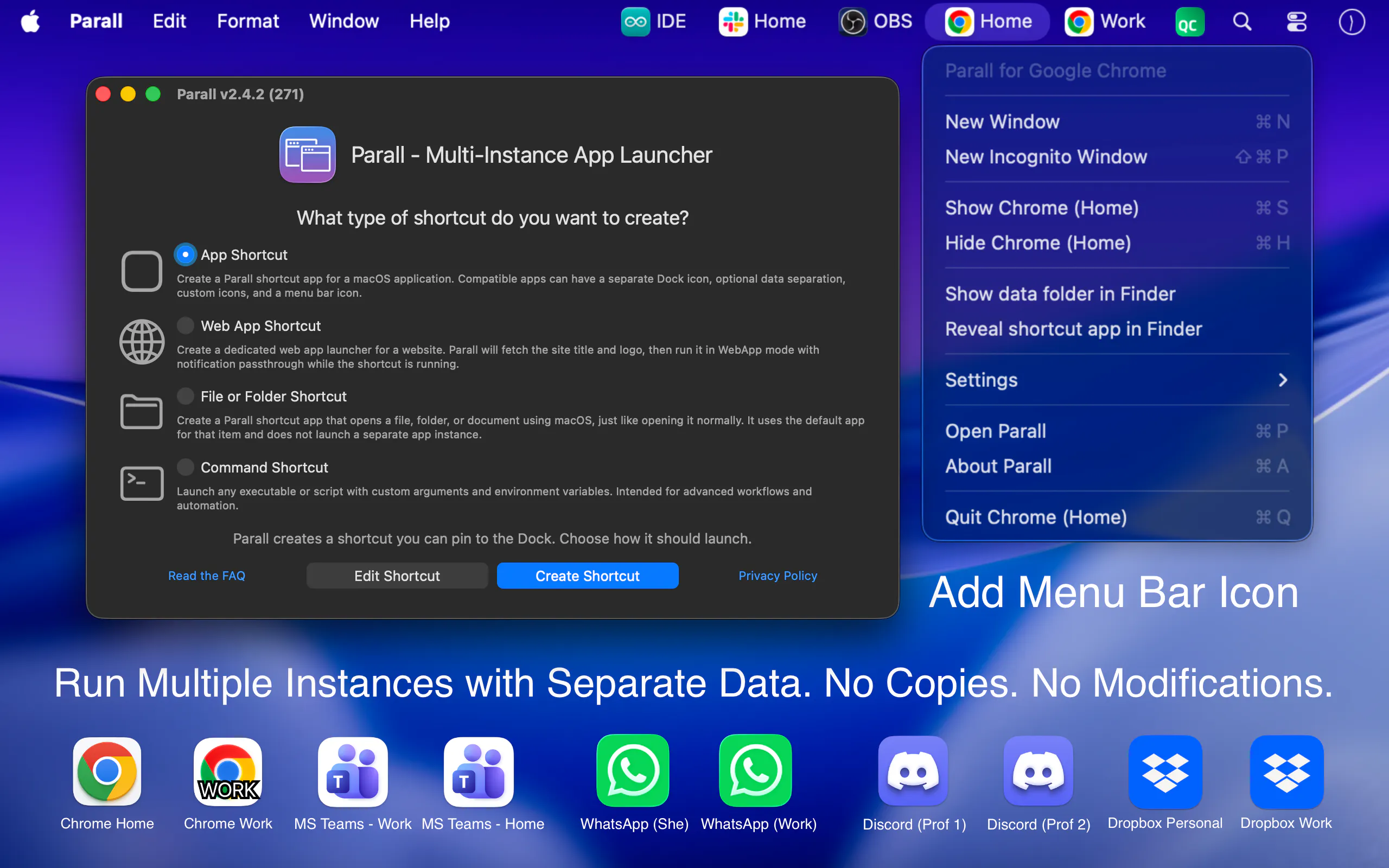
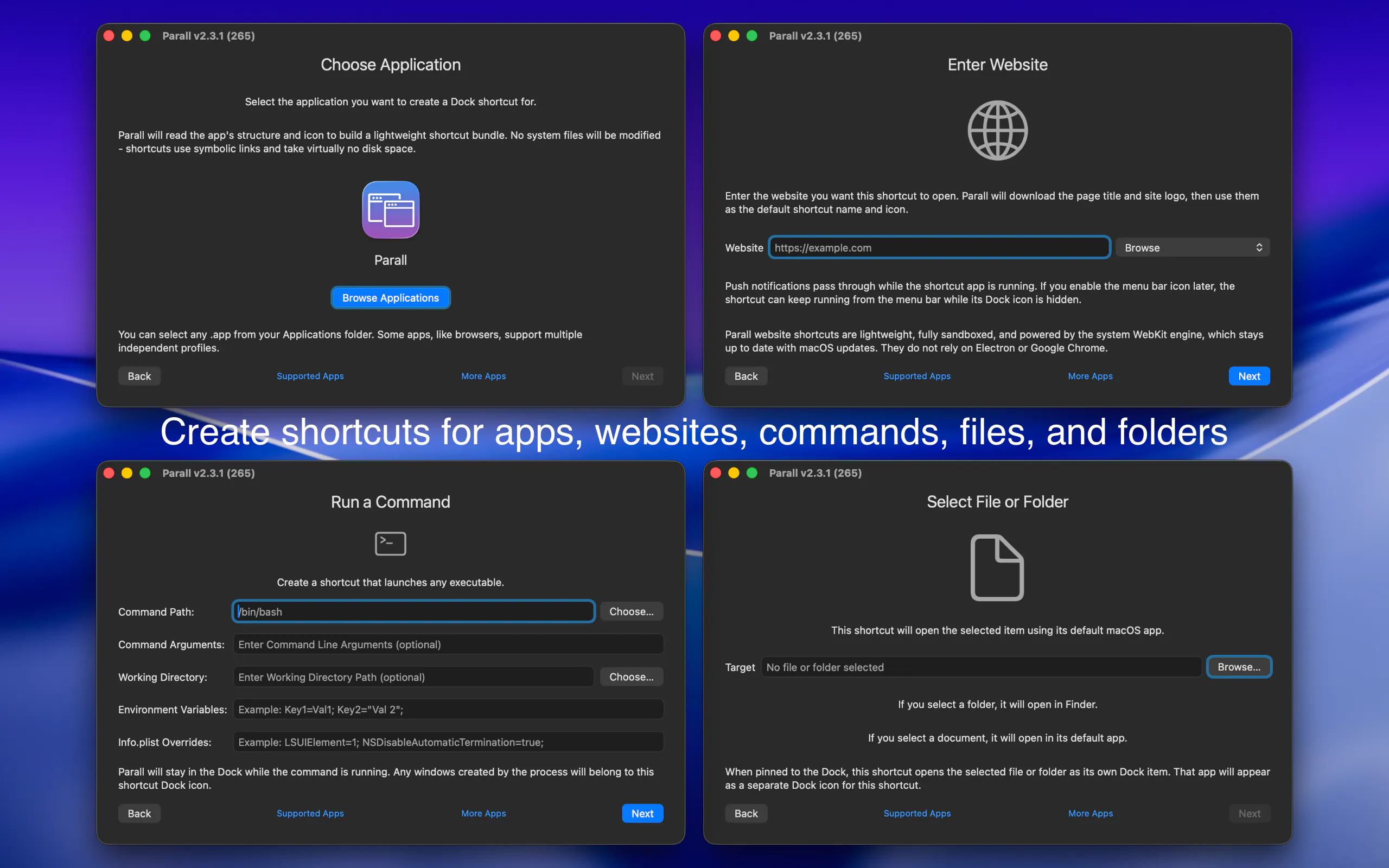
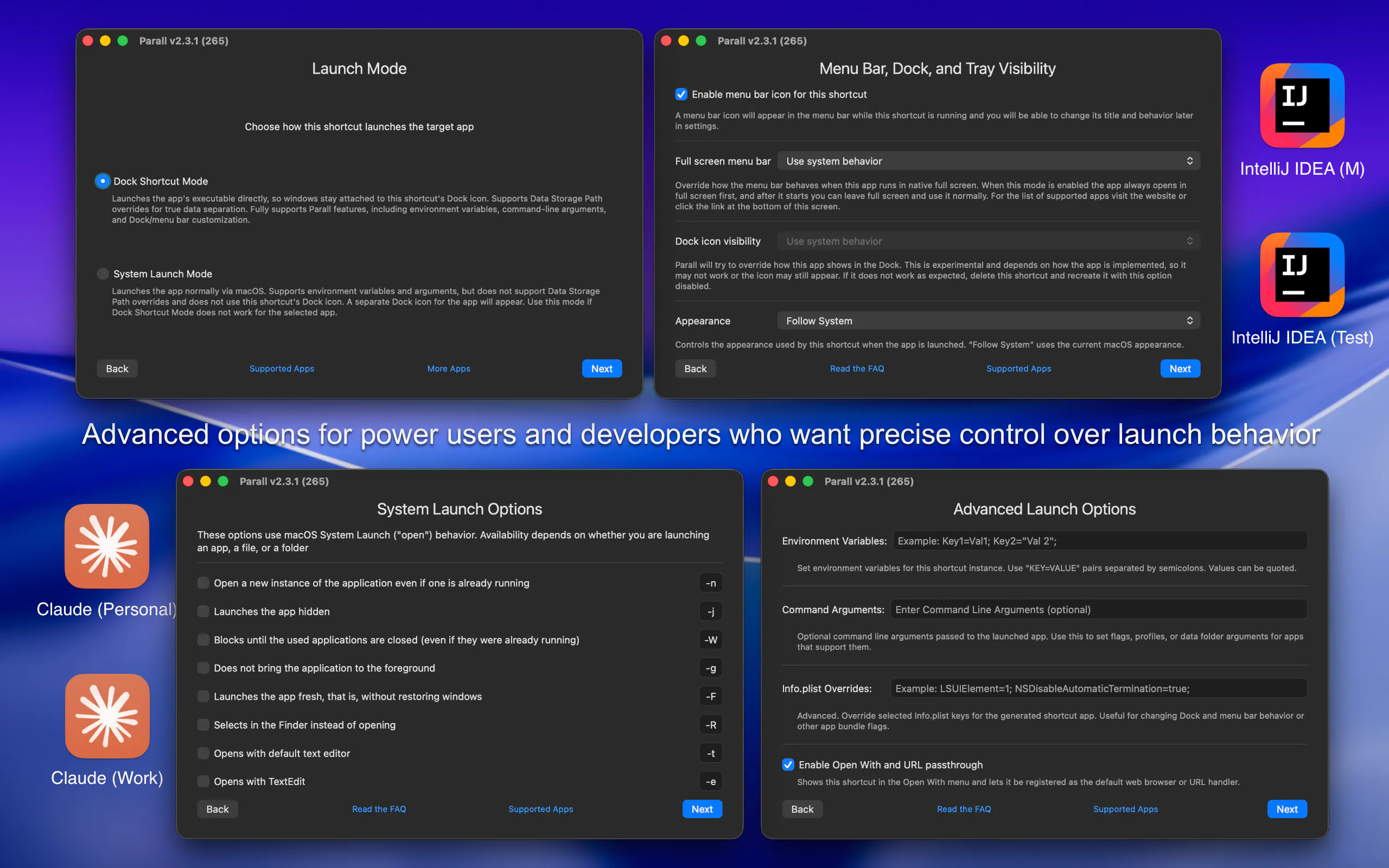
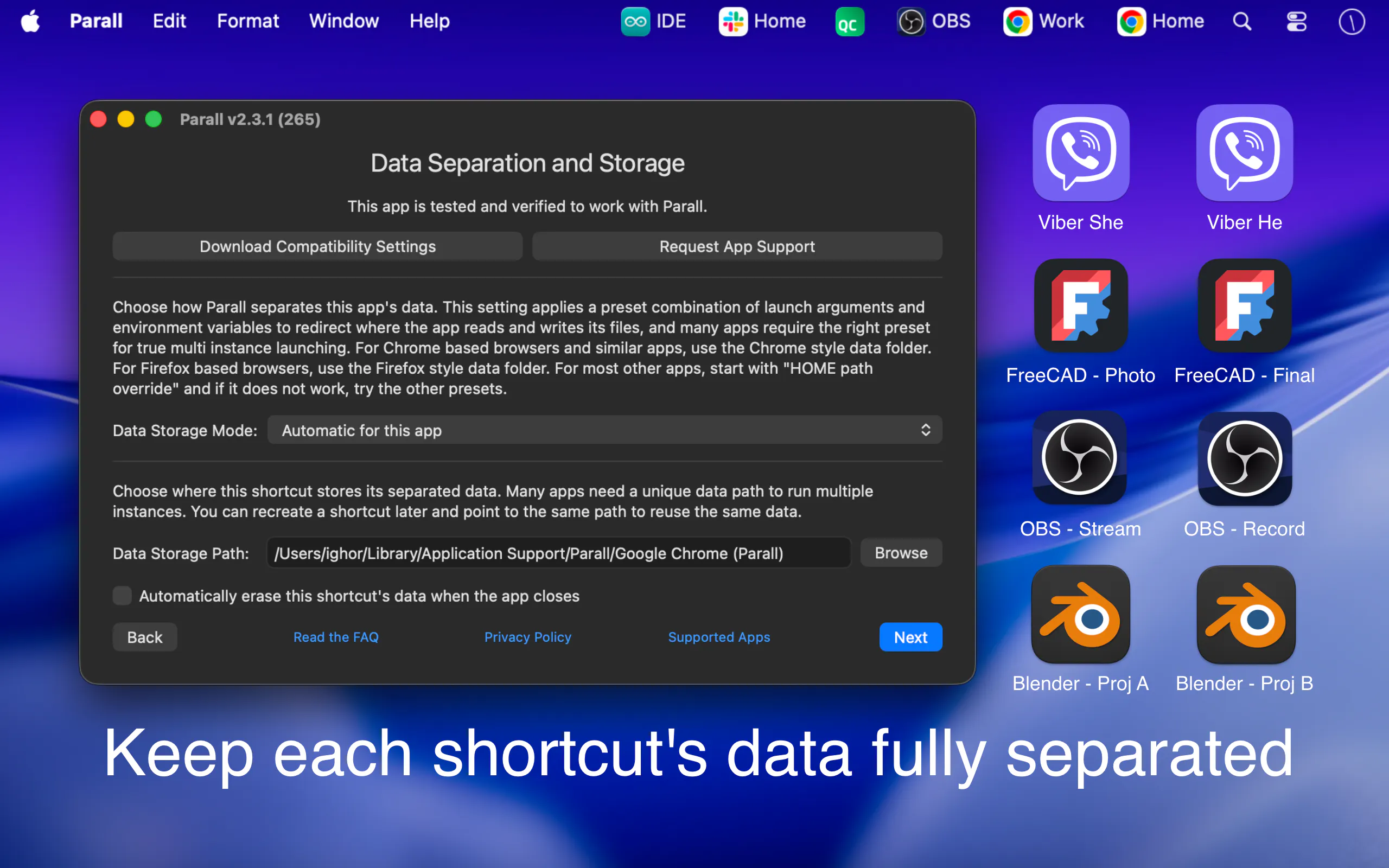
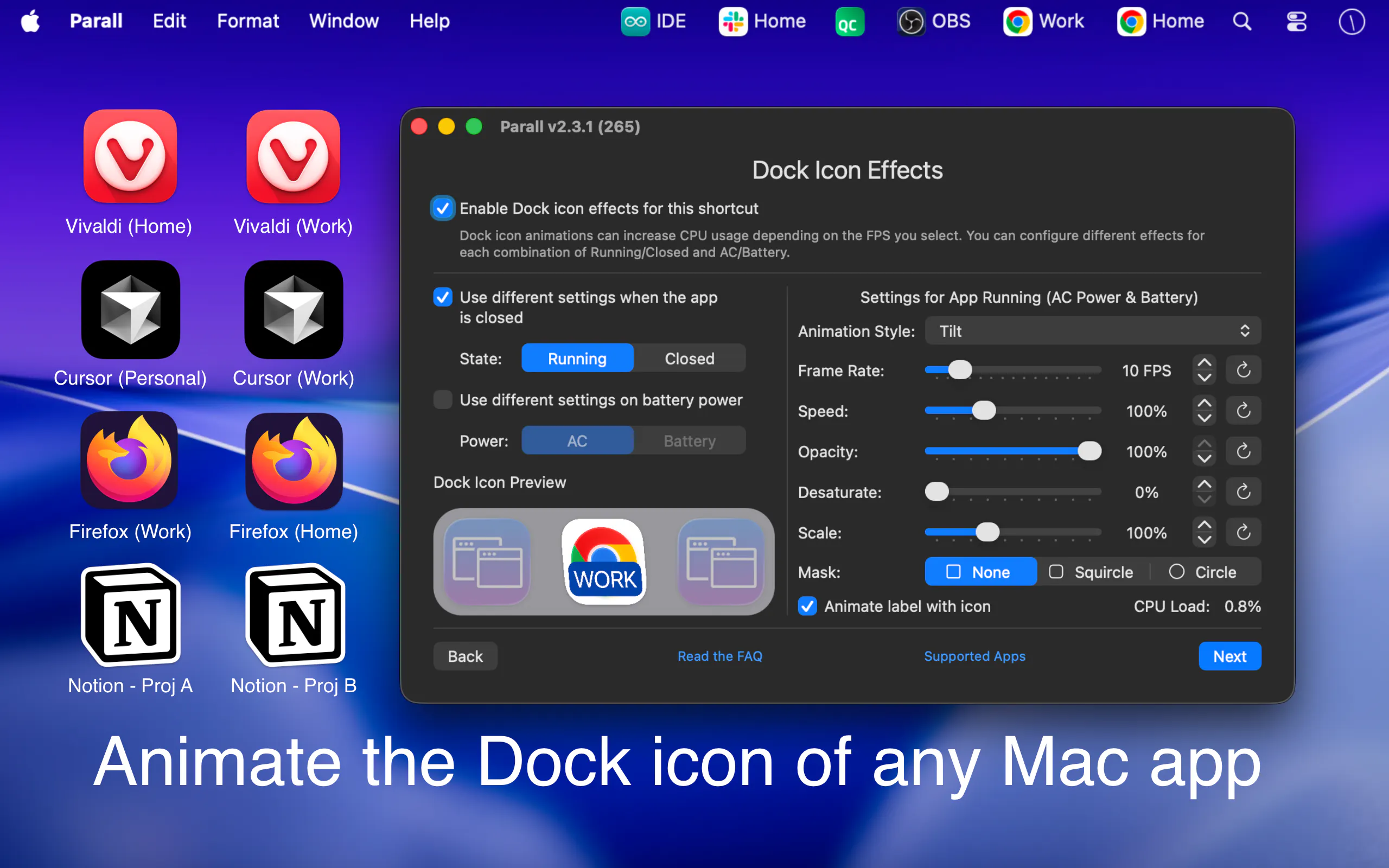
Parall is a powerful macOS utility designed for users who need to run multiple instances of the same app or streamline their web workflows. It enables users to create separate, isolated environments for each app or website, complete with customizable options such as unique Dock icons, data paths, environment variables, and HOME directory overrides. This makes it ideal for developers, testers, or productivity enthusiasts who require multiple versions of an app or want to turn websites into dedicated web apps with tailored settings. Its features extend to command-line launchers, file shortcuts, and visual Dock effects, offering a high degree of customization and control. Parall's ability to turn websites into standalone web app shortcuts adds to its versatility, making it a valuable tool for managing multiple web-based workflows efficiently. Its user-centric design caters to those who need to isolate apps and web content for testing, development, or personal productivity, all within a seamless macOS environment.
Screenshots
Pros
- ✓Enables running multiple instances of the same app simultaneously
- ✓Highly customizable with environment variables, data paths, and icons
- ✓Supports turning websites into dedicated web app shortcuts
- ✓Offers command-line launchers for advanced users
- ✓Provides visual Dock effects and shortcuts for improved workflow
Cons
- ✗Limited information on pricing and plans
- ✗Potential learning curve for users unfamiliar with environment customization
- ✗No mention of native support for non-Mac platforms
Use Cases
Pricing
Pricing not verified
Quick Info
Topics
Makers

Ighor July
@JulyIghorAlternatives
Similar Tools in Developer Tools




Embed Badge
Add this badge to your website to show that Parall is featured on Visalytica.
<a href="https://www.visalytica.com/tool/parall" target="_blank" rel="noopener noreferrer" style="display:inline-flex;align-items:center;gap:6px;padding:6px 14px;background:#7c3aed;color:#fff;border-radius:8px;font-family:-apple-system,system-ui,sans-serif;font-size:13px;font-weight:600;text-decoration:none;transition:background .2s" onmouseover="this.style.background='#6d28d9'" onmouseout="this.style.background='#7c3aed'"><svg width="14" height="14" viewBox="0 0 24 24" fill="none" stroke="currentColor" stroke-width="2.5" stroke-linecap="round" stroke-linejoin="round"><path d="M12 20V10"/><path d="M18 20V4"/><path d="M6 20v-4"/></svg>Featured on Visalytica</a>