
PageThread
Discuss any webpage with private notes and public threads
About PageThread
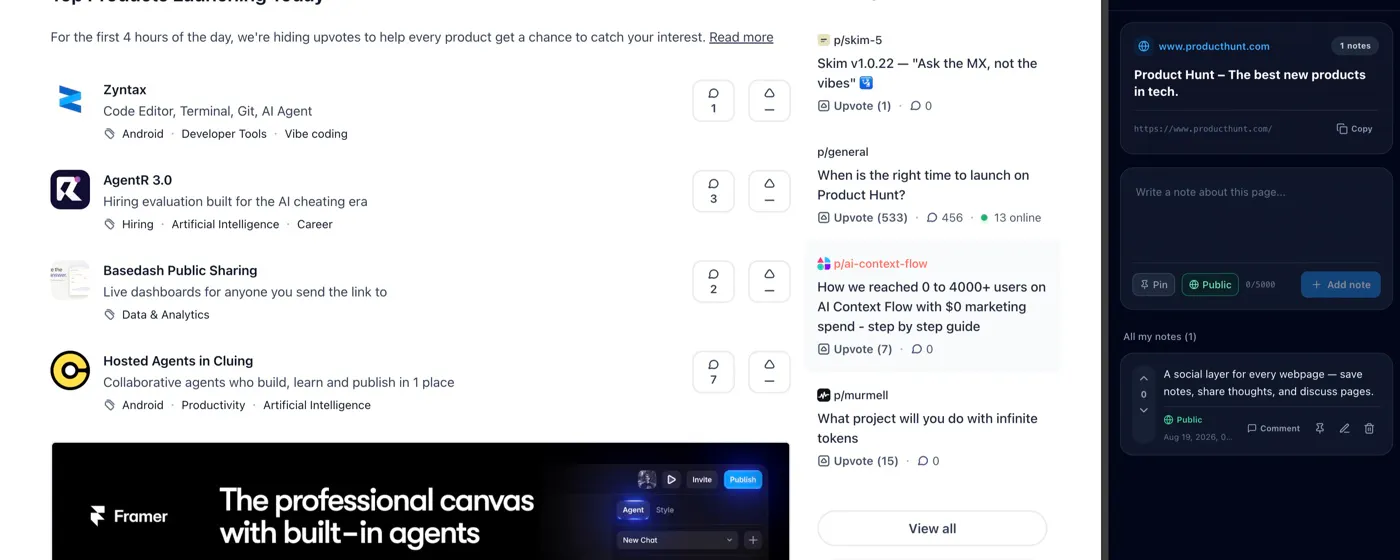
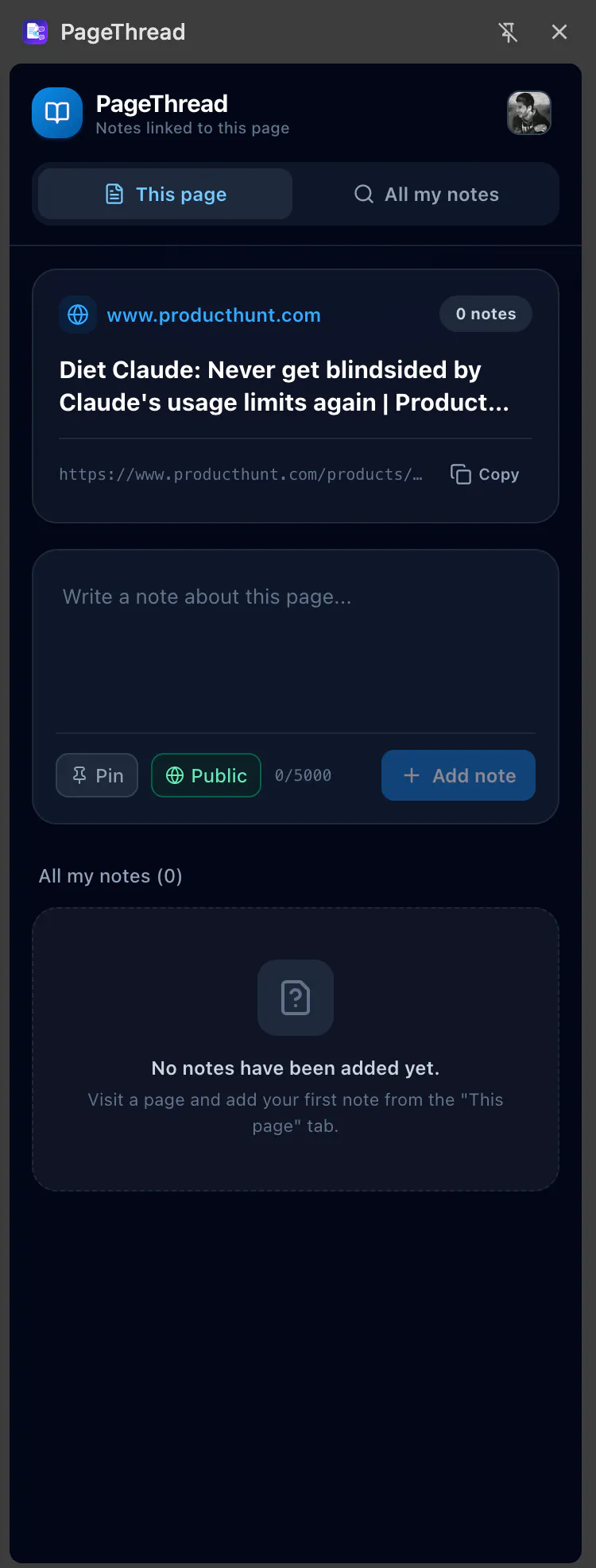
PageThread transforms the way users interact with web pages by adding a social and note-taking layer directly within the browser. With its Chrome extension, users can open a side panel on any webpage to jot down private notes for personal reference or publish public threads linked to the page, fostering community discussions. Unlike traditional bookmarking or annotation tools, PageThread keeps conversations anchored to specific URLs, making it easier to revisit and continue discussions in context. Its dual-language support (English and Turkish) enhances accessibility for diverse users. This tool is ideal for researchers, content creators, students, and professionals who want to organize thoughts, share insights, or engage with others around web content seamlessly while browsing. By integrating social interaction directly into the browsing experience, PageThread encourages more dynamic and contextual online discussions, making web navigation more collaborative and productive.
Screenshots


Pros
- ✓Enables both private notes and public discussions linked to specific web pages
- ✓Integrated directly into the browser for seamless use during browsing
- ✓Supports multi-language UI (English and Turkish)
- ✓Fosters community engagement around web content
- ✓Keeps discussions attached to the page, making revisits easier
Cons
- ✗Currently has no published user base or votes on Product Hunt
- ✗Potential learning curve for new users unfamiliar with social annotation tools
- ✗Limited information on pricing or premium features
Use Cases
Pricing
Pricing not verified
Quick Info
Topics
Makers

Taner Özel
Alternatives
Similar Tools in Marketing & SEO




Embed Badge
Add this badge to your website to show that PageThread is featured on Visalytica.
<a href="https://www.visalytica.com/tool/pagethread" target="_blank" rel="noopener noreferrer" style="display:inline-flex;align-items:center;gap:6px;padding:6px 14px;background:#7c3aed;color:#fff;border-radius:8px;font-family:-apple-system,system-ui,sans-serif;font-size:13px;font-weight:600;text-decoration:none;transition:background .2s" onmouseover="this.style.background='#6d28d9'" onmouseout="this.style.background='#7c3aed'"><svg width="14" height="14" viewBox="0 0 24 24" fill="none" stroke="currentColor" stroke-width="2.5" stroke-linecap="round" stroke-linejoin="round"><path d="M12 20V10"/><path d="M18 20V4"/><path d="M6 20v-4"/></svg>Featured on Visalytica</a>