Page Transition CSS Gallery
42 copy-paste CSS page transition and loading animations
About Page Transition CSS Gallery
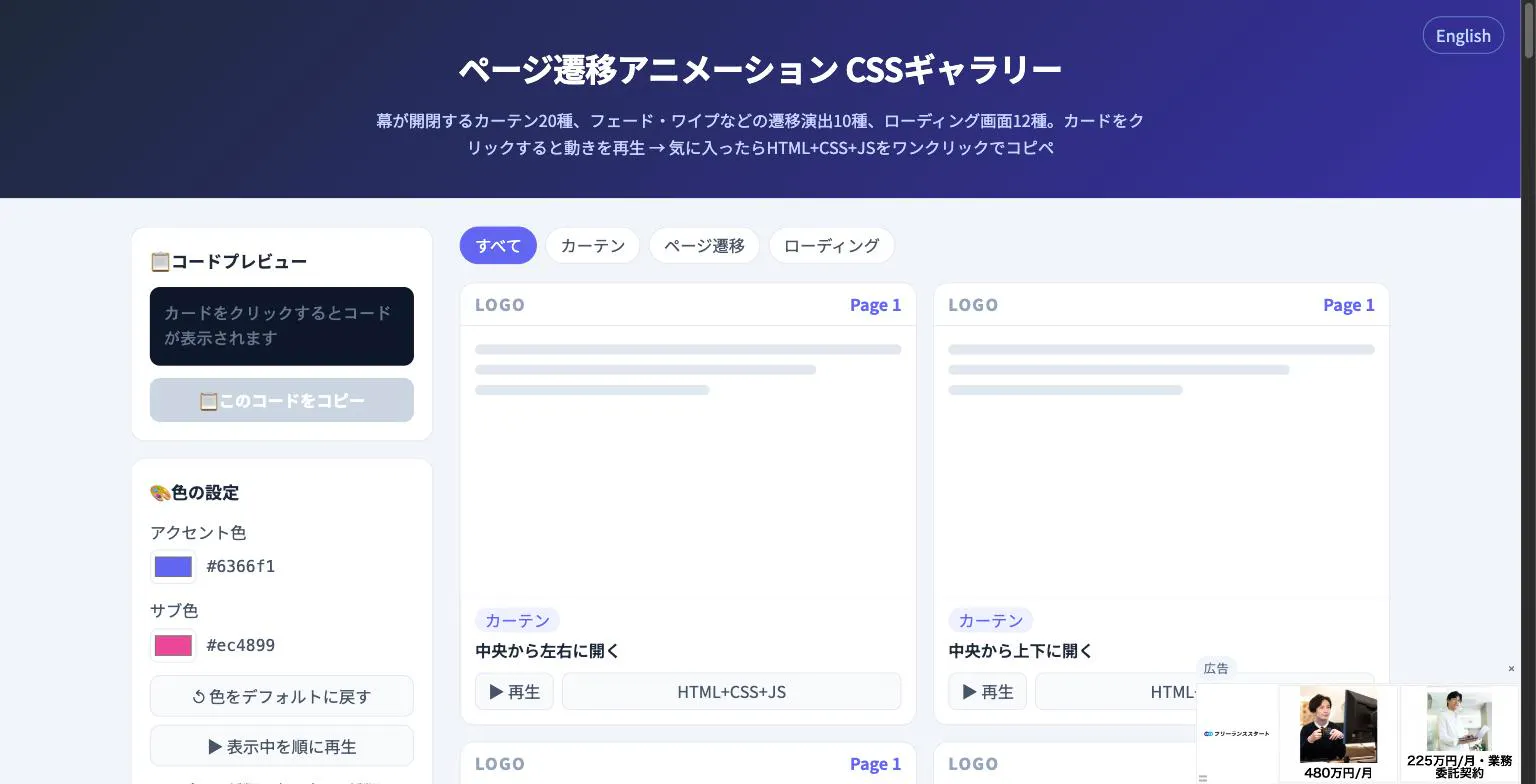
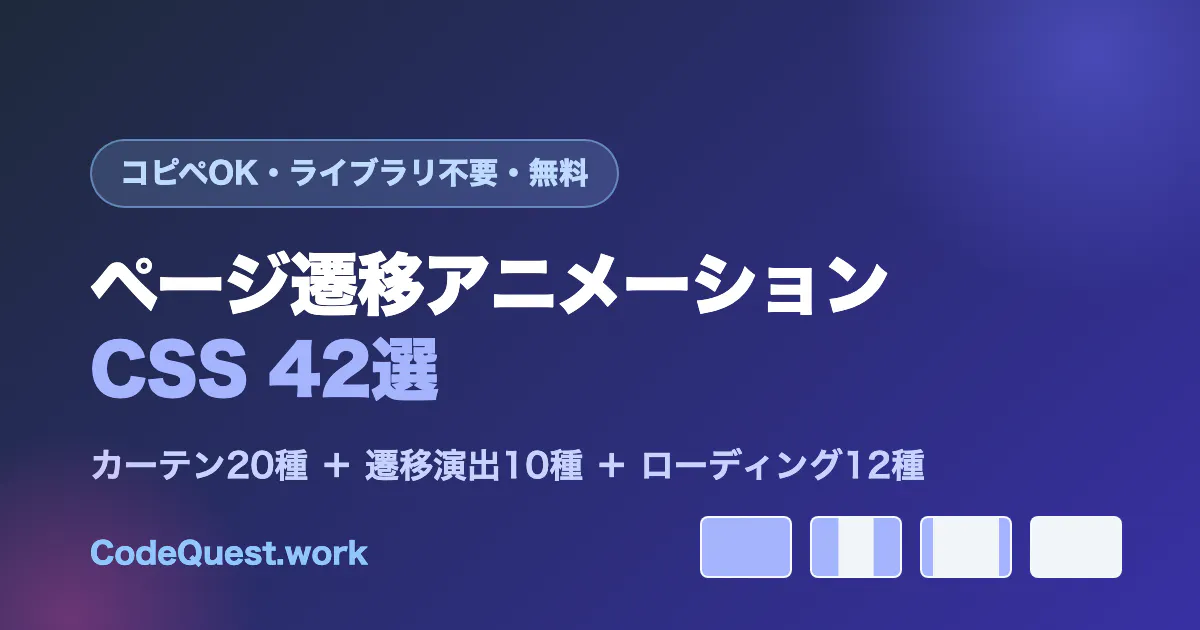
Page Transition CSS Gallery is a versatile collection of pre-designed CSS animations aimed at web developers and designers looking to enhance their site transitions and loading screens. Featuring 42 ready-to-use effects, including curtain, fade, wipe, and loading animations, it simplifies the process of creating engaging user experiences without the need for external libraries or complex code. Users can preview effects in an interactive gallery, then effortlessly copy the complete HTML, CSS, and JavaScript snippets with a single click, making integration straightforward. The customizable accent color ensures seamless branding alignment, making this tool particularly appealing for rapid prototyping and improving visual appeal in web projects. Its no-signup, no-external dependencies approach makes it accessible and quick to implement for both beginners and experienced developers alike.
Screenshots
Pros
- ✓Easy one-click copy of complete transition and loading animation code
- ✓No external libraries or sign-up required, ensuring quick setup
- ✓Customizable accent color to match branding
- ✓Wide variety of effects including curtain, fade, wipe, and loading screens
- ✓User-friendly preview mode for testing effects before implementation
Cons
- ✗Limited to CSS-based animations; may lack advanced interactivity or effects
- ✗Lacks customization options beyond color, such as timing or transition speed
- ✗No built-in support or documentation for integration into complex projects
Use Cases
Pricing
Likely free to use, as it offers ready-to-copy code snippets without requiring sign-up or payment. It appears to be a free resource designed for quick implementation and experimentation.
Quick Info
Topics
Alternatives
Similar Tools in AI Image & Design




Embed Badge
Add this badge to your website to show that Page Transition CSS Gallery is featured on Visalytica.
<a href="https://www.visalytica.com/tool/page-transition-css-gallery" target="_blank" rel="noopener noreferrer" style="display:inline-flex;align-items:center;gap:6px;padding:6px 14px;background:#7c3aed;color:#fff;border-radius:8px;font-family:-apple-system,system-ui,sans-serif;font-size:13px;font-weight:600;text-decoration:none;transition:background .2s" onmouseover="this.style.background='#6d28d9'" onmouseout="this.style.background='#7c3aed'"><svg width="14" height="14" viewBox="0 0 24 24" fill="none" stroke="currentColor" stroke-width="2.5" stroke-linecap="round" stroke-linejoin="round"><path d="M12 20V10"/><path d="M18 20V4"/><path d="M6 20v-4"/></svg>Featured on Visalytica</a>