
Page to Markdown
Clean Markdown from any webpage, right beside it.
About Page to Markdown
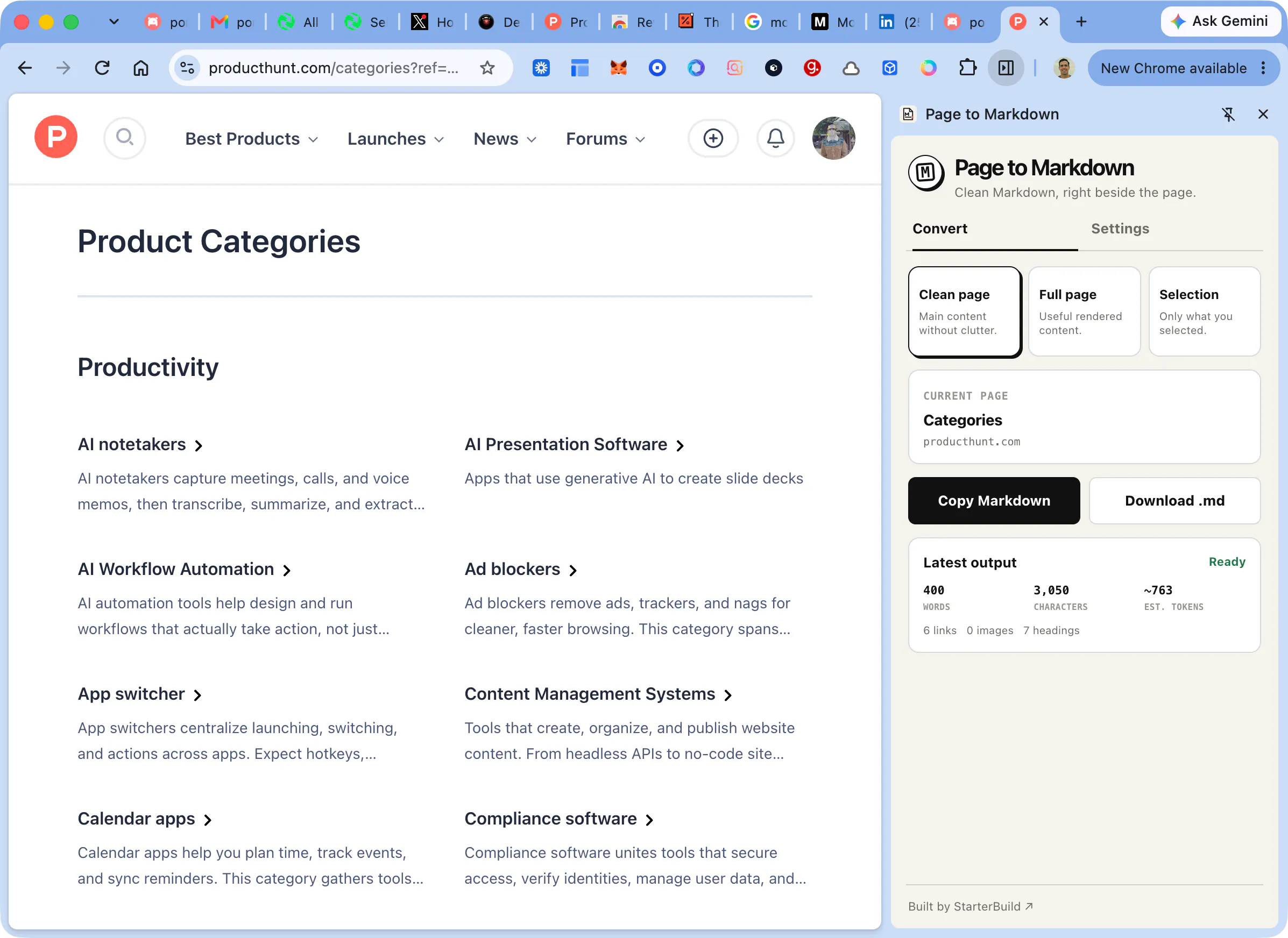
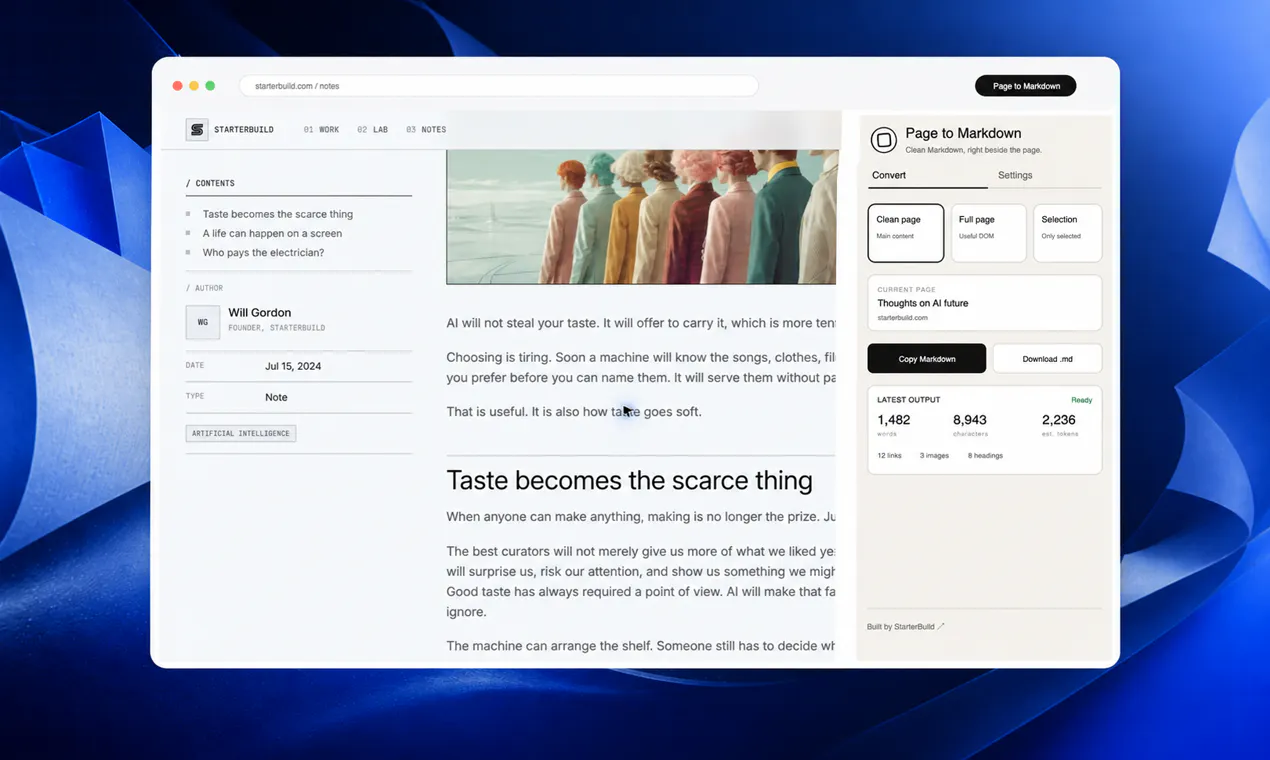
Page to Markdown is a streamlined Chrome extension designed for users who need to quickly convert webpage content into clean, structured Markdown. Whether capturing entire pages or just selected passages, the tool offers a simple, local-first experience that emphasizes privacy and ease of use. Its intuitive side panel allows users to choose between full page, clean page, or selection modes, preserving essential elements like links, tables, and code blocks, making it ideal for researchers, note-takers, developers, and AI workflows. Unlike many online converters, Page to Markdown processes data locally, ensuring user privacy without the need for accounts or remote processing. Its straightforward approach makes it a reliable, no-fuss solution for anyone who frequently extracts web content into Markdown format, whether for documentation, research, or AI training data.
Screenshots
Pros
- ✓Local-first processing for enhanced privacy and security
- ✓Simple, intuitive interface with flexible selection options
- ✓Preserves links, tables, and code blocks for comprehensive conversion
- ✓No account or remote processing required, ensuring user control
- ✓Supports downloading or copying Markdown directly
Cons
- ✗Limited advanced formatting options compared to full-featured editors
- ✗No integrated cloud storage or synchronization
- ✗Potentially less suitable for large-scale or automated workflows
Use Cases
Pricing
Likely a free, open-source or donation-supported extension with no paid tiers, emphasizing privacy and simplicity.
Quick Info
Topics
Makers

Willy
Alternatives
Similar Tools in Developer Tools




Embed Badge
Add this badge to your website to show that Page to Markdown is featured on Visalytica.
<a href="https://www.visalytica.com/tool/page-to-markdown" target="_blank" rel="noopener noreferrer" style="display:inline-flex;align-items:center;gap:6px;padding:6px 14px;background:#7c3aed;color:#fff;border-radius:8px;font-family:-apple-system,system-ui,sans-serif;font-size:13px;font-weight:600;text-decoration:none;transition:background .2s" onmouseover="this.style.background='#6d28d9'" onmouseout="this.style.background='#7c3aed'"><svg width="14" height="14" viewBox="0 0 24 24" fill="none" stroke="currentColor" stroke-width="2.5" stroke-linecap="round" stroke-linejoin="round"><path d="M12 20V10"/><path d="M18 20V4"/><path d="M6 20v-4"/></svg>Featured on Visalytica</a>