
Page Lens for Google Search Console
The missing Search Console sidebar for single pages
About Page Lens for Google Search Console
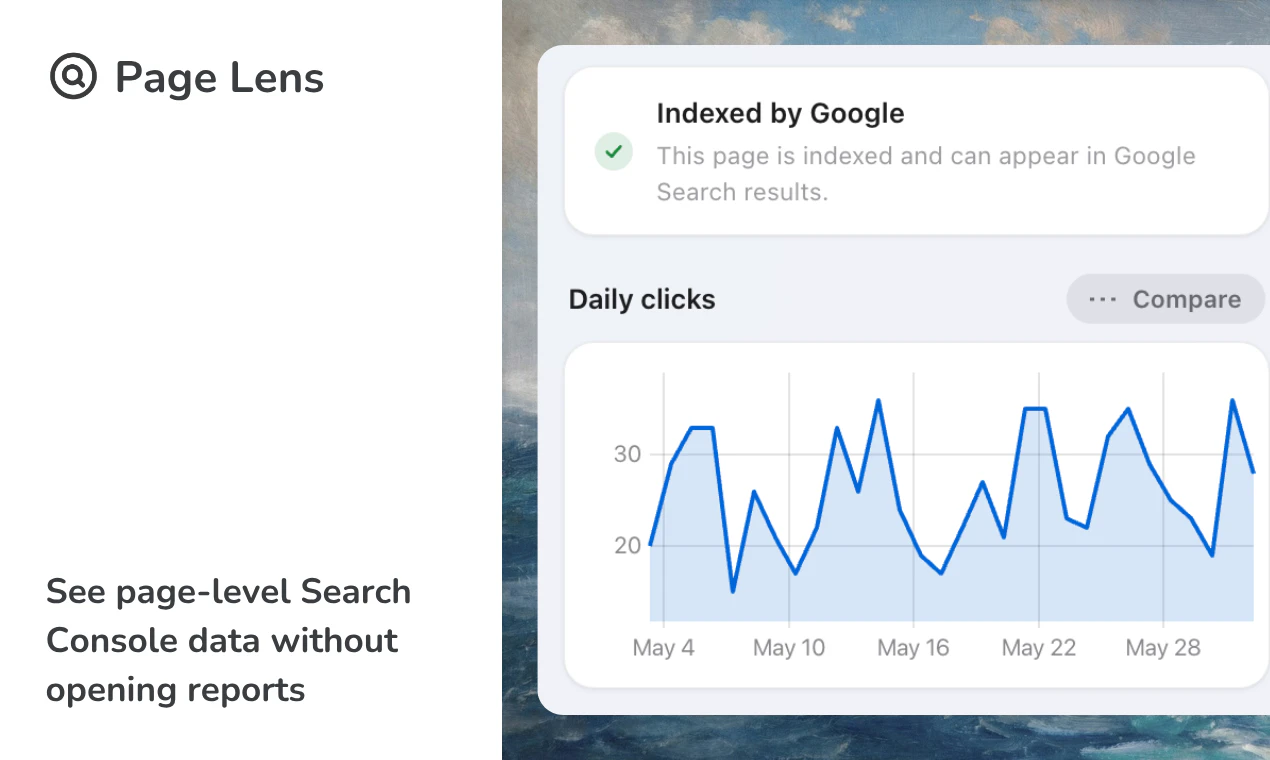
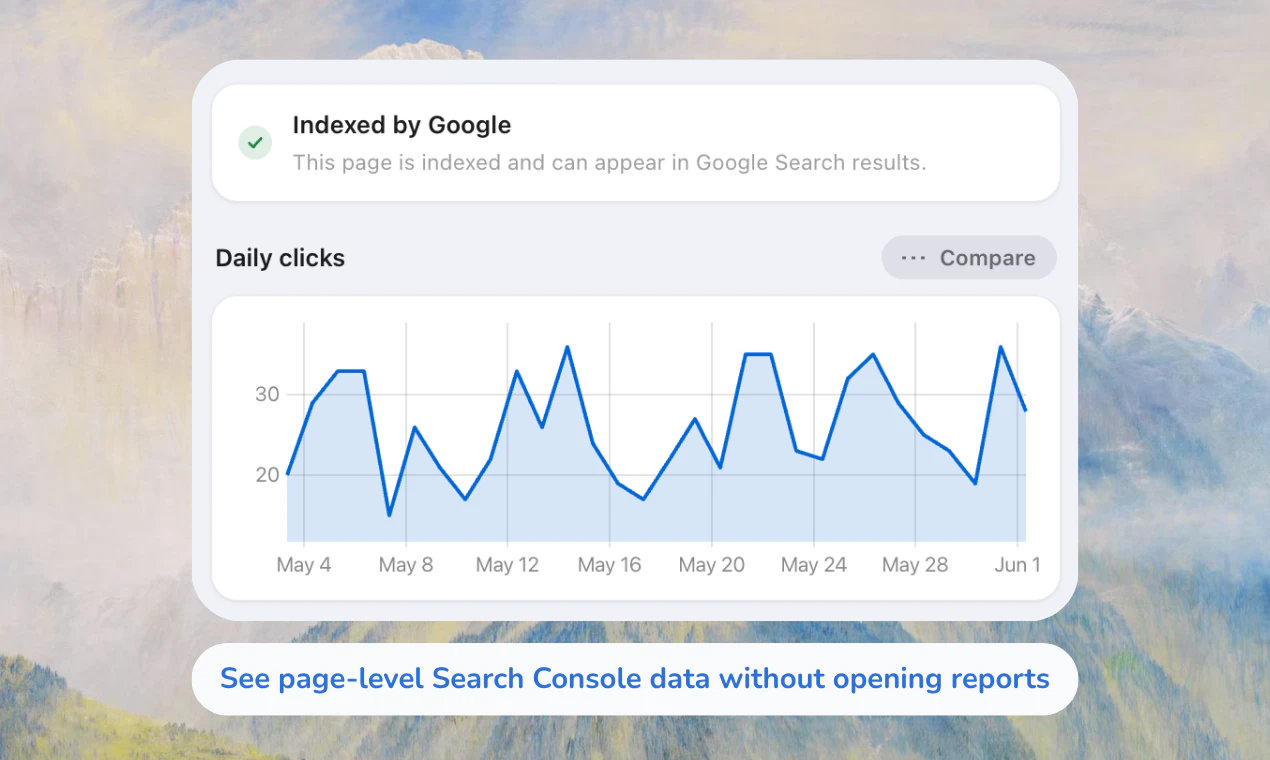
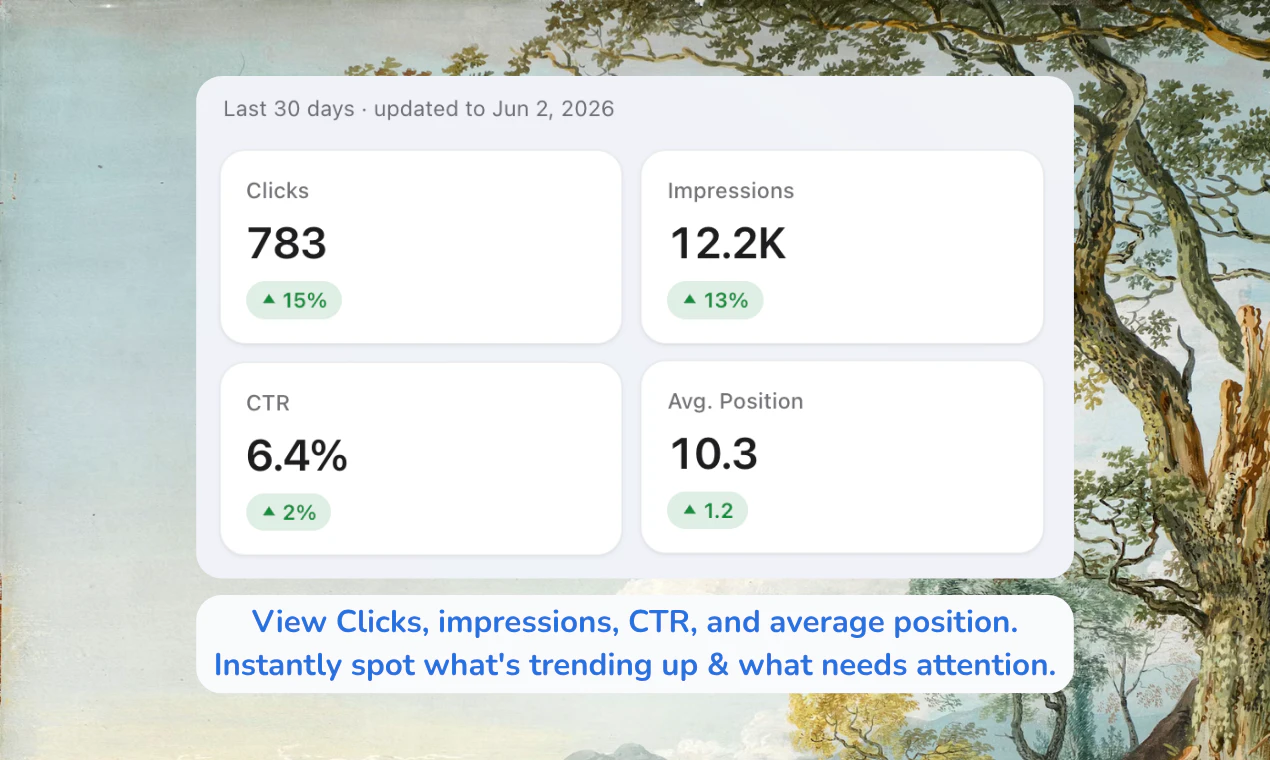
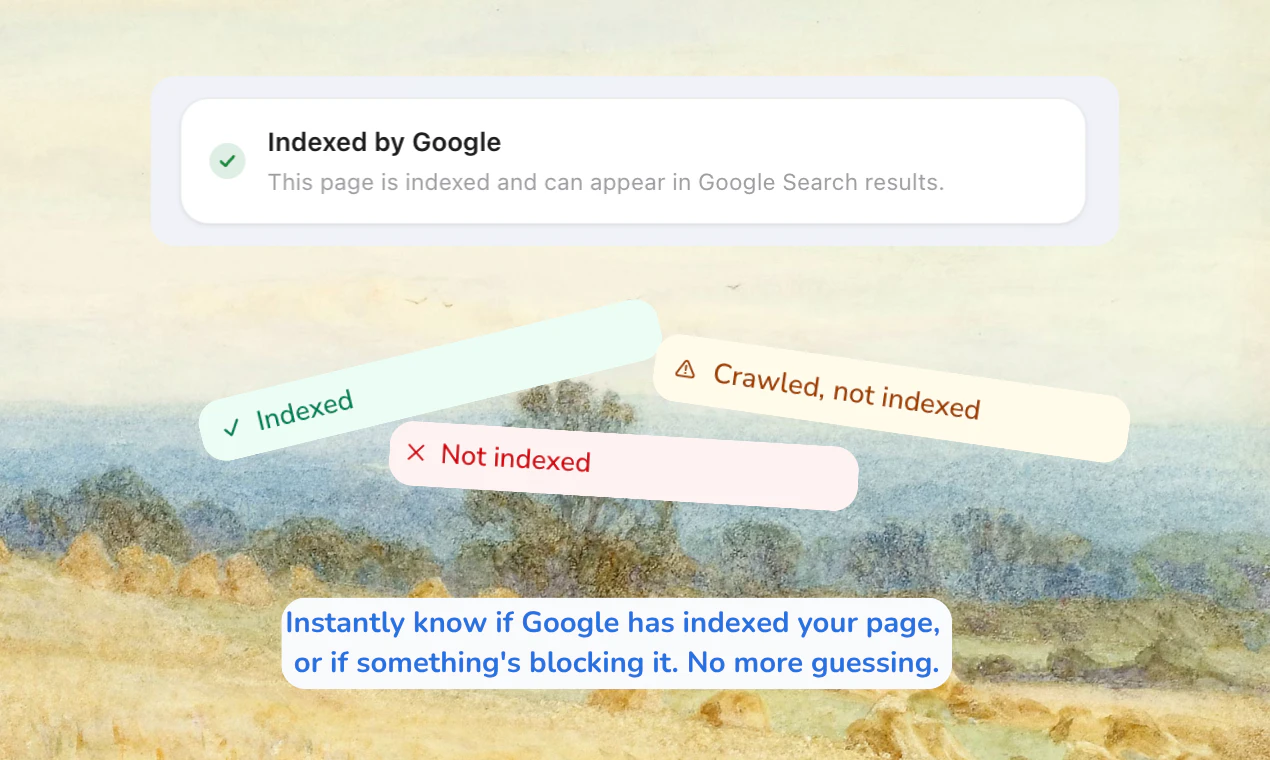
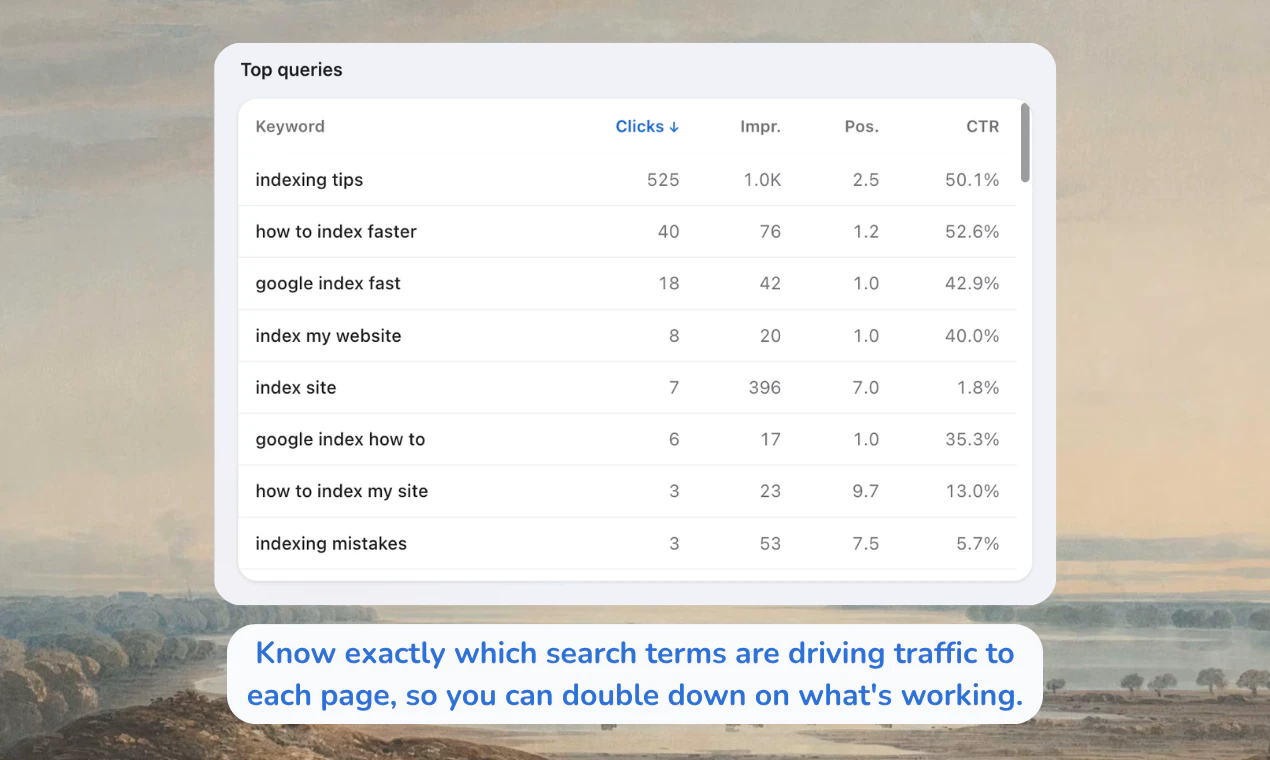
Page Lens for Google Search Console is a handy Chrome extension designed for SEO professionals, digital marketers, and website owners who want quick, at-a-glance insights into their search performance without leaving the webpage they are working on. By integrating Search Console data directly into the page view, it streamlines the workflow, allowing users to see key metrics such as clicks, impressions, rankings, top queries, and indexing status in real-time. This eliminates the need to switch back and forth between Search Console and the website, saving time and improving efficiency. Its seamless on-page data overlay makes it particularly useful for on-the-fly analysis, content optimization, and troubleshooting.
Screenshots
Pros
- ✓Provides instant access to Search Console data directly within web pages
- ✓Saves time by eliminating the need to switch tabs or windows
- ✓User-friendly interface that enhances workflow efficiency
- ✓Supports viewing multiple metrics in one place
- ✓Ideal for quick on-page SEO audits and content tweaks
Cons
- ✗Limited to Chrome browser only
- ✗Requires users to have Search Console access and verification
- ✗May not offer advanced analytics or historical data comparison
Use Cases
Pricing
Likely offers a free version with basic features, with potential paid plans for additional functionalities or integrations. However, specific pricing details are not publicly confirmed and should be verified on the official website.
Quick Info
Topics
Makers

Navaneeth CT
Alternatives
Similar Tools in Developer Tools




Embed Badge
Add this badge to your website to show that Page Lens for Google Search Console is featured on Visalytica.
<a href="https://www.visalytica.com/tool/page-lens-for-google-search-console" target="_blank" rel="noopener noreferrer" style="display:inline-flex;align-items:center;gap:6px;padding:6px 14px;background:#7c3aed;color:#fff;border-radius:8px;font-family:-apple-system,system-ui,sans-serif;font-size:13px;font-weight:600;text-decoration:none;transition:background .2s" onmouseover="this.style.background='#6d28d9'" onmouseout="this.style.background='#7c3aed'"><svg width="14" height="14" viewBox="0 0 24 24" fill="none" stroke="currentColor" stroke-width="2.5" stroke-linecap="round" stroke-linejoin="round"><path d="M12 20V10"/><path d="M18 20V4"/><path d="M6 20v-4"/></svg>Featured on Visalytica</a>