
PaceBar
A quiet pace instrument for your Mac
About PaceBar
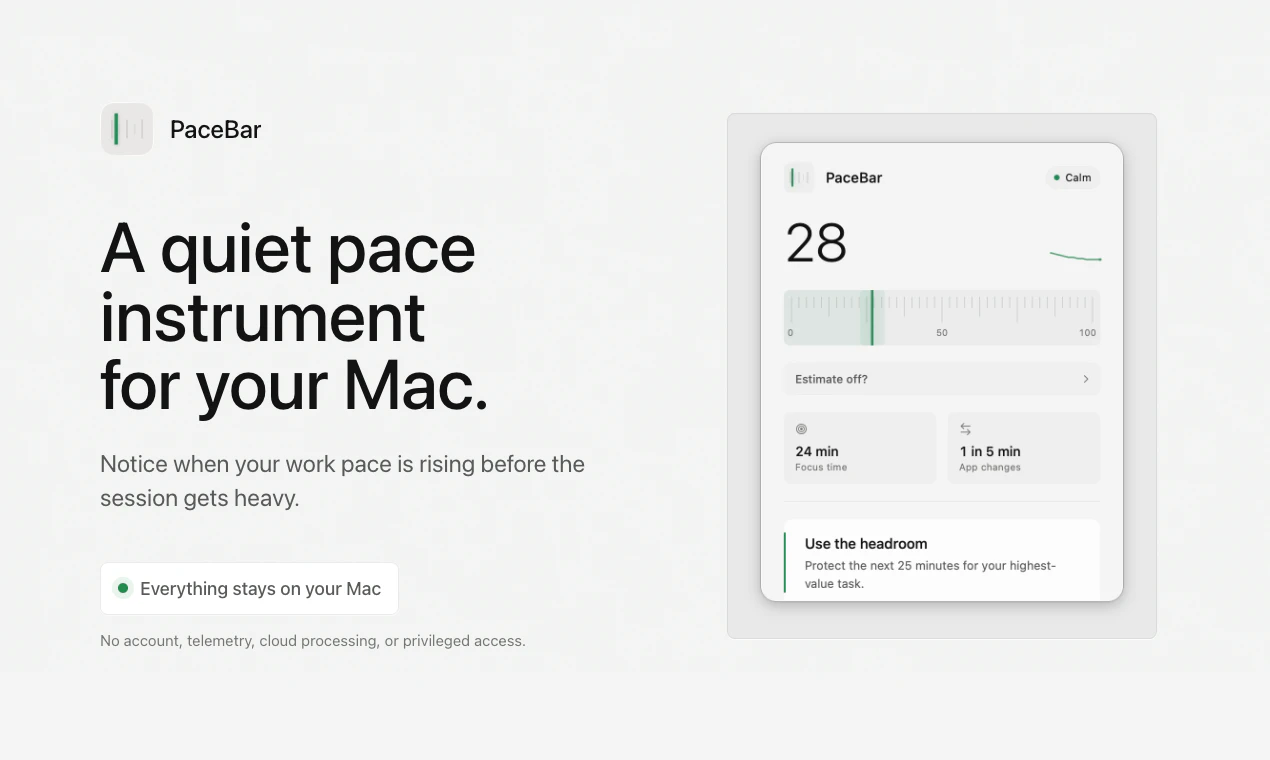
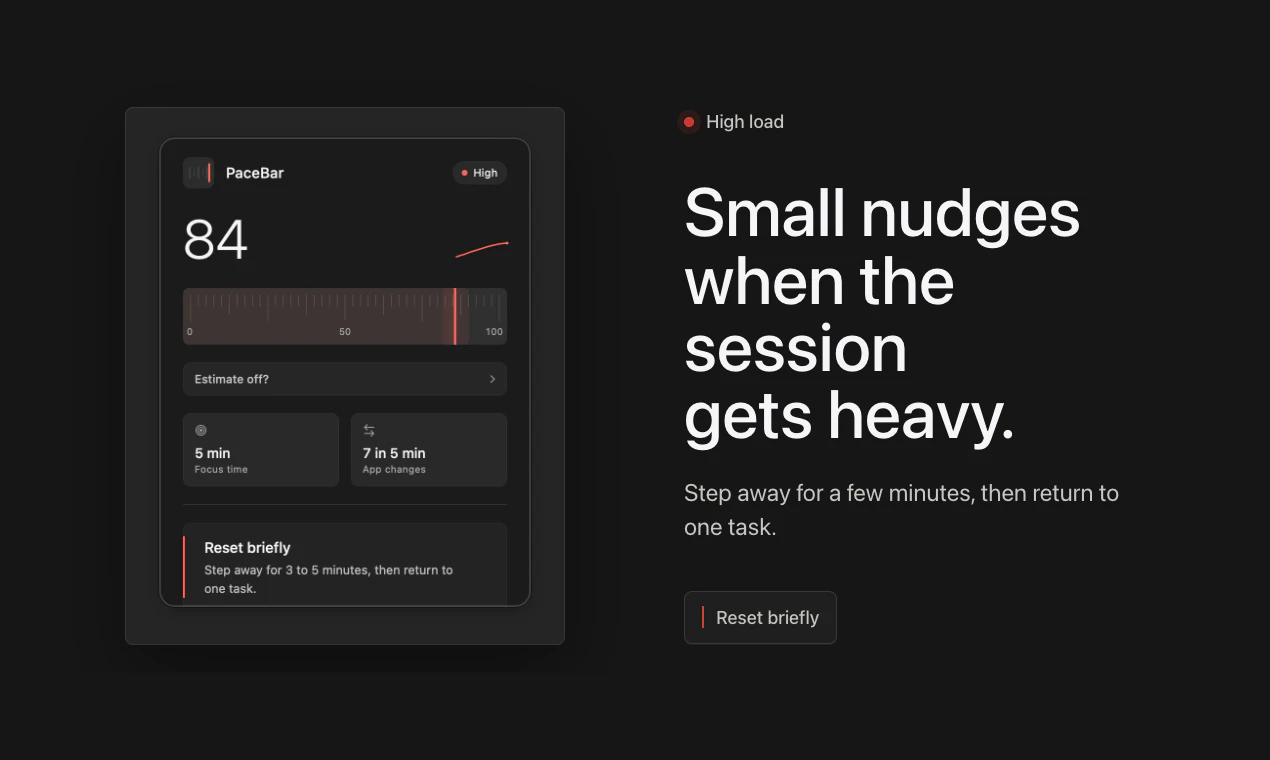
PaceBar is a discreet Mac menu-bar application designed to help users monitor their on-device interaction patterns. By providing a simple load readout, it enables users to become more aware of their work pace, identify when they are pushing too hard, and reduce unnecessary app switching. Ideal for professionals seeking to maintain focus and productivity, PaceBar offers a non-intrusive way to gauge workload and encourage mindful breaks. Its minimalistic design ensures it seamlessly integrates into the Mac environment without cluttering the workspace. Unique in its focus on privacy and subtlety, PaceBar stands out by translating activity data into easily understandable metrics, supporting healthier work habits and sustained productivity.
Screenshots
Pros
- ✓Simple, unobtrusive interface that doesn't distract from work
- ✓Helps users recognize rising workload and avoid burnout
- ✓Encourages mindful breaks and reduces excessive app switching
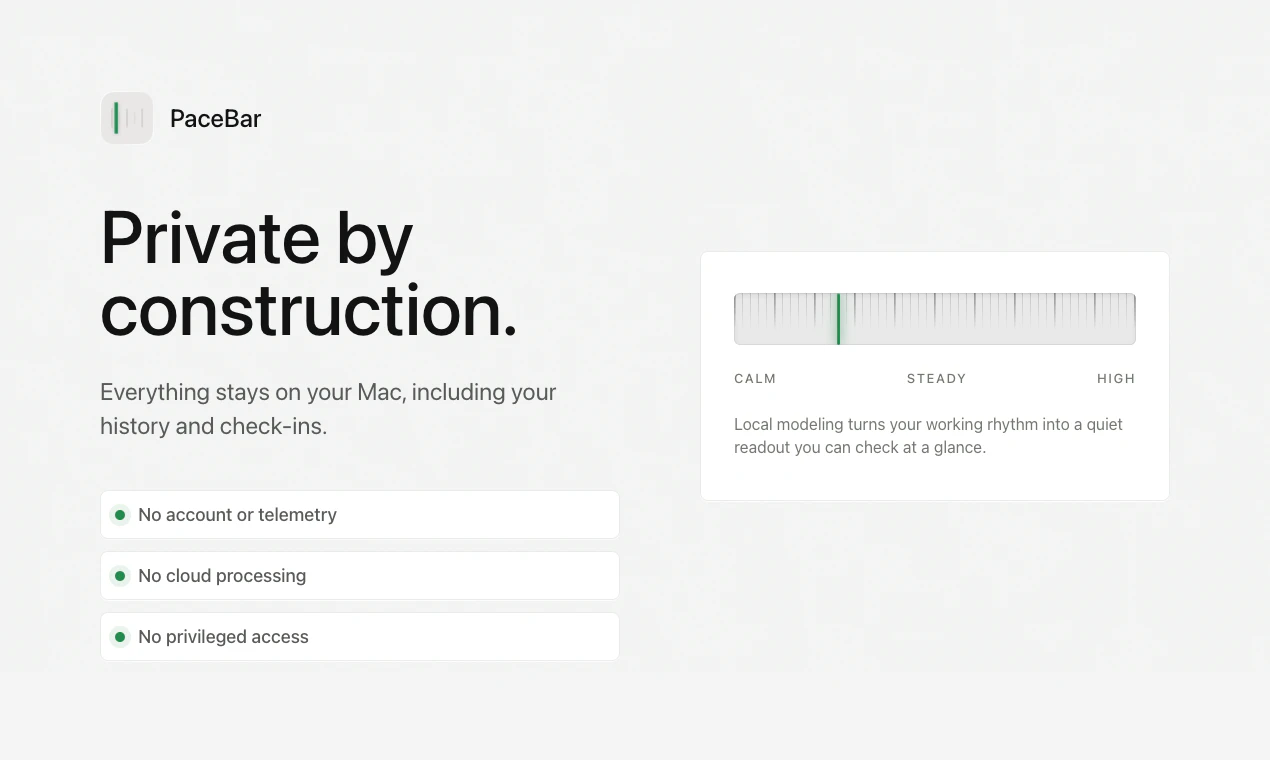
- ✓Private, with no data sharing or cloud dependencies
- ✓Easy to install and use for Mac users
Cons
- ✗Limited features beyond basic load readout
- ✗No free version or trial info available publicly
- ✗May require user interpretation to fully leverage insights
Use Cases
Pricing
Likely follows a freemium model with basic features available for free and advanced options or integrations offered through paid plans, though specific pricing details are not publicly disclosed.
Quick Info
Topics
Similar Tools in Productivity




Embed Badge
Add this badge to your website to show that PaceBar is featured on Visalytica.
<a href="https://www.visalytica.com/tool/pacebar" target="_blank" rel="noopener noreferrer" style="display:inline-flex;align-items:center;gap:6px;padding:6px 14px;background:#7c3aed;color:#fff;border-radius:8px;font-family:-apple-system,system-ui,sans-serif;font-size:13px;font-weight:600;text-decoration:none;transition:background .2s" onmouseover="this.style.background='#6d28d9'" onmouseout="this.style.background='#7c3aed'"><svg width="14" height="14" viewBox="0 0 24 24" fill="none" stroke="currentColor" stroke-width="2.5" stroke-linecap="round" stroke-linejoin="round"><path d="M12 20V10"/><path d="M18 20V4"/><path d="M6 20v-4"/></svg>Featured on Visalytica</a>