
Ownvox
Private voice-to-text for any app on Mac & Windows
About Ownvox
Ownvox is a privacy-focused voice-to-text tool designed for Mac and Windows users who want seamless, in-app voice input. It allows users to activate dictation, issue voice prompts to AI, and perform in-place text rewriting across any application—from email and chat platforms to text editors—without the need to switch windows or copy-paste. Its standout feature is local transcription using Parakeet and Whisper, ensuring user voices stay on their device, with an option for offline or EU cloud storage, reinforcing privacy and GDPR compliance. The tool simplifies workflows by combining three functionalities into a single app: dictation, AI-driven prompts, and live text editing, making productivity more natural and efficient. Its versatility makes it ideal for professionals, writers, or anyone seeking a secure and integrated voice interface on their desktop.
Screenshots
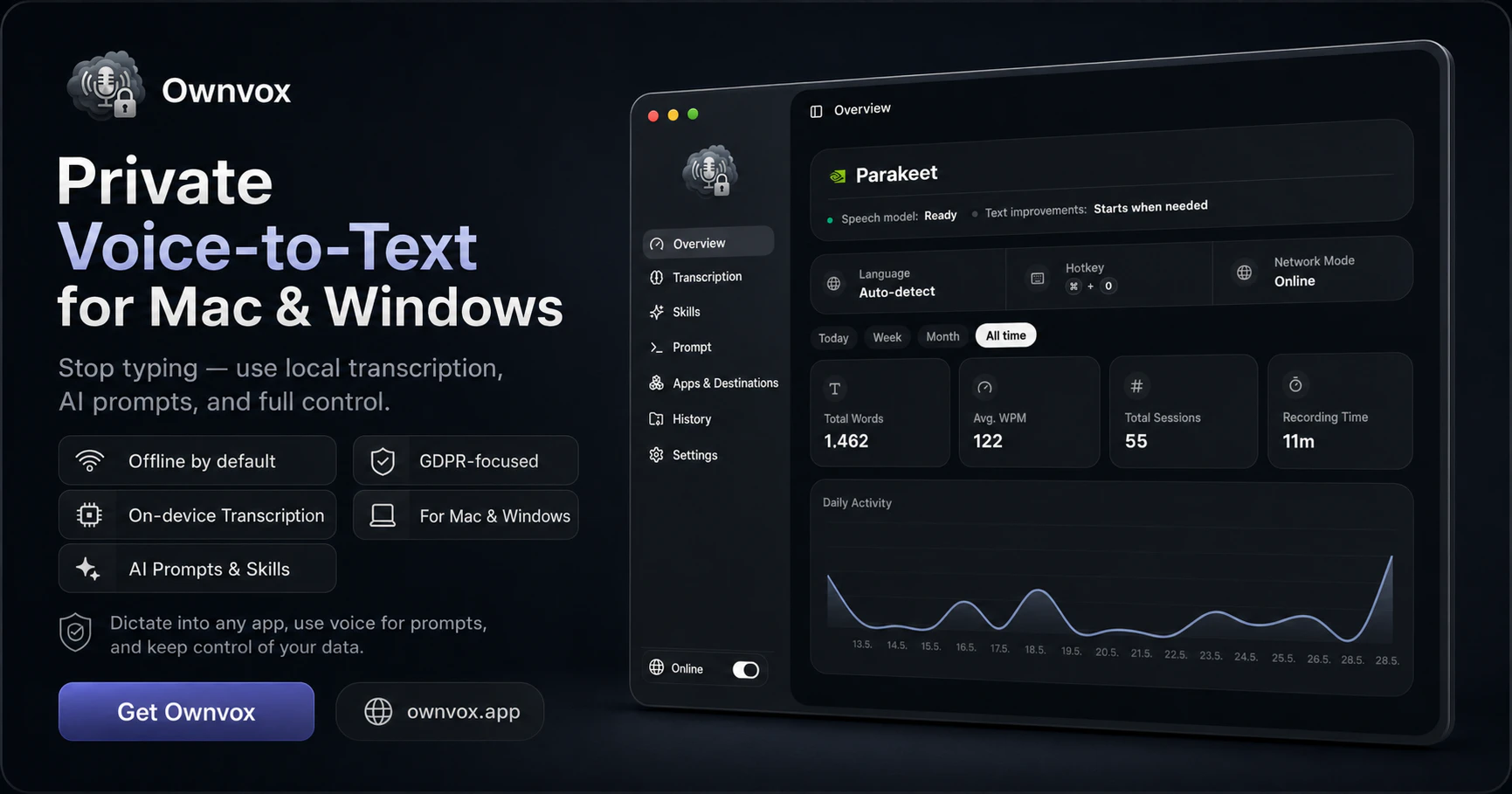
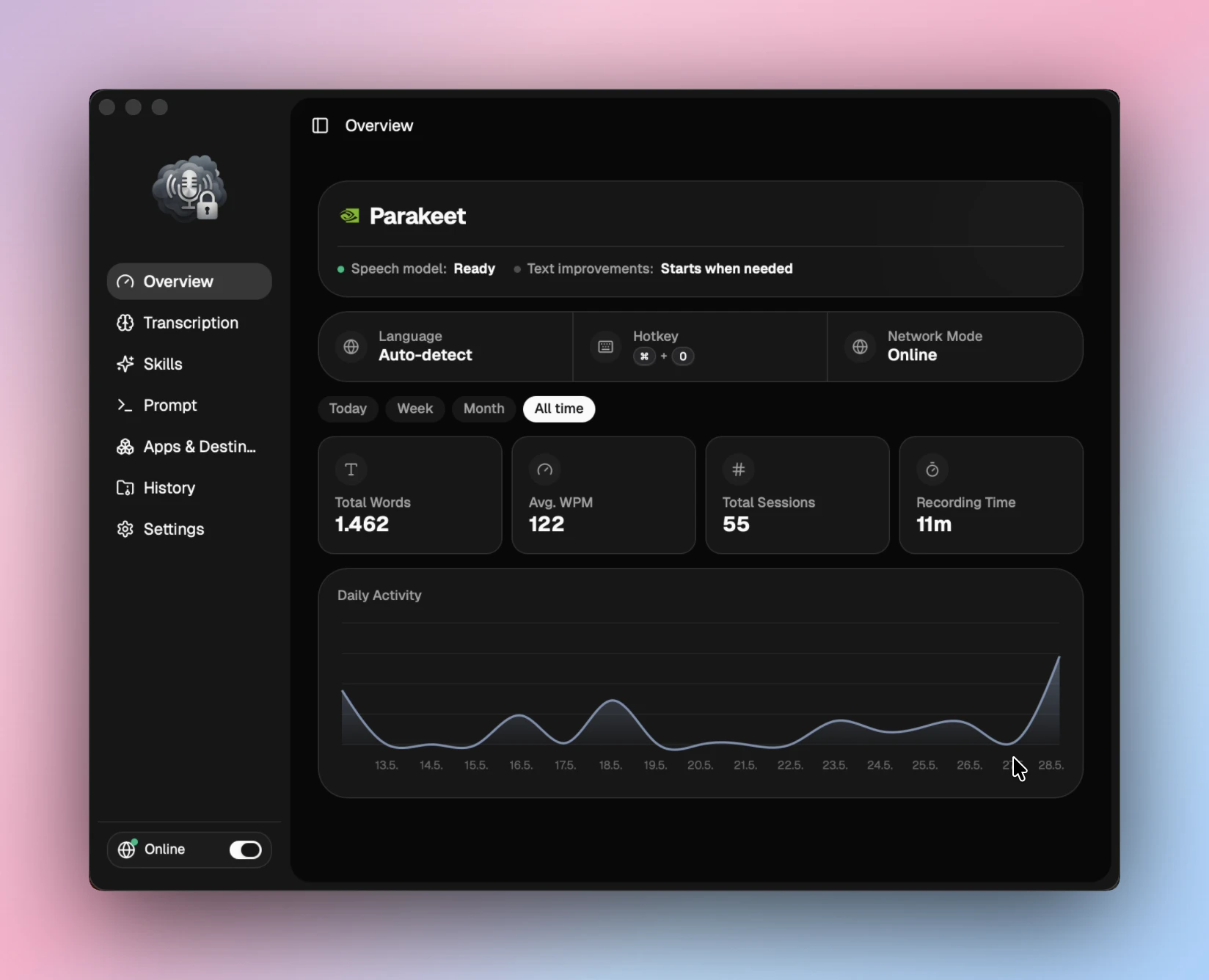
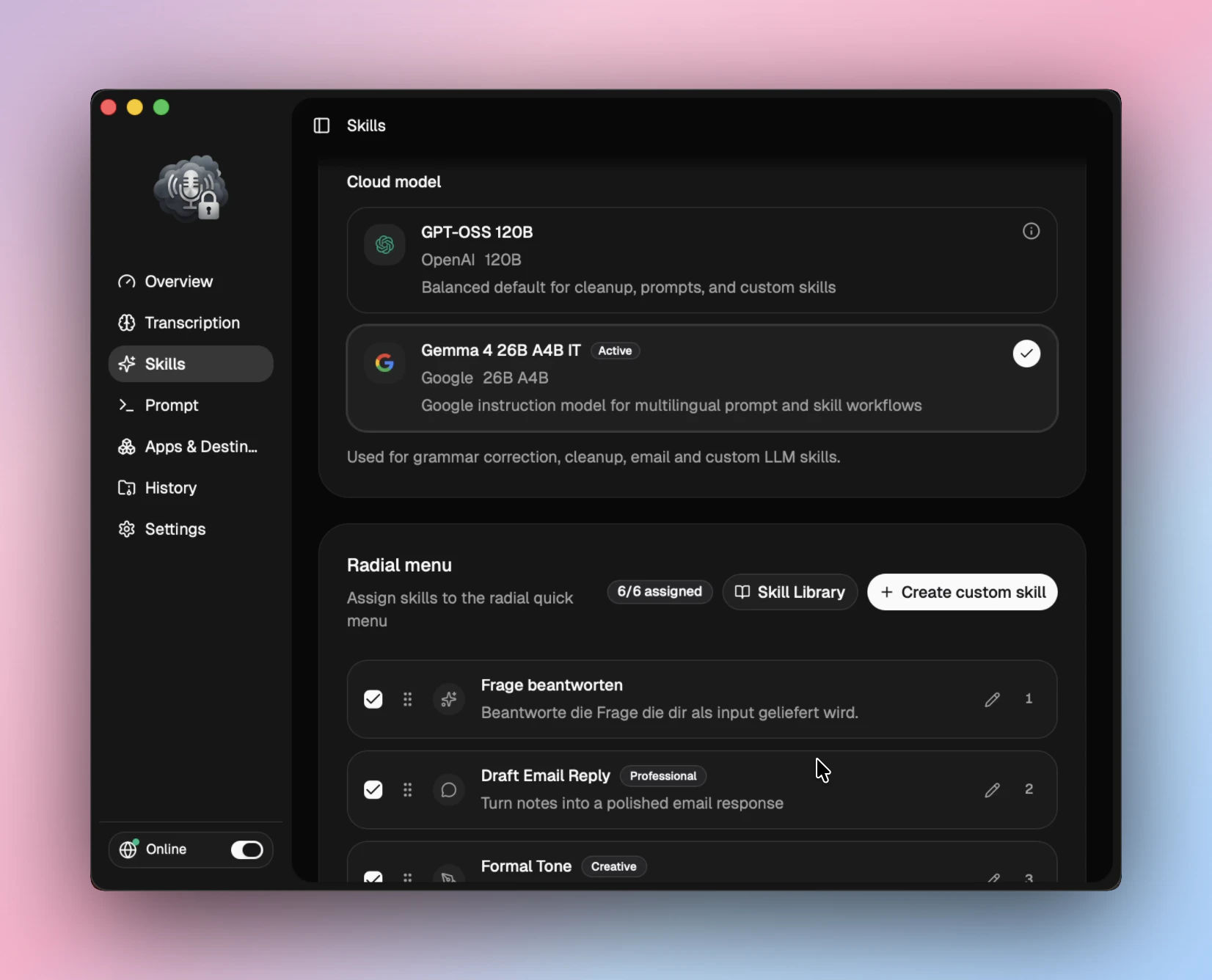
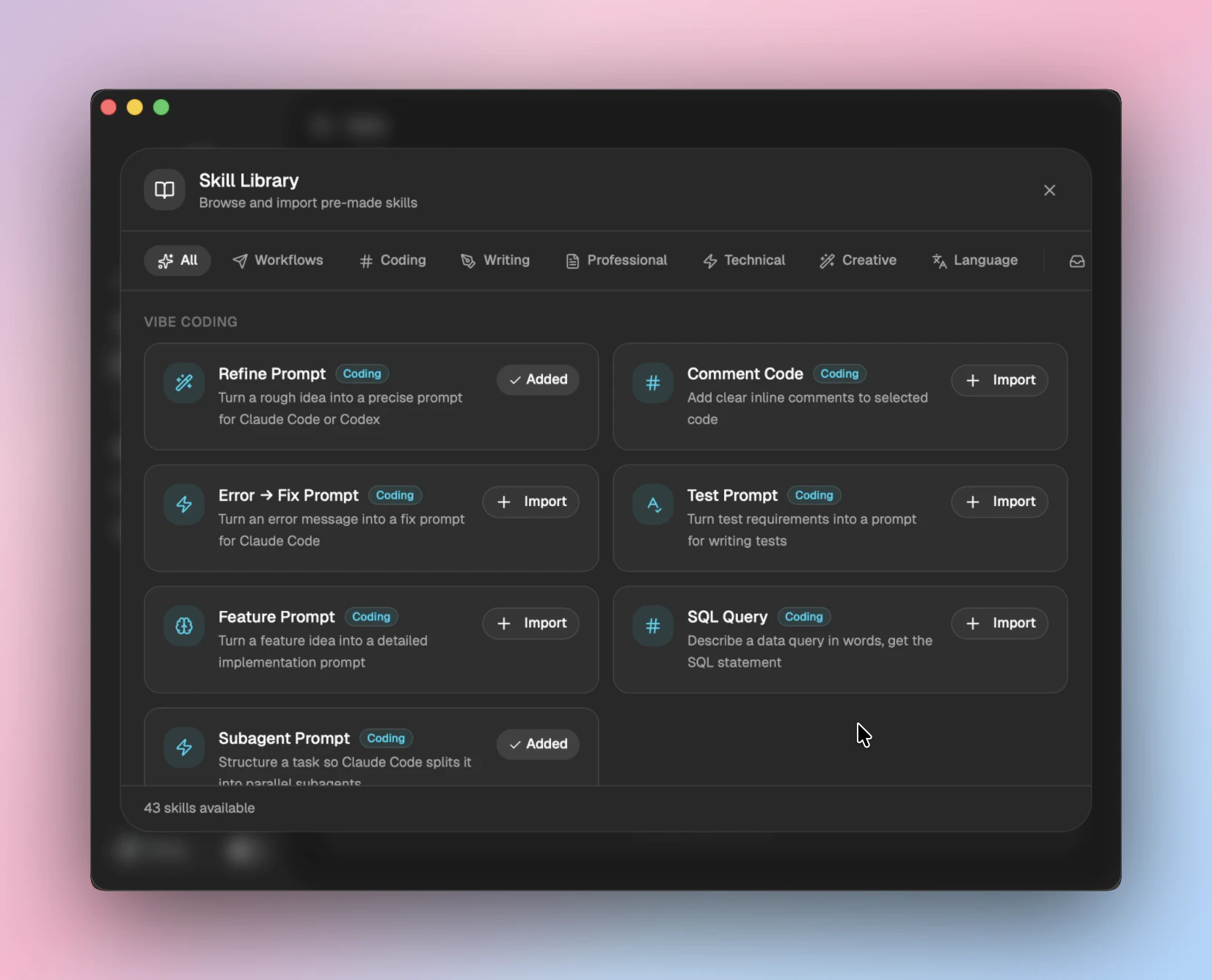
Pros
- ✓Local transcription ensures user privacy and data security
- ✓Unified solution for dictation, AI prompts, and in-place editing
- ✓Supports both offline and EU cloud options for flexible privacy controls
- ✓ Seamless integration with any app on Mac and Windows
- ✓Simple shortcuts enable quick voice activation without disrupting workflow
Cons
- ✗May require some setup or configuration for optimal use
- ✗Limited information on pricing tiers and plans
- ✗Dependent on transcription quality of Whisper and Parakeet, which may vary
Use Cases
Pricing
Likely offers a freemium model with free basic features and paid plans that unlock additional capabilities or cloud options. Exact pricing details are not specified but expect tiered subscriptions based on storage and feature access.
Quick Info
Topics
Alternatives
Similar Tools in AI Writing




Embed Badge
Add this badge to your website to show that Ownvox is featured on Visalytica.
<a href="https://www.visalytica.com/tool/ownvox" target="_blank" rel="noopener noreferrer" style="display:inline-flex;align-items:center;gap:6px;padding:6px 14px;background:#7c3aed;color:#fff;border-radius:8px;font-family:-apple-system,system-ui,sans-serif;font-size:13px;font-weight:600;text-decoration:none;transition:background .2s" onmouseover="this.style.background='#6d28d9'" onmouseout="this.style.background='#7c3aed'"><svg width="14" height="14" viewBox="0 0 24 24" fill="none" stroke="currentColor" stroke-width="2.5" stroke-linecap="round" stroke-linejoin="round"><path d="M12 20V10"/><path d="M18 20V4"/><path d="M6 20v-4"/></svg>Featured on Visalytica</a>