
Overtitle
Floating, auto-synced subtitles for the Apple TV app
About Overtitle
Overtitle is a handy macOS application designed for users who want to enhance their Apple TV viewing experience with custom, floating subtitles. It allows users to overlay their own subtitle files (.srt/.vtt) directly onto the Apple TV app, maintaining perfect synchronization with the playback. The tool is especially beneficial for language learners, bilingual viewers, or anyone wanting to add personalized subtitles without interfering with DRM protections, as it never accesses or modifies the original content. Its seamless integration ensures subtitles stay locked to the playback position, even in native full-screen mode, and it responds accurately to pause, seek, or buffering actions. With features like auto-episode selection based on filename, Overtitle offers a smart, user-friendly solution for enhanced viewing.
Screenshots
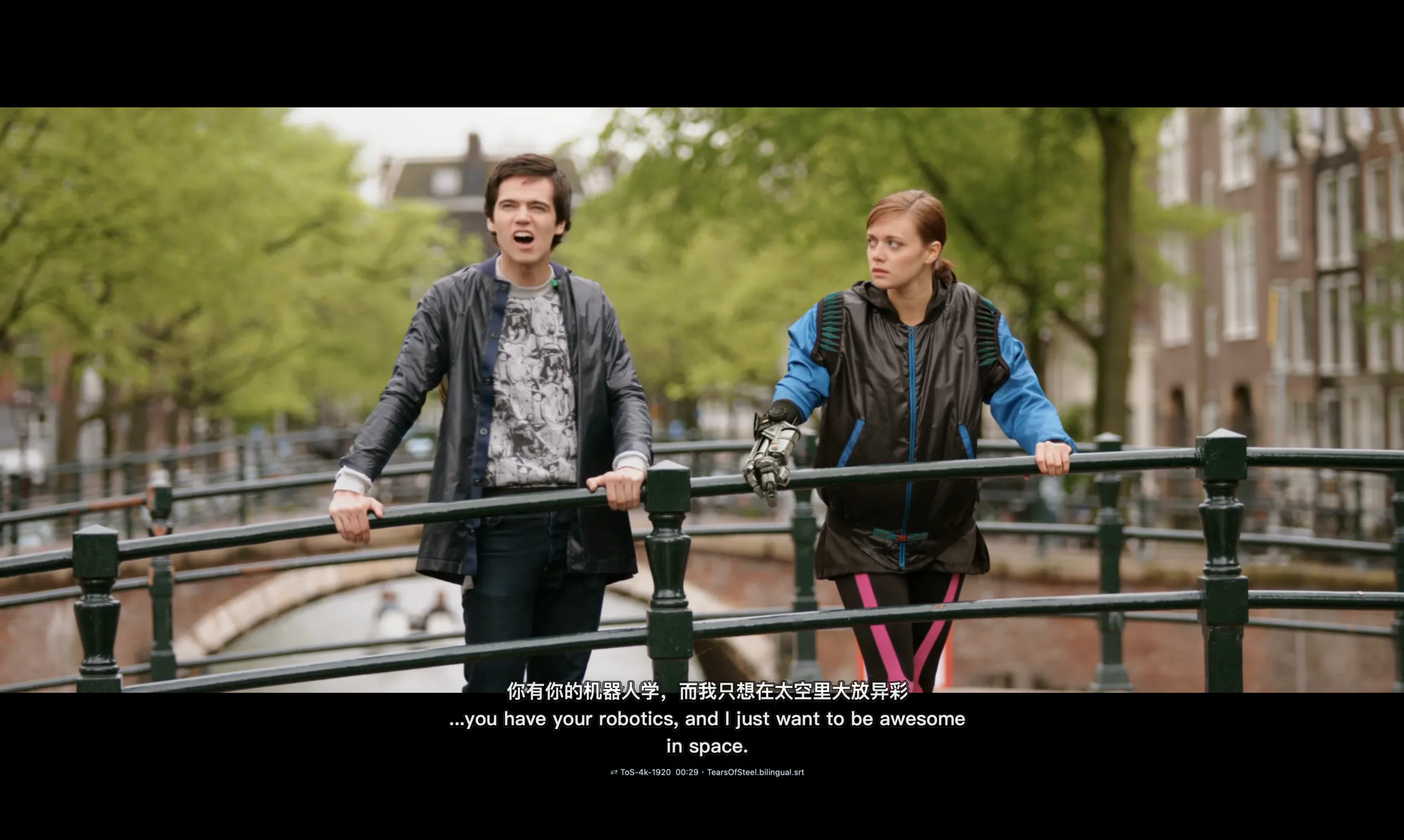

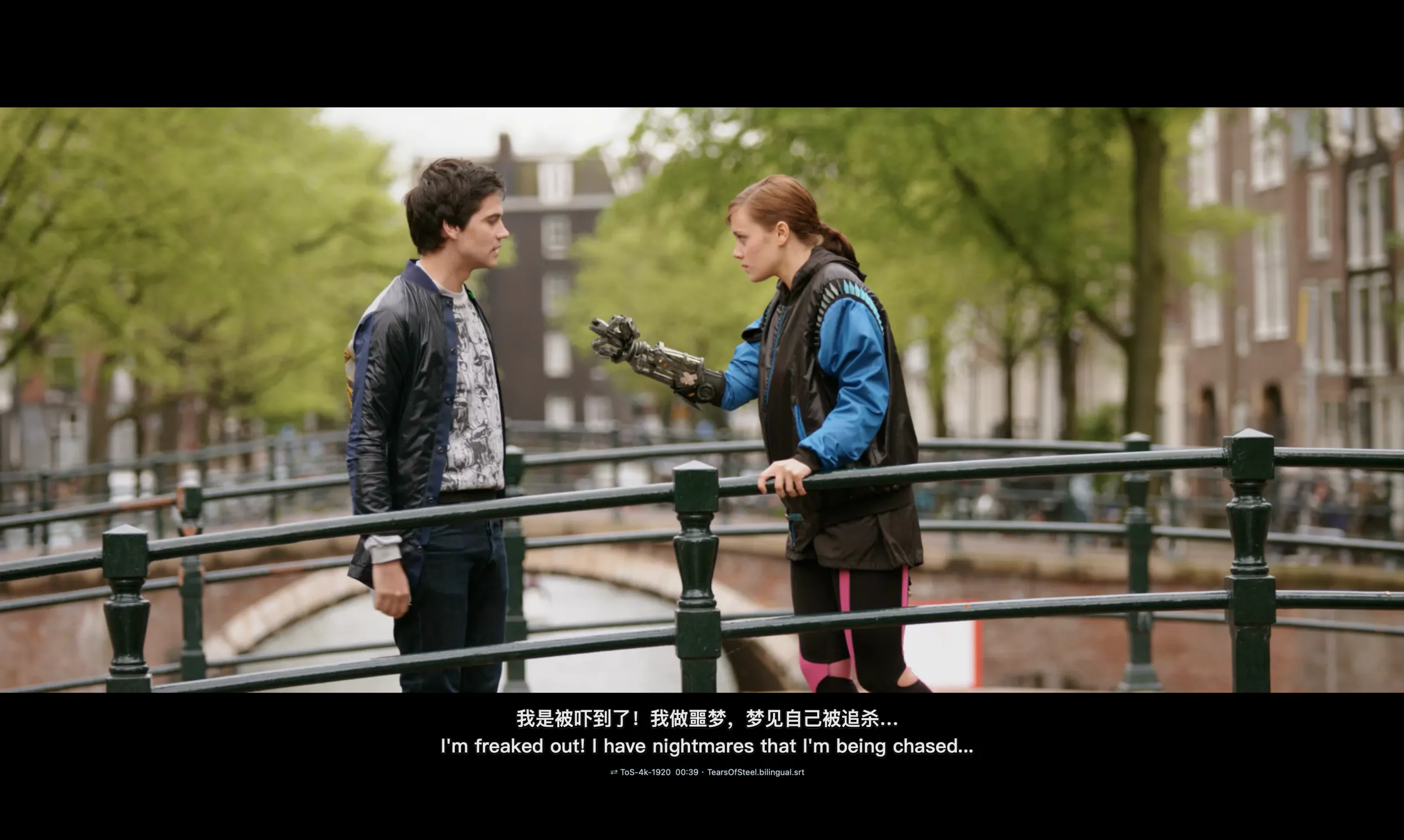



Pros
- ✓Maintains perfect sync with video playback, even in full-screen mode
- ✓Never touches DRM, ensuring content security and privacy
- ✓Supports multiple subtitle formats (.srt/.vtt)
- ✓Easy to use with auto-episode detection and auto-sync features
- ✓Ideal for language learners and bilingual viewers
Cons
- ✗Limited to macOS and Apple TV app, restricting platform compatibility
- ✗Requires manual subtitle file management and selection
- ✗No native support for streaming services or online content
Use Cases
Pricing
Pricing not verified
Quick Info
Topics
Makers

Tim Geek
Alternatives
Similar Tools in Productivity




Embed Badge
Add this badge to your website to show that Overtitle is featured on Visalytica.
<a href="https://www.visalytica.com/tool/overtitle" target="_blank" rel="noopener noreferrer" style="display:inline-flex;align-items:center;gap:6px;padding:6px 14px;background:#7c3aed;color:#fff;border-radius:8px;font-family:-apple-system,system-ui,sans-serif;font-size:13px;font-weight:600;text-decoration:none;transition:background .2s" onmouseover="this.style.background='#6d28d9'" onmouseout="this.style.background='#7c3aed'"><svg width="14" height="14" viewBox="0 0 24 24" fill="none" stroke="currentColor" stroke-width="2.5" stroke-linecap="round" stroke-linejoin="round"><path d="M12 20V10"/><path d="M18 20V4"/><path d="M6 20v-4"/></svg>Featured on Visalytica</a>