
Outlook Google Calendar Sync for Mac
Sync Outlook calendars to Google on your Mac
About Outlook Google Calendar Sync for Mac
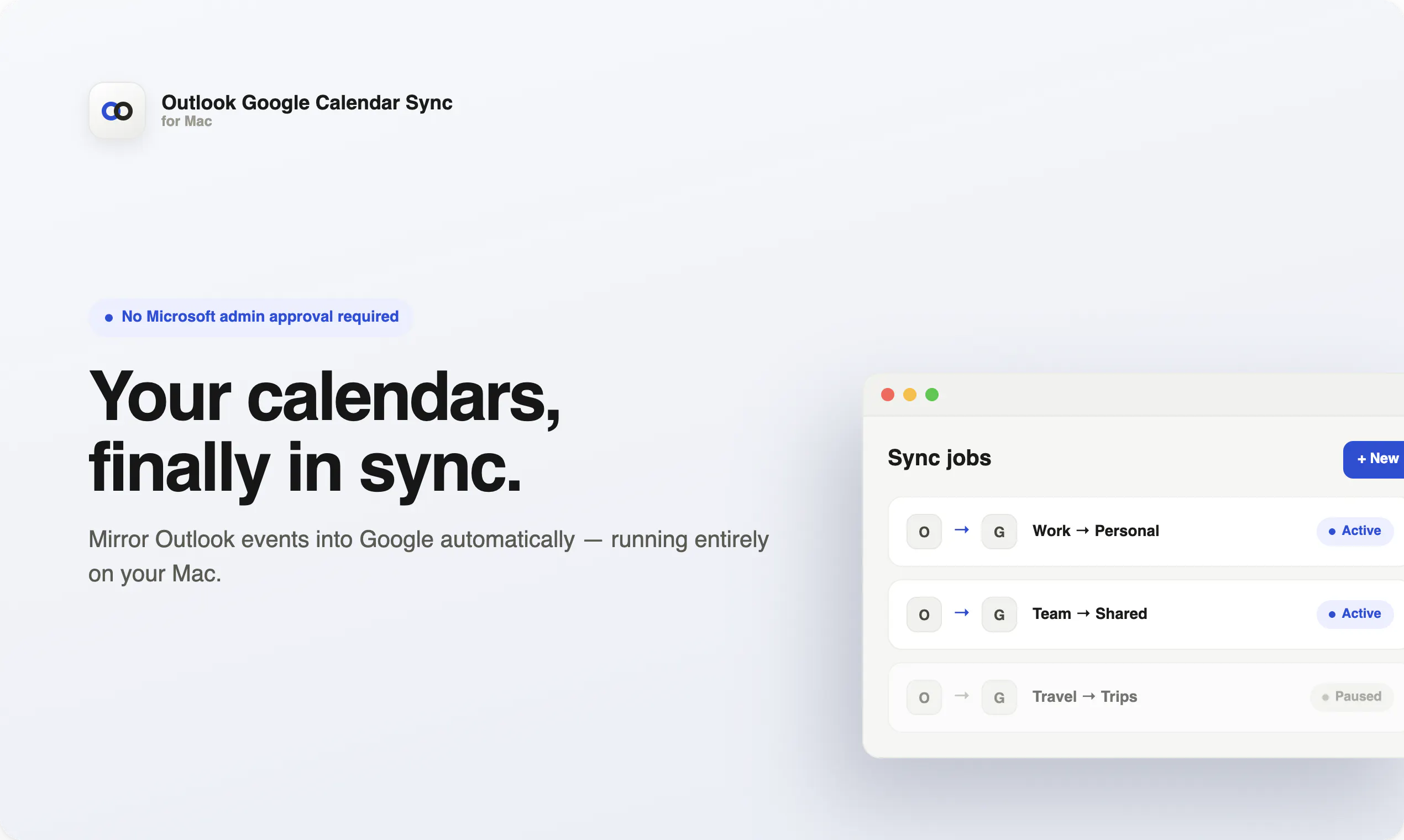
Outlook Google Calendar Sync for Mac is a dedicated application designed to seamlessly synchronize your Outlook calendars with Google Calendar directly on your Mac. It enables users to keep their schedules consistent across platforms without the need for administrative approval from Microsoft, making it ideal for individual professionals, remote workers, and small teams. By running locally, the tool ensures data privacy and minimizes reliance on cloud services, while supporting multiple sync jobs allows users to manage different calendars efficiently. Its background operation ensures your schedule stays updated effortlessly, avoiding duplicate invites and conflicts that often occur with manual or less sophisticated sync solutions.
Screenshots

Pros
- ✓Runs locally on Mac, ensuring data privacy
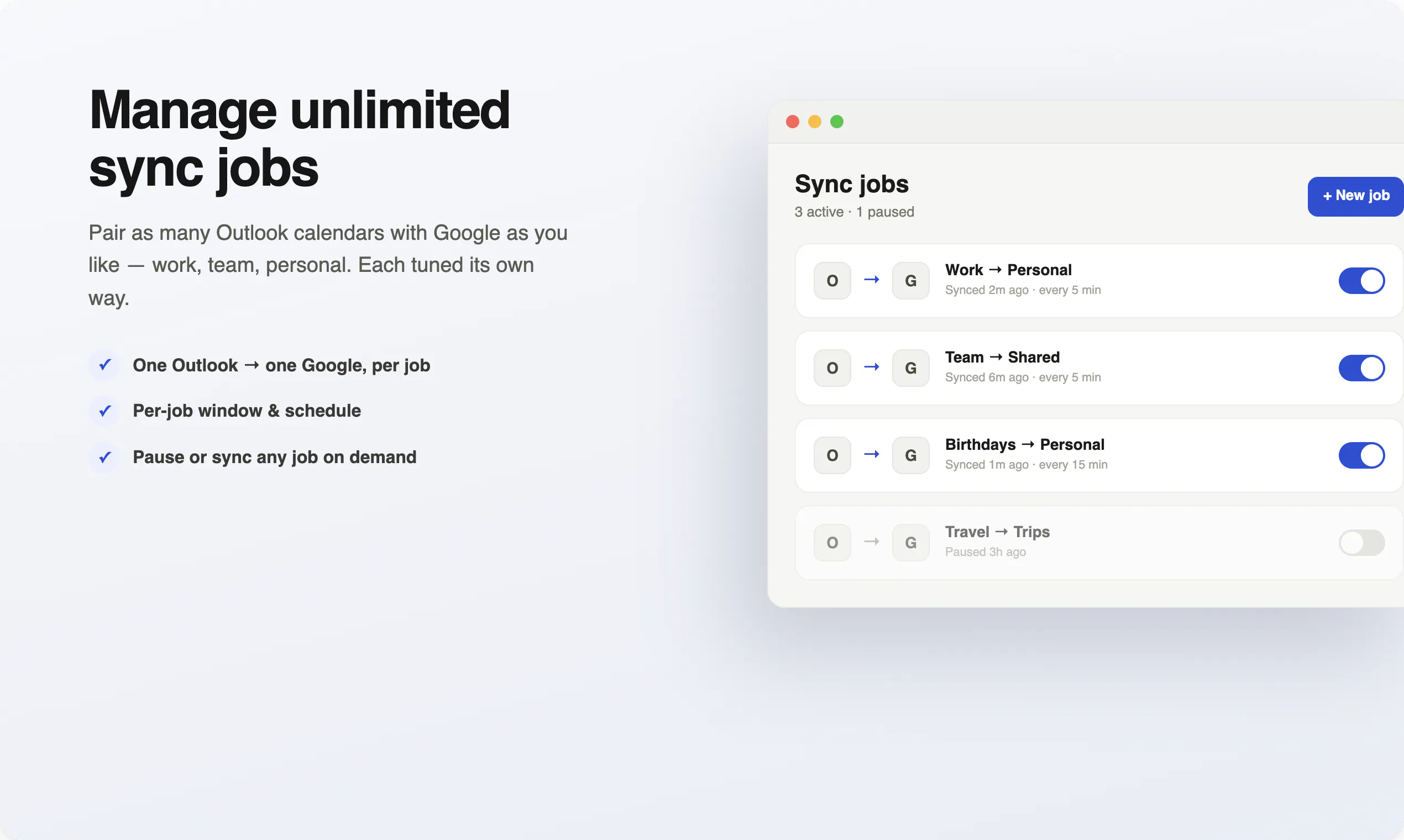
- ✓Supports multiple calendar sync jobs
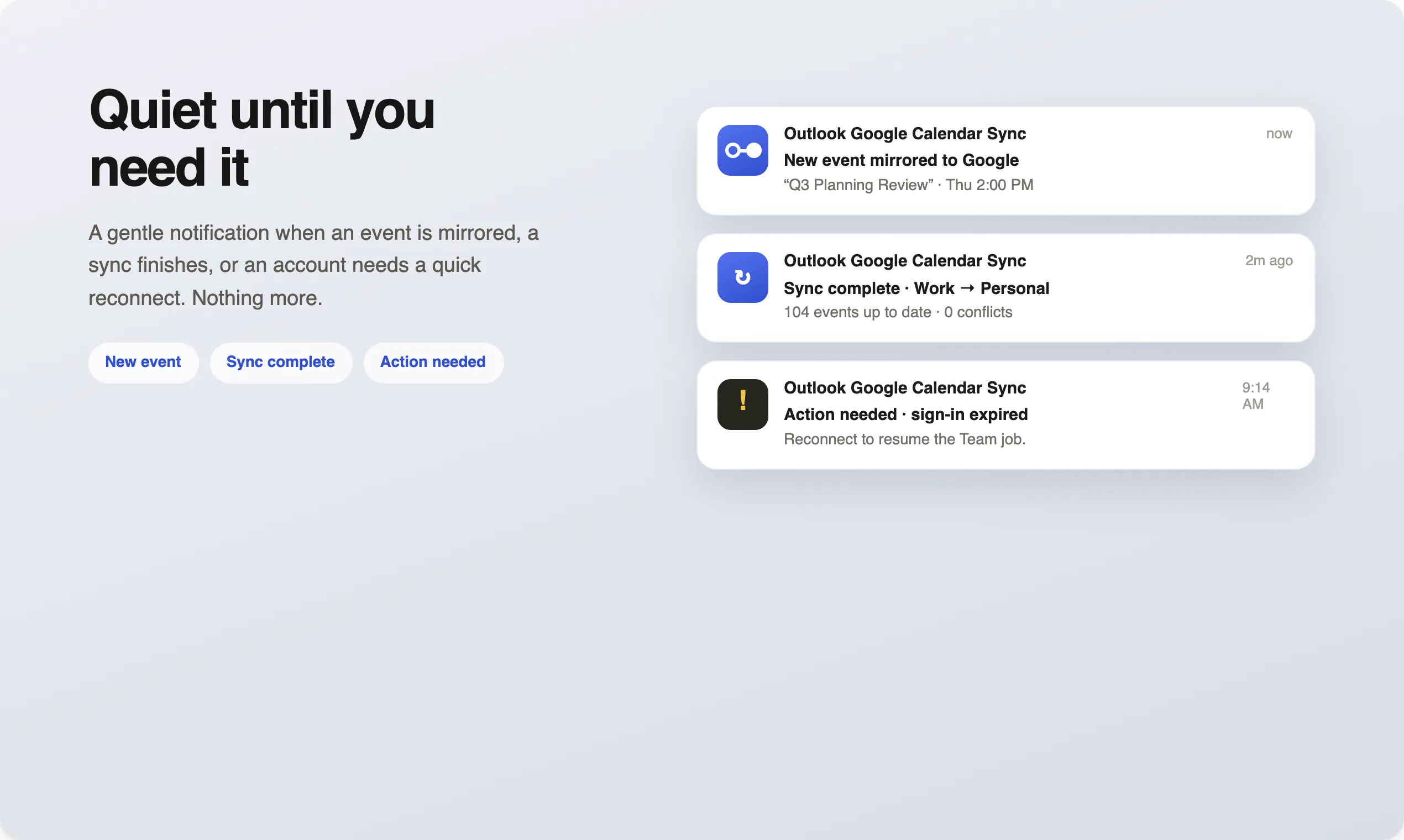
- ✓Automatically updates schedules in the background
- ✓Avoids duplicate invites and sync conflicts
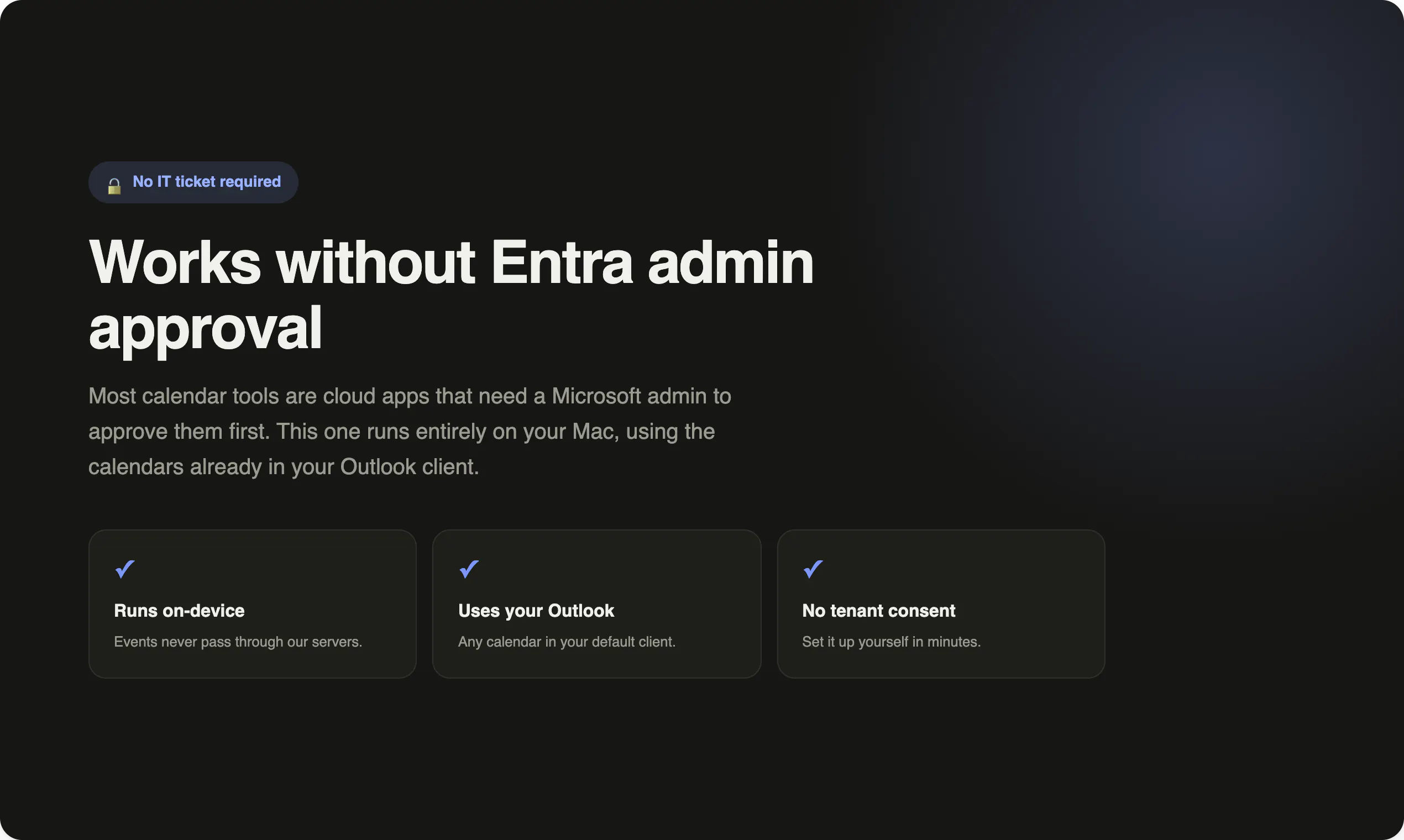
- ✓No need for Microsoft admin approval
Cons
- ✗Limited to Mac users; not available for Windows or other OS
- ✗Lack of detailed customization options in the sync process
- ✗Potentially less feature-rich compared to cloud-based solutions
Use Cases
Pricing
Likely follows a one-time purchase or license model, as it is a desktop application. Specific pricing details are not provided, but it may offer a free trial or demo before purchase.
Quick Info
Topics
Makers

Blake Connally
Alternatives
Similar Tools in Productivity




Embed Badge
Add this badge to your website to show that Outlook Google Calendar Sync for Mac is featured on Visalytica.
<a href="https://www.visalytica.com/tool/outlook-google-calendar-sync-for-mac" target="_blank" rel="noopener noreferrer" style="display:inline-flex;align-items:center;gap:6px;padding:6px 14px;background:#7c3aed;color:#fff;border-radius:8px;font-family:-apple-system,system-ui,sans-serif;font-size:13px;font-weight:600;text-decoration:none;transition:background .2s" onmouseover="this.style.background='#6d28d9'" onmouseout="this.style.background='#7c3aed'"><svg width="14" height="14" viewBox="0 0 24 24" fill="none" stroke="currentColor" stroke-width="2.5" stroke-linecap="round" stroke-linejoin="round"><path d="M12 20V10"/><path d="M18 20V4"/><path d="M6 20v-4"/></svg>Featured on Visalytica</a>