
Otter Vault
Catch API keys the moment they appear, encrypted locally
About Otter Vault
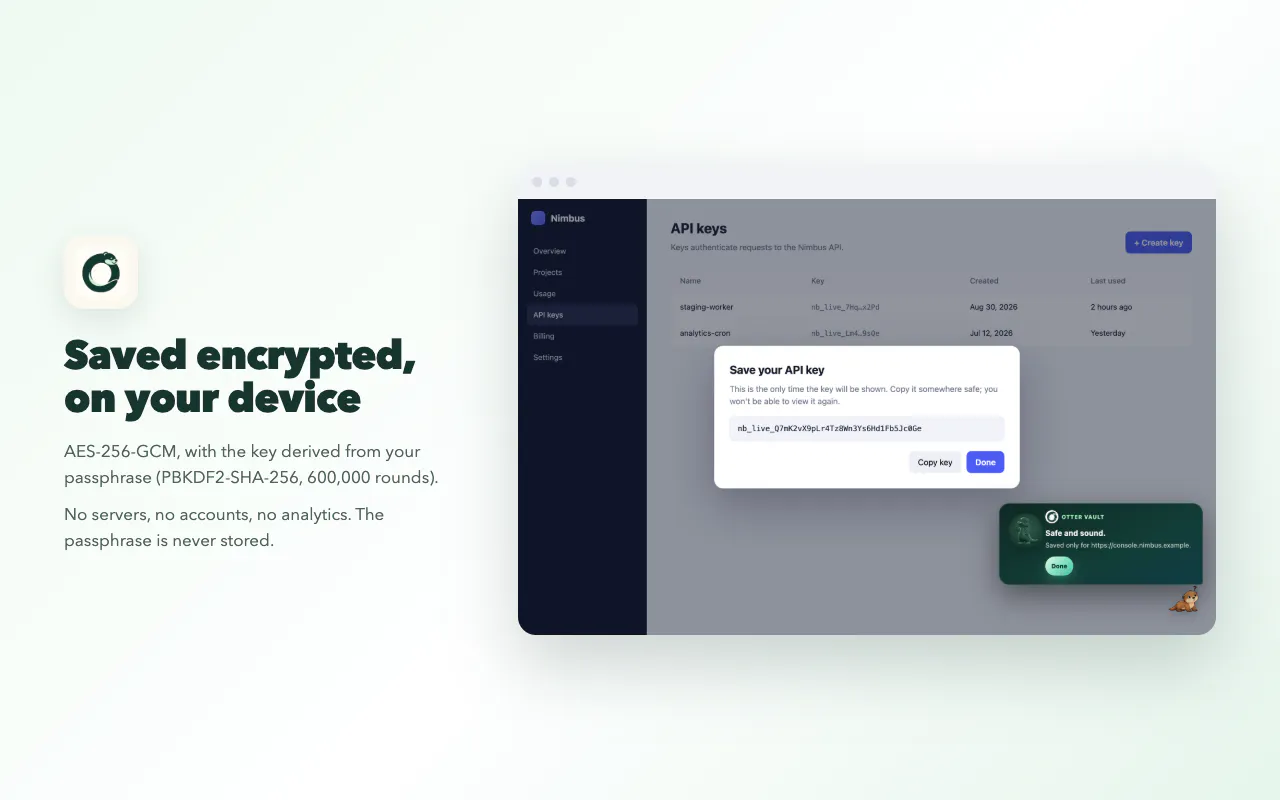
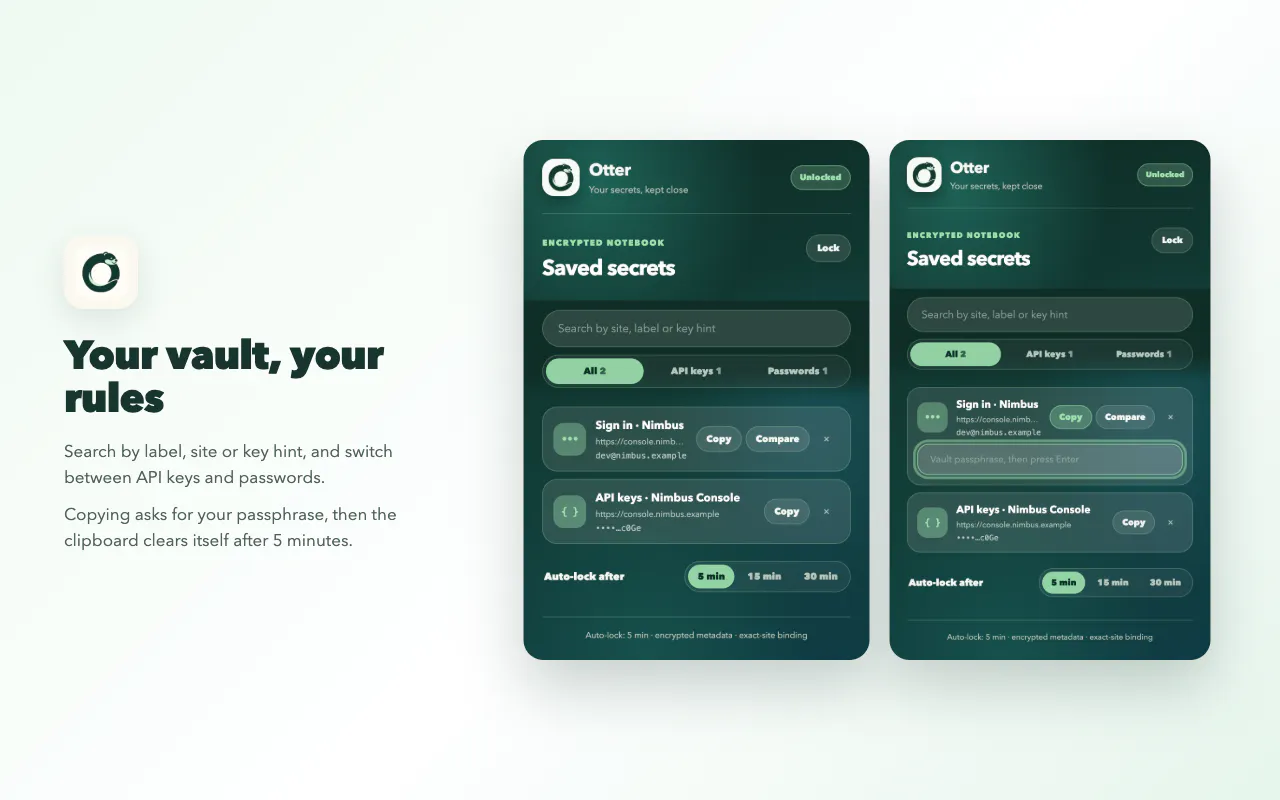
Otter Vault is a privacy-focused Chrome extension designed to instantly detect and securely store API keys as they appear. Its core function is to catch API keys the moment they are generated or exposed, ensuring they are encrypted locally on the user's device. This makes it an ideal tool for developers, security professionals, and teams who need to safeguard sensitive credentials without relying on cloud-based password managers or manual copying. What sets Otter Vault apart is its real-time detection capability combined with local encryption, providing a seamless and private way to manage API secrets. Users can simply watch a demo and leave feedback without creating an account, emphasizing ease of use and privacy. Overall, Otter Vault offers a proactive security layer for managing API keys efficiently and securely, making it a valuable addition to any developer’s toolkit or security protocol.
Screenshots

Pros
- ✓Real-time detection of API keys as they appear
- ✓Local encryption ensures sensitive data stays private
- ✓No account or login required for use
- ✓Easy to watch demos and leave feedback
- ✓Designed specifically for developer and security workflows
Cons
- ✗Limited information on supported platforms beyond Chrome
- ✗Vague details on additional features or integrations
- ✗No clear information on pricing or plans
Use Cases
Pricing
Pricing not verified
Quick Info
Topics
Makers

Krishna Ganga
Alternatives
Similar Tools in Developer Tools




Embed Badge
Add this badge to your website to show that Otter Vault is featured on Visalytica.
<a href="https://www.visalytica.com/tool/otter-vault" target="_blank" rel="noopener noreferrer" style="display:inline-flex;align-items:center;gap:6px;padding:6px 14px;background:#7c3aed;color:#fff;border-radius:8px;font-family:-apple-system,system-ui,sans-serif;font-size:13px;font-weight:600;text-decoration:none;transition:background .2s" onmouseover="this.style.background='#6d28d9'" onmouseout="this.style.background='#7c3aed'"><svg width="14" height="14" viewBox="0 0 24 24" fill="none" stroke="currentColor" stroke-width="2.5" stroke-linecap="round" stroke-linejoin="round"><path d="M12 20V10"/><path d="M18 20V4"/><path d="M6 20v-4"/></svg>Featured on Visalytica</a>