
Orkestrai
Orchestrate a team of AI coding agents on a canvas
About Orkestrai
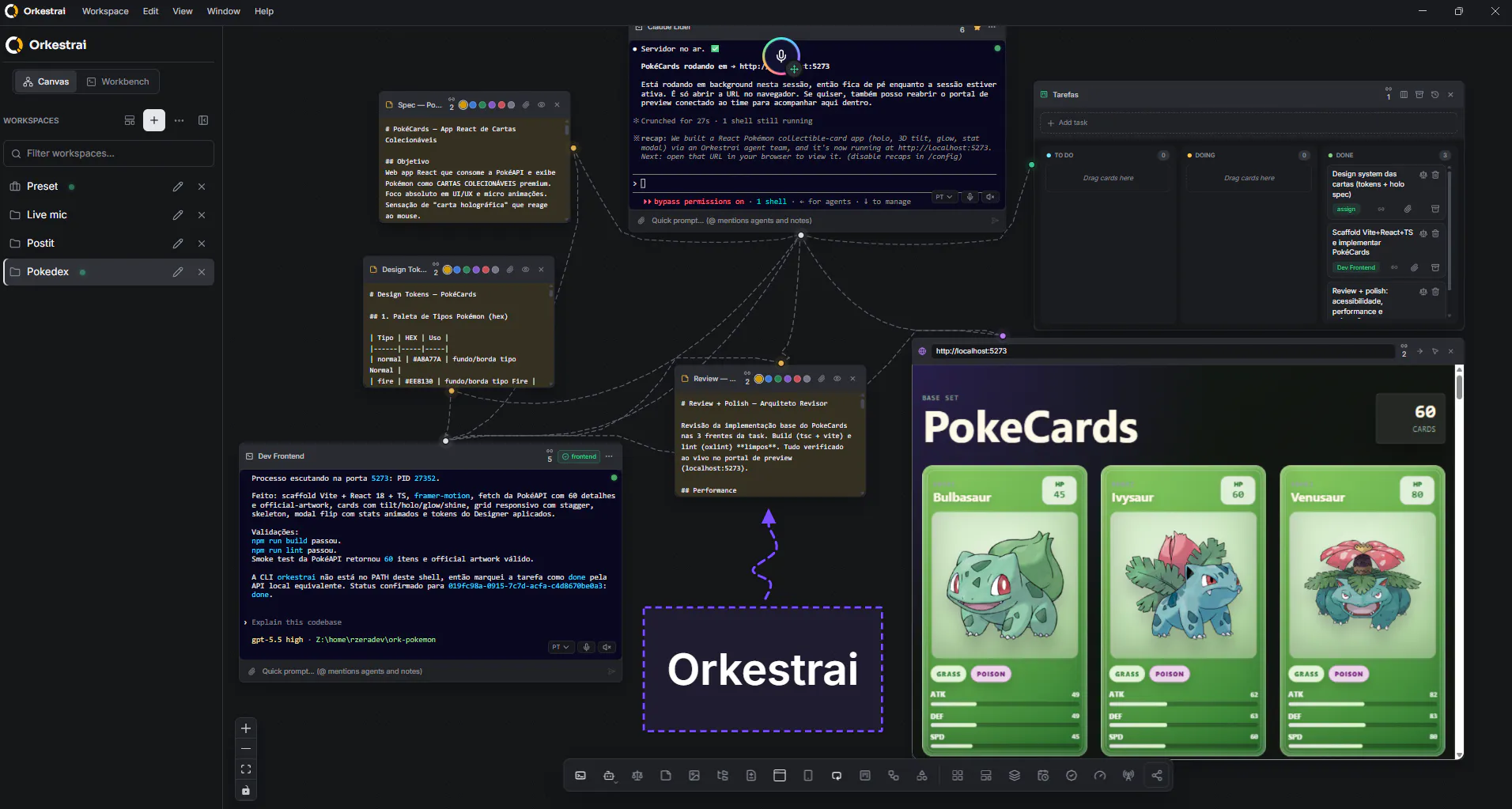
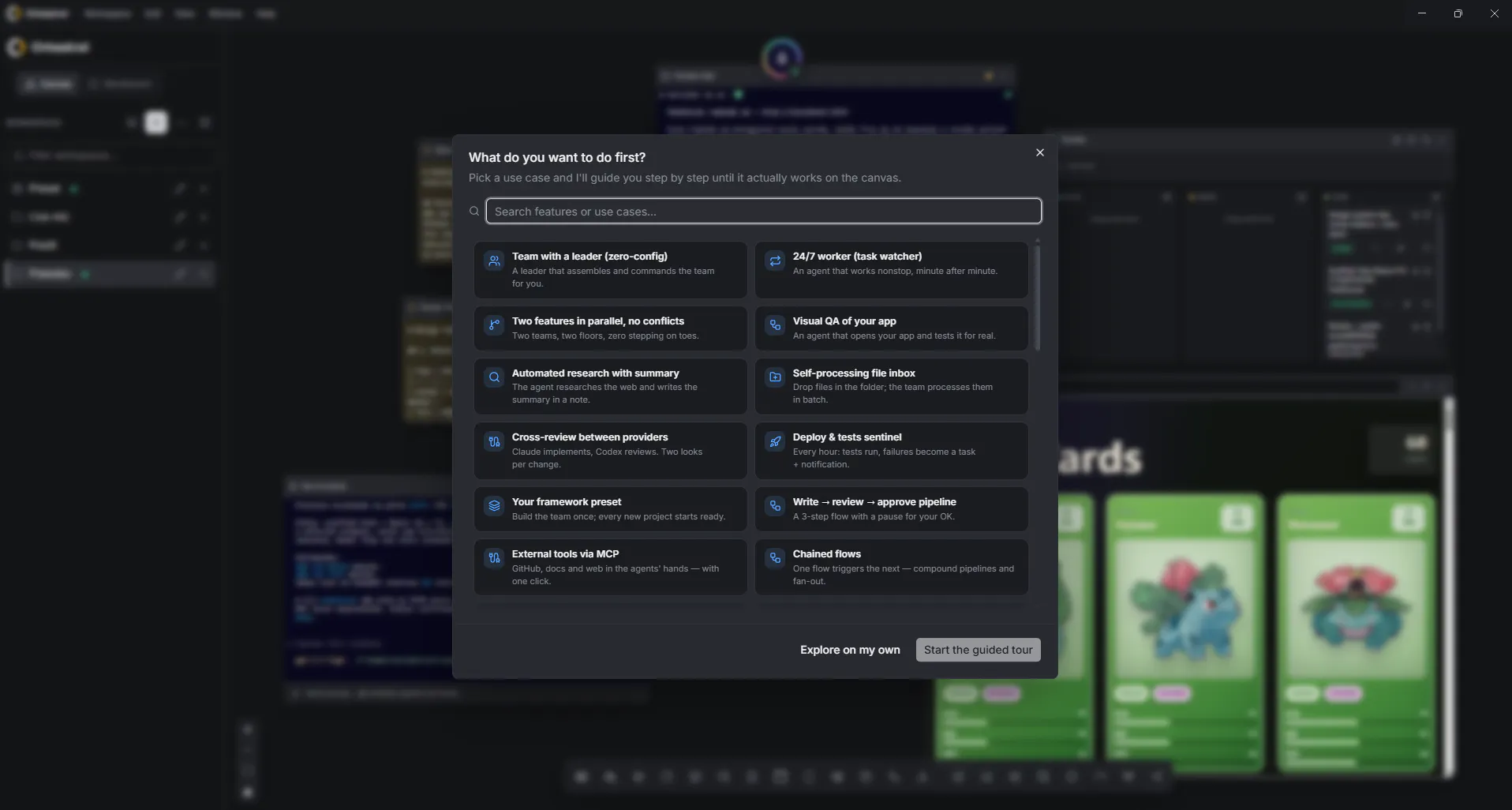
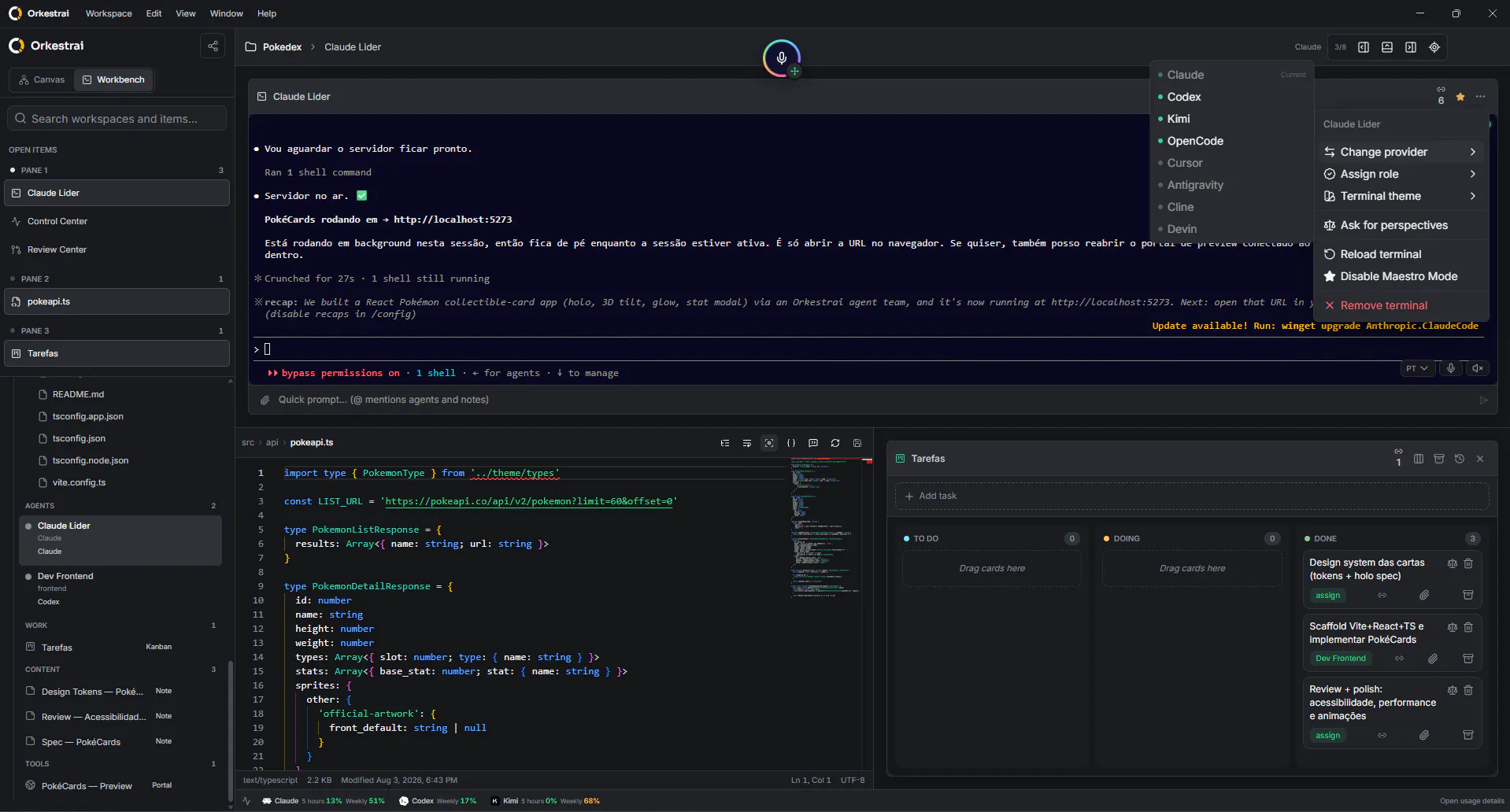
Orkestrai is an innovative open-source desktop application designed for developers and AI enthusiasts to coordinate a team of AI coding agents visually on a dynamic canvas. It enables users to delegate tasks to multiple AI agents across different providers like Claude, Codex, and Kimi, each working in its own terminal environment. The platform's unique visual orchestration allows for seamless management of complex workflows, making it ideal for collaborative development, automation, and experimentation. Supporting macOS, Windows, and Linux, Orkestrai caters to a broad user base seeking to harness AI for coding, automation, and team coordination. Its features such as multi-provider support, remote collaboration, voice commands, and automation bridges set it apart from traditional IDEs or AI tools, providing a centralized hub for AI-driven development projects.
Screenshots
Pros
- ✓Open-source, customizable, and cross-platform support
- ✓Visual canvas for easy orchestration of AI agents
- ✓Supports multiple AI providers for flexibility
- ✓Features like remote collaboration, voice control, and automations
- ✓Suitable for team-based AI development and automation workflows
Cons
- ✗May have a learning curve for non-technical users
- ✗Limited commercial support or enterprise features
- ✗Potentially complex setup for beginners
Use Cases
Pricing
As an open-source desktop app, Orkestrai is likely free to use. Additional features or enterprise support may be available through community or paid services, but core functionality is accessible without cost.

Similar Tools in Developer Tools




Embed Badge
Add this badge to your website to show that Orkestrai is featured on Visalytica.
<a href="https://www.visalytica.com/tool/orkestrai" target="_blank" rel="noopener noreferrer" style="display:inline-flex;align-items:center;gap:6px;padding:6px 14px;background:#7c3aed;color:#fff;border-radius:8px;font-family:-apple-system,system-ui,sans-serif;font-size:13px;font-weight:600;text-decoration:none;transition:background .2s" onmouseover="this.style.background='#6d28d9'" onmouseout="this.style.background='#7c3aed'"><svg width="14" height="14" viewBox="0 0 24 24" fill="none" stroke="currentColor" stroke-width="2.5" stroke-linecap="round" stroke-linejoin="round"><path d="M12 20V10"/><path d="M18 20V4"/><path d="M6 20v-4"/></svg>Featured on Visalytica</a>