
Ordia
See what's blocking your team. Without asking.
About Ordia
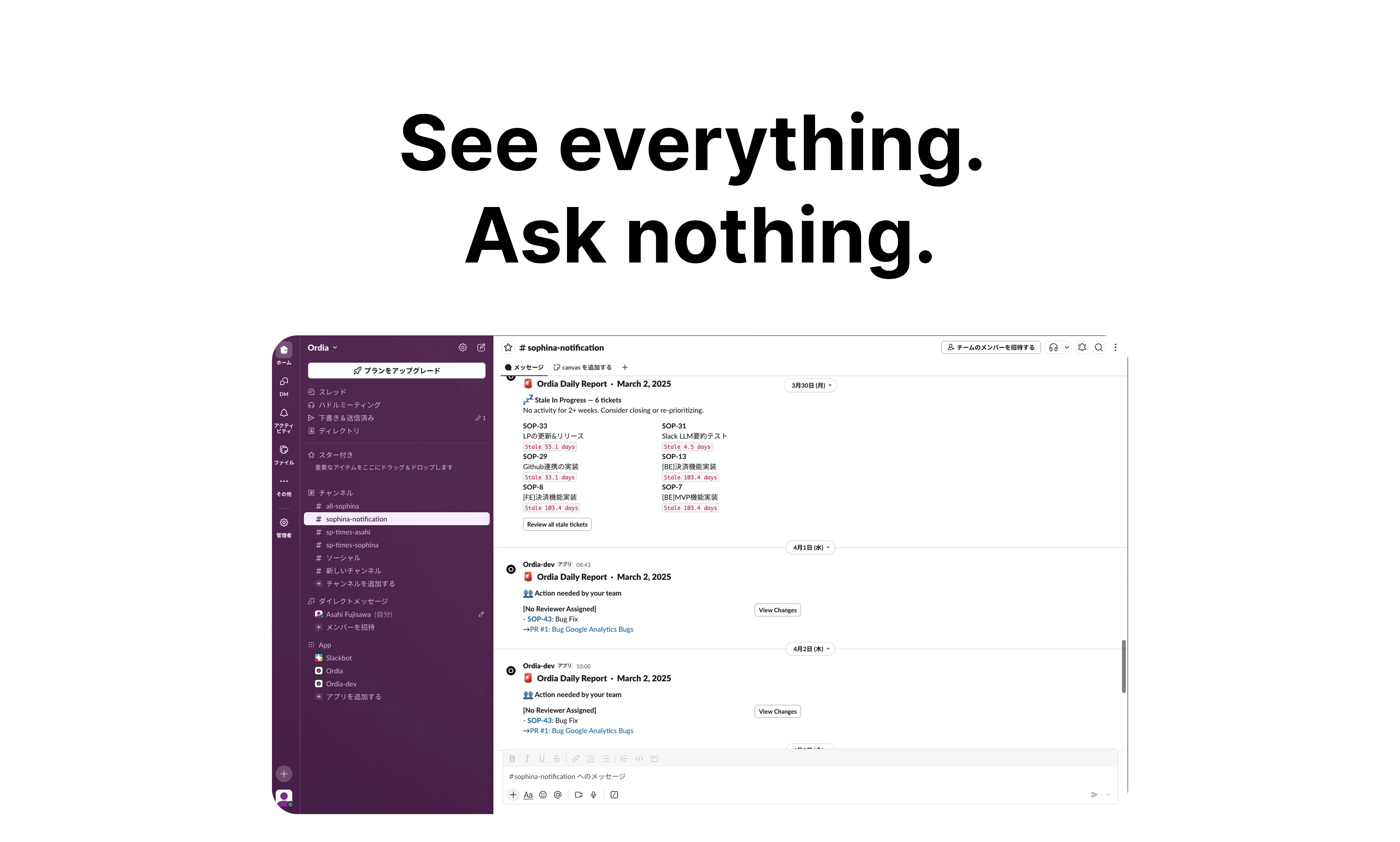
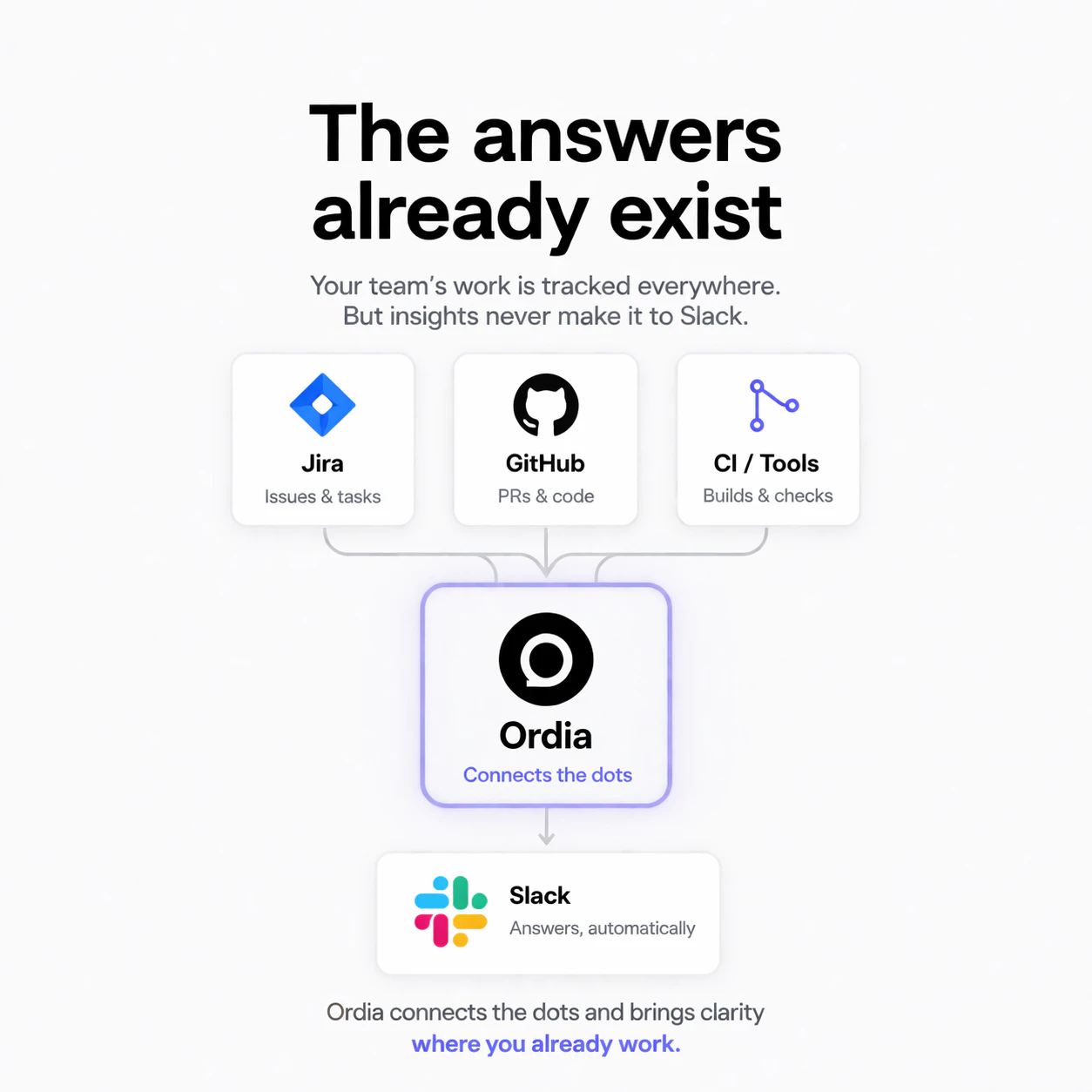
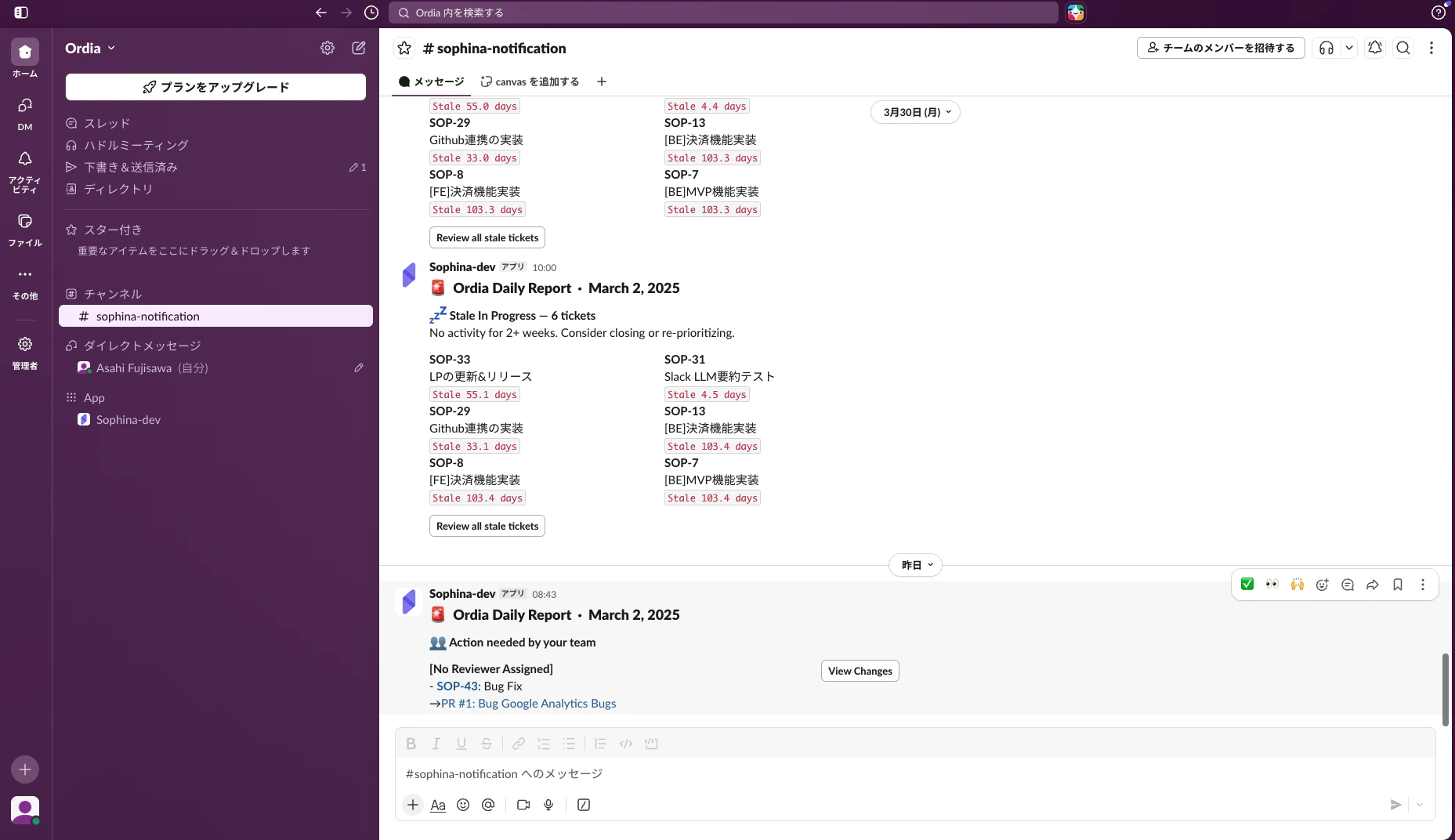
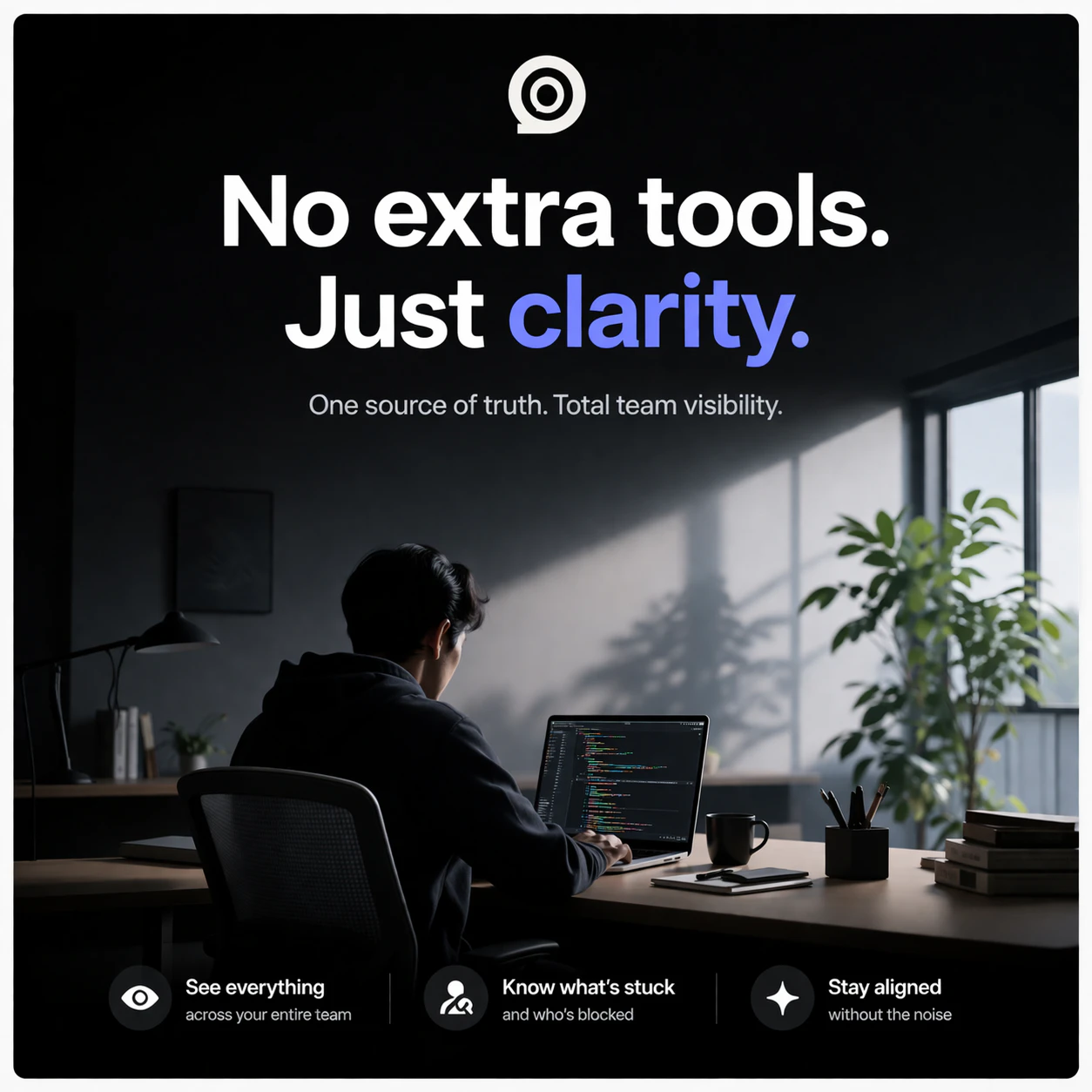
Ordia is a streamlined productivity tool designed for teams that rely heavily on Jira and GitHub for project management and development workflows. It automatically monitors these platforms, identifies issues that need attention—such as stale tickets, PRs without reviewers, or Jira tickets stuck in progress—and delivers a clear, concise summary directly to Slack each morning. Its zero-learning curve means teams can start benefiting immediately without adopting new tools or interfaces, making it ideal for busy development teams seeking enhanced visibility without added complexity. By surfacing critical blockers in real-time within their existing communication channels, Ordia helps teams stay proactive, reduce bottlenecks, and improve overall workflow efficiency. Its quick setup (under five minutes) and automated daily reports make it a compelling choice for teams aiming for seamless, ongoing project oversight.
Screenshots
Pros
- ✓Automates monitoring of Jira and GitHub, saving time and effort
- ✓Delivers clear, actionable insights directly to Slack daily
- ✓No need to learn or navigate new tools or dashboards
- ✓Quick setup with first report arriving next day
- ✓Focuses on critical blockers to enhance team productivity
Cons
- ✗Limited scope to Jira, GitHub, and Slack; may not suit all project management tools
- ✗Features primarily focused on monitoring and reporting, lacking broader project management capabilities
- ✗Varying levels of customization might be limited for advanced users
Use Cases
Pricing
Likely operates on a freemium model with a free trial period, with paid plans starting around $10-$20 per month, depending on team size and features used. Precise pricing details are not publicly specified but are typical for SaaS monitoring tools.
Quick Info
Topics
Alternatives
Similar Tools in Developer Tools




Embed Badge
Add this badge to your website to show that Ordia is featured on Visalytica.
<a href="https://www.visalytica.com/tool/ordia" target="_blank" rel="noopener noreferrer" style="display:inline-flex;align-items:center;gap:6px;padding:6px 14px;background:#7c3aed;color:#fff;border-radius:8px;font-family:-apple-system,system-ui,sans-serif;font-size:13px;font-weight:600;text-decoration:none;transition:background .2s" onmouseover="this.style.background='#6d28d9'" onmouseout="this.style.background='#7c3aed'"><svg width="14" height="14" viewBox="0 0 24 24" fill="none" stroke="currentColor" stroke-width="2.5" stroke-linecap="round" stroke-linejoin="round"><path d="M12 20V10"/><path d="M18 20V4"/><path d="M6 20v-4"/></svg>Featured on Visalytica</a>