
OpenScreen 2
Record your demo and let your AI agent do the edits
About OpenScreen 2
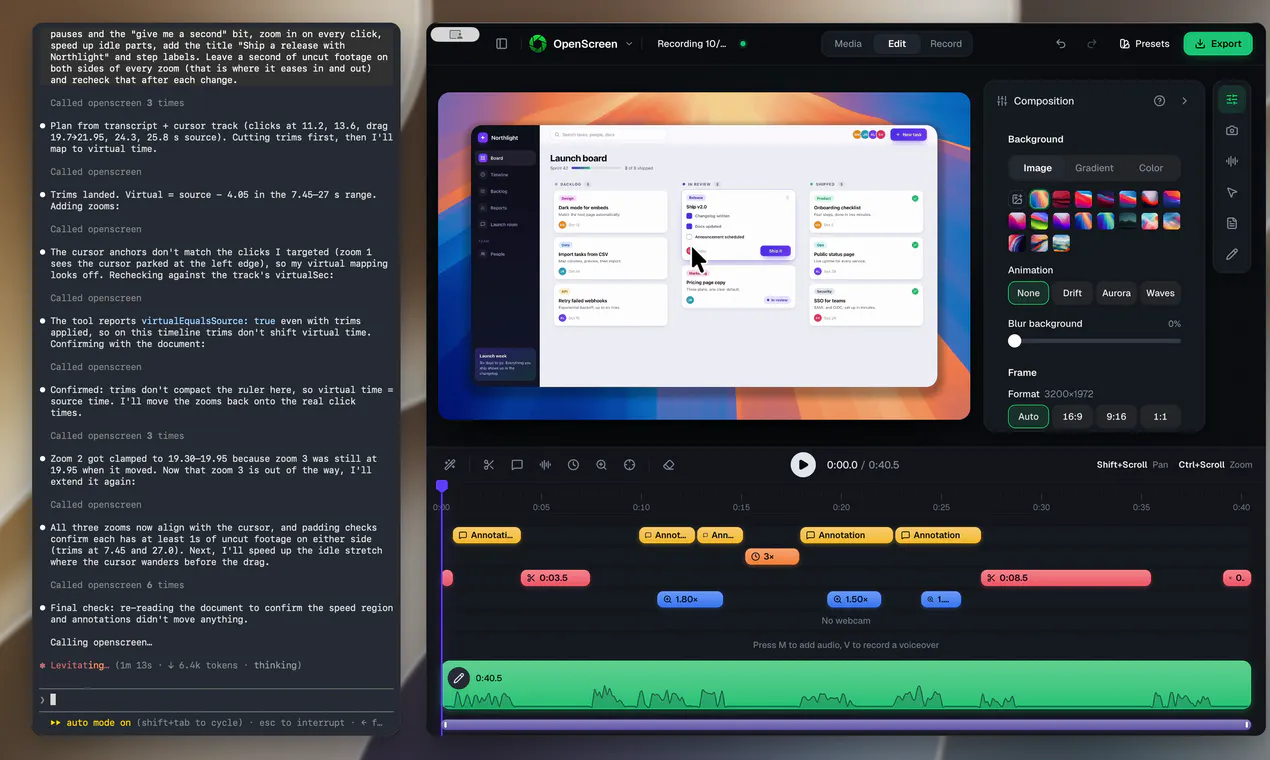
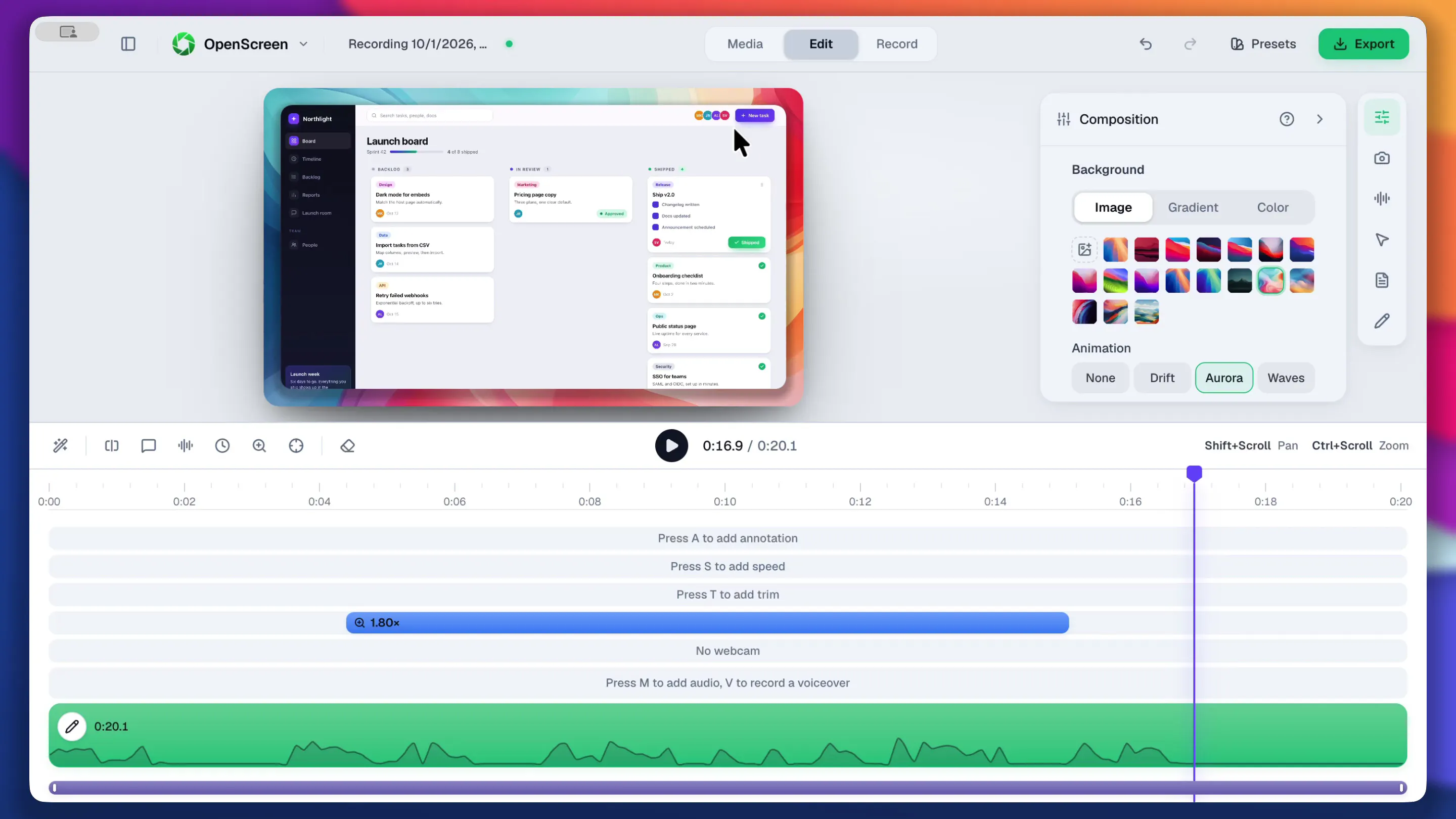
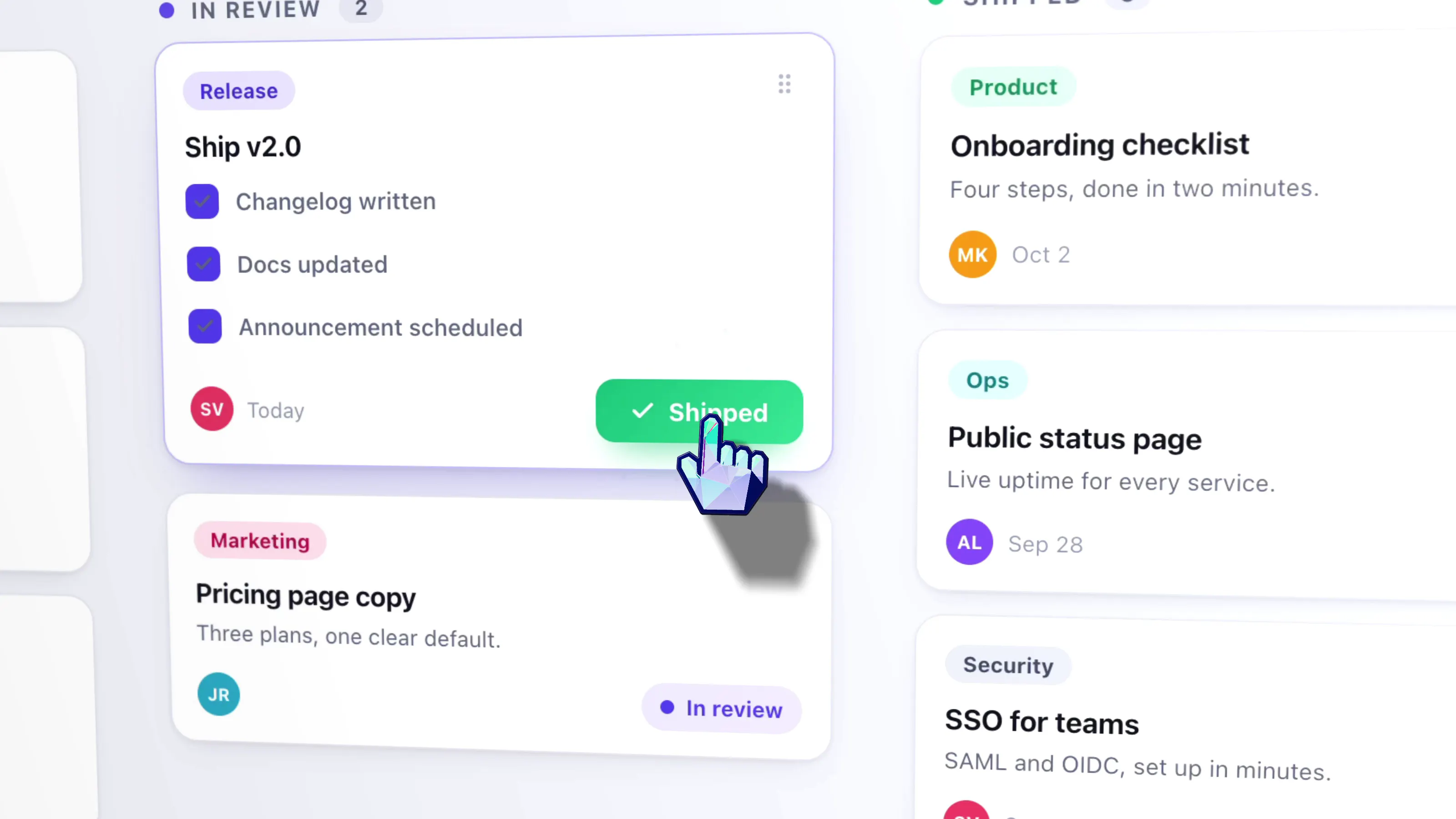
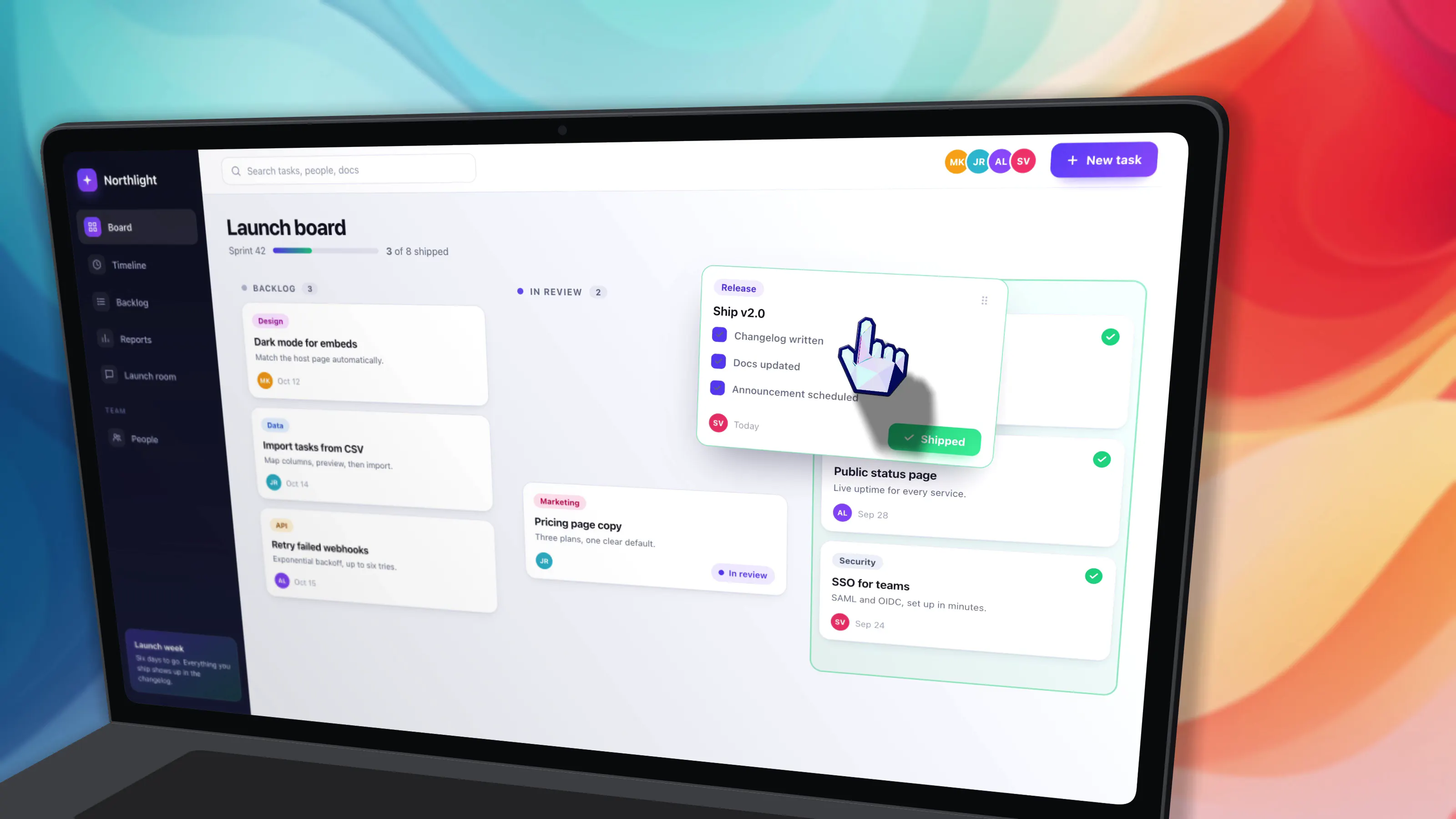
OpenScreen 2 is a versatile screen recording tool designed for content creators, educators, and developers aiming to produce polished demo videos effortlessly. The software enables users to record their screens with planned zooms, smooth cursor movements, 3D camera transitions, custom cursor themes, backgrounds, and webcam layouts, ensuring professional-quality videos from the very first take. What sets OpenScreen 2 apart is its integration with AI-powered editing features — users can let the AI automatically edit their recordings or manually cut scenes by editing transcripts, streamlining the post-production process. Compatible across Windows, macOS, and Linux, OpenScreen 2 is open-source, free, and requires no account or watermark, making it accessible to a wide audience.
Screenshots
Pros
- ✓Open source and free, with no watermarks or account requirements
- ✓AI-assisted editing simplifies post-production workflows
- ✓Supports advanced features like planned zooms, 3D camera moves, and webcam layouts
- ✓Cross-platform compatibility (Windows, macOS, Linux)
- ✓User-friendly for both beginners and experienced content creators
Cons
- ✗Features may require some learning curve for optimal use
- ✗AI editing capabilities may have limitations depending on the complexity of edits
- ✗Product is relatively new with limited user feedback and community support
Use Cases
Pricing
Pricing not verified
Quick Info
Topics
Makers

David Jayan
Alternatives
Similar Tools in AI Assistants




Embed Badge
Add this badge to your website to show that OpenScreen 2 is featured on Visalytica.
<a href="https://www.visalytica.com/tool/openscreen-2" target="_blank" rel="noopener noreferrer" style="display:inline-flex;align-items:center;gap:6px;padding:6px 14px;background:#7c3aed;color:#fff;border-radius:8px;font-family:-apple-system,system-ui,sans-serif;font-size:13px;font-weight:600;text-decoration:none;transition:background .2s" onmouseover="this.style.background='#6d28d9'" onmouseout="this.style.background='#7c3aed'"><svg width="14" height="14" viewBox="0 0 24 24" fill="none" stroke="currentColor" stroke-width="2.5" stroke-linecap="round" stroke-linejoin="round"><path d="M12 20V10"/><path d="M18 20V4"/><path d="M6 20v-4"/></svg>Featured on Visalytica</a>