
OpenComputer
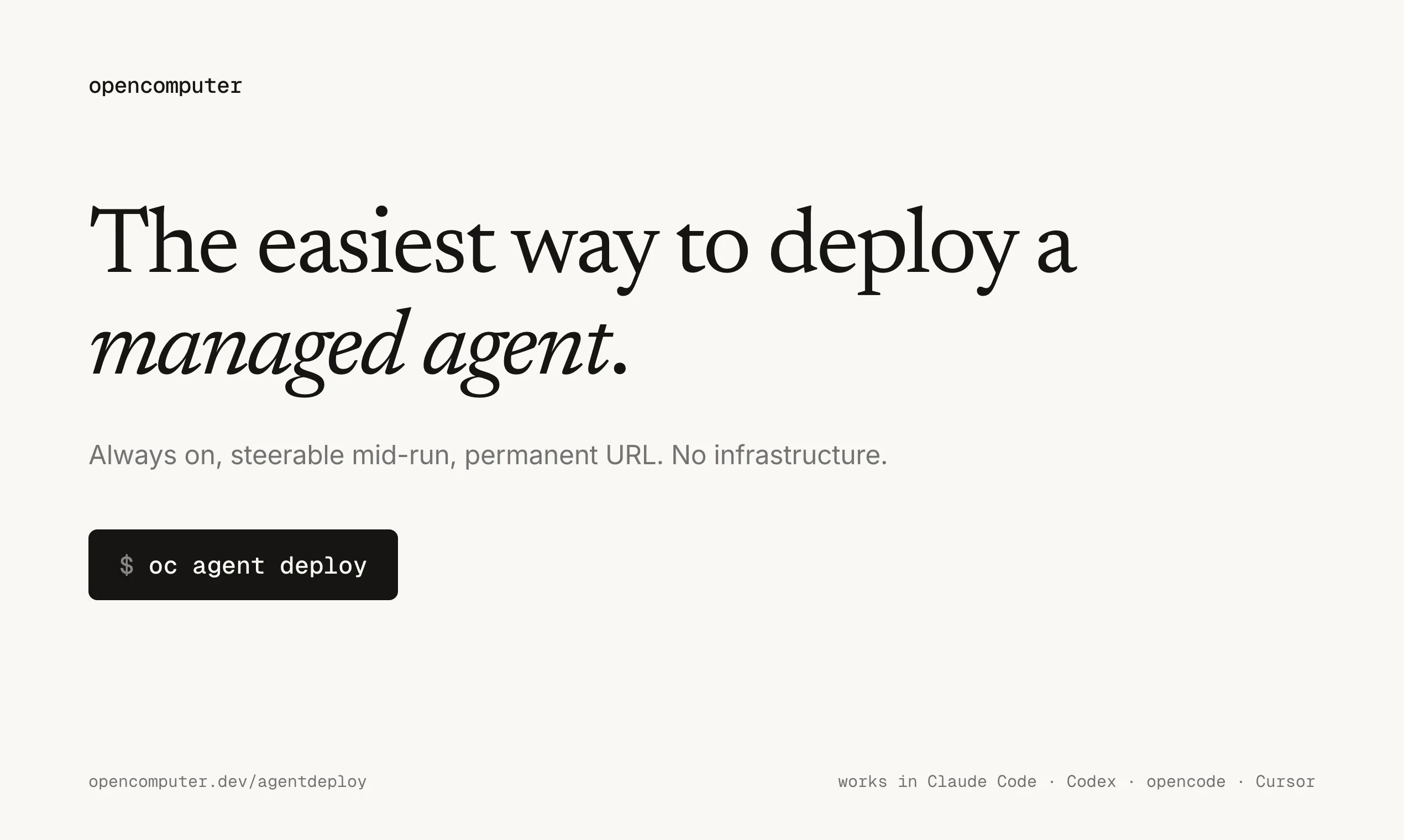
The easiest way to deploy a managed agent.
About OpenComputer
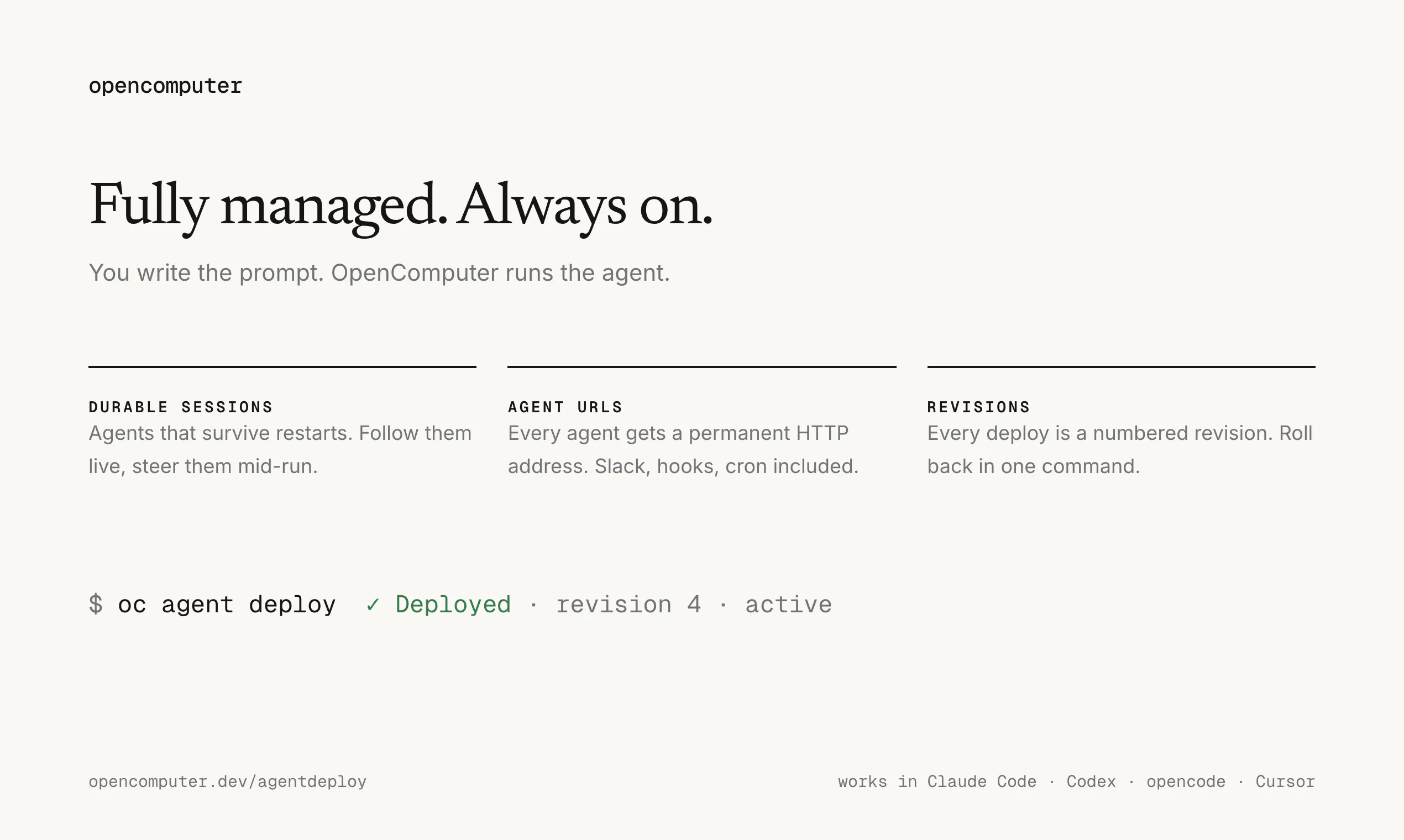
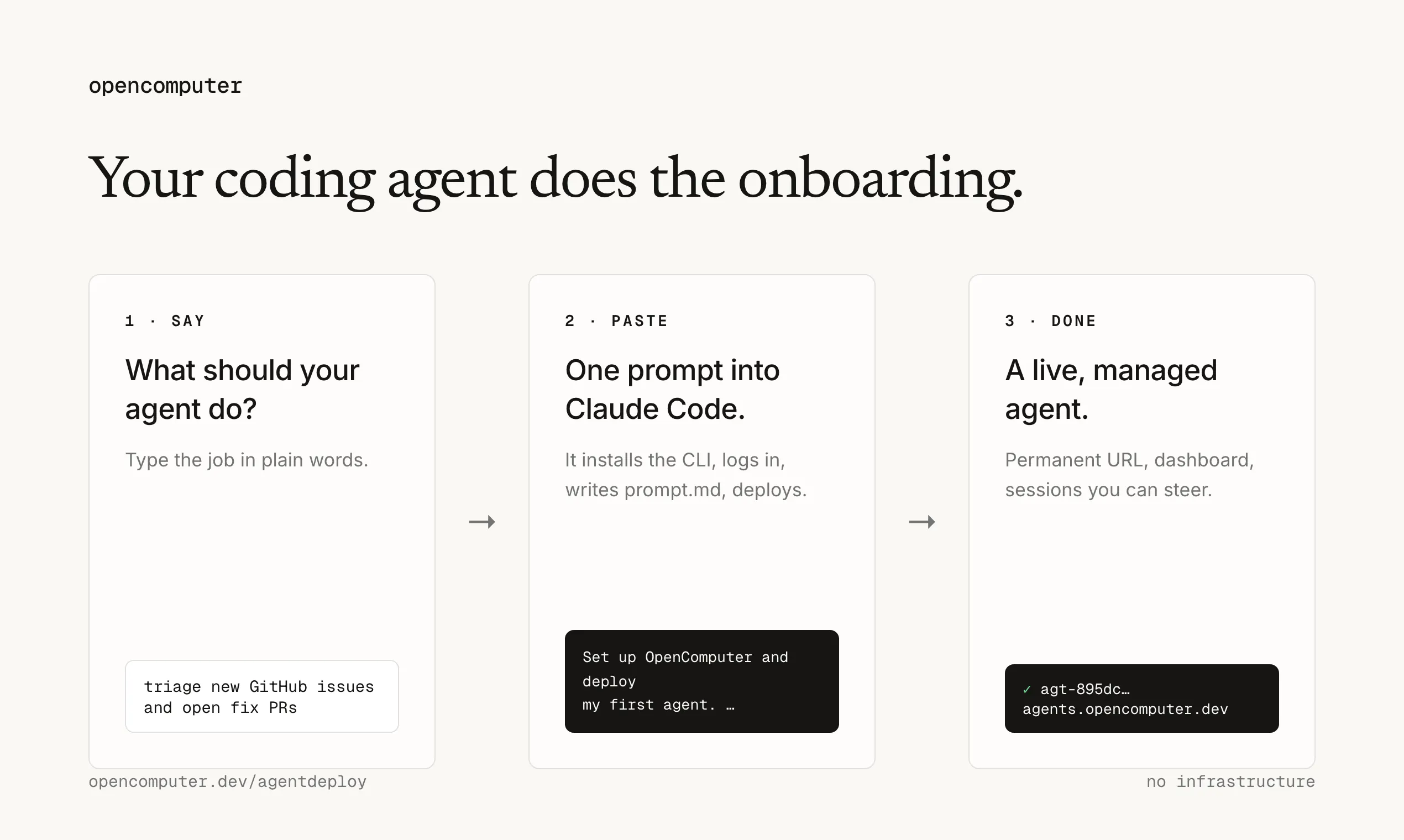
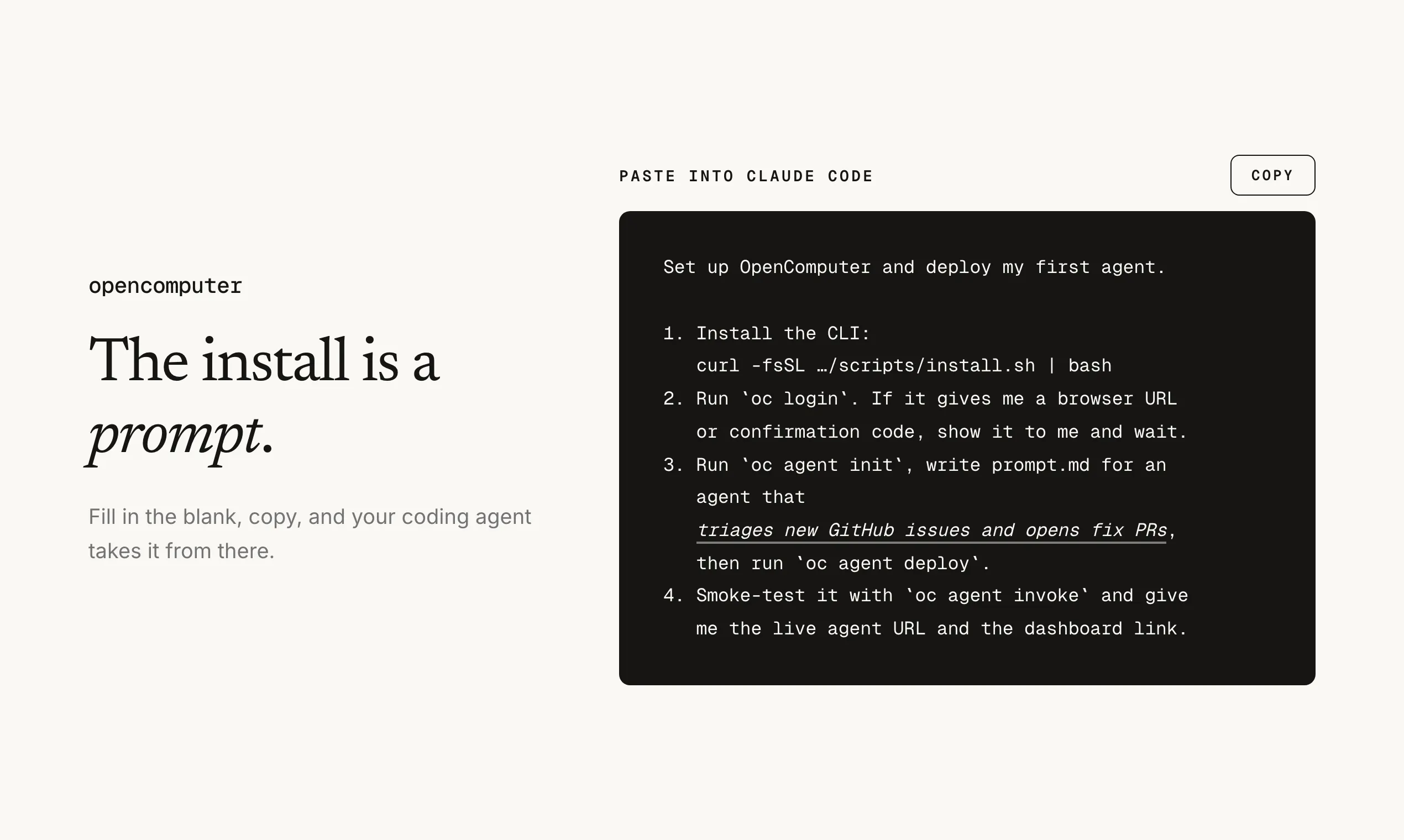
OpenComputer is an innovative SaaS platform designed to simplify the deployment of managed AI agents. It allows developers and teams to quickly set up AI-powered agents by defining their tasks with straightforward prompts. Users can paste a single prompt into the platform, which then generates a live agent URL, enabling seamless integration into workflows or applications. Its user-friendly approach makes it accessible even for those with limited AI deployment experience, streamlining the process of integrating intelligent automation into various projects. The tool's emphasis on simplicity and rapid deployment ensures that teams can focus on defining what they want their agents to do, without worrying about complex setup procedures or infrastructure management. This makes OpenComputer an attractive choice for software engineers, developers, and AI enthusiasts seeking quick, reliable AI agent deployment.
Screenshots

Pros
- ✓Simplifies the deployment process with minimal setup required
- ✓Provides a quick way to generate live, functional AI agents
- ✓User-friendly interface suitable for non-experts
- ✓Supports rapid iteration and testing of AI prompts
- ✓Ideal for integrating AI into existing workflows
Cons
- ✗Limited information on customization and advanced features
- ✗Potentially less control over agent behavior compared to more complex platforms
- ✗No clear details on pricing and plan structure
Use Cases
Pricing
Likely follows a freemium model with free access to basic features and paid plans for advanced capabilities or increased usage, though specific details are not publicly available.
Quick Info
Topics
Makers

Mohamed Habib
@_motatoes_Alternatives
Similar Tools in AI Image & Design




Embed Badge
Add this badge to your website to show that OpenComputer is featured on Visalytica.
<a href="https://www.visalytica.com/tool/opencomputer" target="_blank" rel="noopener noreferrer" style="display:inline-flex;align-items:center;gap:6px;padding:6px 14px;background:#7c3aed;color:#fff;border-radius:8px;font-family:-apple-system,system-ui,sans-serif;font-size:13px;font-weight:600;text-decoration:none;transition:background .2s" onmouseover="this.style.background='#6d28d9'" onmouseout="this.style.background='#7c3aed'"><svg width="14" height="14" viewBox="0 0 24 24" fill="none" stroke="currentColor" stroke-width="2.5" stroke-linecap="round" stroke-linejoin="round"><path d="M12 20V10"/><path d="M18 20V4"/><path d="M6 20v-4"/></svg>Featured on Visalytica</a>