
Openclick
macOS agent that turns prompts into automated clicks
About Openclick

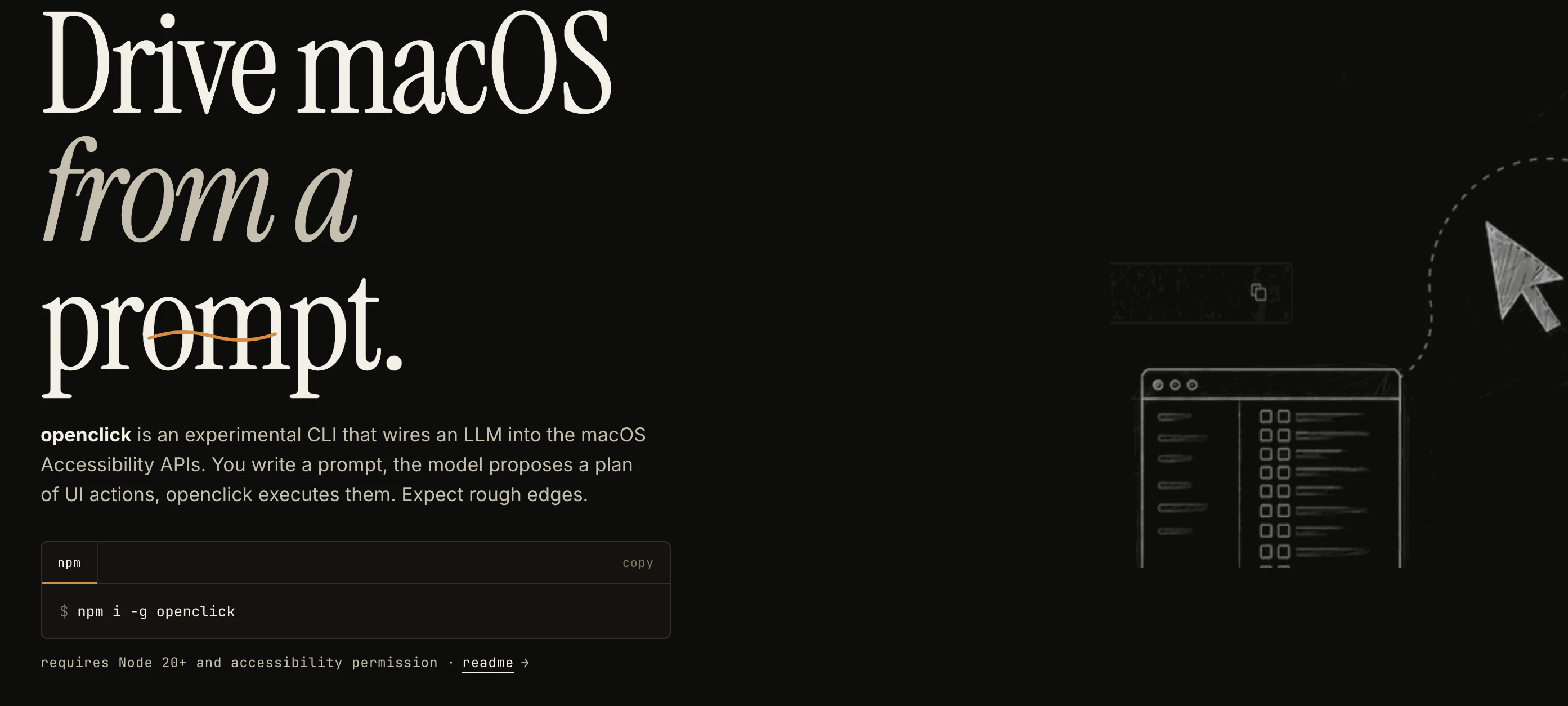
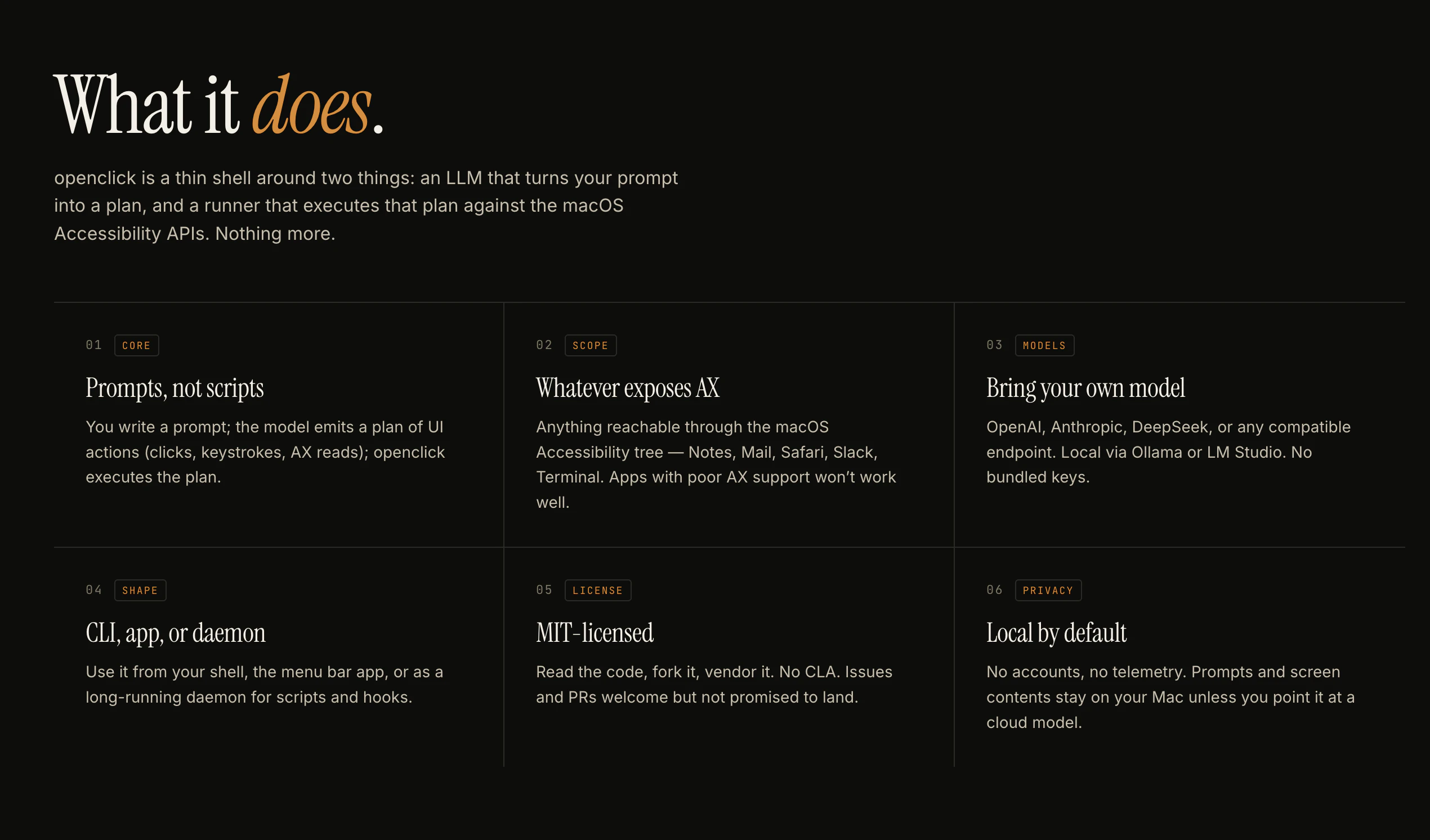
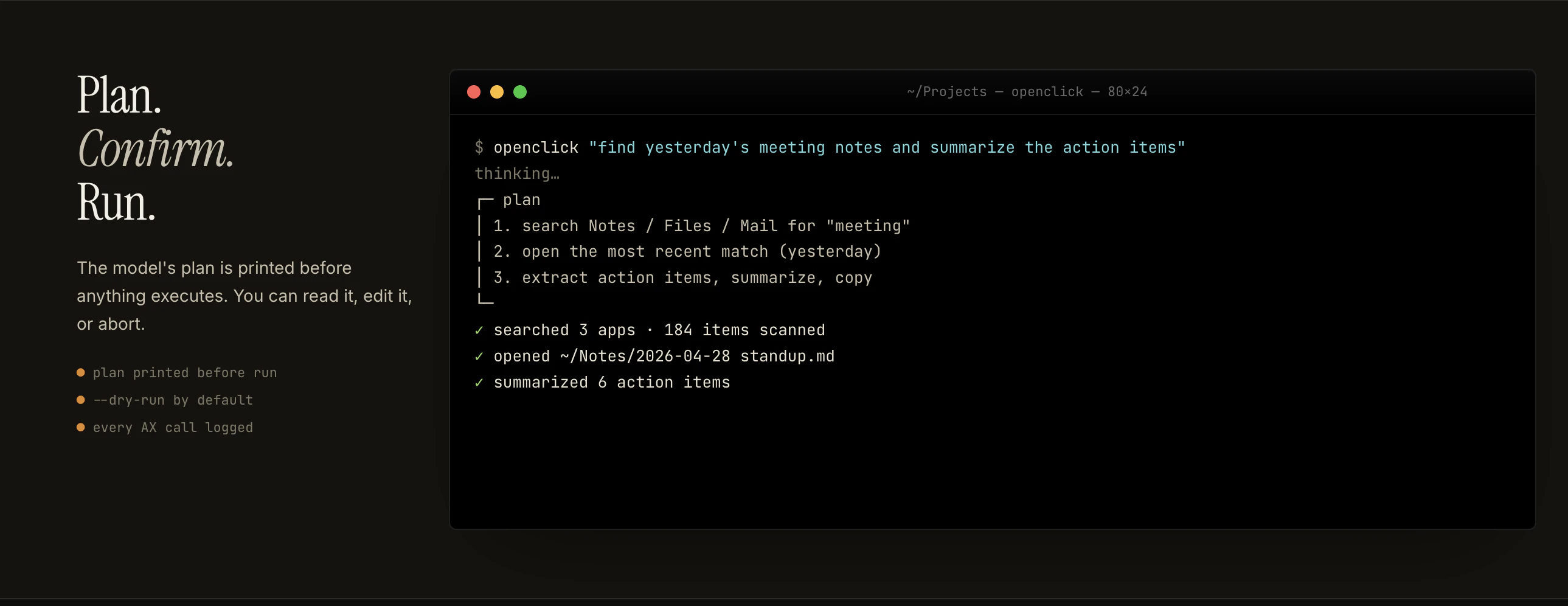
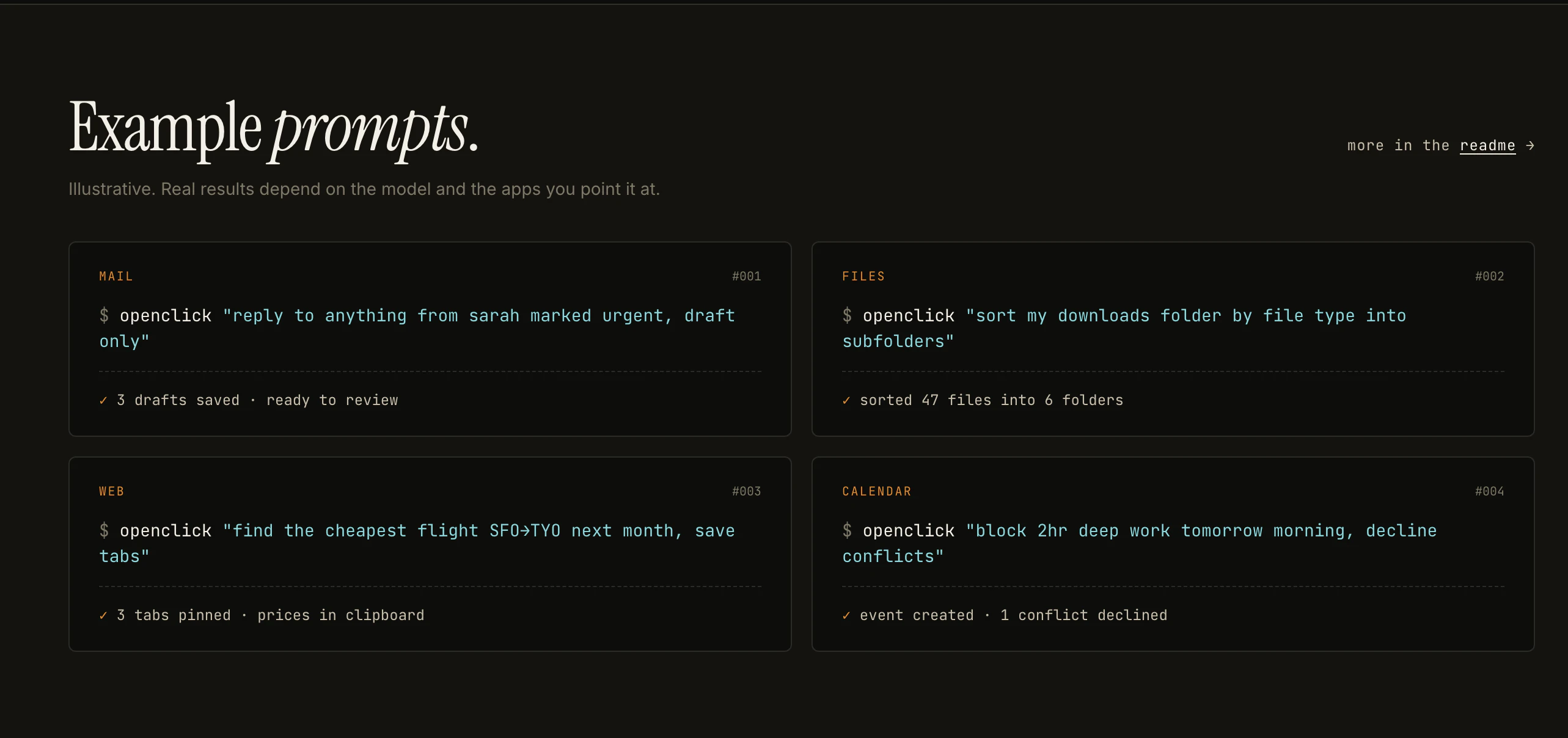
Openclick is an innovative open-source command-line interface (CLI) designed for macOS users seeking to automate UI interactions through natural language prompts. By leveraging large language models (LLMs), Openclick generates detailed plans of user interface actions, which are then executed automatically using macOS Accessibility APIs. While still in its early stages, it offers a promising approach to simplifying repetitive tasks and enhancing productivity through automation. Its open-source nature and experimental status make it particularly appealing to developers and tech enthusiasts eager to customize and extend its capabilities. Openclick stands out as a unique tool that bridges AI-driven task planning with system-level automation, opening new possibilities for Mac automation enthusiasts and developers interested in integrating AI into their workflows.
Screenshots
Pros
- ✓Open-source and highly customizable
- ✓Leverages AI to generate automation plans from prompts
- ✓Integrates with macOS Accessibility APIs for system-level control
- ✓Suitable for developers and automation enthusiasts
- ✓Potential for expanding and tailoring the tool
Cons
- ✗Early development stage with rough and experimental features
- ✗Limited stability and robustness at present
- ✗Requires familiarity with CLI and macOS Accessibility permissions
Use Cases
Pricing
Openclick is free and open-source, licensed under MIT. Users can freely download, modify, and contribute to the project without cost.
Quick Info
Topics
Alternatives
Similar Tools in Developer Tools




Embed Badge
Add this badge to your website to show that Openclick is featured on Visalytica.
<a href="https://www.visalytica.com/tool/openclick" target="_blank" rel="noopener noreferrer" style="display:inline-flex;align-items:center;gap:6px;padding:6px 14px;background:#7c3aed;color:#fff;border-radius:8px;font-family:-apple-system,system-ui,sans-serif;font-size:13px;font-weight:600;text-decoration:none;transition:background .2s" onmouseover="this.style.background='#6d28d9'" onmouseout="this.style.background='#7c3aed'"><svg width="14" height="14" viewBox="0 0 24 24" fill="none" stroke="currentColor" stroke-width="2.5" stroke-linecap="round" stroke-linejoin="round"><path d="M12 20V10"/><path d="M18 20V4"/><path d="M6 20v-4"/></svg>Featured on Visalytica</a>