
Open Computer Use
Open-source Computer Use MCP for AI agents
About Open Computer Use
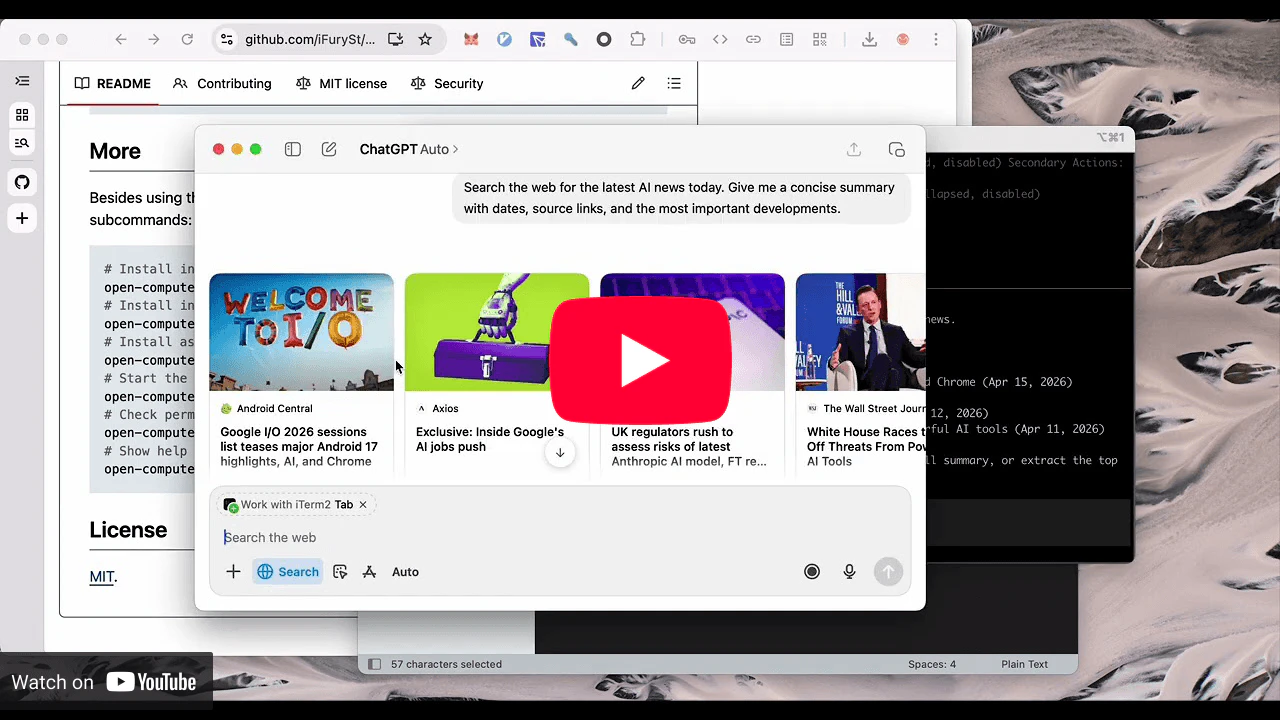
Open Computer Use is an innovative open-source solution that transforms local desktop automation into a standard MCP (Machine Control Protocol) service, enabling seamless integration with AI agents. Designed for developers working with models like Codex, Claude Code, Gemini CLI, opencode, and custom MCP clients, it allows these agents to inspect applications, perform clicks, type, scroll, drag, and capture screenshots across macOS, Linux, and Windows environments. Its open-source nature and npm-installability make it accessible and easy to incorporate into existing workflows, bringing the non-intrusive, reliable computer automation experience associated with Codex to a broader range of AI-driven applications. By providing a standardized way for AI agents to interact with desktop environments, it opens up new possibilities in automation, testing, and AI-assisted workflows. Its cross-platform compatibility and focus on developer flexibility make it a compelling tool for those seeking customizable desktop automation solutions.
Screenshots
Pros
- ✓Open-source and freely available for customization and integration
- ✓Cross-platform support for macOS, Linux, and Windows
- ✓Enables AI agents to perform complex desktop interactions reliably
- ✓Easy to install via npm, facilitating quick setup
- ✓Standardized MCP protocol for broad compatibility
Cons
- ✗Still emerging; may lack extensive community support or documentation
- ✗Requires technical expertise to implement and customize effectively
- ✗Limited ready-made integrations compared to commercial automation tools
Use Cases
Pricing
Open Computer Use is open-source and free to use, with no associated licensing costs. However, users may incur costs related to hosting, maintenance, or custom development if needed.
Quick Info
Topics
Alternatives
Similar Tools in Developer Tools




Embed Badge
Add this badge to your website to show that Open Computer Use is featured on Visalytica.
<a href="https://www.visalytica.com/tool/open-computer-use" target="_blank" rel="noopener noreferrer" style="display:inline-flex;align-items:center;gap:6px;padding:6px 14px;background:#7c3aed;color:#fff;border-radius:8px;font-family:-apple-system,system-ui,sans-serif;font-size:13px;font-weight:600;text-decoration:none;transition:background .2s" onmouseover="this.style.background='#6d28d9'" onmouseout="this.style.background='#7c3aed'"><svg width="14" height="14" viewBox="0 0 24 24" fill="none" stroke="currentColor" stroke-width="2.5" stroke-linecap="round" stroke-linejoin="round"><path d="M12 20V10"/><path d="M18 20V4"/><path d="M6 20v-4"/></svg>Featured on Visalytica</a>